The network for creativity
Join 1.25M professional creatives like you
Connect with clients, get discovered, and run your business 100% commission-free
Creatives on Contra have earned over $150M and we are just getting started
Back to feedPost

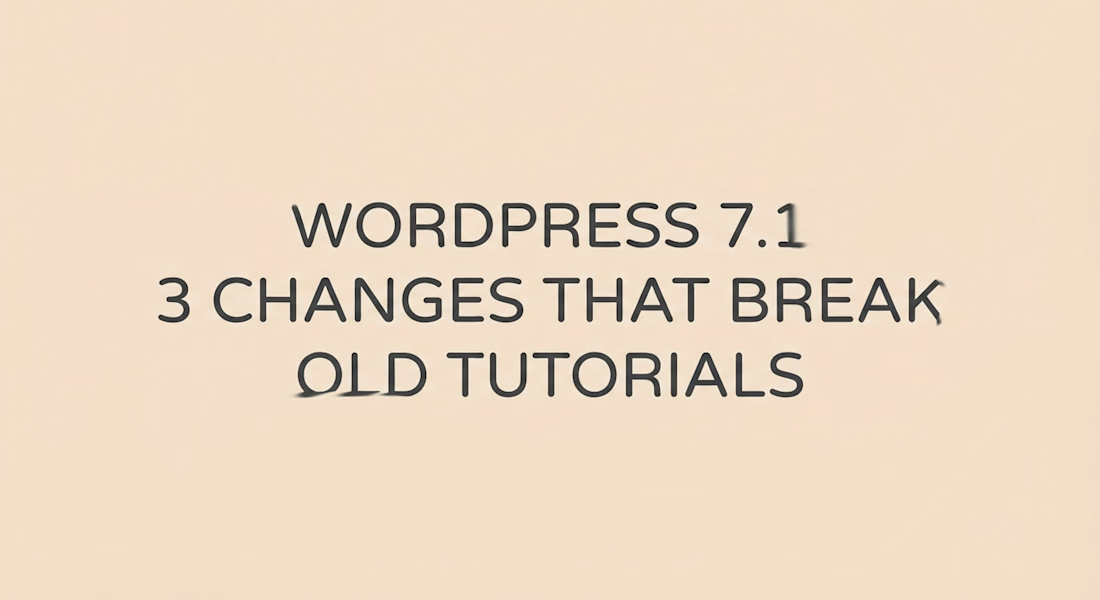
WordPress 7.1 broke 3 of my old habits. No AI in this one. Just core.
I build client sites on block themes. After updating a staging copy to WordPress 7.1, I had to learn again how I do responsive styles, icons and image uploads. Here is the short version with the parts that cost time.
Responsive styles are now in core.
A block has a base style plus optional Tablet and Mobile overrides. You set them in Global Styles or on one block. No extra CSS for padding or font size.
It only works free for blocks that use standard supports. That means typography, color, background, border, dimensions, spacing and layout. If your custom block draws its own controls, it does not get this free. Check that line first.
In theme.json it looks like @mobile and @tablet keys under styles blocks core/group. On the page it saves in the block style attribute. WordPress builds the media query CSS and adds a stable class. You can turn the UI off with responsiveEditingEnabled, but saved values still render. Breakpoints are configurable by theme.
I deleted three duplicate mobile sections last week because of this.
Icons are now a registry, not files in a folder.
7.0 had a bundled set. 7.1 opens it with wp_register_icon_collection, wp_register_icon, wp_get_icon and wp_unregister_icon_collection. Every icon lives as collection slash name. So my-plugin/star never fights core/star. Core ships one collection named core.
Three tricky parts from the WordPress 7.1 Icon Registration API tutorial and live tests:
Only svg, path and polygon survive the cleaner. Stroke is removed. Use fill shapes for now. fill currentColor on the outer svg is stripped in PHP render, so set fill on the path if you want it to follow text color. Registration does not open your file. A wrong file_path still returns true, then shows as empty later in REST or render. Test with the Icon block Replace flow right away. Add a function_exists check so 7.0 sites do not fatal.
I now keep client icons in one small plugin with a PHP enum for names. One place to fix. It shows in the Icon Library next to core.
Image work moved into the browser.
7.1 does compression, resize and thumbs in the browser with libvips compiled to WebAssembly, inside a worker. Queue allows 5 uploads and 2 image jobs at once. The server just stores files.
Why this helps on shared hosting: one 12MP phone photo used to hit PHP memory or time out. Now the phone or laptop does the heavy part. All hosts get the same output, plus AVIF, HEIC and HDR gain map support.
Needs Chromium 137 plus with Document-Isolation-Policy isolate-and-credentialless for SharedArrayBuffer. If checks fail, it falls back to server with no error shown. That part is silent by design.
GIF to video is opt in and reversible. Opaque GIFs can get a companion MP4 or WebM plus poster, stored in media_details. The library item stays a GIF. You switch with Display as video on the Image block, and you can switch back. Transparent GIFs stay as images. Firefox without WebCodecs uploads the GIF unchanged. Galleries and Cover are untouched.
Test list for this week on staging:
Turn on a Tablet view and redo one Group padding with @mobile only.
Move one footer icon set to a collection and render one with wp_get_icon.
Upload a 10MB JPEG and one opaque GIF on Chrome and on Firefox and compare sizes.
Which one hit you first: responsive, icons or media?

The network for creativity
Join 1.25M professional creatives like you
Connect with clients, get discovered, and run your business 100% commission-free
Creatives on Contra have earned over $150M and we are just getting started







Related posts

Meriot personal portfolio Website Homepage showcase
A portfolio website designed to turn personal expertise into a strong digital presence.
The goal was to create a website that communicates experience, personality, expertise, and credibility within the first few seconds.
I focused on:
Clear positioning and personal branding
Strong visual hierarchy
Editorial-style typography
Project-focused storytelling
UX/Product Design service presentation
Testimonials and social proof
Clear CTA for potential clients
Responsive, conversion-focused layouts
The visual direction combines minimal typography, bold imagery, dark/light sections, and subtle interactions to give the portfolio a distinctive personality without making it difficult to navigate.


Top notch execution

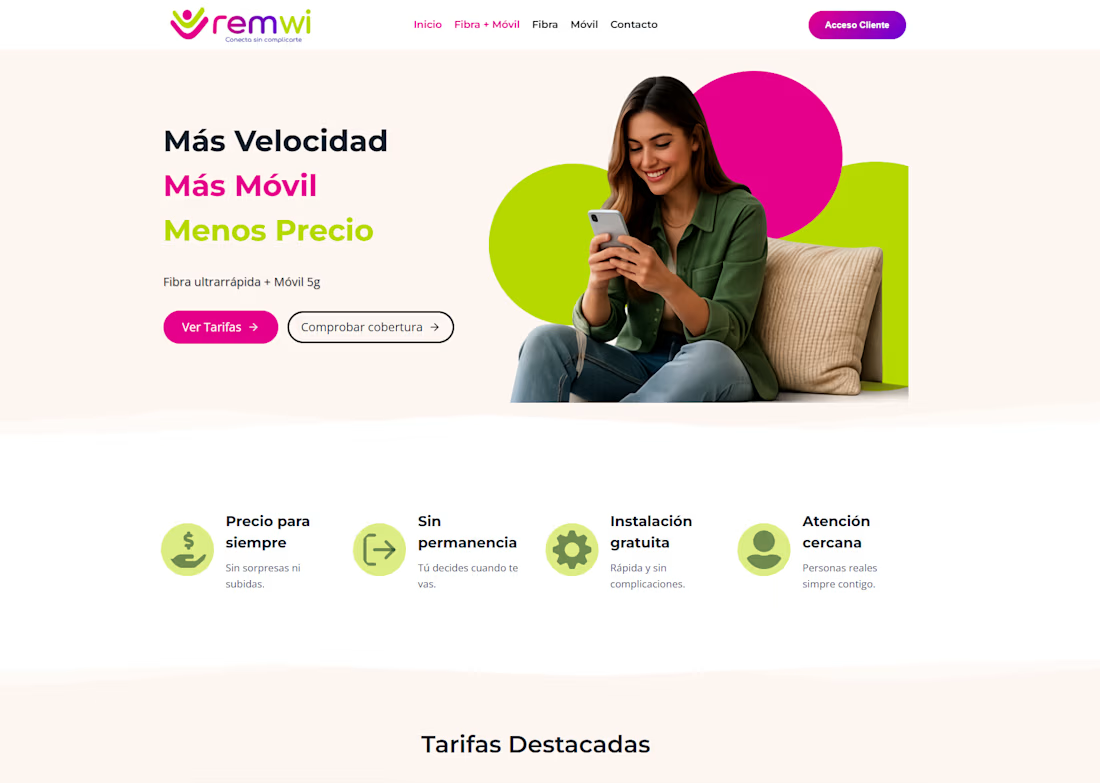
A WordPress website developed for REMWI, with a responsive design and a clear presentation of its fibre and mobile services.

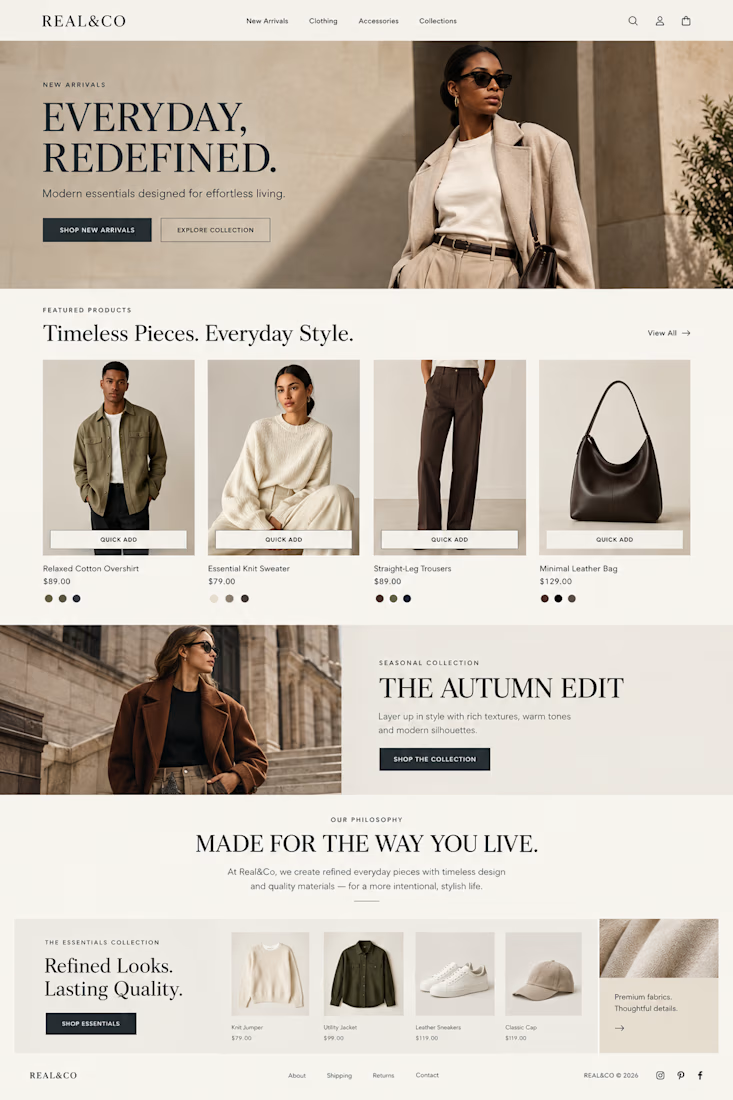
Designed and developed a modern Shopify e-commerce store for Real&Co, a contemporary fashion and lifestyle brand.
The project focused on Shopify store design, e-commerce website design, product page design, collection setup, intuitive navigation, and mobile responsive design.
The goal was to create a clean, premium online shopping experience with strong product presentation, clear user flow, and a consistent brand identity across the storefront.



great work!