The network for creativity
Join 1.25M professional creatives like you
Connect with clients, get discovered, and run your business 100% commission-free
Creatives on Contra have earned over $150M and we are just getting started
Back to feedPost

One of the biggest mistakes to be made right now is competing on execution.
Terrible bad idea. (Permit me, please.)
AI already made execution abundant.
What clients are actually paying for now is
• Taste
• Judgment
• Strategy
• Perspective
• Problem solving
Anyone can generate content now.
But not everyone can build messaging that makes people feel understood.
Anyone can create a landing page.
But not everyone can structure a buyer journey that converts.
This is why I keep saying:
“Sell the OUTCOME, not the service.”
People don’t want a funnel.
They want more qualified leads.
They don’t want automation.
They want more freedom and consistency.
They don’t want content.
They want authority, trust, and sales.
The AI era won’t kill experts.
It will expose task sellers.

The network for creativity
Join 1.25M professional creatives like you
Connect with clients, get discovered, and run your business 100% commission-free
Creatives on Contra have earned over $150M and we are just getting started


Related posts

Transforming complex AI tools into sleek, scroll-stopping visual experiences. 🚀
This promotional piece for highlights a performance-driven approach to modern SaaS video marketing, blending seamless UI transitions, dynamic kinetic typography, and a futuristic visual aesthetic to instantly capture attention.
In the competitive AI space, a product needs more than just a feature list, it requires a compelling narrative engineered to drive conversions.
From the glowing interface animations to the smooth integration of data source platforms like GitHub and WordPress, every frame is optimized for actionable client outcomes.
Ready to build high-converting video creatives for your tech brand? Let’s connect.
#MotionGraphics #VideoEditing #SaaSMarketing #CreativeDirection #PerformanceCreative #DigitalStrategy


Nice Design😍

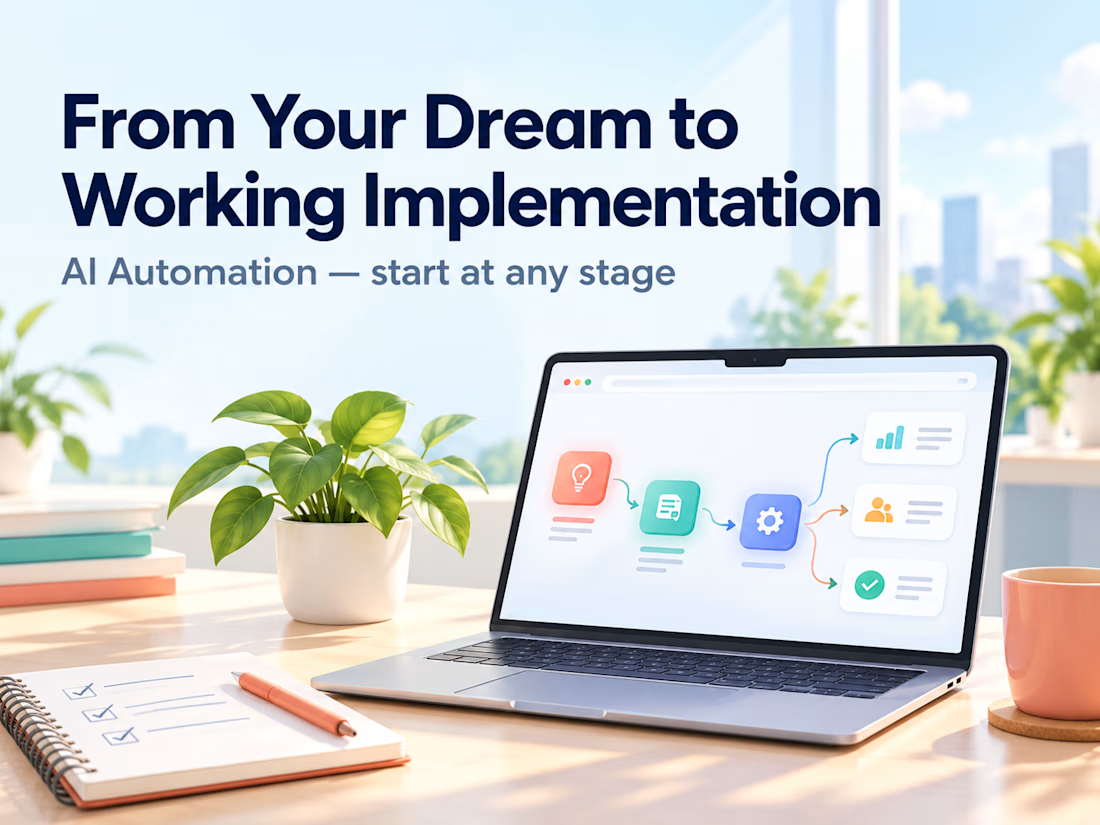
Clients often start with the same request: "Let's build an AI agent."
My counter-question is always: which manual process actually costs you time, errors, or money right now?
My selection rule: remove it first. If it can't be removed, simplify it. If it's still needed, automate it with a plain script. Only then add an integration or an agent. Often the best result is the process that no longer exists.
Safe automation means real scenarios, error handling, and alerts. Without alerts, a workflow can silently lose data for weeks. I always define what stays with a human and what goes to the system.
Question for you: which process would you automate first, and why is it still manual?
Service for audit and implementation: https://contra.com/s/BmWLbgFU-ai-automation-from-your-dream-to-working-implementation?r=auto_booster