The network for creativity
Join 1.25M professional creatives like you
Connect with clients, get discovered, and run your business 100% commission-free
Creatives on Contra have earned over $150M and we are just getting started
Back to feedPost
Before someone covers a recurring task, give them a way to check each step.
For example, a weekly report handoff could include:
• Action: export the report from the approved source for the agreed date range
• Record: save the dated file in the team's agreed folder
• Check: confirm the date range and required fields before passing it on
• Exception: if a required field is missing, pause that handoff and ask the named process owner
Then ask the backup to try one realistic run while you observe. Note where they need an explanation, update the instructions and repeat the unclear part. Record the version tested, the outcome and any support still needed.
A named backup still needs the right access and separate authorization for the work. Keep passwords and security codes out of the SOP.
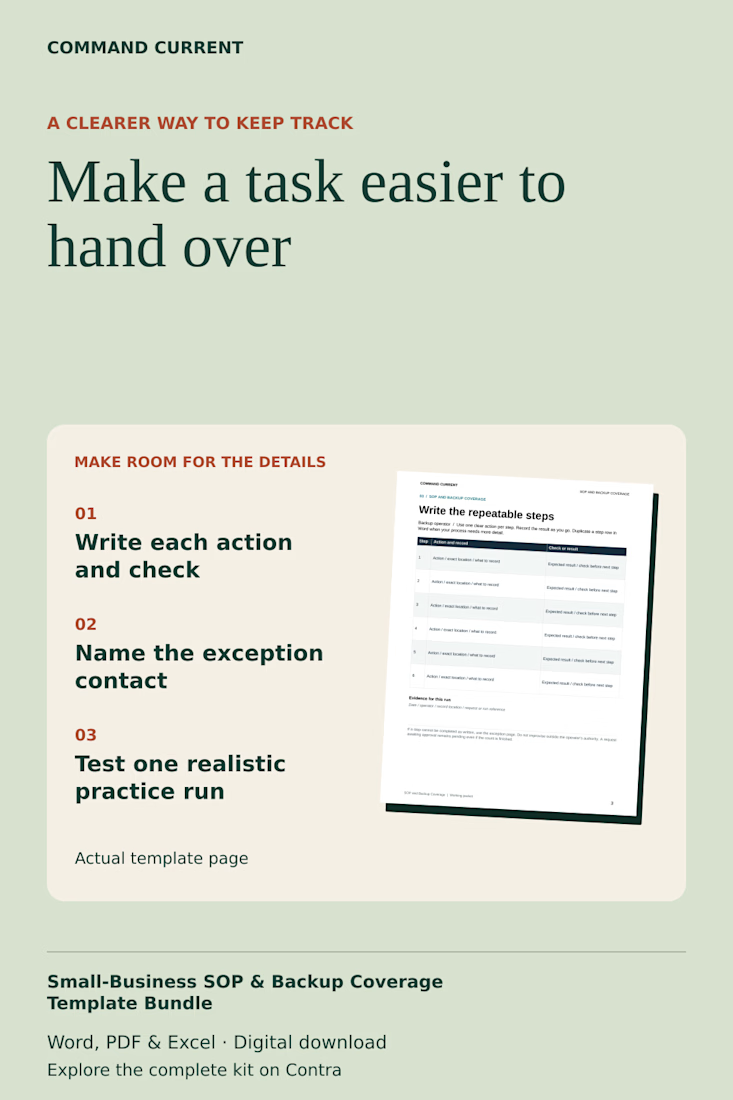
The preview shows the actual step-table page from the Small-Business SOP & Backup Coverage Template Bundle. It includes a six-page editable Word packet, a 30-row Excel process and backup register, printable PDFs, a fictional worked example and a Quick Start.
For ordinary repeatable work and coverage planning, alongside your existing approval and safety procedures.


The network for creativity
Join 1.25M professional creatives like you
Connect with clients, get discovered, and run your business 100% commission-free
Creatives on Contra have earned over $150M and we are just getting started





Related posts

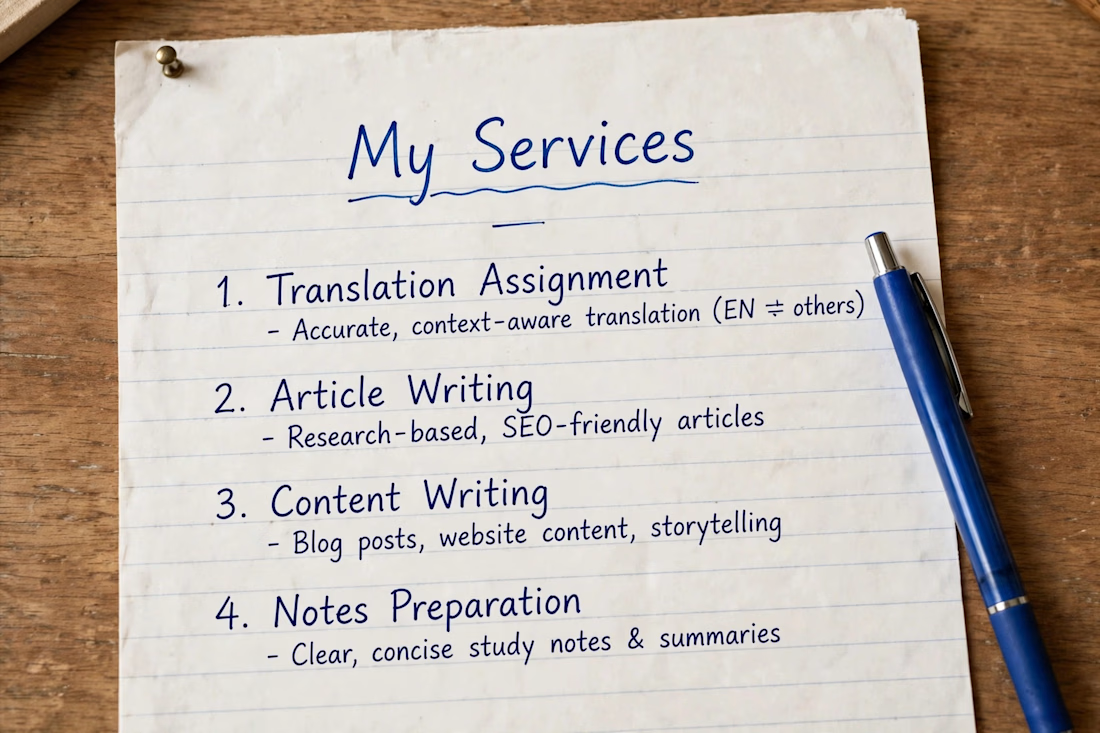
content writing Translation assignment article writing hand written YouTube channel script and story



Can you please tell me the details of the work I'm interested in typing work

Before building a workshop deck, decide what participants will produce.
For example, a session on writing clearer project briefs could end with each person drafting one outcome, a deliverable and an acceptance check. That gives the facilitator something concrete to review.
Build the activity around three questions:
• What will people practice, and what will they hand in or show?
• What two or three signs will show progress or misunderstanding?
• What should they try next after the debrief?
Leave time for the learning check before collecting general feedback. Record what met the criteria, what needs more practice and who owns each agreed next action.
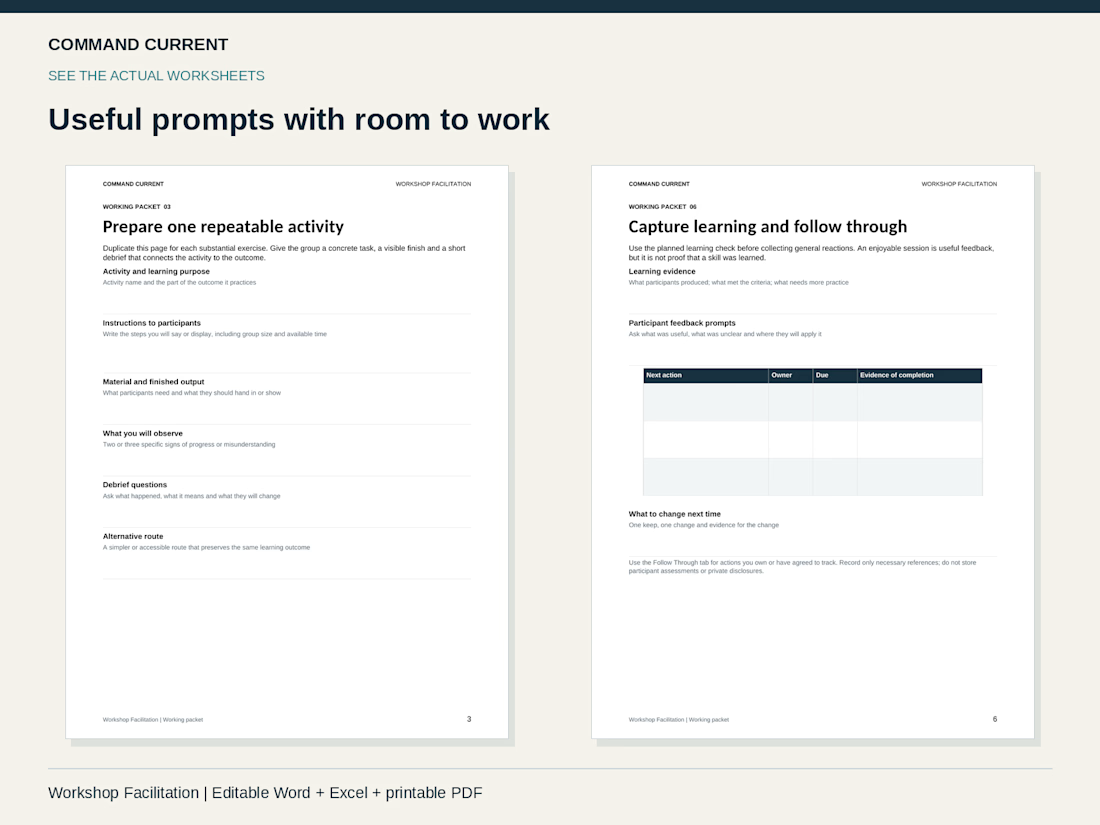
These are actual activity-planning and follow-through pages from the Workshop Facilitation Kit. The digital kit includes a six-page editable Word packet, an Excel agenda and follow-through tracker, printable PDFs, a fictional completed example and a Quick Start.
For adult workplace and community workshops. You'll still bring your own subject matter and judgment.
Explore the kit: https://contra.com/products/GvtWGFy9-workshop-facilitation-kit
Before removing a software seat, check what work still depends on it.
A low usage count can reflect seasonal work, a shared workflow or an incomplete report. Give each account owner three questions:
• What does “active” mean in this report, and what period does it cover?
• Which projects, integrations, exports or shared access rely on this account?
• If a change is approved, who will make it and where will the actual result be recorded?
Keep the item open until the change is confirmed. A cancellation request alone doesn't establish the billing effect.
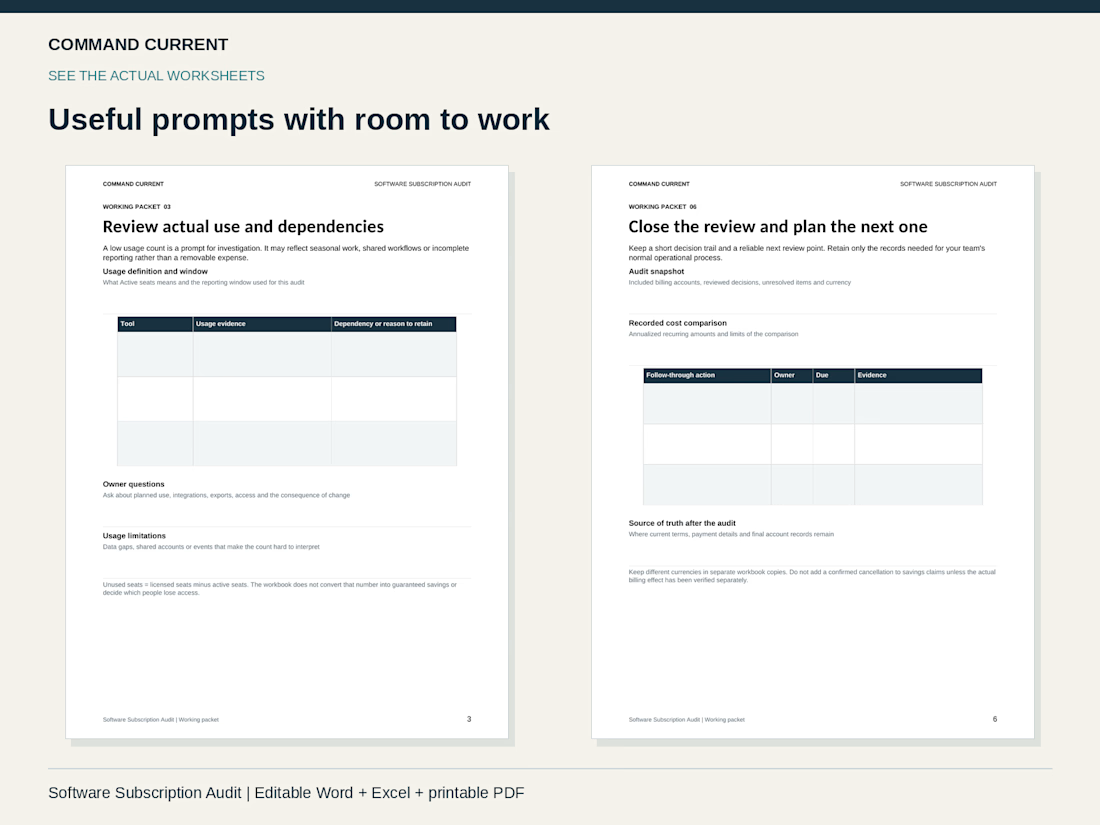
These are actual worksheets from the Software Subscription Audit Kit. It includes a six-page editable Word packet, a 40-row Excel account tracker, printable PDFs, a fictional completed example and a Quick Start.
A practical way to organize the review and follow-through. Account changes still happen through your normal vendor process.
Explore the kit: https://contra.com/products/liXyucUB-software-subscription-audit-kit