The network for creativity
Join 1.25M professional creatives like you
Connect with clients, get discovered, and run your business 100% commission-free
Creatives on Contra have earned over $150M and we are just getting started
Back to feedPost
Forget Figma, AI is the new Design tool
When I joined Booking.com back in 2019, coding wasn’t a nice-to-have for UX designers, it was required. You simply couldn’t get hired at Booking.com without it. At the time, that felt like an outlier, almost extreme.
Six years later, it’s becoming the norm. Companies like Linear, Vercel, Cursor, and XAi have been quietly rewriting the designer job description and hiring “design engineers”. They want designers who can build and ship, not just push pixels.

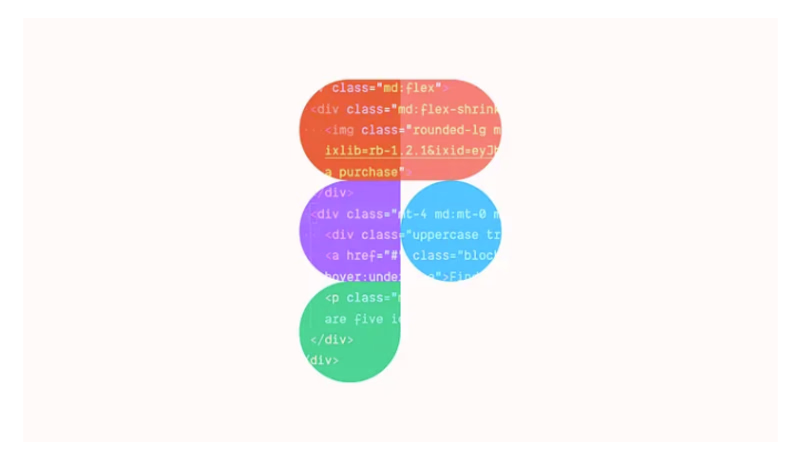

Now, this isn’t the tired debate about whether designers should code. That ship has sailed at the companies shipping the best products. AI has finally made possible what used to be an almost impossible skill to learn. Designers, and anyone can now build real software, not just...
This shift reveals something we don’t talk about enough: the bottleneck in our current workflow. If AI enables anyone to build, why do we still need to spend time designing in tools designed for static screens, that only results in mockups instead of the real thing?
The Figma Bottleneck & the hidden cost of designing in static tools
I love Figma. I once tweeted it’s one of the greatest inventions of our time, and I meant it. The performance, features like auto-layout, the real-time collaboration, along with Sketch before it revolutionised...
Let’s be honest about how product design actually goes:
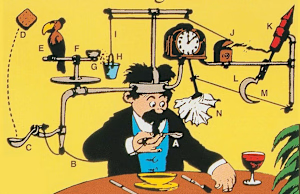
You spend days on Figma polishing a flow and screens, tweaking auto-layout settings, detaching components, nudging pixels, crafting components and variants. Essentially building a Rube Goldberg machine . You wire up some...
uxdesign.cc
Figma’s not a design tool — it’s a Rube Goldberg machine for avoiding code
The absurdity of spending countless hours crafting interactive designs for a medium no one will ever use.
After user testing, you go back to Figma and refine. Then comes handoff; where the real pain starts. We’ve built entire workflows around them; design specs, developer mode, redlines, design tokens. And we act like if we document enough, if we annotate enough, if we make our...
These aren’t failures of documentation, they’re questions that static designs simply can’t answer, and neither is the problem Figma. The problem is treating static screens and half-baked prototypes as the end of the design process when they’re fundamentally incapable of...
In a tweet, a designer by the handle @aydaoz tweeted: “I would pay 1k for Linear’s design system file. but probably its worth more.” Linear’s founding designer, @Griveau, replied: “Our files are pretty messy, honestly. We don’t follow a strict “design system”. We use Figma more as a sketch to build the final product in code.”
AI as the New Design Tool
If the past decade was about designing screens, perfecting pixels and mastering auto-layout, the next decade is about turning ideas into products instantly. I’ve designed and launched 3 products in the last 6 months without first designing them in Figma....
Out with the old, in with the new
Our workflow hasn’t caught up with the reality of what’s now possible. The conventional workflow of designing and building software looks like this:
Research > Ideate > Design in Figma > Prototype > Review > Hand-off > Engineering > QA >...
The AI-enabled workflow looks like this:
Research -> Build -> Test -> Refine -> Deploy.
You’re not skipping steps, you’re collapsing them. The design and the product are the same thing. You’re not mocking up an interface and hoping it works, you’re building the interface and iterating on the real thing.
Code as the new Canvas
Design tools simulate products. AI just builds them. Figma simulates a button. Claude Code builds a button that actually works, with hover states, click handlers, loading states, error handling, and accessibility attributes.
In 2025, the most powerful design...
As mentioned earlier, this is the kind of shift that happened when tools like Figma replaced Photoshop. Photoshop was built for print; screens were an afterthought. Figma was built for screens; collaboration was native. The tool matched the medium, and suddenly everyone could...
Designing with Code
I know a lot of designers who are scared of code, and never want to look at it. Fear not! Designing in code means using code as your design medium the same way you currently use Figma as your design medium. You are still designing; thinking about users,...
What Actually Changes?
You describe instead of draw
In Figma, you express your intent by positioning rectangles and choosing colors. With AI, you express intent through conversation: “The form validation should be inline, not at the top. The loading state should show a skeleton of...
You work with real constraints.
Figma lets you design impossible things. When you design in code, reality pushes back immediately. You can’t fake an API response, you either integrate the real API or mock it properly. And with code, you get to see how conditional logic, edge...
You iterate in minutes, not days.
In Figma: make a change, export to prototype, share the link, wait for feedback, make another change, update the prototype, share again.
With AI: make a change, refresh the browser, see it live. Make another change, refresh again. The feedback...
You ship the thing you designed.
The most profound shift (in my opinion): when you’re done designing, you’re also done building. There’s no handoff where your carefully considered decisions get reinterpreted. If you spent an hour perfecting the timing of a micro-interaction, that...
The foundations of designing with code
Designing with code doesn’t require becoming a developer. Designers don’t need to understand algorithms or data structures. Nor do they need to memorize syntax. If designers can figure out auto-layout, or wire up prototypes in Figma, they...
CSS basics
How things are styled (colors, sizes, spacing, layouts). This is the closest analog to what we already do in Figma.
Component thinking
The idea that interfaces are built from reusable pieces. Designers already think this way with Figma components.
State
The idea that...
Tailwind utility classes
A vocabulary for styling. Instead of dragging a spacing control in Figma, you write space-y-4. Instead of adjusting font size visually, you write text-lg. It’s different syntax for the same concepts.
English or even your native language
Designing with AI...
You can learn these basics in a weekend on YouTube or from Google links. You won’t be an expert, but you’ll know enough to art-direct AI effectively. Like learning enough photography terminology to direct a photographer, you don’t need to be Tyler Mitchell, but you need to know...
The reality of designing with AI today
Let’s be clear about what AI is good at today and where it falls short.
AI excels at structure and functionality. It can build forms, handle routing, manage state, connect to APIs, implement validation logic, create responsive layouts. All...
The network for creativity
Join 1.25M professional creatives like you
Connect with clients, get discovered, and run your business 100% commission-free
Creatives on Contra have earned over $150M and we are just getting started











Related posts

Behind the scenes of the Treal Studio brand film.
Built in one week, from creative direction to sound design.


Love the overall feel, looks amazing 👌🏼


HEATD is a heated Pilates and yoga studio in Mableton, Georgia. The name already said it all, so we made one decision from day one: the heat would be the whole brand 🔥
Amazing project and amazing team.
Collab with @gerbzagency



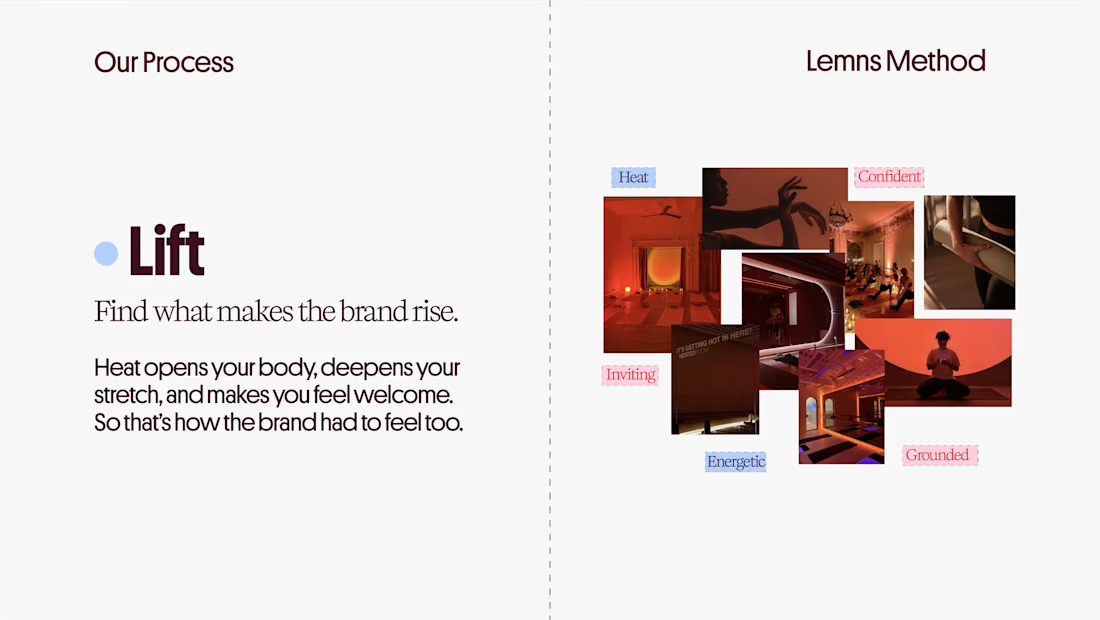
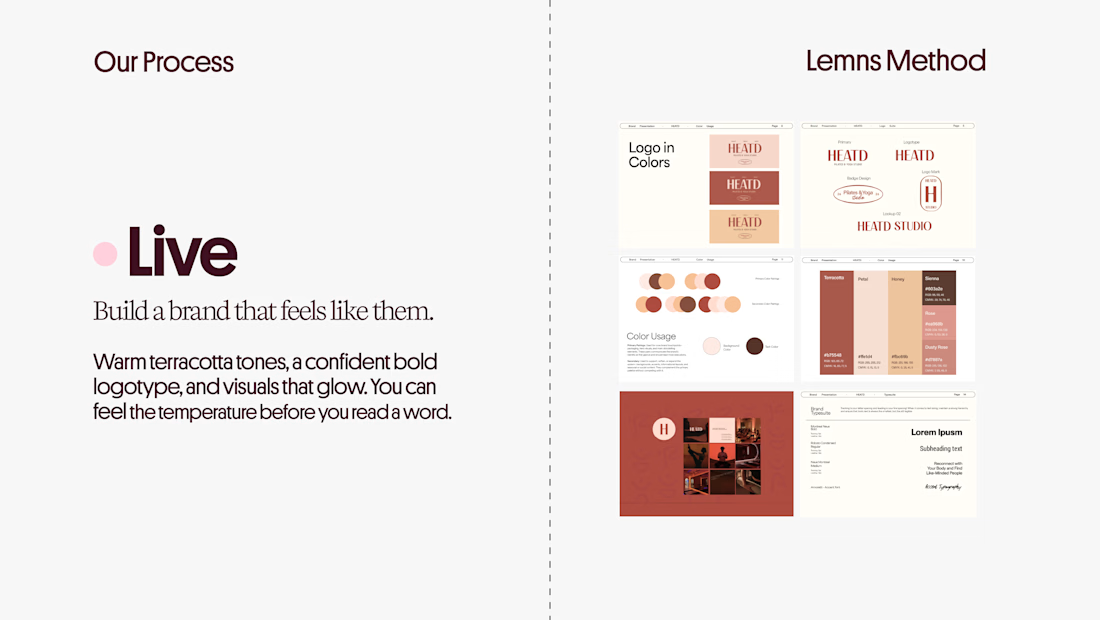
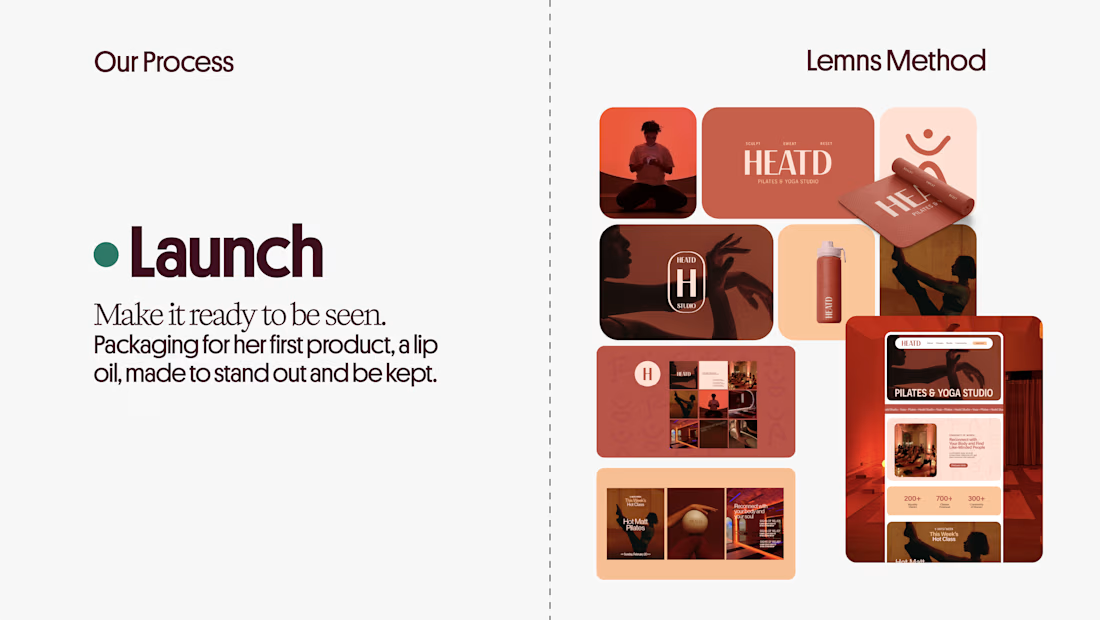

Curious how the terracotta palette got settled here: did the colour come first and the type follow, or the other way round? The heat idea reads as much through the warm tones as through the name itself.


Brilliant work