The network for creativity
Join 1.25M professional creatives like you
Connect with clients, get discovered, and run your business 100% commission-free
Creatives on Contra have earned over $150M and we are just getting started
Back to feedPost

Before you mark a client project Complete, check the tasks still attached to it.
A useful closeout review has three parts:
Resolve client, project and task warnings first. Broken links can leave work out of valid-record totals.
Review the remaining open tasks, including anything Waiting on a response. Record the owner and next action instead of letting a stage change hide unfinished work.
Keep the actual approval or delivery evidence in your records. Changing a dropdown does not establish client acceptance or payment.
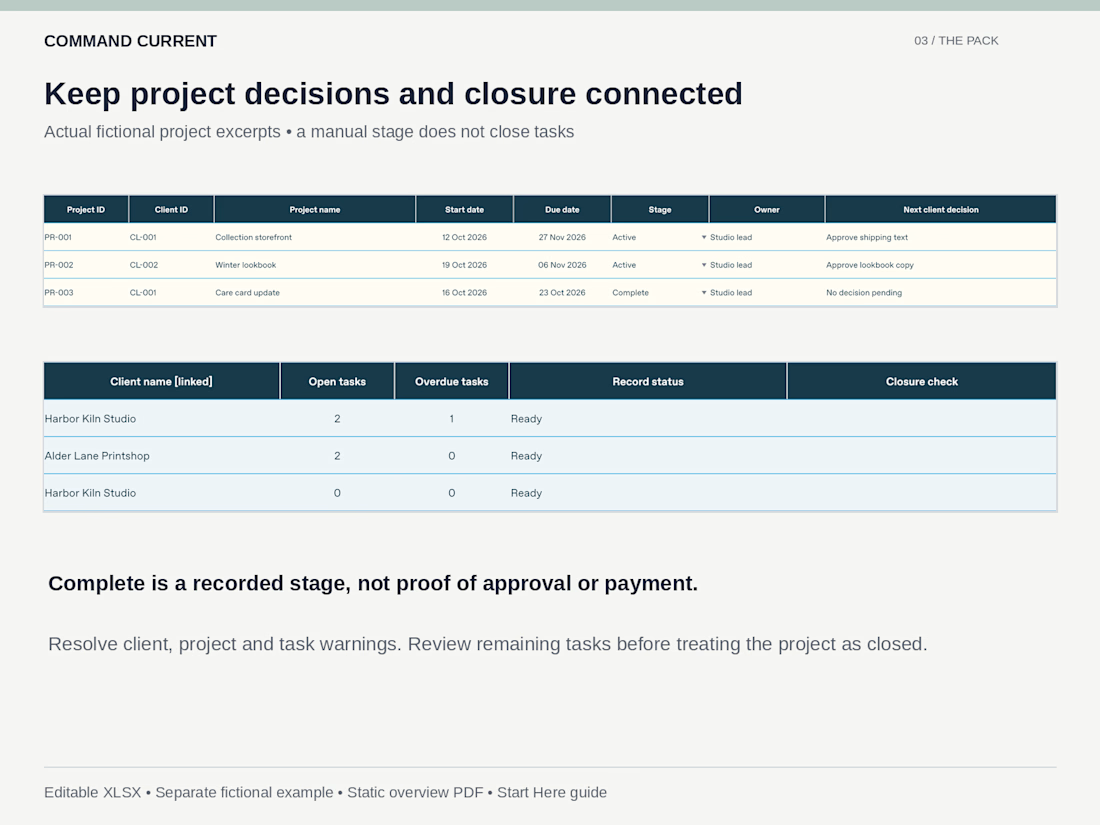
In the fictional example shown, Care card update is Complete with zero open tasks. Collection storefront and Winter lookbook are Active with two open tasks each. Those are separate checks: the stage is entered manually, while the workbook counts linked tasks. Marking a project Complete does not mark its tasks Done.
The Freelancer Client and Project Dashboard includes blank and fictional-example XLSX workbooks, an overview PDF and a Start Here guide. USD 9.99.
For internal tracking of work already sold. Manual review; no automatic reminders or client portal. Requires compatible desktop XLSX software; Excel, Google Sheets and mobile behavior have not been independently tested.
The network for creativity
Join 1.25M professional creatives like you
Connect with clients, get discovered, and run your business 100% commission-free
Creatives on Contra have earned over $150M and we are just getting started
Related posts

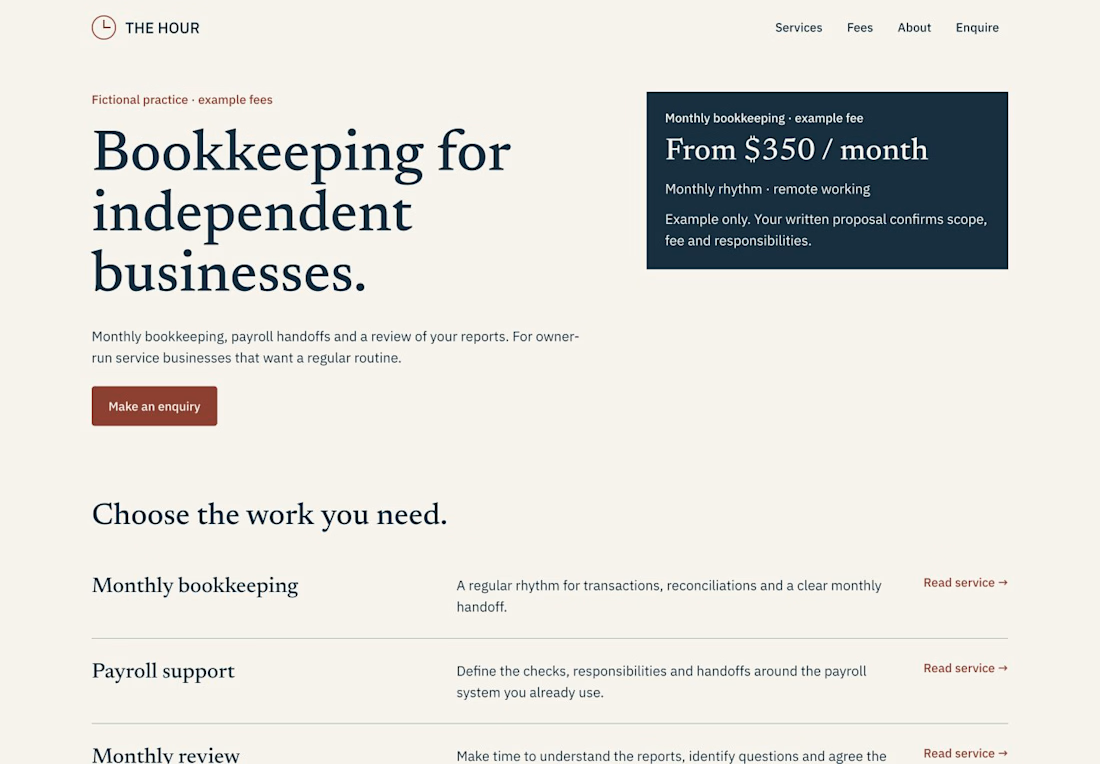
A service website should make the first enquiry more specific.
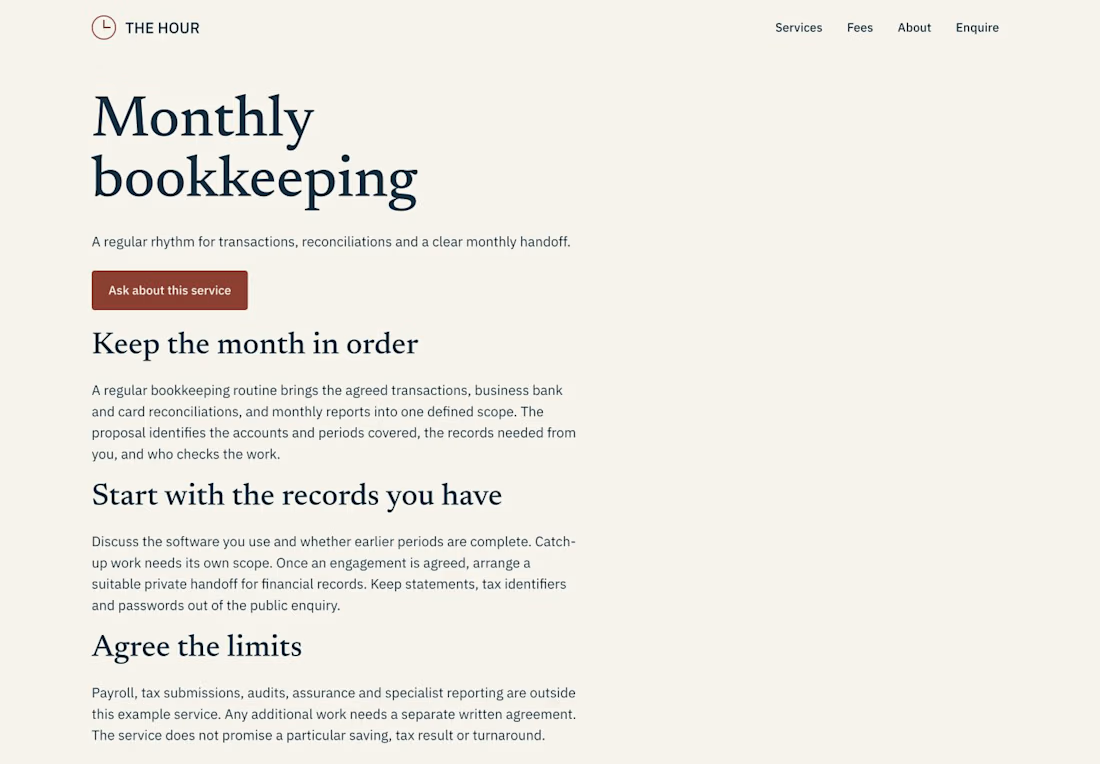
For THE HOUR, an accounting-practice Framer template, I gave three questions their own place:
• What work is included? A Services CMS with individual scope and preparation pages.
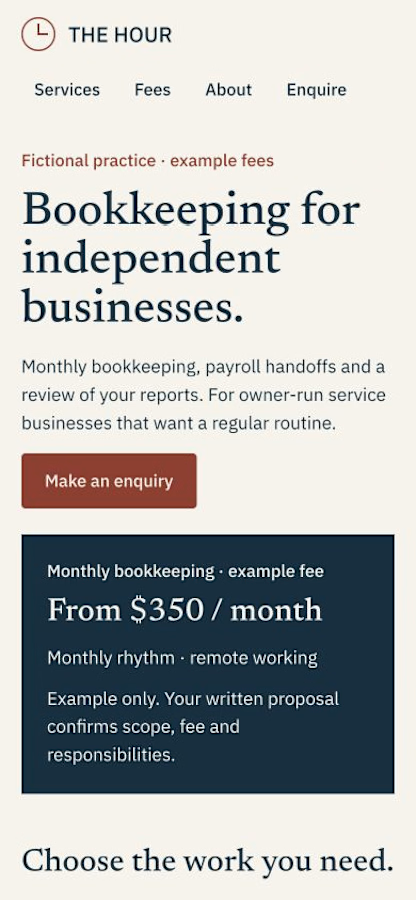
• How is the fee framed? A separate fees page with clearly labelled fictional examples.
• What happens next? Getting Started, a native enquiry form and an owner guide that maps the actual editing controls.
The handoff includes nine page types, Services + FAQ CMS, responsive layouts, a 404, credits and a changelog. Optional service images collapse when empty, with a separate alt-text field.
THE HOUR is $39 once for one end project; Framer hosting is separate. It does not include booking, payment collection or a client portal. The practice, fees and claims in the demo are fictional examples to replace.
Demo and template: https://www.framer.com/marketplace/templates/the-hour/
Made by KamnevApps. If you later use our remix and choose a paid Framer plan, we may earn a referral commission at no extra cost to you.


Built myself a little command center for my freelance work this week. It’s called Bench.
Contra handles the contracts and payments, but my day-to-day was scattered across Contra chats, Gmail, my calendar, Notion, and a notes app. So I pulled it all into one place:
• A dashboard showing what needs me today: unread messages, overdue tasks, past-due invoices, leads that have gone quiet
• Each project gets its own page with scope, deliveries, tasks, links, and the full message thread from Contra and email
• A pipeline for leads, including a “Ghosted” column, because we’ve all been there
• A time tracker for the hourly stuff
• It syncs with my Contra projects and invoices every morning
Curious how other freelancers here keep track of everything. Spreadsheets? Notion? Pure chaos?

The Ghosted column is painfully relatable. Does the morning sync use Contra's API?

I hand off the parts of a project I have no energy for or don't want to do. I keep the most important task for myself
I think any designer or freelancer has to delegate at some point, but it has to be done conscientiously. I give a contractor the piece of responsibility I can't carry well, and I stay on the one thing the client actually hired me for. That makes it much easier to take on more responsibility and more clients without everything landing on one person
When it works, it's easier for everyone. Current clients get quality work, and I don't burn out
Where do you draw the line between what you hand off and what you keep?

