
Keep client records, project decisions and delivery tasks connected in one editable workbook.
This dashboard is for work already sold. It helps a freelancer review open tasks, upcoming deadlines, waiting responses and project closure without confusing a manual stage with completed work.
WHAT YOU GET
One ZIP with nine files:
• A blank editable XLSX workbook and a separate fictional example workbook.
• Four worksheets in each: Overview, Projects, Tasks and Clients.
• A static one-page fictional overview PDF.
• A three-page Start Here PDF and matching text guide.
• License and format notes, plus optional Liberation Sans Regular/Bold fonts and their notice.
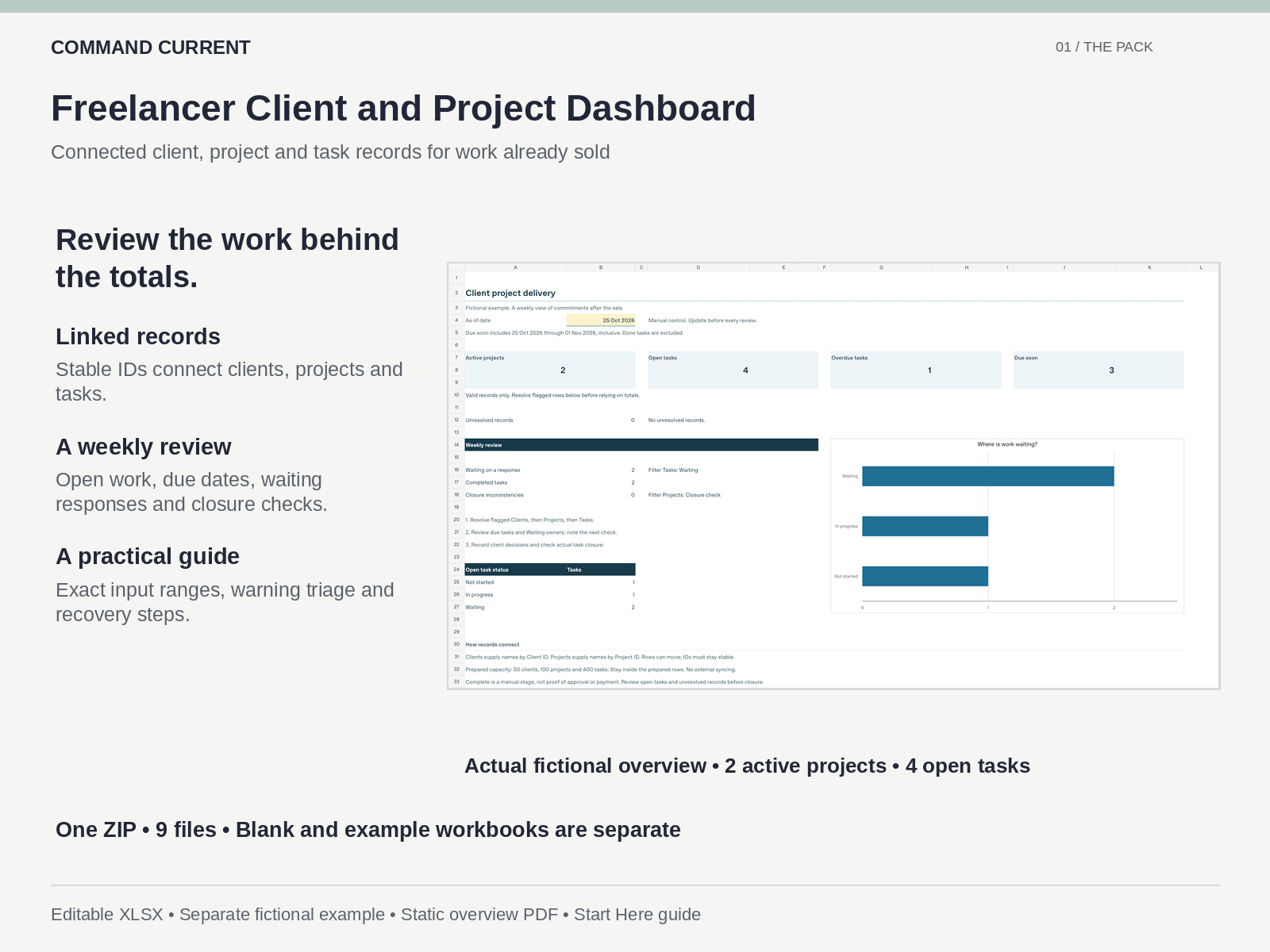
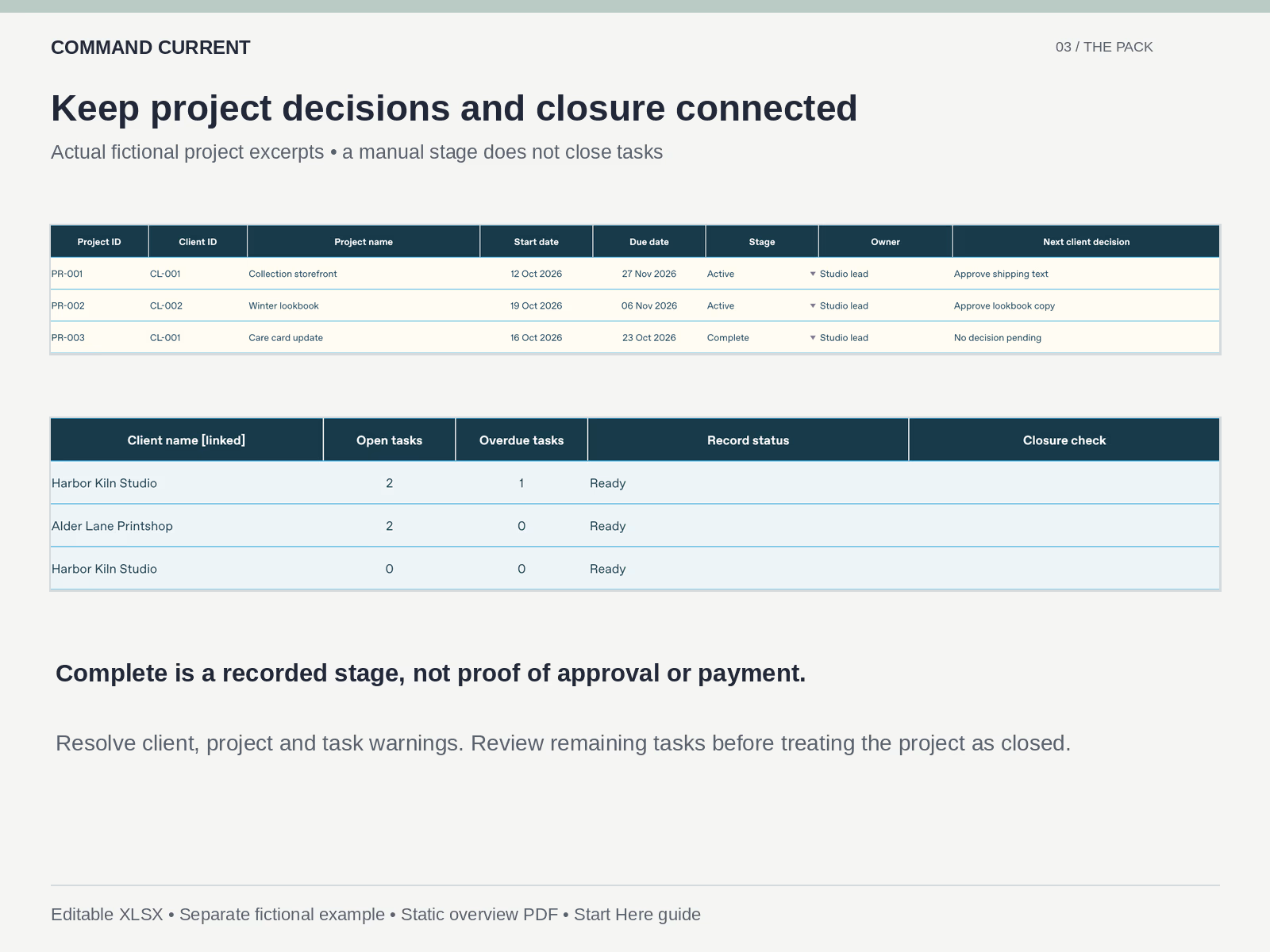
Prepared capacity is 50 clients, 100 projects and 400 tasks. Stable Client IDs connect projects to clients; Project IDs connect tasks to projects. Native tables and filters, formulas, dropdown validation, conditional status formatting and a formula-linked native bar chart are included.
A REVIEW THAT LEADS TO A NEXT STEP
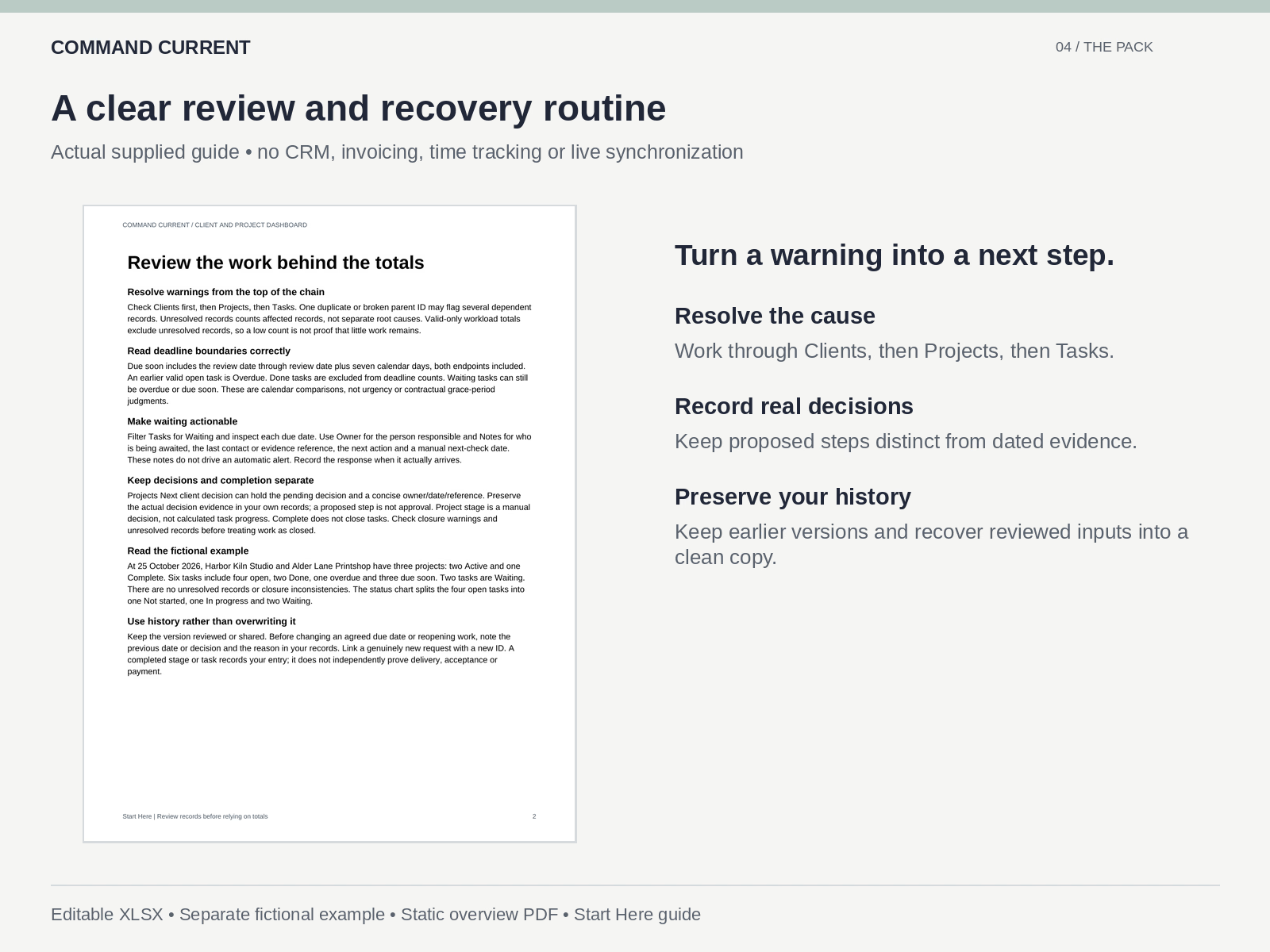
The overview summarizes valid records. Unresolved or ambiguous records remain flagged, so fix their causes before relying on workload totals. The guide explains how one broken parent record can affect several related rows and how to work through the client-to-project-to-task chain.
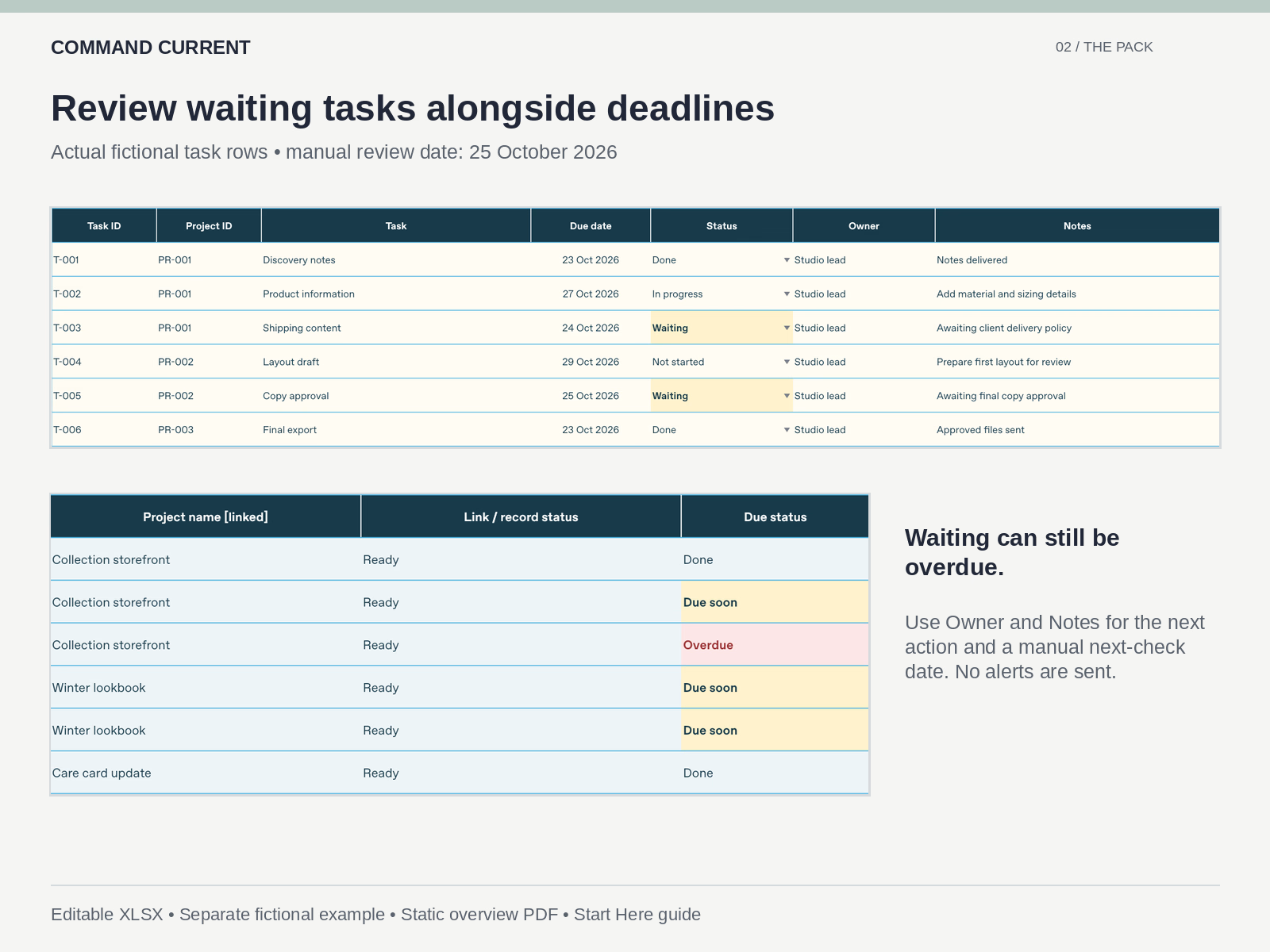
Use existing Owner and Notes fields to record who is waiting, the next action and a manual follow-up date. Keep decision evidence in your own records. The workbook does not send alerts or contact clients. Marking a project Complete does not close its tasks; closure warnings help you find remaining work but are not proof of acceptance or payment.
Set Overview B4 manually before each review. Due soon includes the as-of date through seven calendar days later, including both endpoints. Done tasks are excluded; Waiting tasks can still be overdue. The chart shows the status split of valid open tasks. Filters do not limit the overview to visible rows.
The new guide includes the exact input ranges, weekly review steps, a small editing test, privacy checks for client-specific reports, version history and input-only recovery. At capacity, use a clearly named linked working copy; adding rows does not automatically extend every calculation.
FORMATS AND LIMITS
Use a compatible desktop XLSX editor. Microsoft Excel, Google Sheets, browser editors and mobile apps have not been independently tested. Layout, calculation, charts, filters and validation can differ. Wide registers are intended for desktop editing. The PDF is a static reference, not a fillable form.
All cells remain editable, including formulas. Pasting can bypass validation. No CRM, lead pipeline, invoice ledger, time tracking, client portal, macros, external integration or live synchronization is included. The blank and example files are separate; neither connects automatically to another Command Current product. No software, subscription or ongoing service is supplied.
LICENSE
Customize the blank workbook for your own business's internal tracking. Share completed client-specific static reports or exported PDFs with the relevant clients, as licensed. Do not distribute an editable reusable workbook to clients or other businesses, or resell or redistribute the reusable template or example. All sample clients, people, projects, dates and activities are fictional. No business outcome is guaranteed.

Command's other products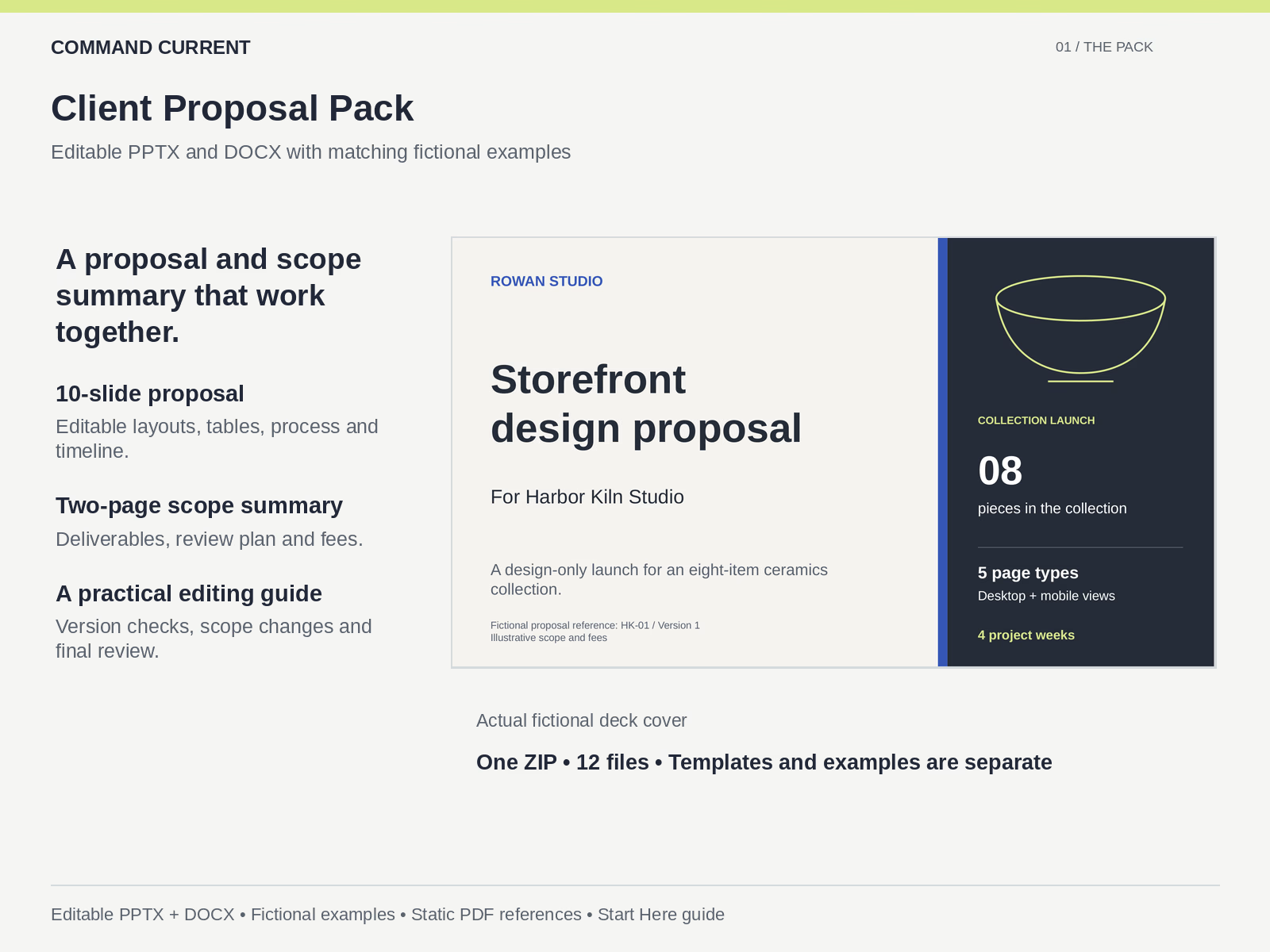
Client Proposal Pack: Editable PPTX and DOCX
$7.99
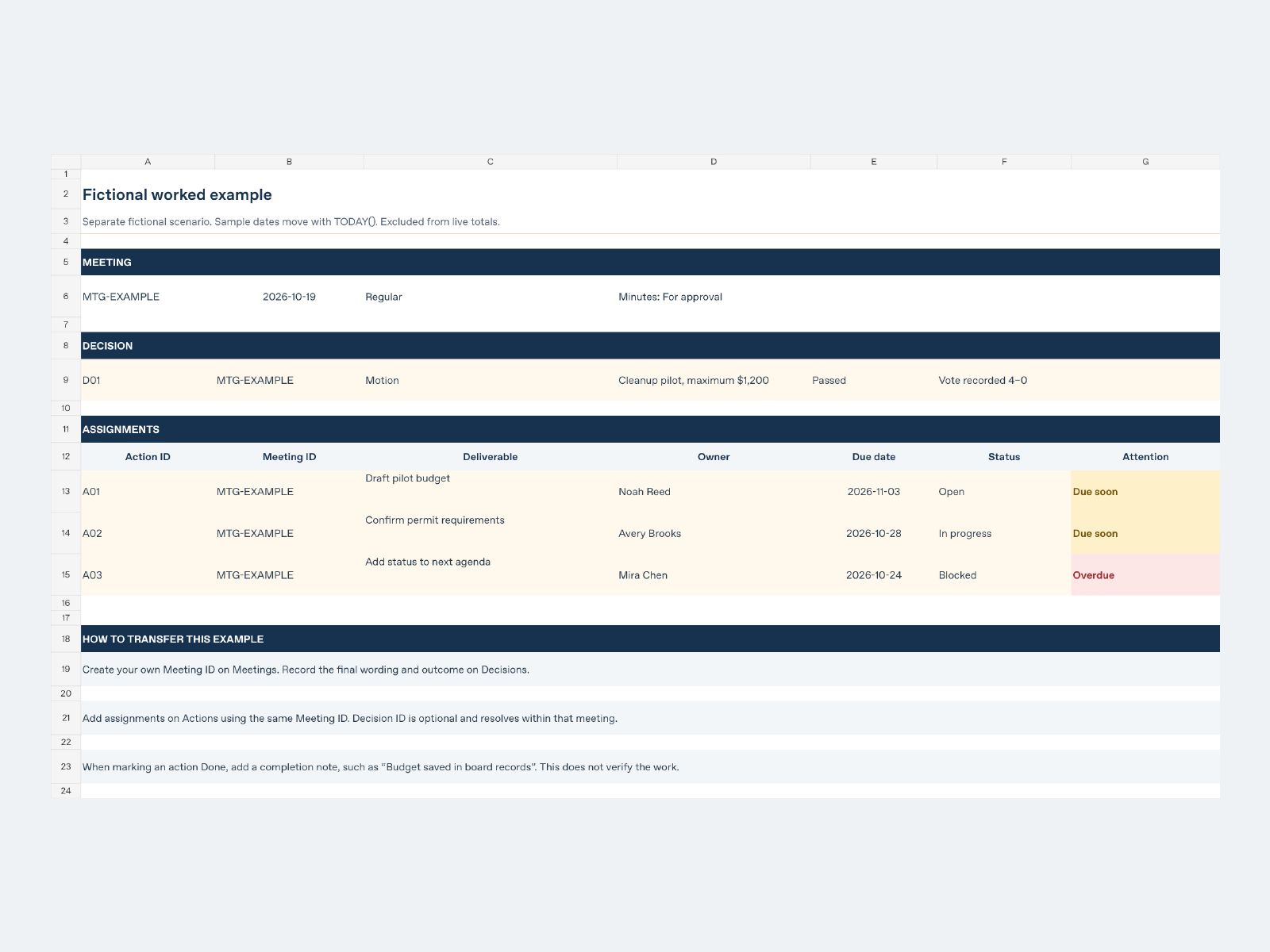
Board Meeting Control Bundle | Word, PDF & Excel
$14.99
Get it for$9.99
Tags
Project Manager
Keep client records, project decisions and delivery tasks connected in one editable workbook.
This dashboard is for work already sold. It helps a freelancer review open tasks, upcoming deadlines, waiting responses and project closure without confusing a manual stage with completed work.
WHAT YOU GET
One ZIP with nine files:
• A blank editable XLSX workbook and a separate fictional example workbook.
• Four worksheets in each: Overview, Projects, Tasks and Clients.
• A static one-page fictional overview PDF.
• A three-page Start Here PDF and matching text guide.
• License and format notes, plus optional Liberation Sans Regular/Bold fonts and their notice.
Prepared capacity is 50 clients, 100 projects and 400 tasks. Stable Client IDs connect projects to clients; Project IDs connect tasks to projects. Native tables and filters, formulas, dropdown validation, conditional status formatting and a formula-linked native bar chart are included.
A REVIEW THAT LEADS TO A NEXT STEP
The overview summarizes valid records. Unresolved or ambiguous records remain flagged, so fix their causes before relying on workload totals. The guide explains how one broken parent record can affect several related rows and how to work through the client-to-project-to-task chain.
Use existing Owner and Notes fields to record who is waiting, the next action and a manual follow-up date. Keep decision evidence in your own records. The workbook does not send alerts or contact clients. Marking a project Complete does not close its tasks; closure warnings help you find remaining work but are not proof of acceptance or payment.
Set Overview B4 manually before each review. Due soon includes the as-of date through seven calendar days later, including both endpoints. Done tasks are excluded; Waiting tasks can still be overdue. The chart shows the status split of valid open tasks. Filters do not limit the overview to visible rows.
The new guide includes the exact input ranges, weekly review steps, a small editing test, privacy checks for client-specific reports, version history and input-only recovery. At capacity, use a clearly named linked working copy; adding rows does not automatically extend every calculation.
FORMATS AND LIMITS
Use a compatible desktop XLSX editor. Microsoft Excel, Google Sheets, browser editors and mobile apps have not been independently tested. Layout, calculation, charts, filters and validation can differ. Wide registers are intended for desktop editing. The PDF is a static reference, not a fillable form.
All cells remain editable, including formulas. Pasting can bypass validation. No CRM, lead pipeline, invoice ledger, time tracking, client portal, macros, external integration or live synchronization is included. The blank and example files are separate; neither connects automatically to another Command Current product. No software, subscription or ongoing service is supplied.
LICENSE
Customize the blank workbook for your own business's internal tracking. Share completed client-specific static reports or exported PDFs with the relevant clients, as licensed. Do not distribute an editable reusable workbook to clients or other businesses, or resell or redistribute the reusable template or example. All sample clients, people, projects, dates and activities are fictional. No business outcome is guaranteed.
Command's other products
Client Proposal Pack: Editable PPTX and DOCX
$7.99
Board Meeting Control Bundle | Word, PDF & Excel
$14.99
$9.99