Albert hycentte
Hardware Engineer | PCB Design | Kicad Designer | CAD design
Profile in progress
Albert is building their profile!
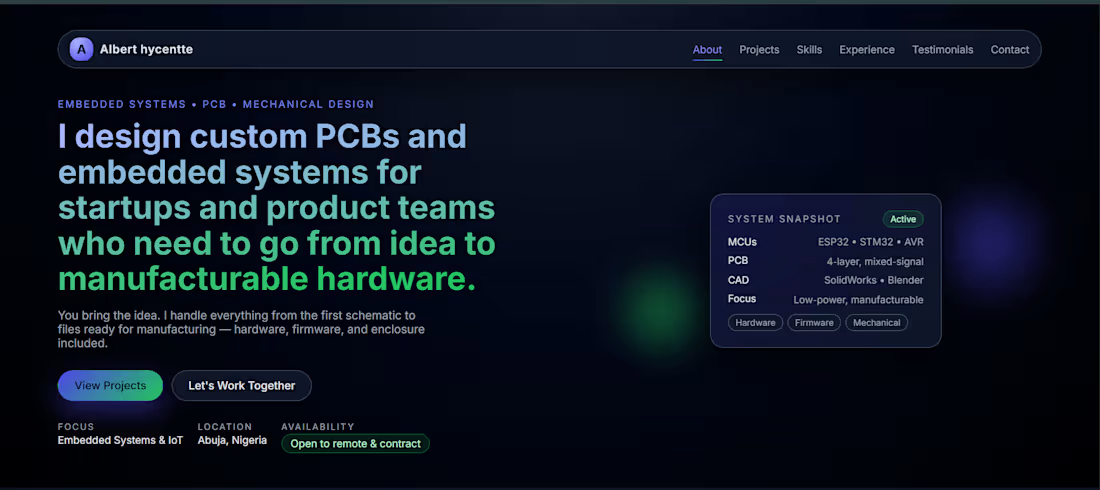
Started with a blank screen, a few ideas, and a lot of curiosity...
Now it’s live
My portfolio is finally up: alberthycentte.vercel.app (http://alberthycentte.vercel.app)
3
1
81
It’s always a great feeling seeing a design move from idea to something tangible.
Here's the product design for an 8-channel 24V DC fan monitoring system I just completed, and this one was actually interesting to work on. The goal was simple - create a reliable way to monitor multiple fans and quickly detect when any of them stops working or develops a fault.
Each of the eight channels is designed to track the operation of its respective fan and provide immediate visual feedback.
I implemented a bi-color (Red/Green) LED system for clear and intuitive indication.
When a fan is running normally, the green light stays on. The moment there’s a failure or abnormal behavior, it switches to red.
No uncertainty or guesswork, just straightforward status visibility at a glance.
0
50
I’m all about exploring how digital design meets physical creation, and 3D printing has become one of my favorite ways to turn concepts into real‑world objects. If you’re into rapid prototyping, product design, or just love watching prints come to life, this one’s for you.
Check out the video and let me know what you think — always open to feedback and collabs!
2
3
176
Product visualization for a smart switching system I designed two months ago.
The system enables intelligent control of multiple electrical loads, with six independently controlled channels—ideal for home automation and IoT applications.
I originally designed the PCB in KiCad, focusing on proper power management and reliable switching for real-world deployment.
Fast forward to now: I've brought the design to life visually using Blender.
I applied realistic materials to the PCB and components, then created an animation showing the components assembling onto the board a satisfying way to showcase the hardware before moving to prototyping.
Seeing the design come together visually is always rewarding.
Always learning, always building.
1
5
177