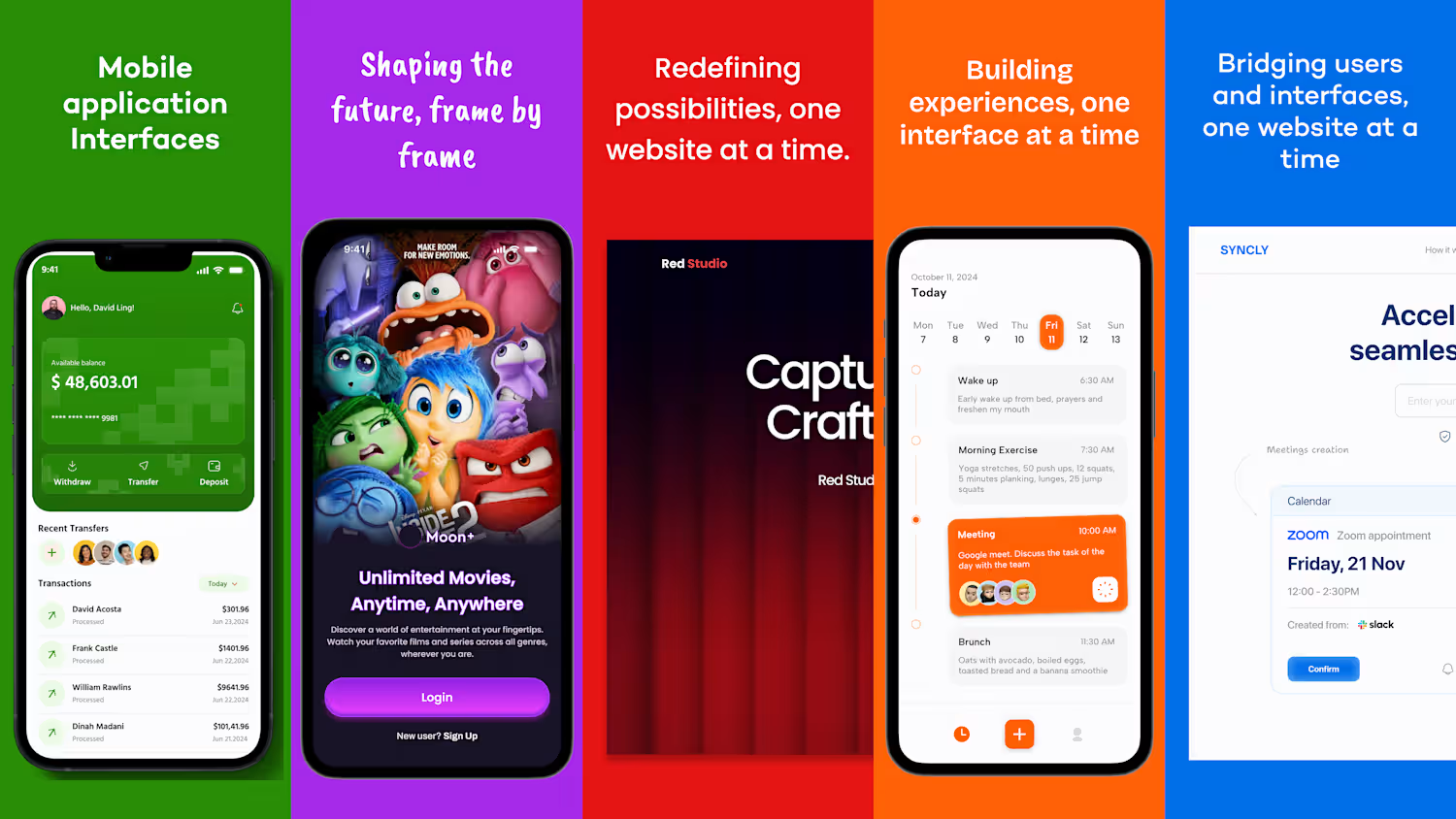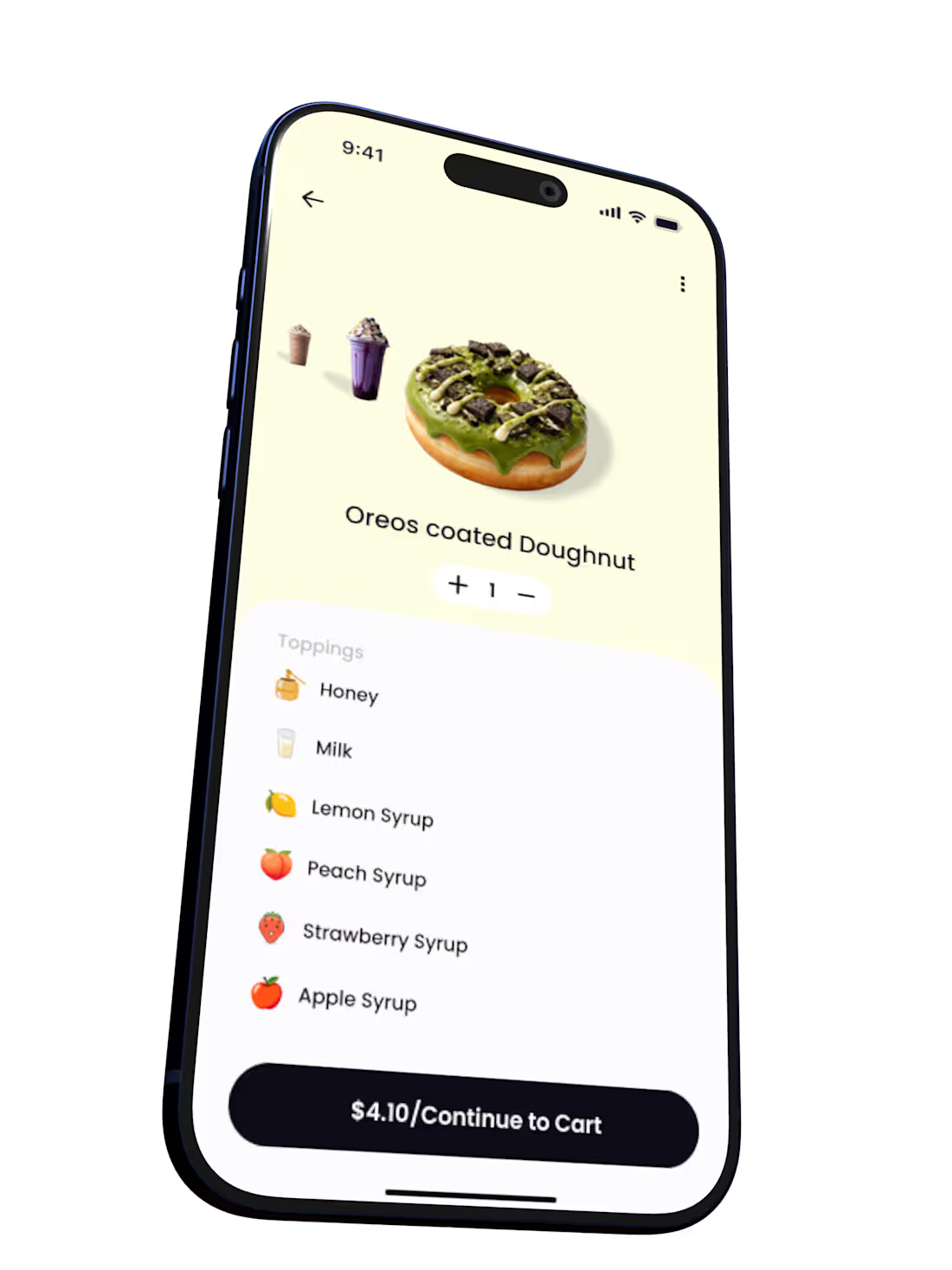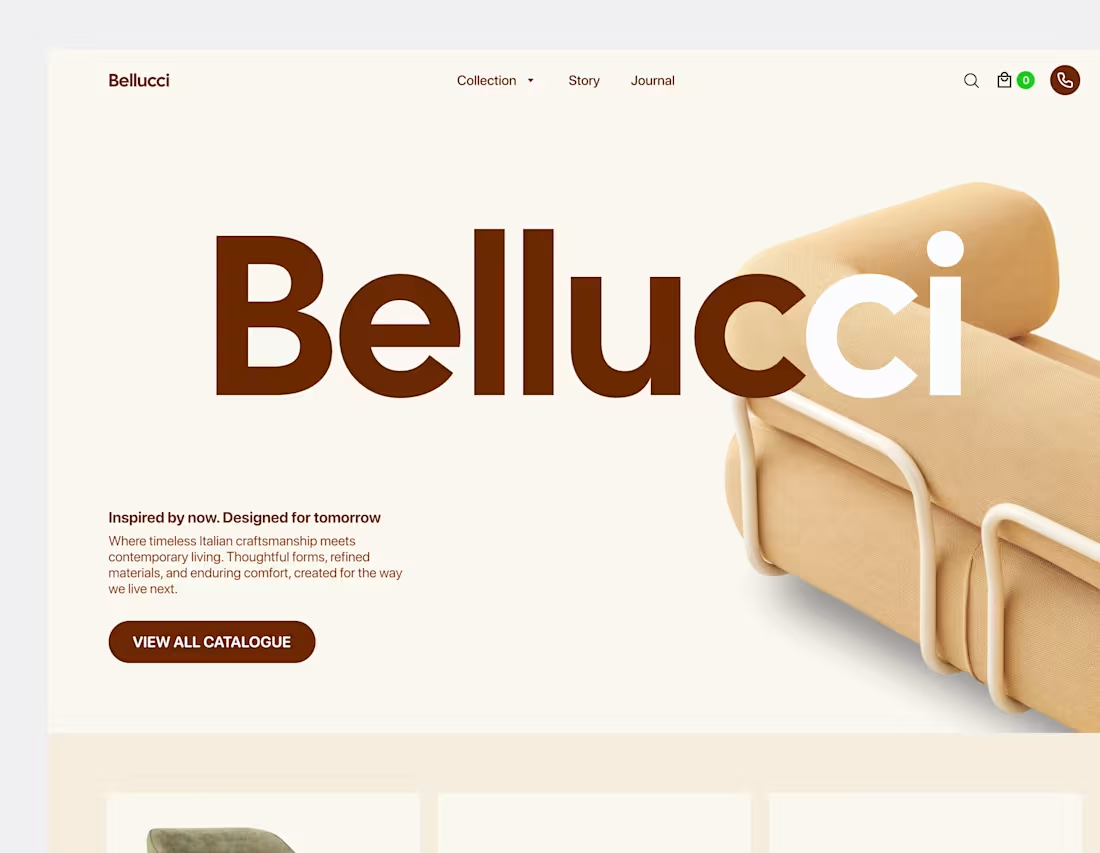
A redesign of an existing mobile bank app and a video prototype of a money transfer flow.
0
2
While redesigning a mobile app case study for a financial institution, I focused on improving the transaction receipt experience across every possible transaction status.
Each receipt was designed with a clearly visible status indicator placed at the top to ensure instant visual clarity for users. Beyond functionality, I also paid close attention to aesthetics, modernizing the layout to feel clean and aligned with contemporary mobile banking experiences.
The goal was simple: make every transaction status easy to understand at a glance, while ensuring the receipt still feels polished, trustworthy, and user-friendly.
0
3
Yes—visuals matter but well-crafted interface builds trust and creates an emotional connection between users and a product. Great design requires more. It’s about intention behind every interaction, prototyping, testing, and refining continuously until the experience feels seamless and natural. I take the time to think through problems and prototype key flows before moving forward. I often let my first design draft sit over night while I take time to have a creative thought one on one with my mind and more often than not, I wake up and effect changes I always feel good about.
0
4
A community worship app designed with Figma and animated with Jitter.
1
27
Here’s a video featuring several of my design screens from the year, essentially my mobile design wrap-up. Each interface was developed with a user-first approach, prioritizing clarity, usability, and meaningful interaction patterns. I’m Oghenebukome, and I hope you enjoy the camera roll. I am open to gigs and collaborative projects
0
8
Hey everyone, Bukome here. I’m currently building NEXTXI, a product shaping a new way to experience football talent and opportunities. Here are a few screens.
2
1
9
Help and FAQs screen for a mobile app project
0
34
FAQ screen design for a mobile app project.🚀
0
33
FAQ Screen for a mobile app project🔥
0
33
Excerpts showcasing the design of Nexo Crypto Wallet’s Start and Recovery Phrase screens thoughtfully crafted in both light and dark modes to ensure visual balance, usability, and a secure, intuitive user flow.
2
2
21
Settings, Privacy & Security
Excerpts showcasing the design of the Settings and Privacy & Security screens crafted to give users effortless control, ensure data protection, and create a trustworthy, personalized in-app experience.
0
14
Designed to enhance user support and accessibility, the Help and FAQs screens provide intuitive guidance and instant answers to common user questions ensuring a seamless and self-sufficient in-app experience.