
pro
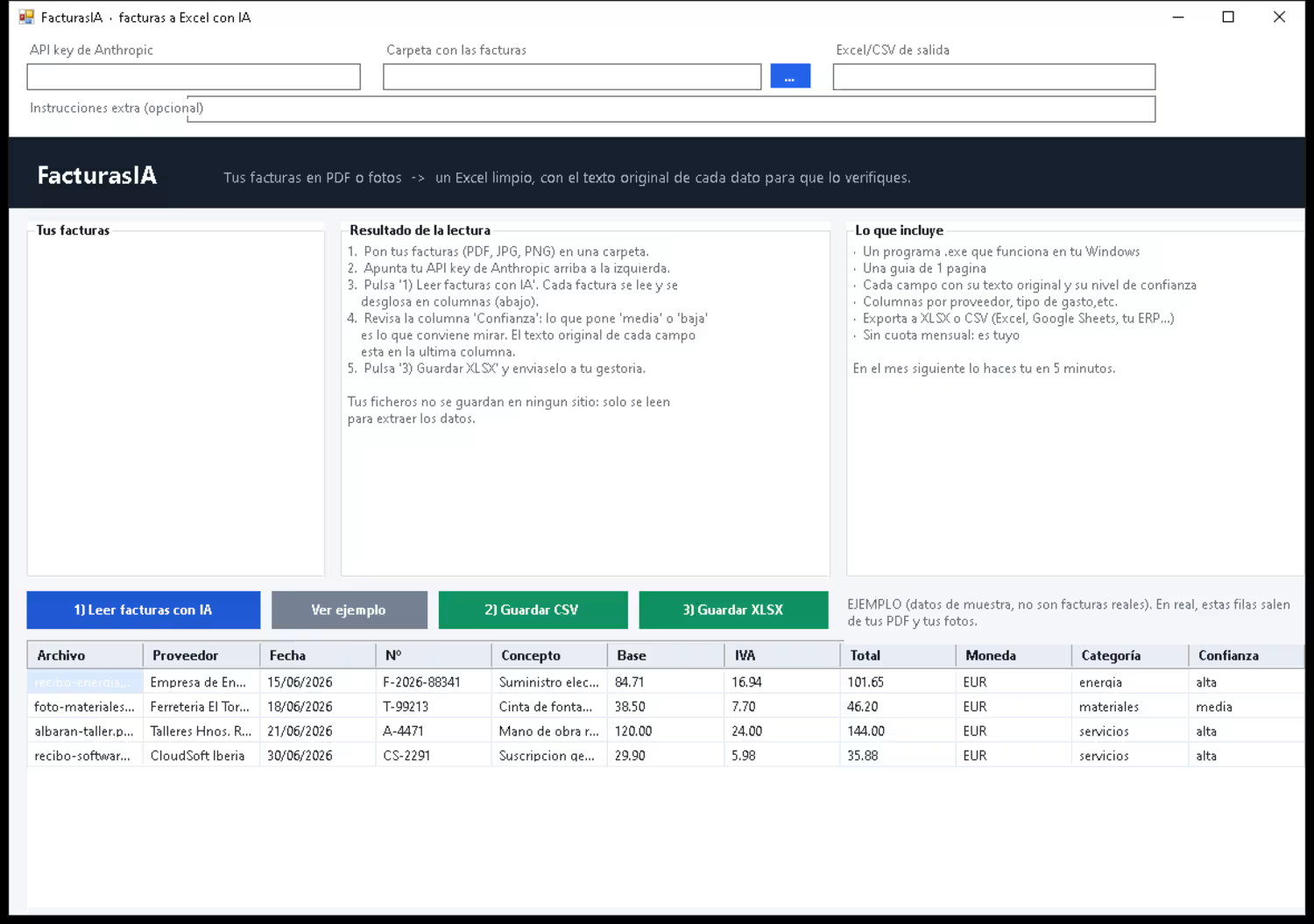
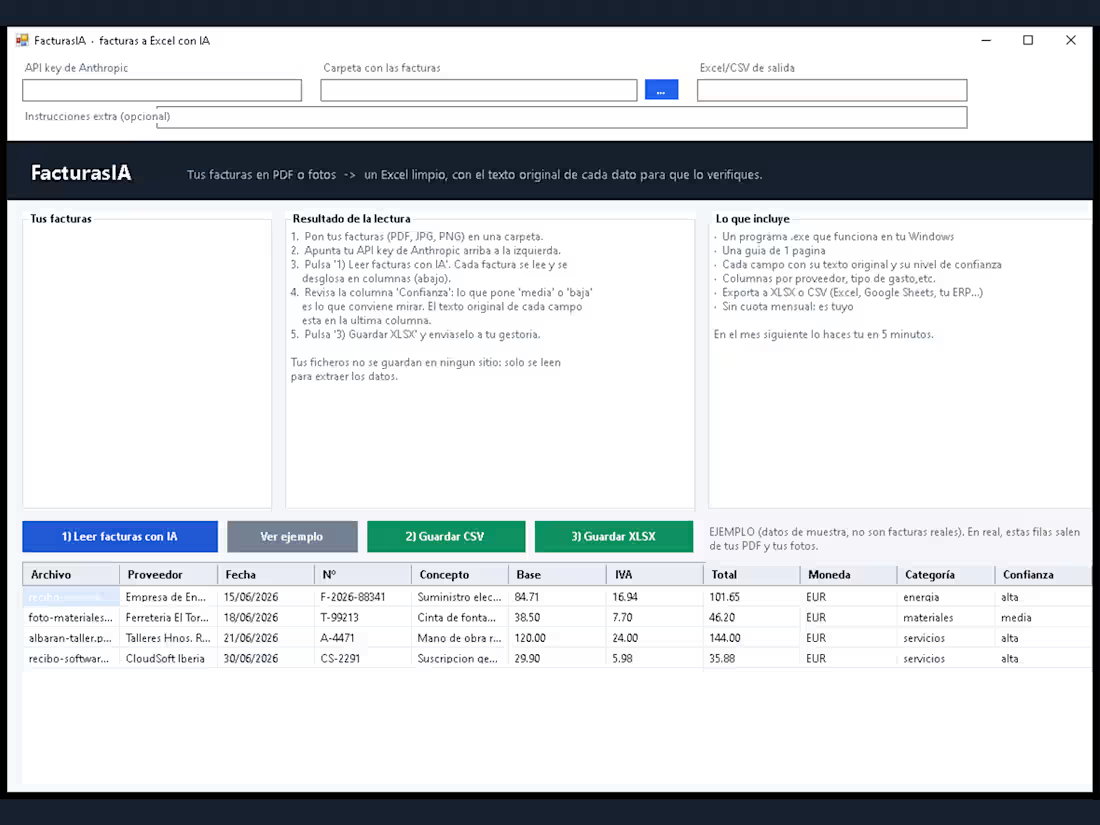
FacturasIA - AI invoice extraction to clean Excel
0
2
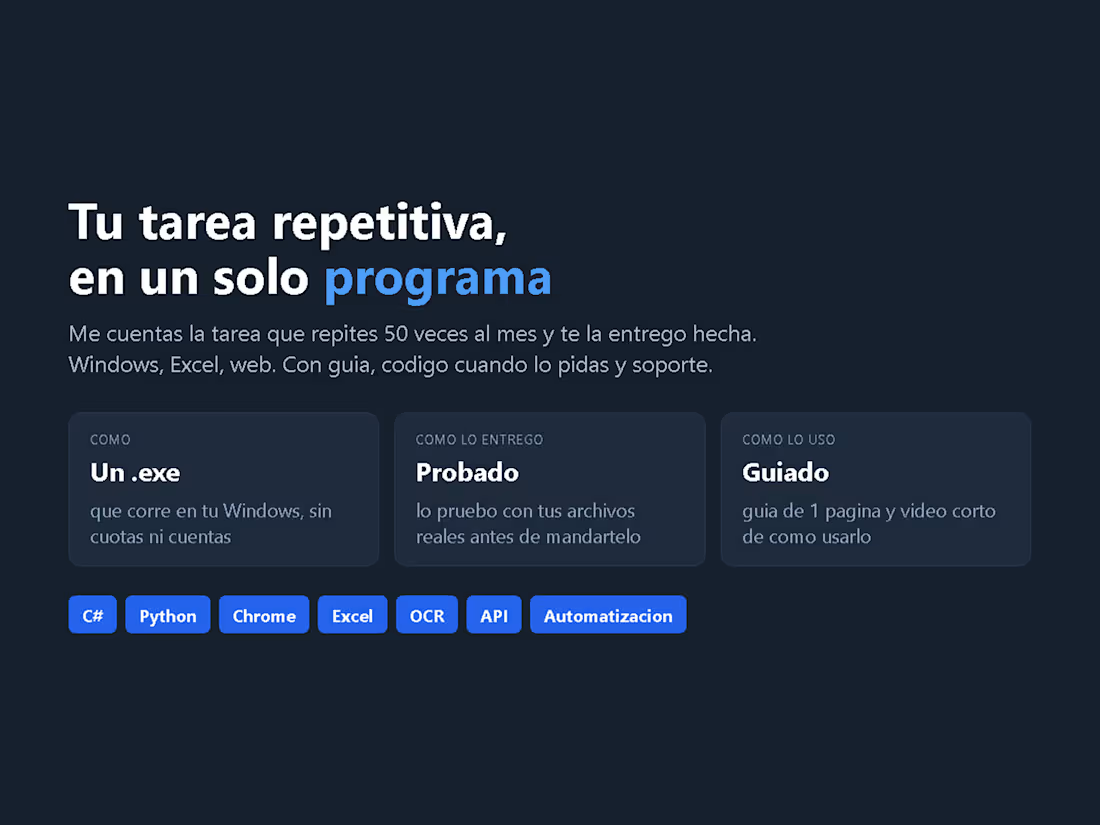
Your repetitive task, as one program
Tell me the task you repeat 50 times a month and I build it. Recent ones: a tool that reads your supplier invoices and fills your exact spreadsheet; a Chrome extension that fills and submits a repetitive web form; a desktop app that watches a folder and processes whatever appears in it.
You get a real program (.exe) that runs on your Windows - not a subscription, not a website, no account. I test it with your real files before delivering, and I record a short screen video so you always know how to use it.
Typical investment: 150-600 USD depending on the complexity. If it is not worth automating, I tell you before you pay anything.
1
32
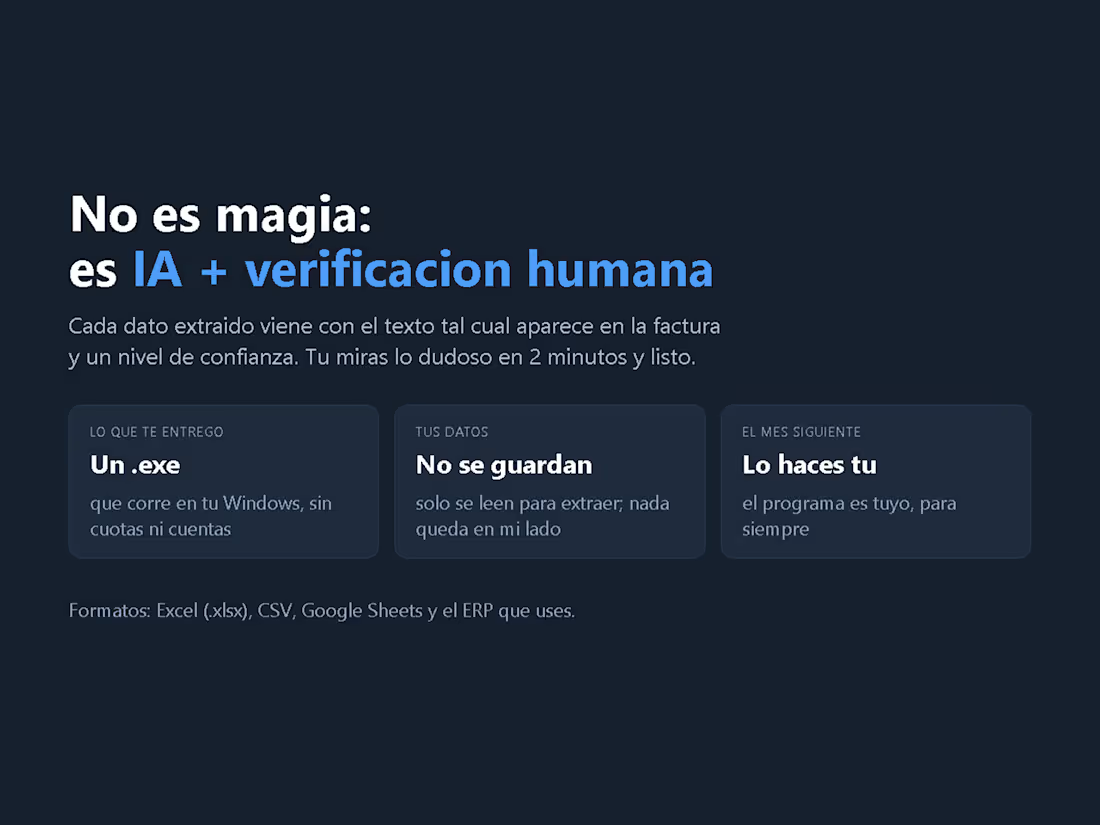
Not magic: AI + human verification
Every extracted value keeps the text it actually says on the invoice, plus a confidence flag. You check only the doubtful lines - 2 minutes - instead of re-typing everything.
This is the part most AI extraction tools skip, and it is the reason the output can be trusted: a missing date or a line cut off in a photo is flagged for a human instead of being quietly filled in with a plausible-looking value.
What you get: one .exe that runs on your Windows (no subscription, no account), your data never stored on my side, and exports to Excel (.xlsx), CSV, Google Sheets or your ERP.
1
27
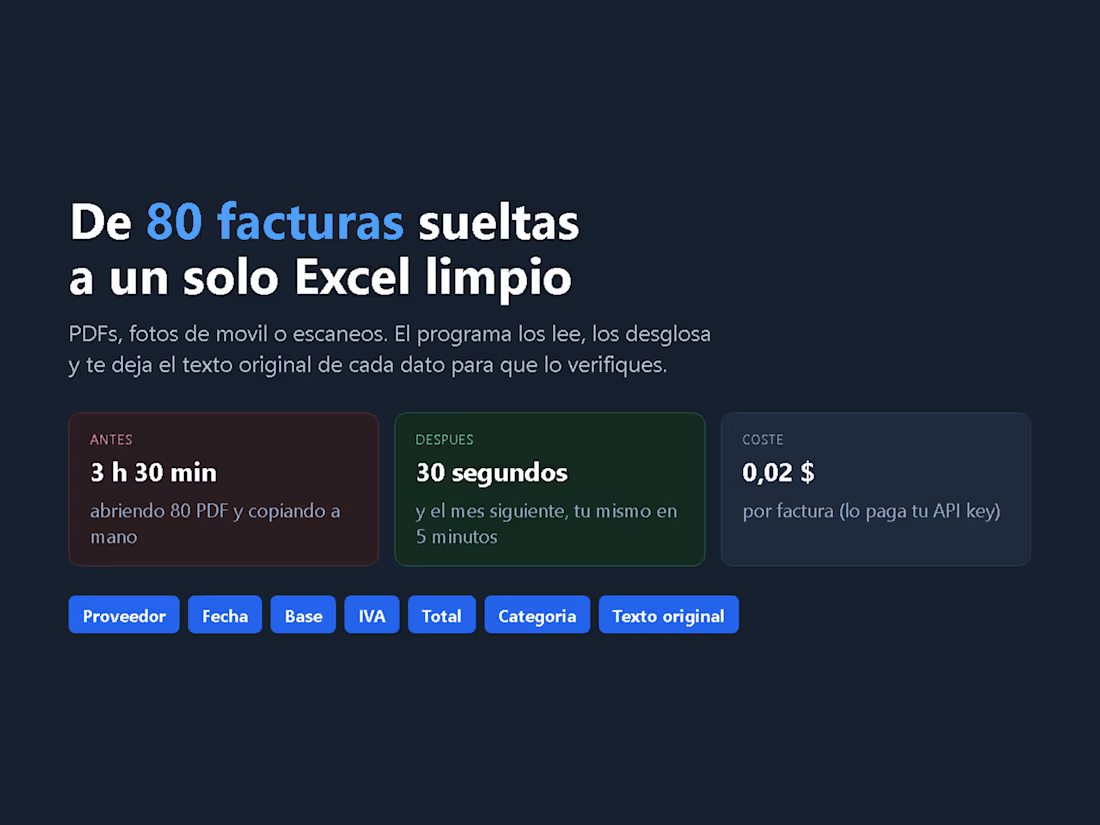
80 loose invoices into one clean Excel - 3.5 hours become 30 seconds
A before/after of the invoice workflow I automated. Before: opening 80 PDFs and copying the data by hand - about 3.5 hours a month. After: the tool reads them (PDF, scans or phone photos), splits every invoice into provider, date, base, tax, total and category, and writes a single .xlsx - about 30 seconds.
The AI step costs around 0.02 USD per invoice, paid with your own Anthropic API key, so there is no monthly fee. And from the second month you do it yourself in 5 minutes: the program is yours, no subscription, no account.
Columns: provider, date, number, description, taxable base, VAT/tax, total, currency, category - plus the original text of each field and a confidence flag.
1
11