
Juned Khan
Software Engineer building web apps & custom AI tools
New to Contra
Juned is ready for their next project!
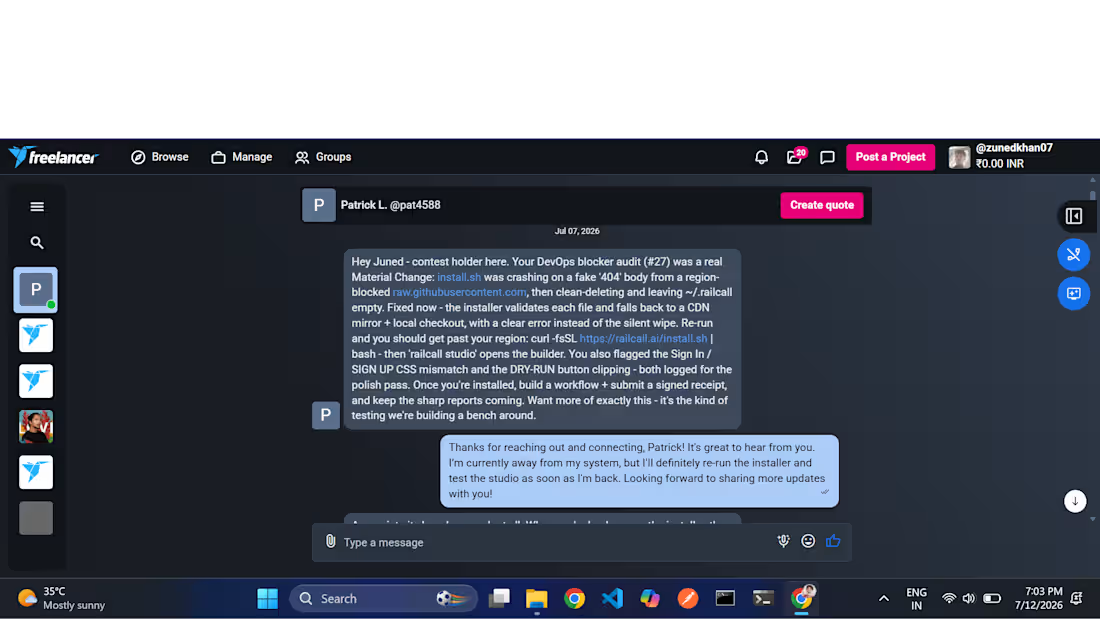
If your code is crashing, runtime environments are failing, or deployment scripts are blocked, I will jump in to audit the logic, identify the root cause, and fix the bugs quickly across any environment.
What I can help you fix:
• Cross-Language Code Debugging: Resolving logical bugs, runtime execution crashes, and syntax errors across JavaScript, TypeScript, React, Node.js, and other modern stacks.
• Shell & Automation Scripts: Fixing local execution paths, permission layers, and installation logic in Bash (.sh) or native Windows PowerShell (.ps1) automation workflows.
• Deployment & DevOps Blocks: Auditing network blocks, region-based fake 404 responses, and dependency installer failures that halt your production pipelines.
• API & Database Issues: Debugging authentication mismatches, broken data routing pipelines, and backend storage errors.
0
2

I built CodeBuddy Solutions to create a premium, dark-themed platform that handles content management and deep data visualization smoothly.
Here is what I focused on for this project:
• Live Analytics Dashboard: Designed a clean control panel using sharp graphs and visual maps to track unique visitors, active users, and traffic sources at a glance.
• Content & Blog Grid: Built a responsive layout meant for articles, featuring quick-access filter tags and a clean trending section.
• Authentication Interfaces: Created crisp, modular sign-in and sign-up panels with active border highlights for a smooth user experience.
• Design Execution: Focused entirely on a high-contrast dark theme using neon green accents, solid typography, and structured grids to keep it looking polished.
1
4
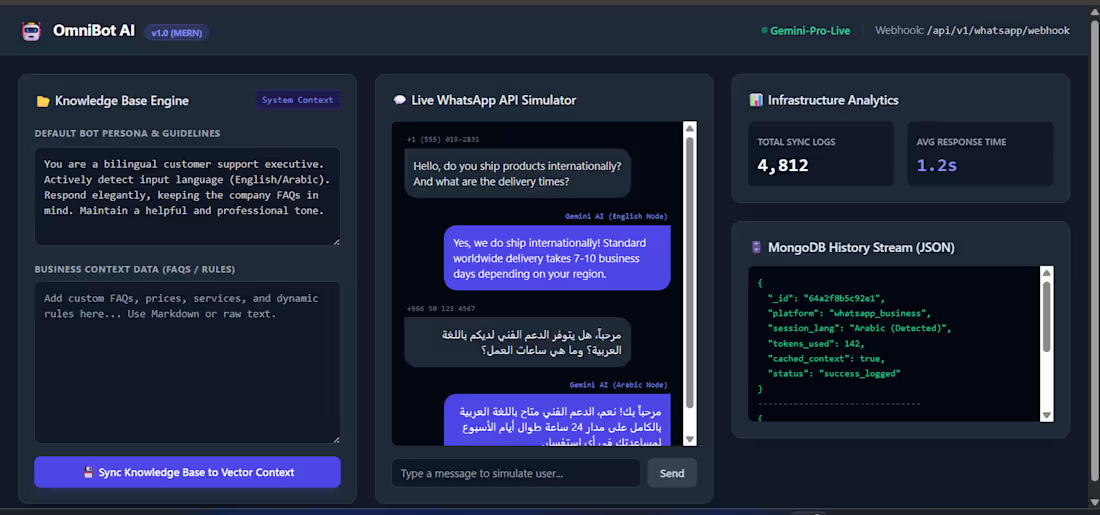
I built OmniBot AI, a full-stack dashboard designed to simulate and test automated WhatsApp Business workflows powered by AI. It bridges the gap between raw data storage and real-time LLM grounding.
Key implementation details:
• Knowledge Base Engine: Implemented a system context pipeline that allows users to write dynamic business rules/FAQs and sync them directly into vector context for the bot.
• Bilingual AI Support: Integrated Gemini AI with explicit prompt routing to automatically detect, process, and reply in both English and Arabic.
• Live MongoDB History Stream: Built a real-time JSON log viewer on the frontend that streams database updates, tracking session language, token usage, and cache success states.
• Infrastructure Analytics: Developed a monitoring component to track total synchronization logs and calculate average API response latency (optimized down to 1.2s).
Tech Stack: MongoDB, Express.js, React, Node.js, and Google Gemini API.
1
27
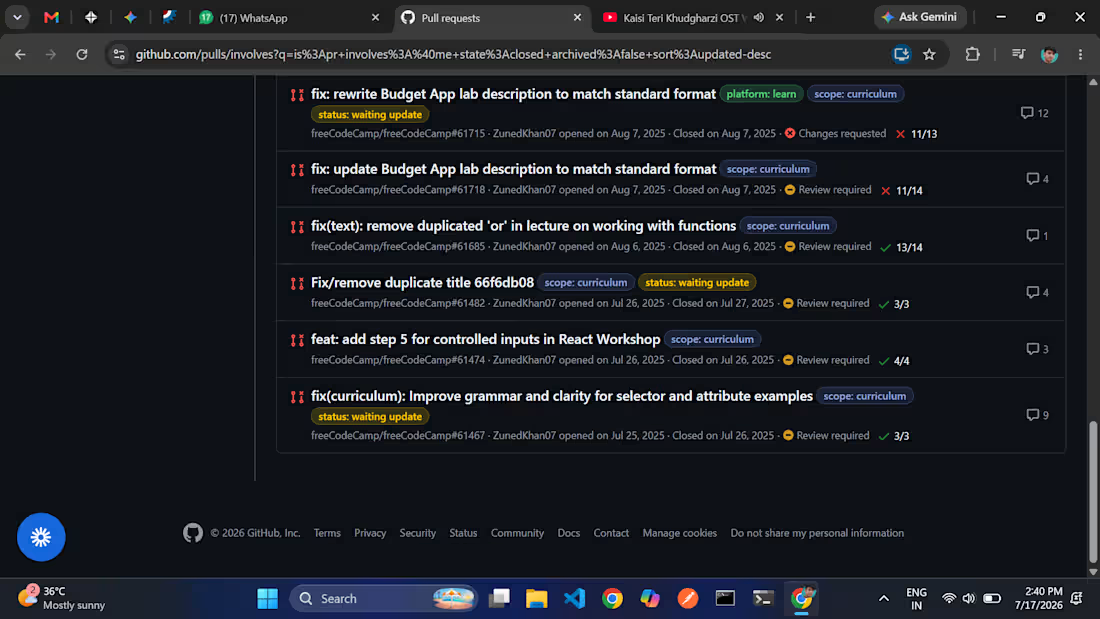
I actively contribute to major global open-source projects and developer ecosystems, writing production-grade code that scales. Instead of just building solo apps, I collaborate with core maintainers across different tech stacks to fix performance bugs, improve UI/UX, and patch edge cases.
Here is a summary of my core open-source contributions:
• Zulip: Enhanced the Altcha spam-protection verification user onboarding flow, writing frontend logic for instant, clear visual feedback (PR #36166).
• Rocket.Chat (http://Rocket.Chat): Solved critical state machine and UI bugs, including fixing the thread sidebar getting stuck (PR #40048) and diagnosing cross-instance performance bottlenecks in the Presence service.
• freeCodeCamp & The Odin Project: Contributed heavily to curriculum refinement, debugging public profile API endpoints, updating React hooks data shapes, and polishing Tailwind components.
• React (Meta): Handled devtools optimizations, specifically working on removing hardcoded styling within the SidebarCommitInfo module.
Working on these massive codebases has given me deep experience with enterprise-grade Git workflows, rigorous code reviews, automated testing, and writing high-efficiency JavaScript/TypeScript.
0
7
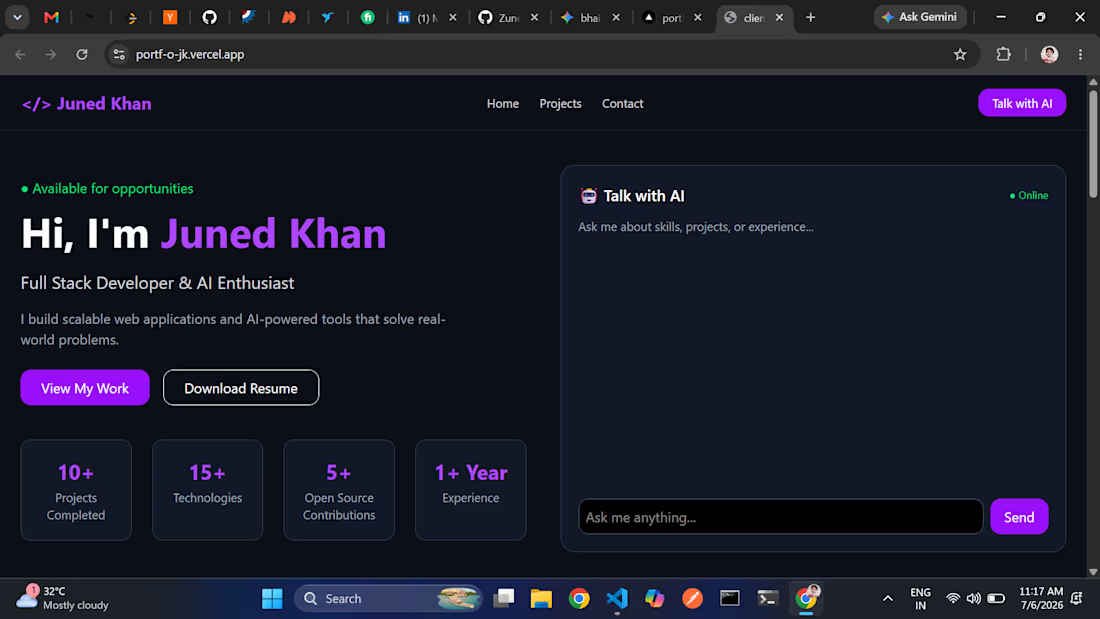
Hello,
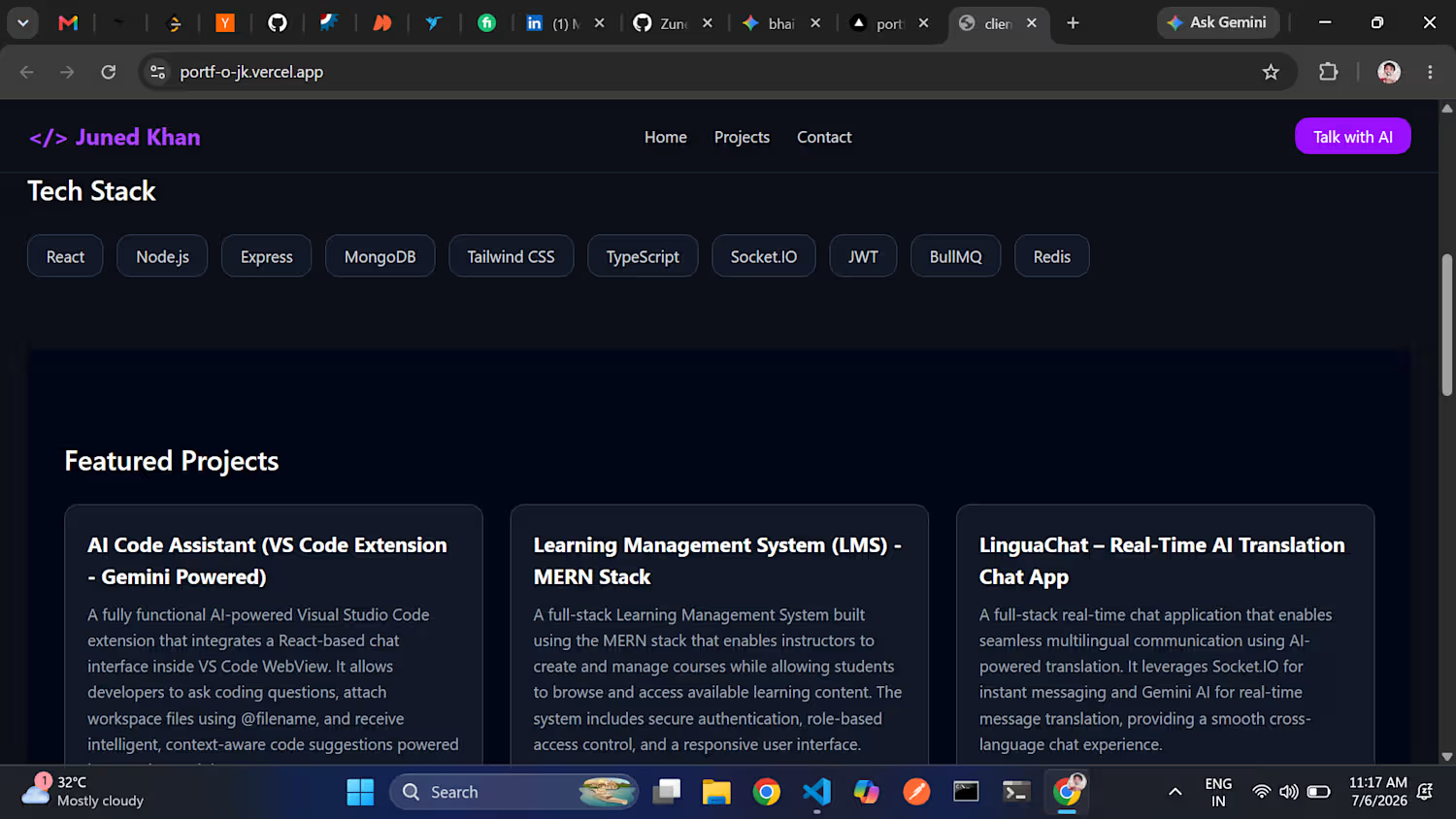
I built this full-stack portfolio hub to showcase my work, but with a twist—it features an intelligent, recruiter-facing AI Assistant that can explain my skills, experience, and projects in real-time.
Here’s a breakdown of what I built:
Interactive AI Assistant (Gemini API): Integrated Google’s Gemini API to power a custom chatbot that acts as my virtual representative, answering visitor questions dynamically.
Smart AI Chat Caching: To prevent hitting API rate limits and reduce latency, I built a custom caching system using MongoDB. If a user asks a question that's been asked before, the server fetches the response instantly from the database instead of making a new API call.
Dynamic Admin Dashboard: Designed a secure admin panel where I can add, edit, or delete portfolio projects. The database updates in real-time, meaning the frontend reflects changes instantly without requiring a rebuild or redeployment.
Modern UI/UX: Built the frontend using React 19 + Vite and styled it with Tailwind CSS v4 to create a premium, fast-loading, dark-themed responsive layout.
Tech Stack: React 19, Node.js, Express.js, MongoDB, Tailwind CSS v4, and Google Gemini API.
0
9
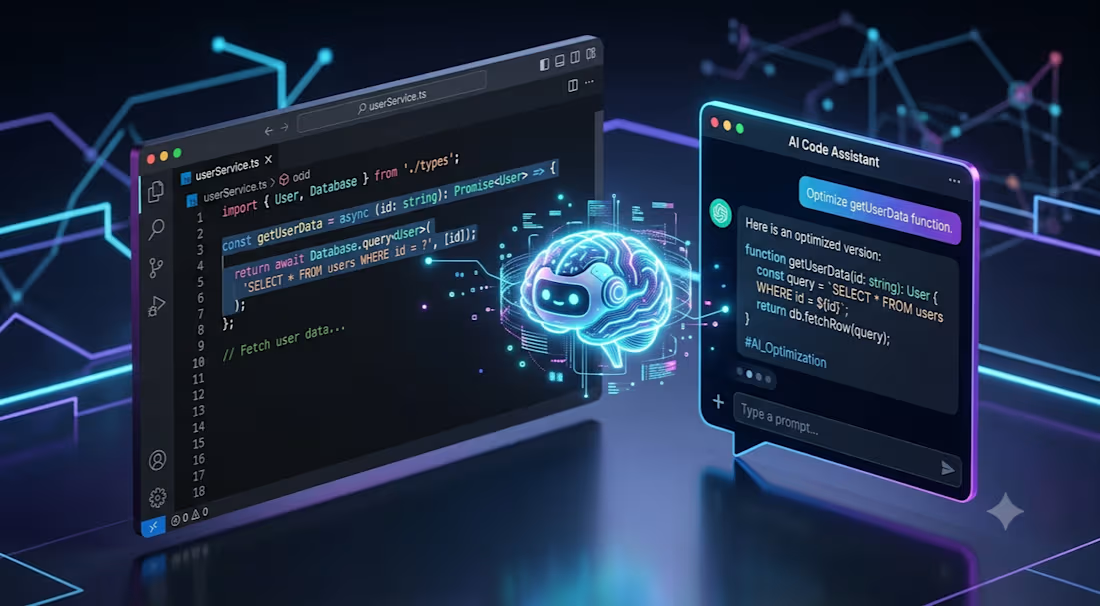
I built this custom VS Code extension to bring a smart AI chat helper right inside the code editor. It saves a lot of time because you don't have to keep switching to a browser to ask coding questions or debug errors.
Here is what I did:
React Webview Chat: Created a clean, responsive chat panel inside VS Code using React. It has scrolling history and feels like a native part of the editor.
Workspace Integration with @ Mentions: Added a neat feature where developers can type '@' to find and attach specific code files from their open workspace directly into the prompt.
Gemini AI Integration: Hooked it up with the Gemini API to get fast, context-aware answers. The extension reads the selected files and passes the code context to the AI for accurate refactoring and debugging.
TypeScript Backend: Wrote the core extension logic in TypeScript to handle workspace files, read system buffers safely, and communicate with the WebView.
Tech Stack: TypeScript, React, Vite, Gemini API, and VS Code Extension APIs.
0
14