
TIBARI ARICH
Consultant IT | Devops & System Administrator | Proxmox
New to Contra
TIBARI is building their profile!
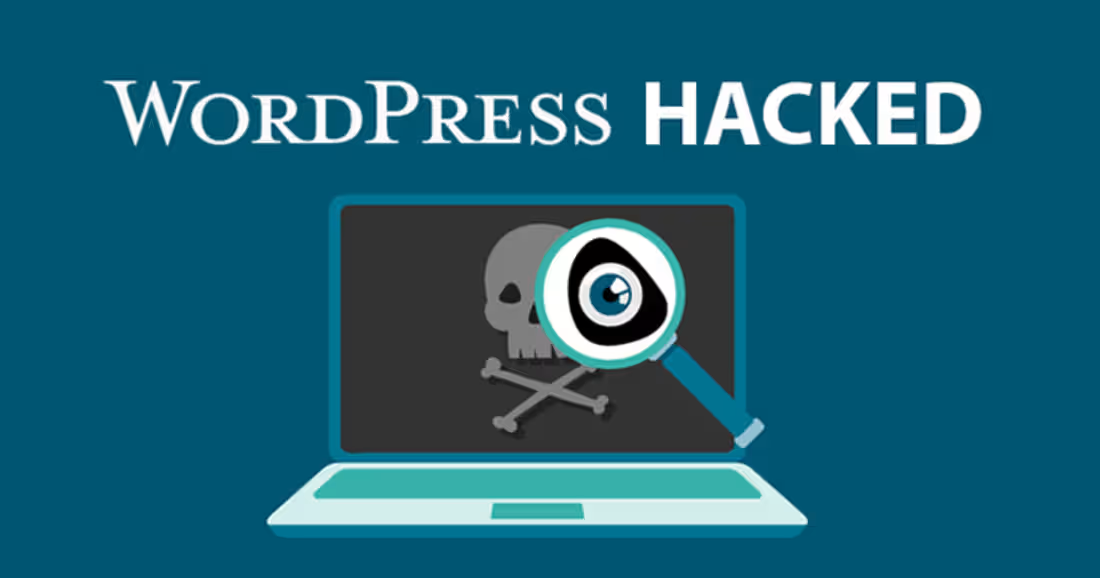
Client's WordPress site kept getting reinfected even after deleting the malicious files — here's what was actually going on
Had a client come to me a few weeks ago in a bit of a panic. Their
WordPress site kept "recovering" from hacks — they'd find a shady
file, delete it, site would look clean for a day or two, then boom,
spam redirects or a defaced page again. They'd been going in circles
with this for almost two weeks before reaching out.
First thing I always do in these cases: assume the visible malware
is not the actual problem. If a shell script survives a "cleanup,"
there's almost always a second (or third) foothold you haven't found
yet. Deleting the obvious backdoor just resets the timer.
What I found on this one:
A malicious file disguised with a legit-sounding name sitting in wp-content/uploads (a directory that's writable but rarely gets audited since it's "just media")
A cron job silently re-downloading the payload every few hours — this was the actual reinfection vector, not a new "hack"
A rogue admin user created weeks earlier that nobody had noticed, which was regenerating the malicious files whenever they got deleted
Obfuscated code injected into a legitimate theme file (base64 encoded, hidden between normal-looking function calls) acting as a second backdoor
The lesson that I think a lot of people miss: cleaning a hacked site
isn't about deleting the file you found — it's about mapping every
persistence mechanism (cron jobs, rogue users, modified core/theme
files, scheduled tasks) before you declare it clean. Otherwise you're
just playing whack-a-mole with an attacker who has more patience than
you do.
Full remediation ended up being: rotate every credential (DB, WP
admin, SFTP, hosting panel), audit every user account, diff the
entire WP install against clean core files, lock down file permissions,
and put a WAF + file integrity monitoring in front of it going forward.
Anyone else run into the "cleaned it but it keeps coming back" pattern?
Curious what other persistence tricks you've found in the wild — always
good to know what to check for.
0
6
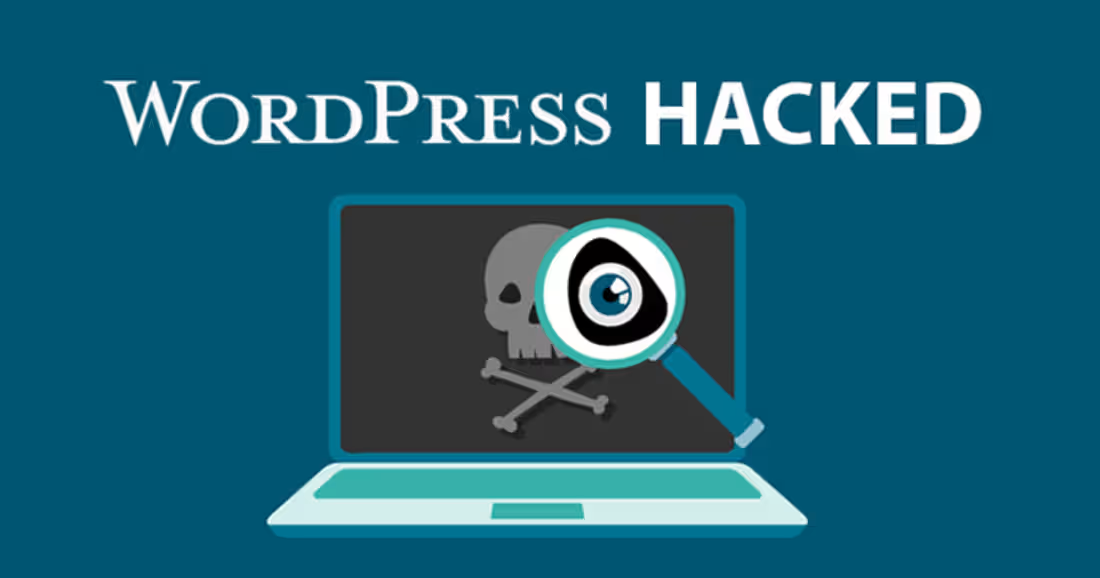
Client's WordPress site kept getting reinfected even after deleting the malicious files — here's what was actually going on
Had a client come to me a few weeks ago in a bit of a panic. Their
WordPress site kept "recovering" from hacks — they'd find a shady
file, delete it, site would look clean for a day or two, then boom,
spam redirects or a defaced page again. They'd been going in circles
with this for almost two weeks before reaching out.
First thing I always do in these cases: assume the visible malware
is not the actual problem. If a shell script survives a "cleanup,"
there's almost always a second (or third) foothold you haven't found
yet. Deleting the obvious backdoor just resets the timer.
What I found on this one:
A malicious file disguised with a legit-sounding name sitting in wp-content/uploads (a directory that's writable but rarely gets audited since it's "just media")
A cron job silently re-downloading the payload every few hours — this was the actual reinfection vector, not a new "hack"
A rogue admin user created weeks earlier that nobody had noticed, which was regenerating the malicious files whenever they got deleted
Obfuscated code injected into a legitimate theme file (base64 encoded, hidden between normal-looking function calls) acting as a second backdoor
The lesson that I think a lot of people miss: cleaning a hacked site
isn't about deleting the file you found — it's about mapping every
persistence mechanism (cron jobs, rogue users, modified core/theme
files, scheduled tasks) before you declare it clean. Otherwise you're
just playing whack-a-mole with an attacker who has more patience than
you do.
Full remediation ended up being: rotate every credential (DB, WP
admin, SFTP, hosting panel), audit every user account, diff the
entire WP install against clean core files, lock down file permissions,
and put a WAF + file integrity monitoring in front of it going forward.
Anyone else run into the "cleaned it but it keeps coming back" pattern?
Curious what other persistence tricks you've found in the wild — always
good to know what to check for.
1
30