
Sohan Talukdar
Product Designer · Mobile & Web · UI/UX Design · AI


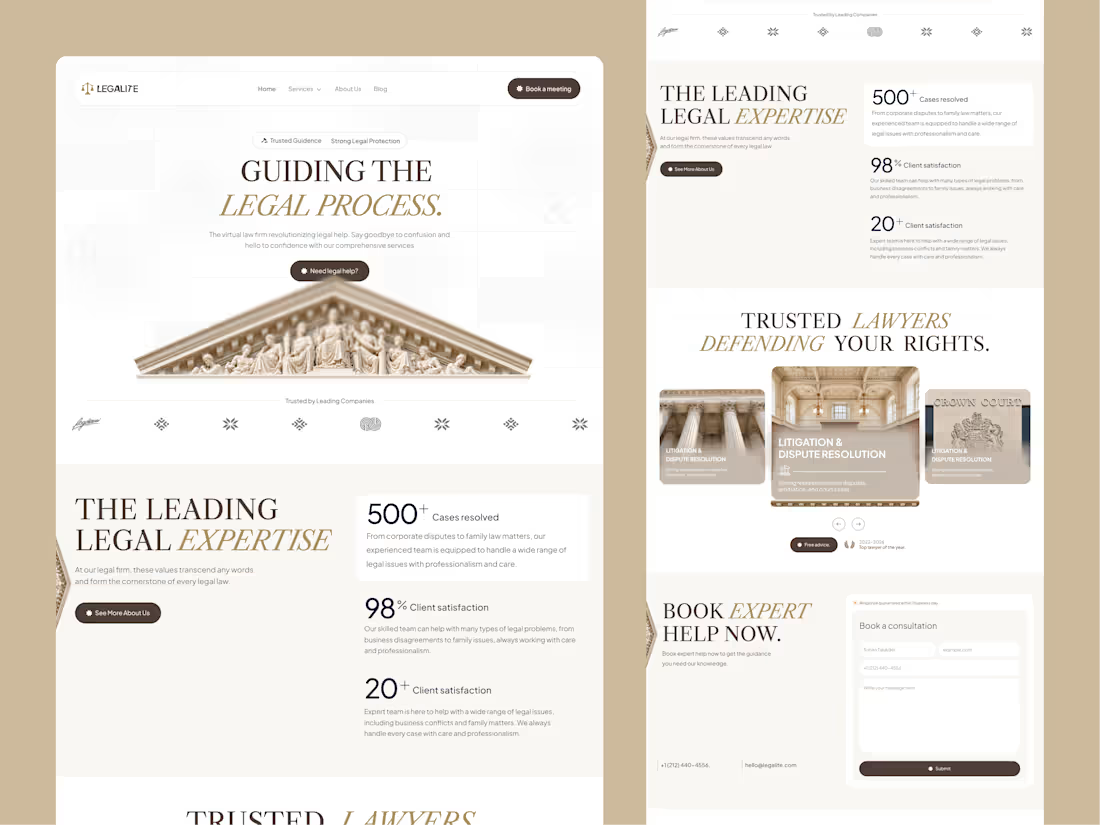
We have just finished designing a new website for a client specializing in premium law firm and legal services.
1
51
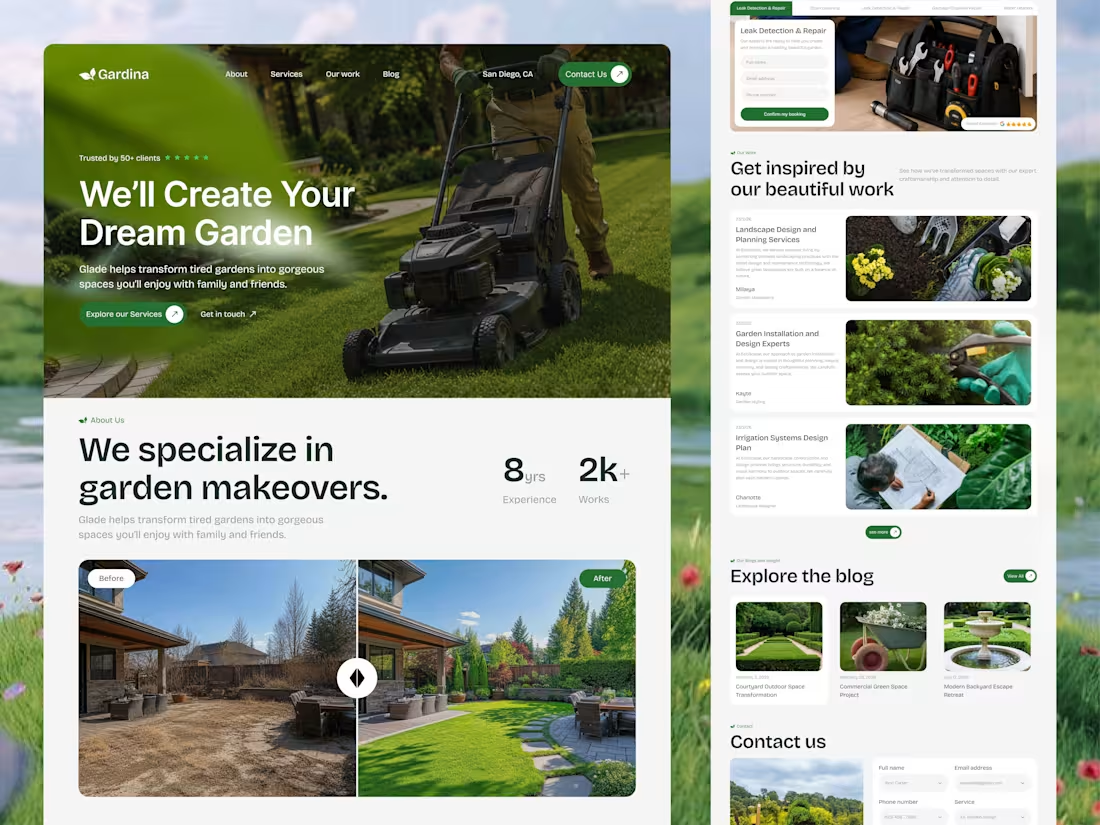
We designed this Landscaping & Garden Services Website to showcase outdoor transformations, services, expertise, and customer results in one clear experience. Nature-inspired visuals, fresh green tones, and spacious layouts create a premium feel while guiding visitors naturally from inspiration to enquiry.
Because a great website should make the beauty of your work impossible to ignore.
𝗢𝘂𝗿 𝗦𝗲𝗿𝘃𝗶𝗰𝗲𝘀
UI/UX Design | Website Design | Product Design | Mobile App Design | Brand Identity Design
Building a landscaping, gardening, or outdoor services brand?
Let’s create a website that turns visitors into customers.
#LandscapingWebsite (https://www.facebook.com/hashtag/landscapingwebsite?__cft__[0]=AZawypgtNm3raTJ1TTJG58P3HachWC7qdbjlaHoAUCflJRn1XQyKzLBEKhDa3Tg7j0OLQo3p4XAVA0lLk6m_LfMZzd3OOZmF3fskF54POSWejn8GvcyrMAmnt5ErA5_0XHGd9dHfBjRK71IZJoWnvENs&__tn__=*NK-R) #GardenDesign (https://www.facebook.com/hashtag/gardendesign?__cft__[0]=AZawypgtNm3raTJ1TTJG58P3HachWC7qdbjlaHoAUCflJRn1XQyKzLBEKhDa3Tg7j0OLQo3p4XAVA0lLk6m_LfMZzd3OOZmF3fskF54POSWejn8GvcyrMAmnt5ErA5_0XHGd9dHfBjRK71IZJoWnvENs&__tn__=*NK-R) #LandscapeDesign (https://www.facebook.com/hashtag/landscapedesign?__cft__[0]=AZawypgtNm3raTJ1TTJG58P3HachWC7qdbjlaHoAUCflJRn1XQyKzLBEKhDa3Tg7j0OLQo3p4XAVA0lLk6m_LfMZzd3OOZmF3fskF54POSWejn8GvcyrMAmnt5ErA5_0XHGd9dHfBjRK71IZJoWnvENs&__tn__=*NK-R) #WebsiteDesign (https://www.facebook.com/hashtag/websitedesign?__cft__[0]=AZawypgtNm3raTJ1TTJG58P3HachWC7qdbjlaHoAUCflJRn1XQyKzLBEKhDa3Tg7j0OLQo3p4XAVA0lLk6m_LfMZzd3OOZmF3fskF54POSWejn8GvcyrMAmnt5ErA5_0XHGd9dHfBjRK71IZJoWnvENs&__tn__=*NK-R) #UIUXDesign (https://www.facebook.com/hashtag/uiuxdesign?__cft__[0]=AZawypgtNm3raTJ1TTJG58P3HachWC7qdbjlaHoAUCflJRn1XQyKzLBEKhDa3Tg7j0OLQo3p4XAVA0lLk6m_LfMZzd3OOZmF3fskF54POSWejn8GvcyrMAmnt5ErA5_0XHGd9dHfBjRK71IZJoWnvENs&__tn__=*NK-R)
1
2
106
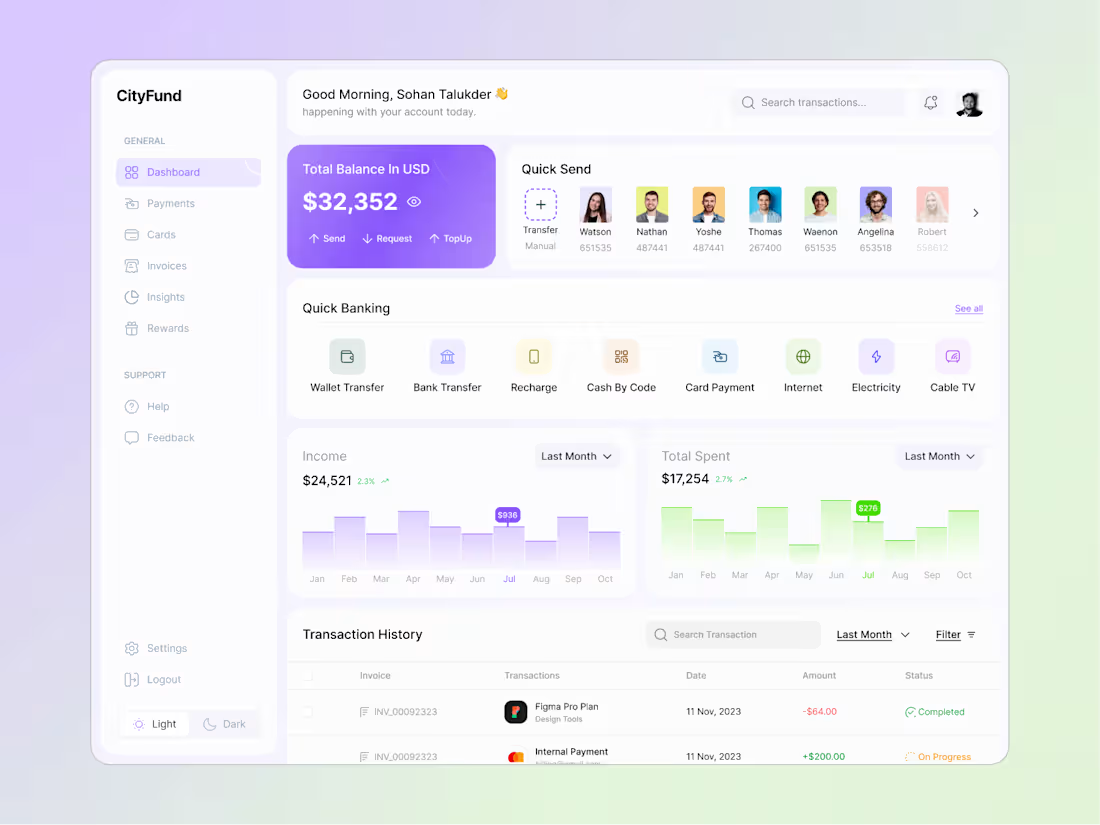
Most banking dashboards show data.
This one is designed to make money feel simple.
Clean finance. Clear decisions. Better UX.
What would you improve?
3
7
314
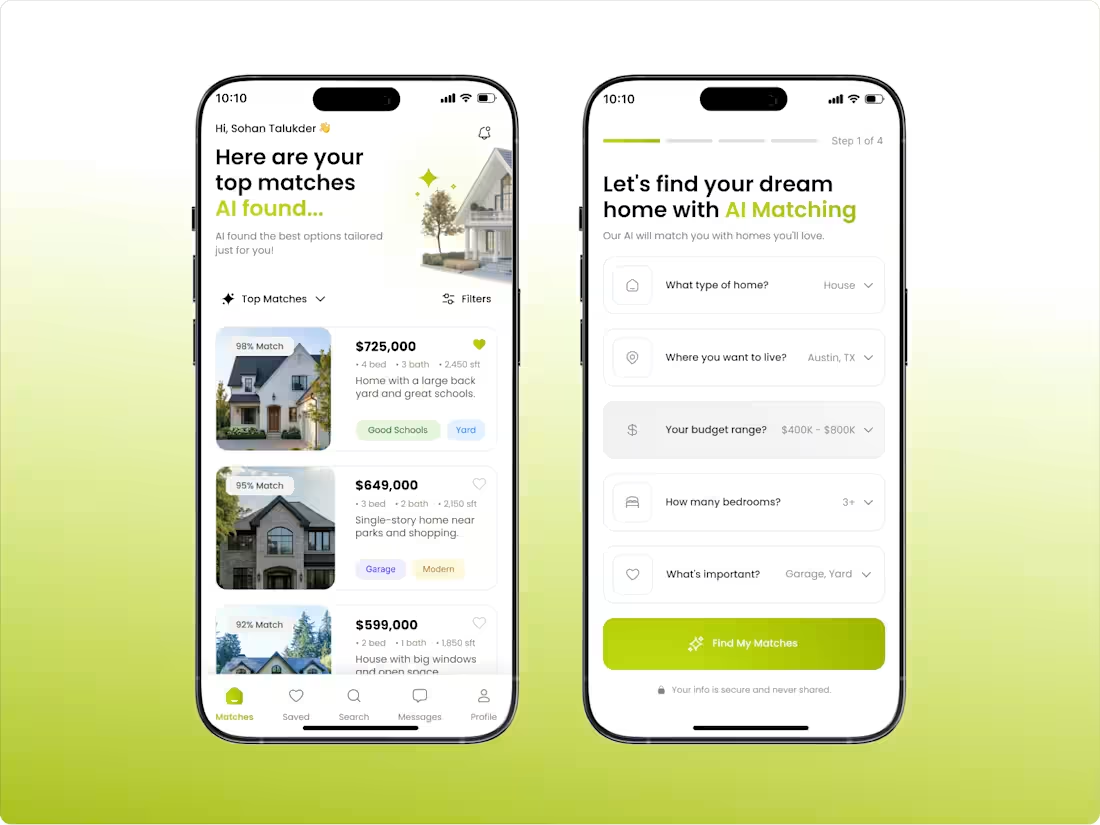
We designed this AI-powered real estate app to match users with homes based on what actually matters to them budget, location, lifestyle, and preferences.
Smarter matching. Simpler discovery. Better home searches.
#AI #RealEstate #PropTech #UIUXDesign
1
2
102