
🚨New App Alert🚨
Using Anything, I built an AI chat that runs a local language model on the server side in a project with Transformers.js installed🤯
No CDNs, no built-in integrations or external APIs, and no browser-side inference in a serverless environment.
Try out the Server-Side Local AI Chat app below:
https://www.anything.com/mobile-preview/c64a0c85-f3e0-4546-af67-453bd13b3f2c
Here are a few notes.
• For a technical reason, I share this chat in development mode through a mobile wrapper app prepared for the chat to work despite being not deployed for production.
• If you haven't got an account in Anything yet and are interested in having one, please consider signing up via the affiliate link available from the header "Built by ..." statement in this chat.
• I will later post author comments in the comment section to share some information that should be added as notes and/or disclosed to be fair.
3
0
51
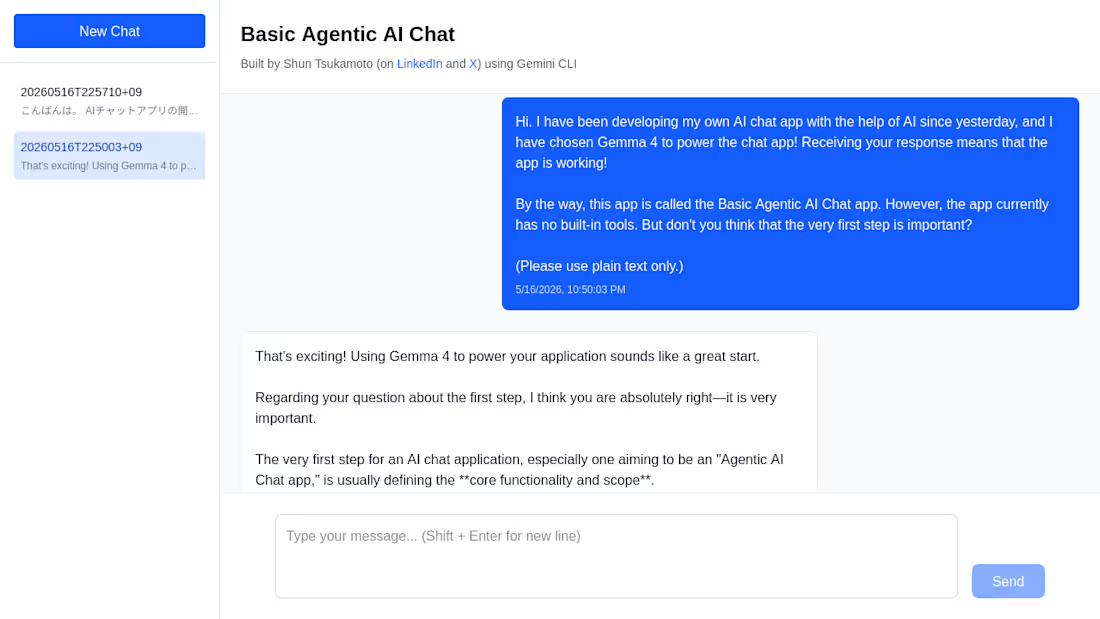
Since Friday (May 15, 2026), I have been building a local AI chat app of my own with the help of generative AI🚀 The main reason is to use Gemma 4 on my laptop in an environment where I can expect what will happen. In addition, this project has been helping me learn a lot about how vibecoding tools work under the hood!
This chat app is built under the following setup:
• Next.js
• Two API Routes, separating LLM inference from the back-end part of the app
• Transformers.js (running on the server side)
• The ONNX q4 version of gemma-4-e2b-it
Note that this chat app is still in development and, despite its name, has not got any built-in tools yet. However, a first step is very important in app building, isn't it? I hope that this post inspires anyone to build their own local AI chat app!
See the comment section for additional notes (if any).
3
1
116
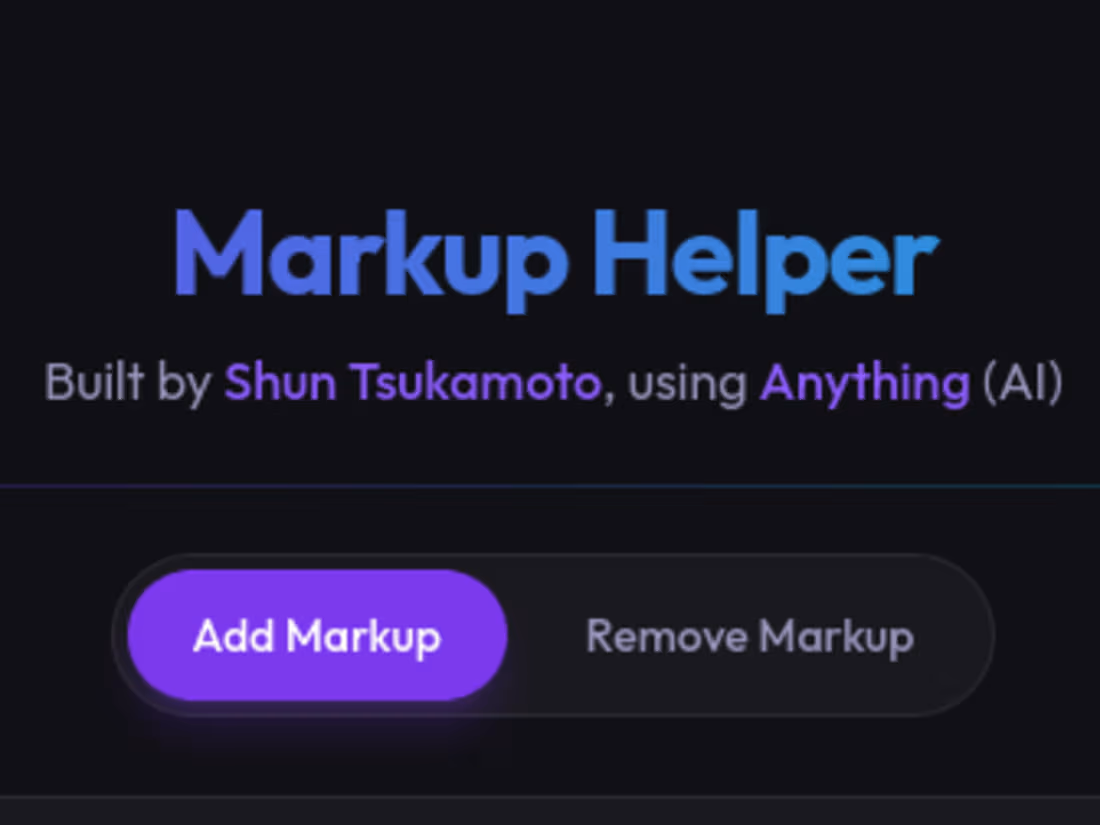
Markup Helper
https://markup-helper.created.app/
First things first, I have two questions for you.
1. Don't you often use or see the following text markup formats?
(A) Code Blocks in Markdown
```
This is a snippet of source code.
Not only is it for programming languages, I personally adopt this markup to emphasize text blocks that are not quotes but my own.
```
(B) Quote Blocks in Email, Markdown, etc.
> This is the first line of a quote.
> This is the second line of the quote.
2. If you do, have you ever struggled with adding or removing such text markup, especially on mobile?
If you answer "yes" to both questions, Markup Helper is for you!
Using Anything, I have built a web app that helps you add or remove text markup for both PC and mobile users!
Markup Helper covers the following types of text markup:
* Wrappers, surrounding text with them
- Identical open and close text pairs (such as code blocks in Markdown)
- Different open and close text pairs (such as comment blocks in some computer languages) (e.g., "<!-- comment block in HTML -->")
* Prefixes, adding them to the beginning of every single line (such as quote blocks in email, Markdown, etc.)
Please also see the comment section for a thread of replies that I am adding extra notes to as soon as possible, which will include explaining Anything, introducing myself as an Anything Expert and a social post on this web app, and disclosing some stuff in case you want to know it.
6
2
198
Template GAIA
https://www.anything.com/build/lZaKZfglRdmWehxcPJ2_Cw (a builder link)
I have created a template that makes it easier to build generative AI art (GAIA) projects, which helps you
• Design and showcase stochastic artworks, using the built-in Regenerate and Save buttons
• Keep the code as clean as possible, following the role-based file structure of the template.
Here are some notes.
• This template is based on my Algorithm-Based Generative Landscape Gallery (https://contra.com/community/TvKgWOK1-explore-algorithmic-landscape-generation-with-ai) project.
• The first attached image shows what the template looks like, and the second one is a screenshot of an example project that I have built.
• I will add some additional notes and a social post link to the comment section later.
3
0
151