
From a 0% digital platform to a world-class automated booking engine. 🚀
For the @Base44 #GiveItAGlow challenge, I gave the iconic Shukura Coral Hotel in Sokoto, Nigeria, the ultimate operational transformation.
🧵 Here is a breakdown of what I built:
1/ The Design: Heavily inspired by the sleek, minimalist workspace aesthetic of Huly.io (http://Huly.io). Premium 1px lines, an earthy terracotta-and-coral palette, and absolute flawless mobile responsiveness.
2/ The AI Superagent: A 24/7 smart assistant that handles complex, multi-turn guest reservations and writes instantly to our live database—no tedious booking forms required.
3/ The Ops Dashboard: Staff can track guest requests, confirm NGN bank transfers, and leverage an automated 12/24-hour expiry engine that drops unpaid reservations to protect inventory.
Check out the full, dramatic transformation video walkthrough below! 👇
Website Link: https://shukuracoralhotel.base44.app
Prompt Link: https://docs.google.com/document/d/1sPqH46nCSQxm8x-a9kCLtlTSHMBwUqYo0efB8oYn7Ys/edit?usp=drivesdk
Which i have sent their mangement a email and has repond on when to meet.
#WebDesign #BuildInPublic #AI #Solopreneur
1
69
I’m building the lab I wish my students had. 🧪✨
For years, I taught brilliant minds in empty labs. We described reactions instead of seeing them. This "STEM Interaction Gap" drove my submission for the #ConfigMakeathon.
🚀 Introducing: LabCraft AI
Turn static lesson plans into interactive web simulations in seconds. No code—just curriculum.
⚡ The Workflow (via @Figma Make):
AI Design: Generated responsive "Teacher Dashboard" & "Simulation Canvas" layouts instantly.
Logic Mapping: Used Figma Variables to link sliders to real-time flask visual states.
It’s personal. It’s EdTech. It’s the future of STEM.
👇 Explore the Lab:
🚀 Live Prototype: thus-clad-63683861.figma.site (http://thus-clad-63683861.figma.site)
Community Link: https://www.figma.com/community/file/1646503878043229359/labcraft-ai
X Post Link: https://x.com/i/status/2064876112128127280
📂 Remix the Prompt: (See the section below!)
📂 The "Secret Sauce" (Remix Prompt)
SYSTEM ROLE: Principal Product Architect. GOAL: Generate a 3-screen STEM web app "LabCraft AI" (1440px) using Clean Neobrutalism (2px borders, 8px corners, 4px hard shadows). SCREENS: 1. Prompt Input Dashboard: Sidebar navigation + center AI input bar (48px height) with hover/focus states. 2. Interactive Lab Canvas: Split view. Left: 2 Sliders (8px track, 24px thumb) in Chemical Green (#01C38D). Right: Simulation viewport with an Erlenmeyer Flask showing dynamic fluid levels. 3. Performance Analytics: Grid of 3 metric cards + line chart with interactive nodes in Science Blue (#2A697). CONSTRAINTS: Use Auto Layout for everything. Semantic layer naming. Accessible palette (#2A6F97, #01C38D, #FF6B6B).
🛠️ Quick Setup for Remixers 😊
If you're trying this prompt in Figma Make, follow these two steps for the best results:
StepAction1. Variable BindBind the generated colors to Local Variables to keep the Neobrutalist palette consistent.2. Prototype SyncLink the "Generate" button to the Lab Canvas using Smart Animate to show off the STEM interaction.
8
16
964

Contributed to diverse UI/UX projects, including fintech mobile app design and school management inventory systems.
Highlights
Designed user interfaces and experiences for various projects, including a fintech mobile application, enhancing user engagement.
Developed design solutions for a school management inventory system, improving usability and operational efficiency.
Utilized Figma and other design tools to create wireframes, prototypes, and visual designs in line with project requirements.
Collaborated with development teams to ensure seamless integration of design concepts into functional products.
0
57
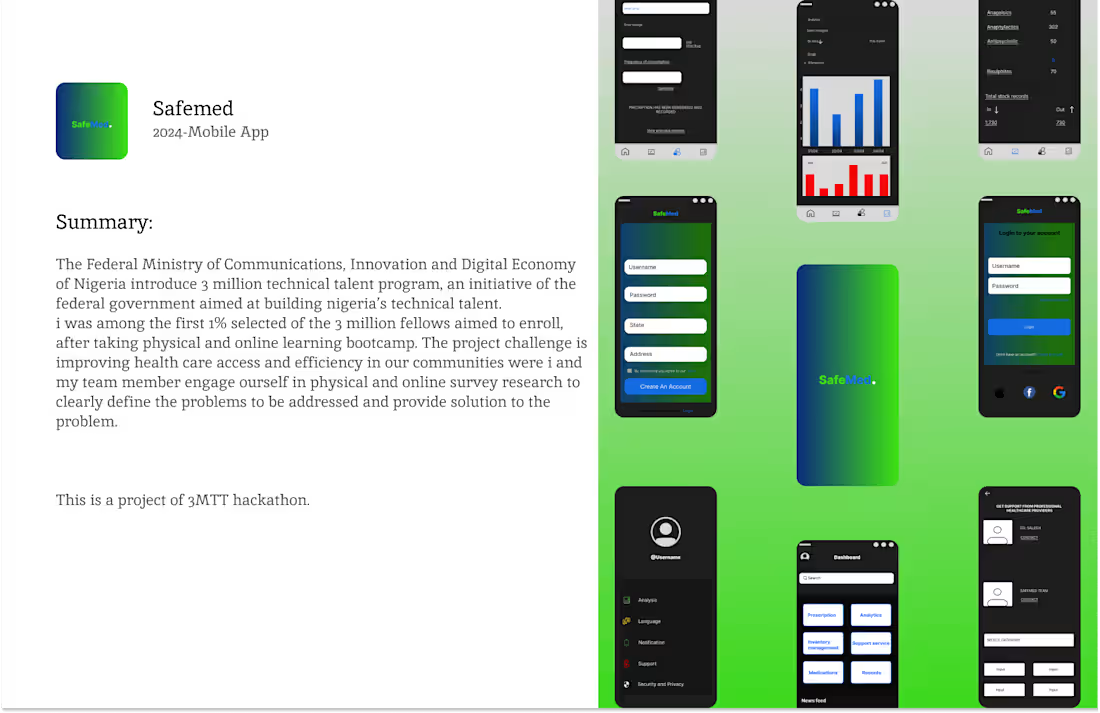
Safemed Mobile App
0
3
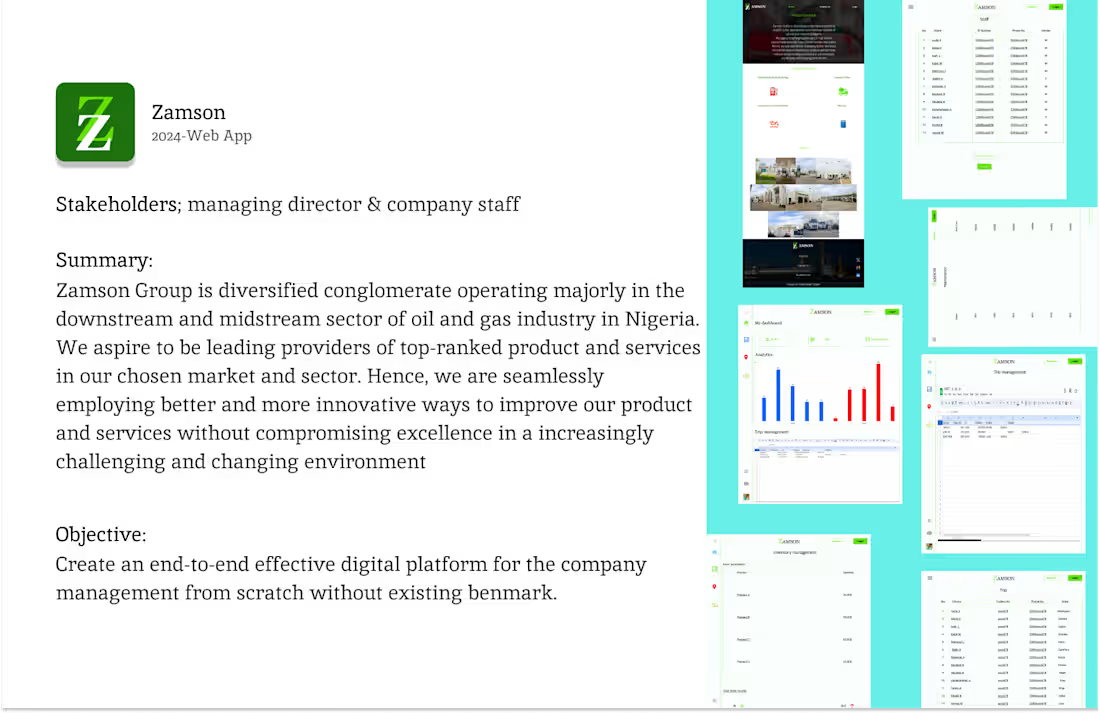
Zamson project case study
0
2
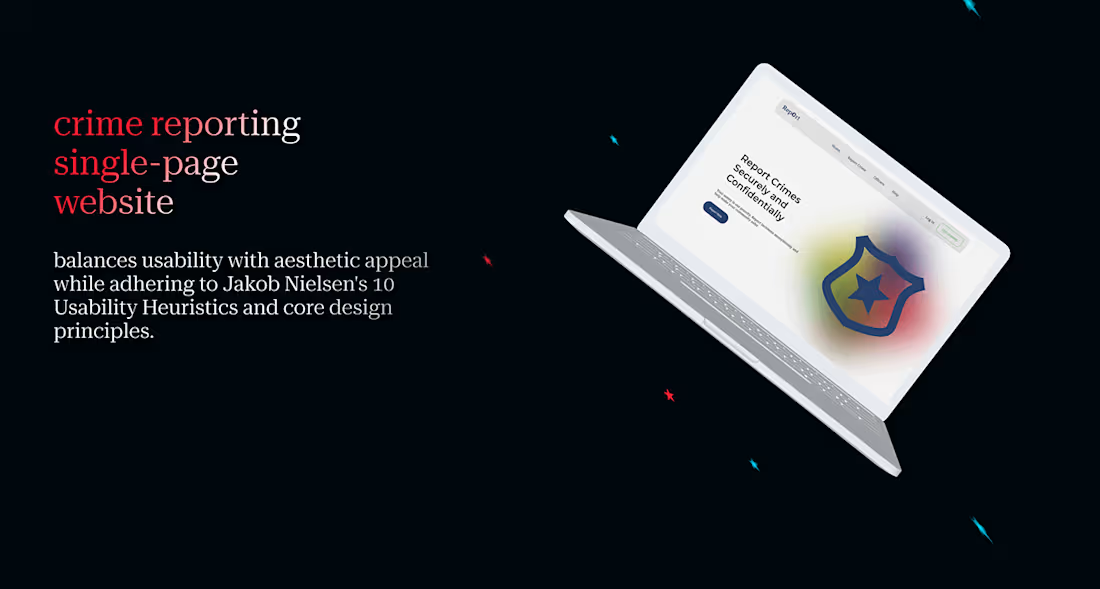
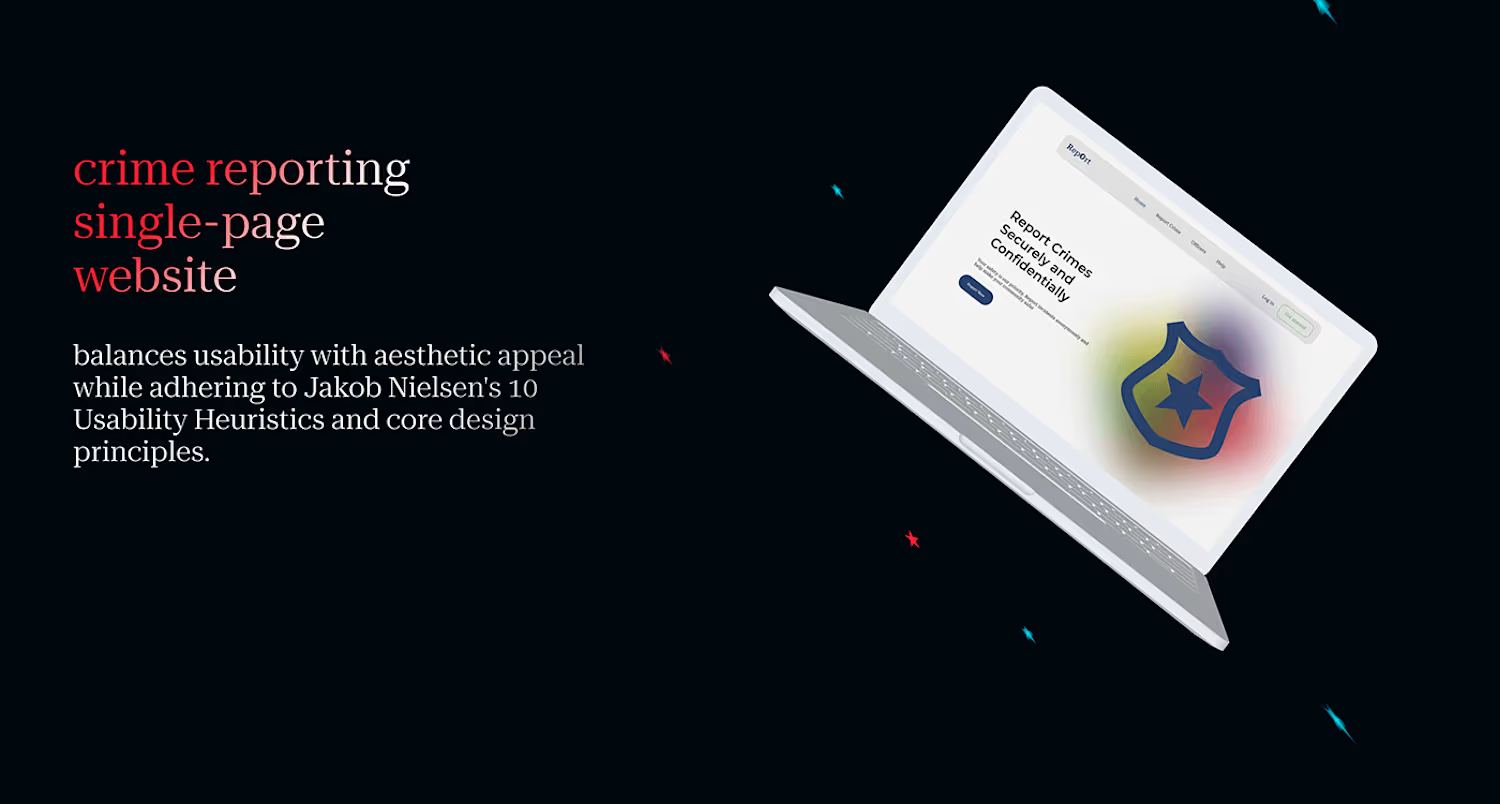
Crime Reporting Single Page-Simple & User Friendly
0
1