
Shouvik Paul
APQP, IATF & VDA Documentation Specialist



HEIC is great... until you copy your photos to a Windows PC.
Phone cameras keep getting better every year, which also means our photos keep getting larger. That's why many smartphones now save images in HEIC—it delivers excellent image quality while taking up much less storage than JPEG.
Sounds great... until you transfer those photos to your Windows PC.
Suddenly you're greeted with a format Windows can't open out of the box, and the suggested solution is to buy a codec or converter.
Like many people, I tried the usual online converters.
The experience wasn't great:
❌ EXIF metadata was stripped from my photos.
❌ Free versions reduced image quality.
❌ Most sites limited conversions to just a handful of files per day.
❌ And worst of all—I had to upload my personal photos to an unknown website.
There had to be a better way.
So I built ImageMint.
🖼️ A free desktop HEIC → JPEG converter that:
Preserves EXIF metadata
Maintains the original image quality
Processes files locally on your computer
Doesn't require uploading your personal photos anywhere
Has no daily conversion limits
Just drag, convert, and you're done.
If you've been struggling with HEIC files on Windows, give ImageMint a try. I'd love to hear your feedback and ideas for improving it.
More useful desktop tools are on the way. 🚀
#BuildInPublic #Windows #HEIC #JPEG #Photography #Privacy #DesktopApp #Productivity #IndieDev
https://github.com/shouvikpaul89/Imagemint/releases/tag/Imagemint
0
27
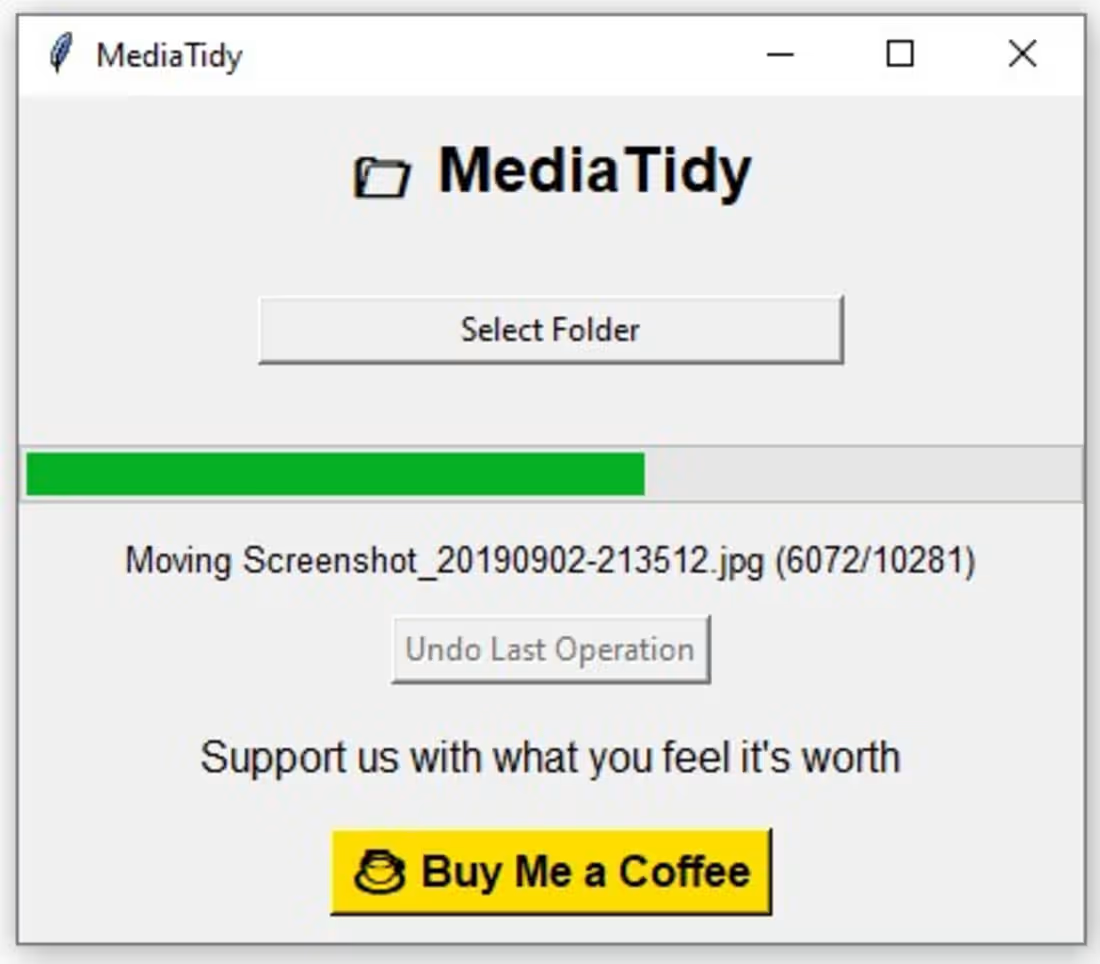
From floppy disks to cloud storage... we've seen it all.
We millennials have lived through the best—and the worst—of three generations of technology. Yet some old habits never die.
I'm still one of those people who transfers photos from my phone to my PC instead of leaving everything scattered across cloud storage. And because I like keeping my digital space neat and organized, I used to spend hours sorting thousands of photos into folders.
One day I asked myself:
Why am I still doing this manually?
So I spent a week building a small desktop tool called MediaTidy.
It scans a folder of photos and automatically organizes them into subfolders based on the date the photo was taken. Now my workflow is simple:
📱 Transfer photos from my phone
▶️ Run MediaTidy
✨ Voila! Everything is neatly organized by date.
No more dragging files around. No more creating folders. No more wasting hours.
If you're like me and enjoy keeping your digital life organized, give MediaTidy a try. <https://shouvikpaul89.github.io/Mediatidy-website/ >
And if it saves you time, you can always Buy Me a Coffee using the button in the app. It helps me keep building practical tools that solve everyday problems.
The next tool is already in the works—coming in a few days. 🚀
#BuildInPublic #Productivity #Automation #DesktopApp #IndieDev #NoCode #Developer
0
49
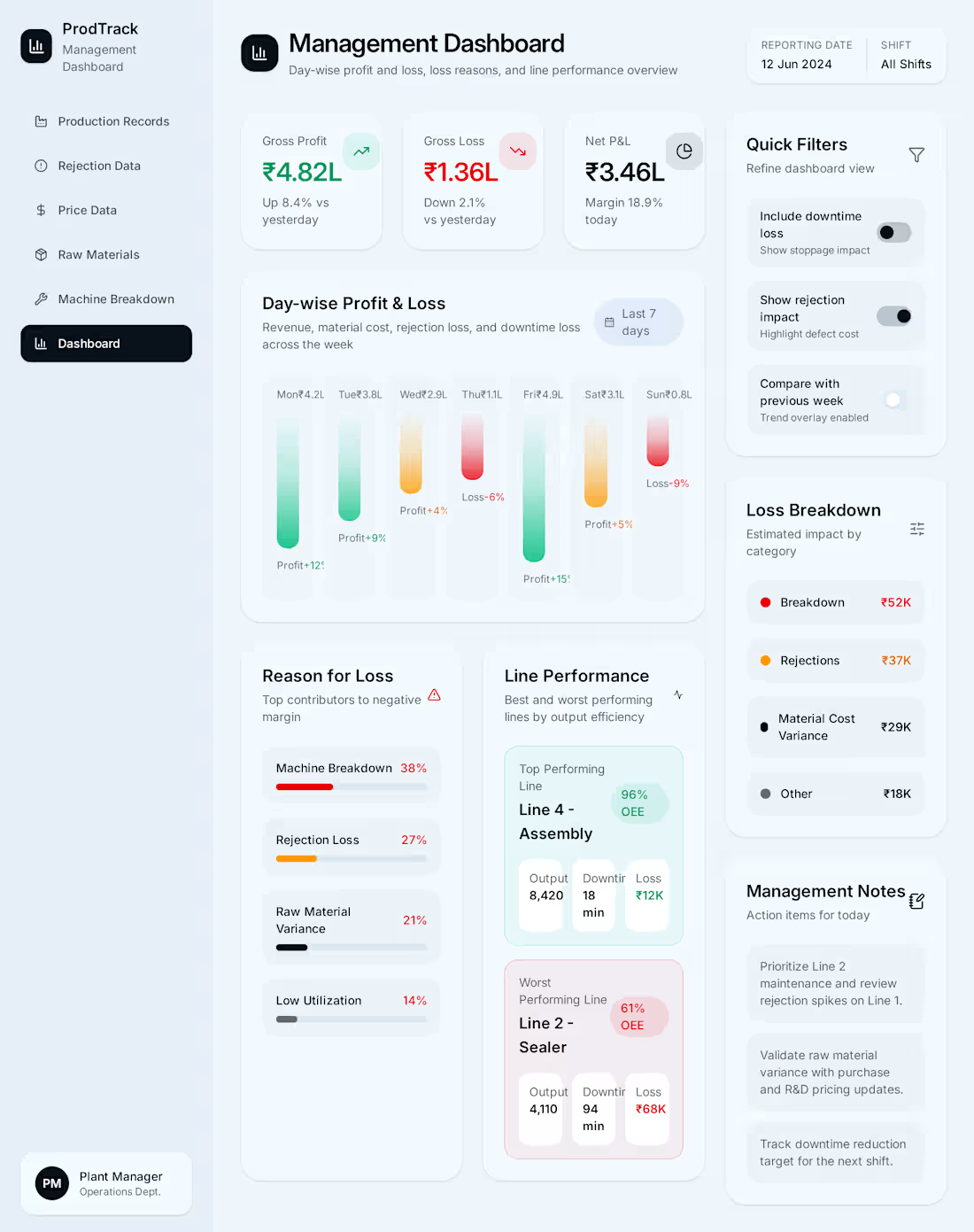
Here is my submission to #flowstepchallenge on Contra
This design has been in my brain for years while I worked in the R&D department and every month would struggle to gather backdated data for management review meeting. I would have to approach production, quality, maintenance, purchase and marketing separately to gather all the data. Painstakingly review the data (always had to recheck and correct because the data would never match) and create a presentation for MRM.
So, here is my solution, a simple software (unlike SAP) that would gather the data from separate teams and give the management a daily/ monthly view of the going ons in the plant in one screen and would also suggest next actions based on the performances of the units.
2
3
351
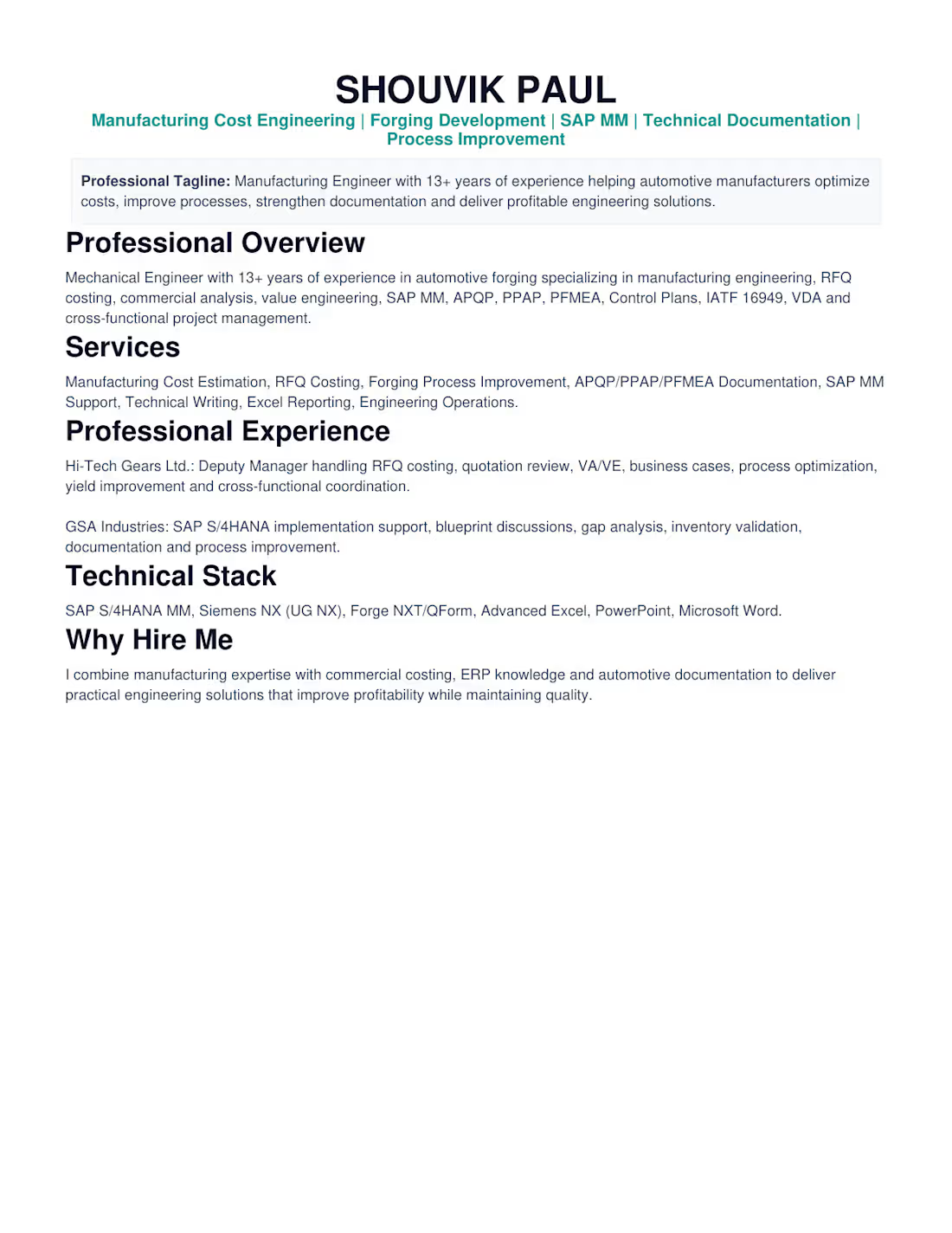
Turning Engineering Challenges into Profitable Solutions.
0
51