Shouvik Fouzder
Motion Designer bringing ideas to life through motion.


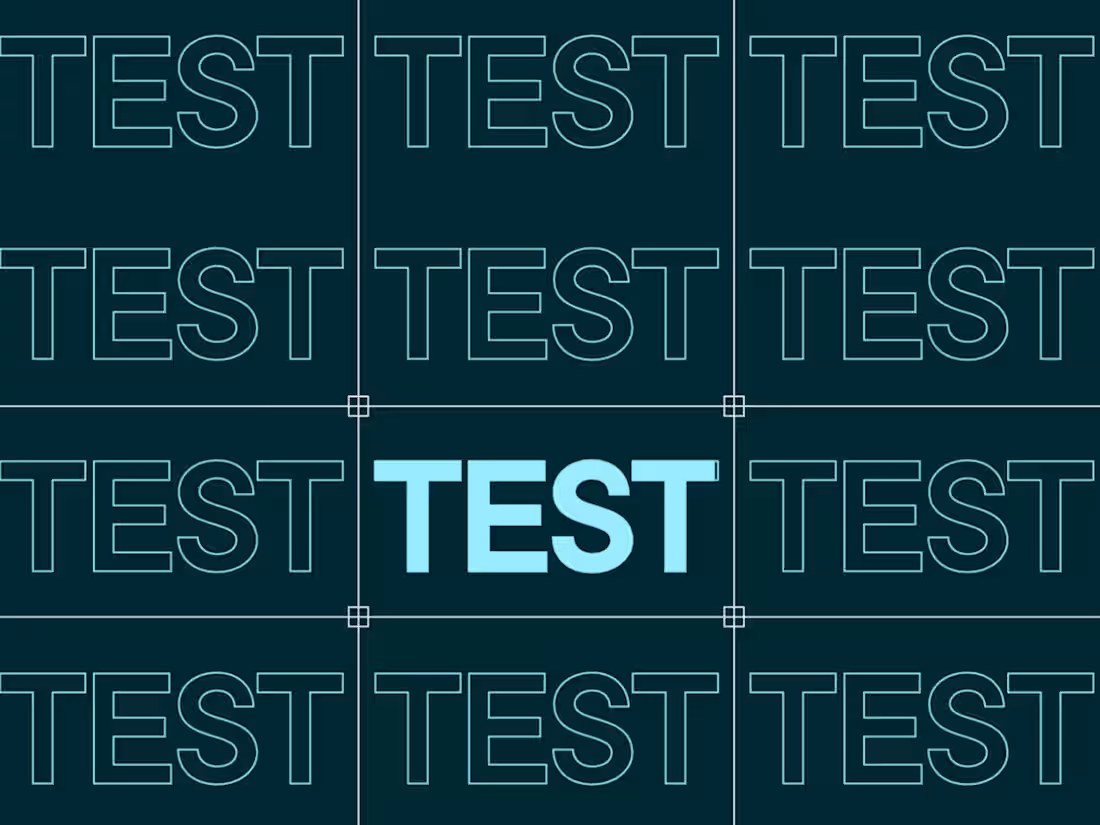
Started by getting aligned on the core idea for Test & Learn 2025 and figuring out a motion system that actually fits the Optimizely brand. Since the Art Director and the motion team were already involved, the direction felt pretty smooth from the beginning.
Then moved into building the motion style. Kept everything clean, minimal, and consistent across the whole video. The focus wasn’t just making things move, but making sure everything feels like part of one system.
The hardest part was honestly the footage. Finding the right clips took time. I stayed away from generic stock as much as possible. Also didn’t want to just match visuals directly with the script, that usually feels too obvious. Instead, I picked footage that adds meaning and makes people think a bit, not just understand everything instantly.
After locking the footage, it was more about refining the pacing and making sure the motion feels smooth and intentional throughout.
In the end, it came together really well. Engagement was better than last year, and the stakeholders were happy with how the branding and motion turned out.
1
94
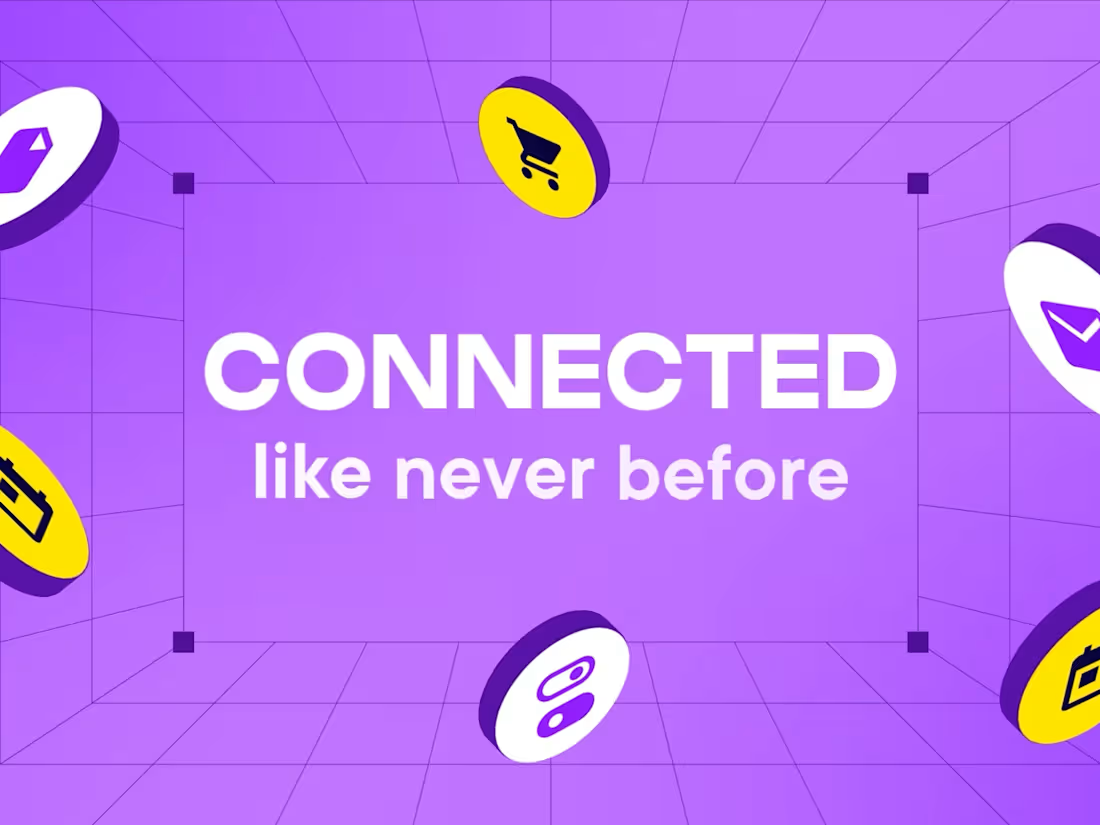
Partnership video I made for Optimizely and Google.
This video was created for corporate professionals, mainly for event screens and LinkedIn. My role in this project was purely motion design, while the design direction was created by Optimizely’s Art Director.
My workflow:
First, I studied the design and thought through how the motion should support the retro concept, instead of using a usual corporate animation approach.
I brainstormed using references from my own creative library and Pinterest, especially retro and video game inspired motion.
One big challenge was avoiding the typical smooth 30fps feel. After testing, I chose 25fps to create a balanced motion style, not too smooth, not too rough.
I used that frame rate along with retro-inspired animation details and transitions to bring the look together while keeping it professional.
Then I refined the pacing so it worked both for large event screens and LinkedIn viewing.
The full piece was completed in 3–4 days. A fun challenge where concept and motion style had to work very closely together.
1
96
Created my own version of a Korey AI product launch video.
Step by step, my process was simple:
• Studied the original video to understand the style, flow, and creative decisions.
• Since there was no script, I started directly with the visuals.
• Designed the scenes in Figma.
• Imported everything into After Effects.
• Animated the full piece.
• Added final polish and exported.
No major complexity, just pure satisfaction. Loved the original video, so I tried making my own version. Bingo!
1
164
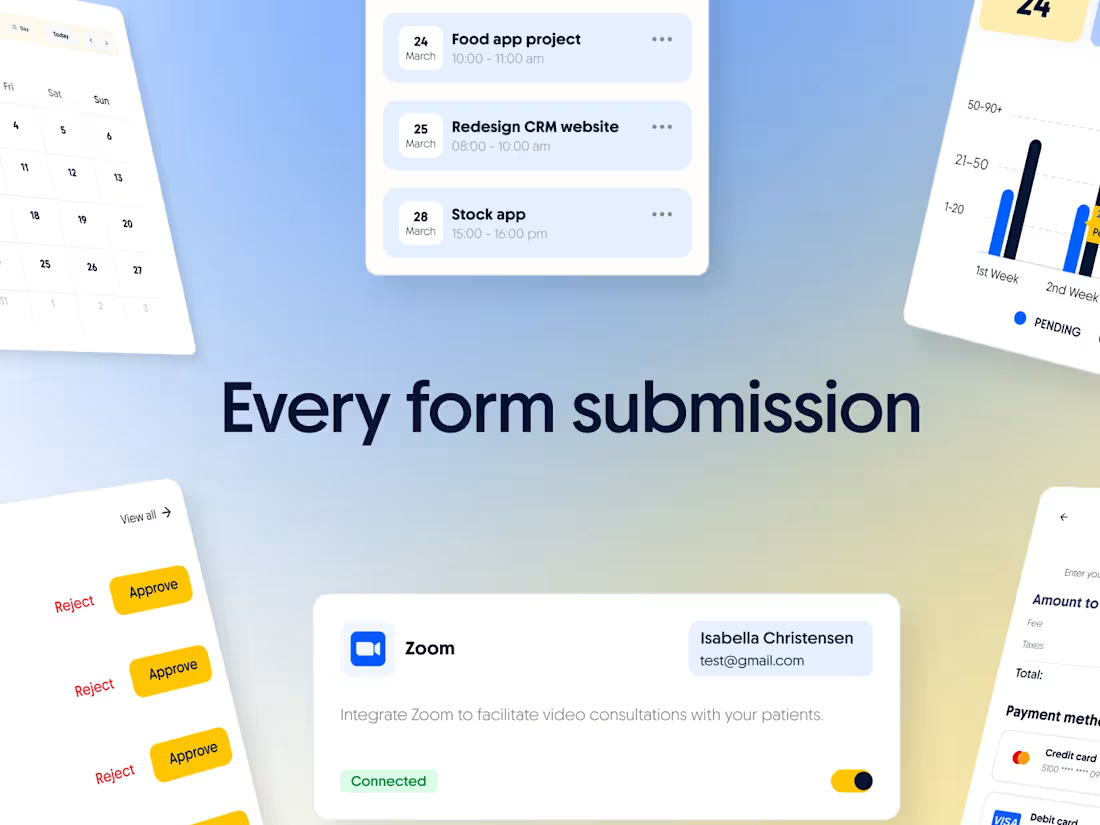
Product video I made for StrategyByte.
Type: Product Video / Demo Video
Audience: Cold
Made for ads/socials and website, where the viewer has 0 prior knowledge/context.
A simple structure I followed:
(Problem) -> (Solution) -> (Quick demo) -> (Social proof) -> (CTA)
My process for creating demo videos has always been simple: make even complex products feel very clear and easy for the audience to understand.
For me, script is the most critical part, even more important than storyboard or animation.
My process usually starts with analyzing popular, high-performing demo videos and their scripts. I study what works, build draft structures from those references, then shape the client’s rough script into something sharper and audience-friendly, using Claude as part of that process.
Then I add voiceover and start building scenes in Adobe After Effects.
You might wonder where storyboarding fits in 😅 I take a slightly faster route. Instead of spending too much time polishing formal storyboards, I often develop scenes directly in motion. Since I have a large library of animation scenes, I go through those, pick what fits, and build from there, while creating supporting visuals in Adobe Illustrator, Figma, or Cinema 4D when needed.
I usually prefer getting a proper dashboard design file from the client, though I often extend or create extra UI in Figma, and Google Stitch as part of the process too.
Then comes sound design, export, and final polish.
Overall, my workflow is very experimental, AI-assisted, fast-moving, and honestly a lot of fun. :)
1
185