
MENU DESIGN Rita Fulginiti
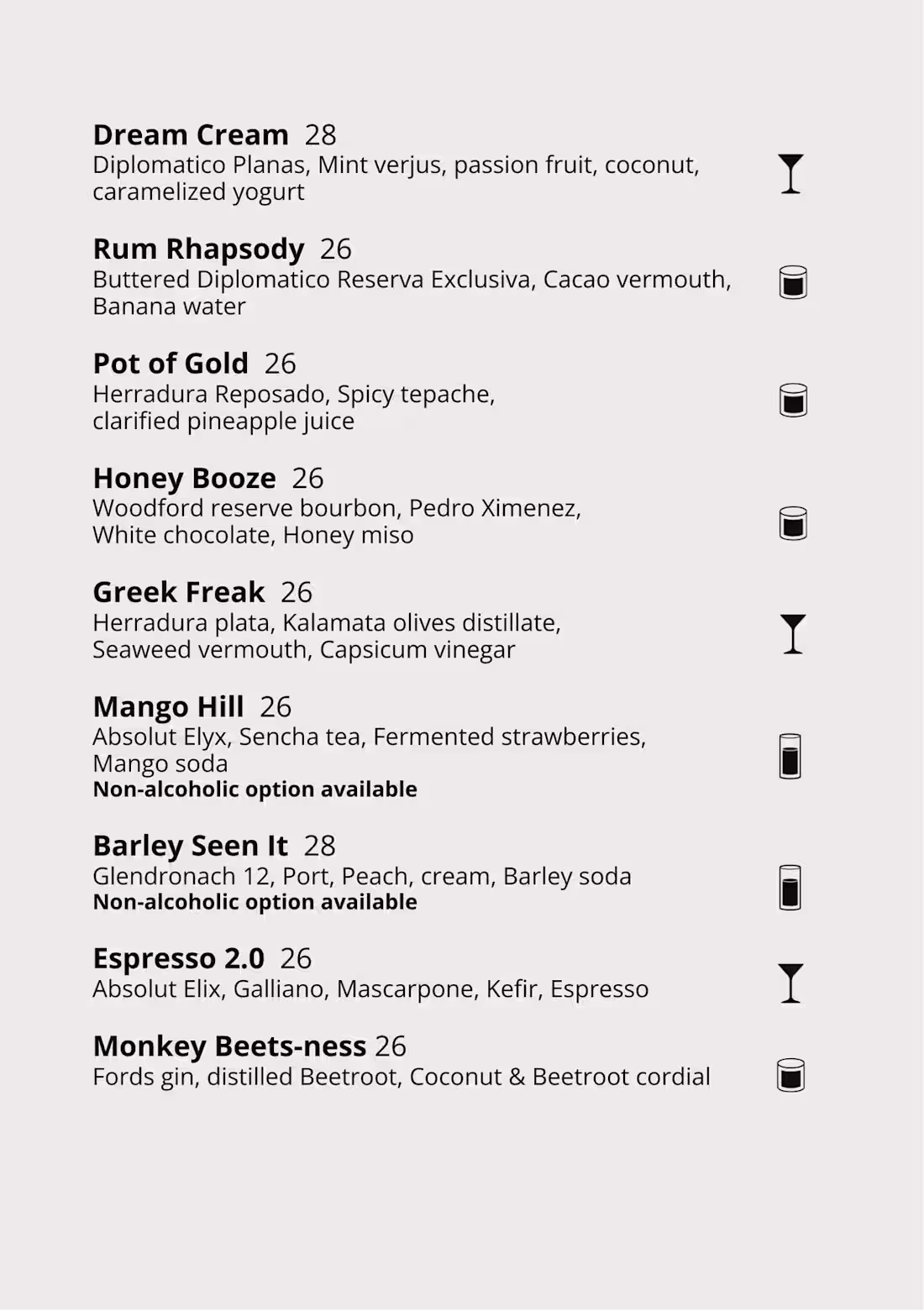
1. Briefing and Research: Collecting information about the menu type and analyzing competitor trends to inform design choices.
2. Content Structure and Architecture: Organizing menu items into clear sections for easy navigation and creating a visual hierarchy with simple, clear labels.
3. Visual Design: Selecting typography, colors, and imagery to enhance readability, brand consistency, and user experience.
4. Prototypes and Mockups: Creating prototypes to test layout and usability, both for physical and digital menus, and refining designs through mockups.
5. Feedback and Iteration: Gathering client or user feedback to refine the design and improve clarity, functionality, and aesthetics.
6. Finalization and Delivery: Delivering final design files for both print and web, ensuring high resolution for quality output.
7. Printing (for physical menus): Selecting materials and finishes for physical menus, considering durability and brand alignment, and determining the appropriate size and format for usability.
What's included
Briefing and Research
Project Understanding: First, it’s important to gather all the information related to the type of menu that needs to be designed.
Market Analysis: Explore competitor menus or menus from other industries to identify trends, styles, and best practices.
Content Structure and Architecture
Organization of Items: Structuring the content into clear and logical sections so that the user can easily navigate between options (e.g., appetizers, main courses, desserts for a restaurant menu).
Visual Hierarchy: Creating a visual hierarchy to guide the user in reading and interacting with the menu.
Clear and Simple Labeling: Ensuring that the labels are easy to understand and highly visible, so the user doesn’t get confused.
Visual Design
Typography: Choosing typefaces to ensure readability and consistency with the brand image.
Color and Style: Using colors to highlight specific areas of the menu and to create an atmosphere consistent with the brand or context.
Icons and Illustrations: Using icons or images to make the menu more interesting and easier to navigate.
Prototypes and Mockups
Prototypes: Creating prototypes to visualize the layout and test usability, both for physical menus (such as a 3D rendering of the printed menu) and digital menus (interactive prototypes in software like Figma or Adobe XD).
Mockups: Creating more detailed and realistic versions of the menu, which can be used for testing or to present the design to the client before the final phase.
Finalization and Delivery
Final Files for Print or Web:
Physical Menu: Delivering print files (PDF, TIFF, etc.), ensuring the correct resolution for the type of printing (e.g., high resolution for quality paper menus).
Printing (for Physical Menus)
Material Selection: In the case of a physical menu, design also involves choosing materials (paper, plastic, wood, etc.) and finishes (lamination, binding, etc.) to make the menu durable and consistent with the brand.
Size and Format: Defining the menu size (e.g., A4, folded, booklet) to facilitate reading and use.
Rita's other services


Starting at$1,000
Duration1 week
Tags
Adobe InDesign

Adobe Photoshop

Graphic Designer
Service provided by
Rita Fulginiti Rome, Italy
MENU DESIGN Rita Fulginiti
1. Briefing and Research: Collecting information about the menu type and analyzing competitor trends to inform design choices.
2. Content Structure and Architecture: Organizing menu items into clear sections for easy navigation and creating a visual hierarchy with simple, clear labels.
3. Visual Design: Selecting typography, colors, and imagery to enhance readability, brand consistency, and user experience.
4. Prototypes and Mockups: Creating prototypes to test layout and usability, both for physical and digital menus, and refining designs through mockups.
5. Feedback and Iteration: Gathering client or user feedback to refine the design and improve clarity, functionality, and aesthetics.
6. Finalization and Delivery: Delivering final design files for both print and web, ensuring high resolution for quality output.
7. Printing (for physical menus): Selecting materials and finishes for physical menus, considering durability and brand alignment, and determining the appropriate size and format for usability.
What's included
Briefing and Research
Project Understanding: First, it’s important to gather all the information related to the type of menu that needs to be designed.
Market Analysis: Explore competitor menus or menus from other industries to identify trends, styles, and best practices.
Content Structure and Architecture
Organization of Items: Structuring the content into clear and logical sections so that the user can easily navigate between options (e.g., appetizers, main courses, desserts for a restaurant menu).
Visual Hierarchy: Creating a visual hierarchy to guide the user in reading and interacting with the menu.
Clear and Simple Labeling: Ensuring that the labels are easy to understand and highly visible, so the user doesn’t get confused.
Visual Design
Typography: Choosing typefaces to ensure readability and consistency with the brand image.
Color and Style: Using colors to highlight specific areas of the menu and to create an atmosphere consistent with the brand or context.
Icons and Illustrations: Using icons or images to make the menu more interesting and easier to navigate.
Prototypes and Mockups
Prototypes: Creating prototypes to visualize the layout and test usability, both for physical menus (such as a 3D rendering of the printed menu) and digital menus (interactive prototypes in software like Figma or Adobe XD).
Mockups: Creating more detailed and realistic versions of the menu, which can be used for testing or to present the design to the client before the final phase.
Finalization and Delivery
Final Files for Print or Web:
Physical Menu: Delivering print files (PDF, TIFF, etc.), ensuring the correct resolution for the type of printing (e.g., high resolution for quality paper menus).
Printing (for Physical Menus)
Material Selection: In the case of a physical menu, design also involves choosing materials (paper, plastic, wood, etc.) and finishes (lamination, binding, etc.) to make the menu durable and consistent with the brand.
Size and Format: Defining the menu size (e.g., A4, folded, booklet) to facilitate reading and use.
Rita's other services
$1,000