Proofreading to keep readers focused on your storyElizabeth Judkins
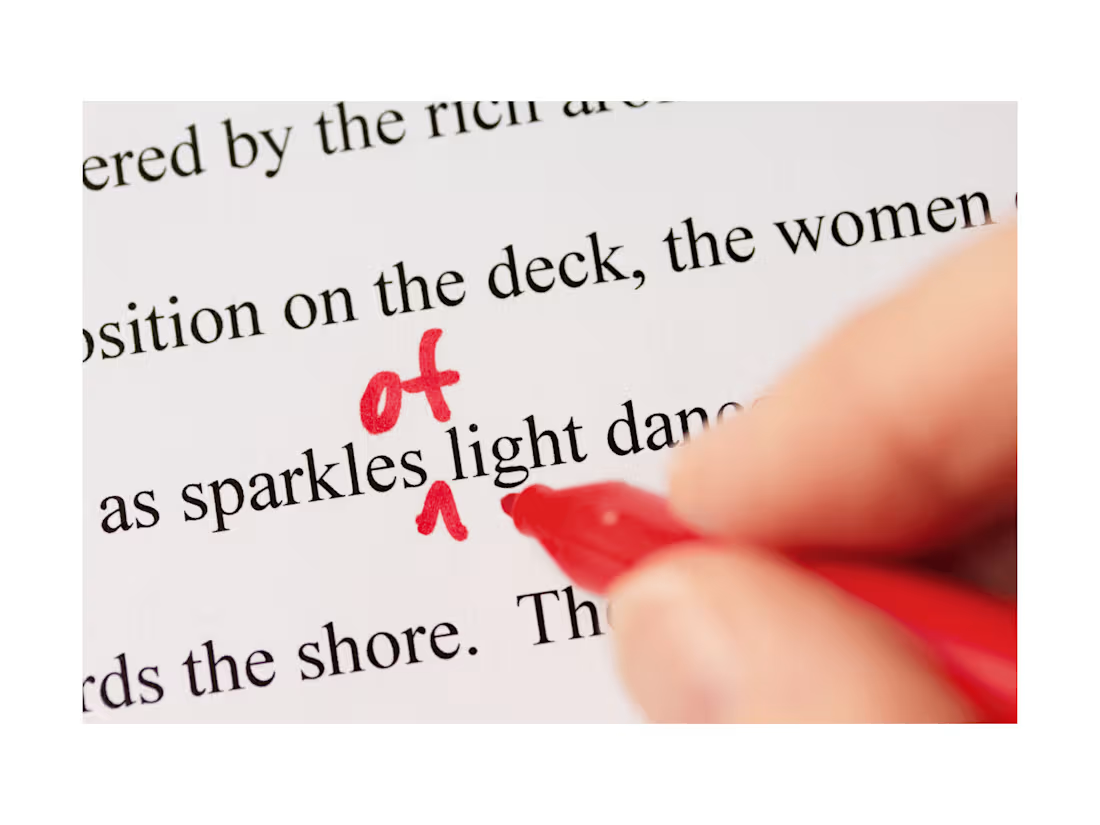
Do you want a book readers can get lost in? How about reviews that don't mention typos and inconsistencies? Maine Woods Editing can help.
I am a highly detail-oriented proofreader/copy editor able to meet tight deadlines, spot typos, find plot holes and inconsistencies, and make suggestions that respect your authorial voice. With Maine Woods Editing, you are getting a reader perspective, an editor's experience and guidance, and tips that can help you take your writing to the next level.
I have experience editing book reviews, magazines, feature articles, romance novels, nonfiction, and book blurbs. I am familiar with both AP style and the Chicago Manual of Style, and I'm a proficient user of Microsoft Word. Since leaving Kirkus Reviews magazine and starting Maine Woods Editing, I have helped eight authors polish seventeen books. Will yours be next?
What's included
Edited file
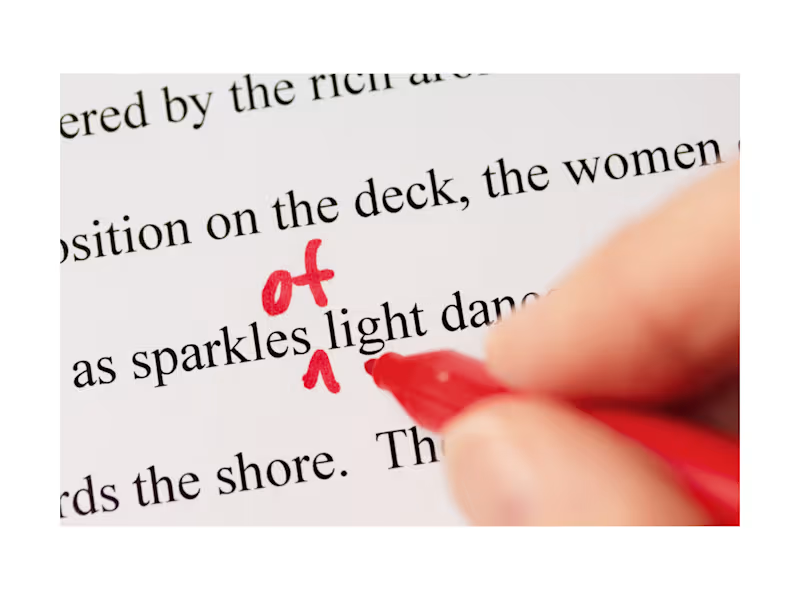
You will receive a Word file with all changes tracked and comments in the margin noting suggestions in line with your authorial voice, writing tips, grammar rules, well-written passages, and items needing attention.
Editorial report and style guide
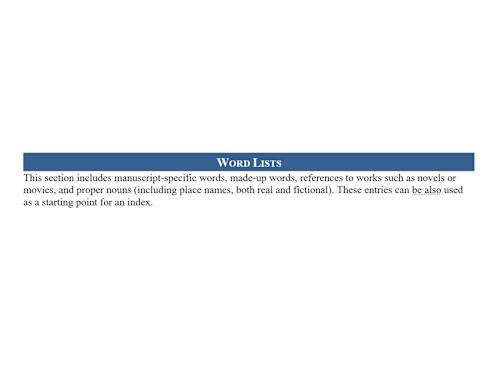
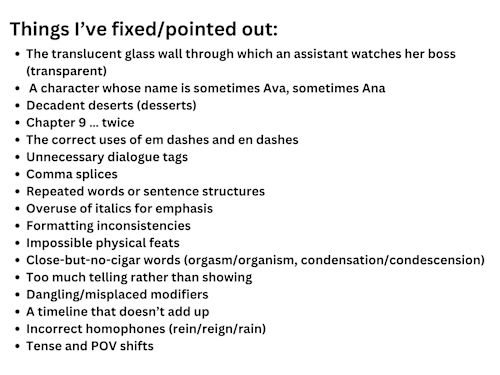
This Word document brings together any margin notes in one place, so you can use it as a guide in writing future books. In the editorial report portion, I'll note grammar and punctuation rules, writing tips, and issues that need to be addressed in your manuscript. The style guide portion lists specifics about your book/series: character and place names and descriptions, a word list, timeline details, style preferences, and formatting choices. Having all these details at your fingertips will make it easy to ensure that books in a series are consistent.
Guide to using Word's Track Changes
This document gives first-time Track Changes users instructions for using this Word tool and a safe place to practice those skills (not their edited manuscript).
FAQs
Elizabeth's other services
Contact for pricing
Tags
Adobe Suite

Canva

Google Docs

Microsoft Excel

Microsoft Word

Copy Editor
Proofreader
Service provided by
Elizabeth Judkins Maine, USA
- 1
- Followers
Proofreading to keep readers focused on your storyElizabeth Judkins
Contact for pricing
Tags
Adobe Suite
Canva
Google Docs
Microsoft Excel
Microsoft Word
Copy Editor
Proofreader
Do you want a book readers can get lost in? How about reviews that don't mention typos and inconsistencies? Maine Woods Editing can help.
I am a highly detail-oriented proofreader/copy editor able to meet tight deadlines, spot typos, find plot holes and inconsistencies, and make suggestions that respect your authorial voice. With Maine Woods Editing, you are getting a reader perspective, an editor's experience and guidance, and tips that can help you take your writing to the next level.
I have experience editing book reviews, magazines, feature articles, romance novels, nonfiction, and book blurbs. I am familiar with both AP style and the Chicago Manual of Style, and I'm a proficient user of Microsoft Word. Since leaving Kirkus Reviews magazine and starting Maine Woods Editing, I have helped eight authors polish seventeen books. Will yours be next?
What's included
Edited file
You will receive a Word file with all changes tracked and comments in the margin noting suggestions in line with your authorial voice, writing tips, grammar rules, well-written passages, and items needing attention.
Editorial report and style guide
This Word document brings together any margin notes in one place, so you can use it as a guide in writing future books. In the editorial report portion, I'll note grammar and punctuation rules, writing tips, and issues that need to be addressed in your manuscript. The style guide portion lists specifics about your book/series: character and place names and descriptions, a word list, timeline details, style preferences, and formatting choices. Having all these details at your fingertips will make it easy to ensure that books in a series are consistent.
Guide to using Word's Track Changes
This document gives first-time Track Changes users instructions for using this Word tool and a safe place to practice those skills (not their edited manuscript).
FAQs
Elizabeth's other services
Contact for pricing