
Product Design – Web App & SaaS UIDaniel G Bright
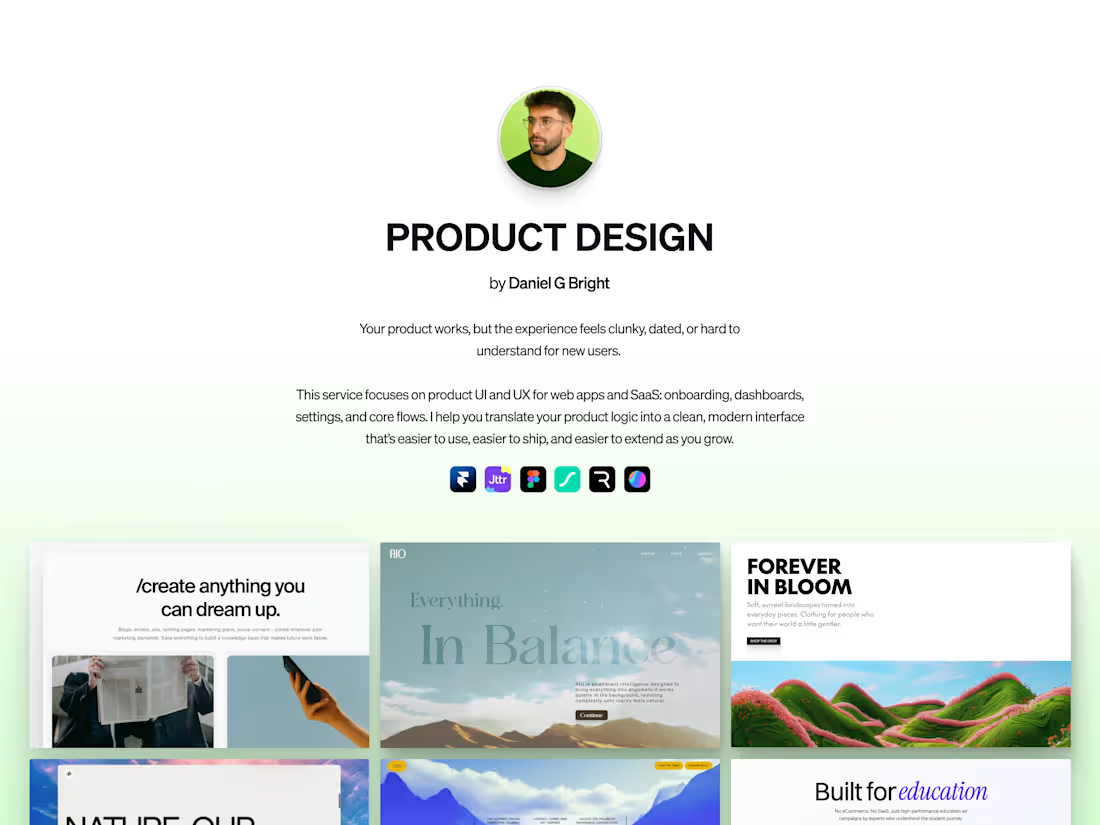
Your product works, but the experience still feels like an MVP: clunky flows, dated UI, confused new users.
This service focuses on product UI & UX for web apps and SaaS. I help you map and redesign your most important flows — onboarding, dashboards, billing, core actions — into a clean, modern interface that’s easier to understand, easier to ship, and easier to extend as you grow.
Perfect for
SaaS products with solid functionality but inconsistent or messy UI
Teams shipping fast who need patterns and components instead of one-off screens
Founders with an MVP that needs to feel more premium and trustworthy
PMs/devs who want a design partner to refine flows before build
How it works
1. Product walkthrough & goals
We walk through your product together, map the key flows, and align on users, use cases, and success metrics.
2. UX & flow refinement
I map the ideal journeys for your chosen flows (e.g. onboarding → activation, dashboard → core action) and remove friction and confusion.
3. UI concepts & direction
We define the visual language: typography, spacing, layout, and basic components so everything feels cohesive.
4. Screen design & states
I design high-fidelity screens (desktop first, with mobile considerations) including key states: empty, loading, error, success.
5. Handoff & support
You get an organized Figma file and a Loom walkthrough so your dev team knows exactly what to build. I’m available for implementation questions.
What's included
Product & User Deep Dive
I review your product, users, and goals with you so we’re designing the right flows for the right people.
Flow Maps & UX Recommendations
Clear diagrams of your key journeys (e.g. onboarding, dashboard) with written notes on what to change and why.
High-Fidelity Screen Designs
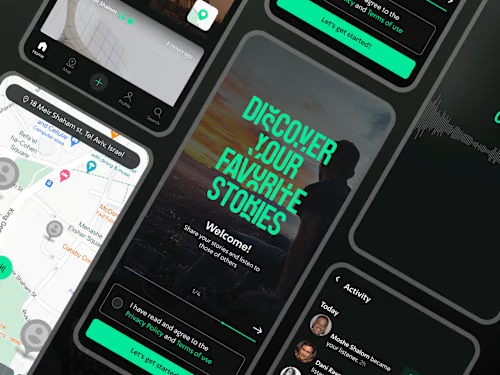
Polished UI for the agreed screens and states (empty, loading, error, success) so everyone can see the new experience.
Starter Component Library
A small set of reusable components (buttons, inputs, cards, modals, nav, etc.) to keep future design and build consistent.
Responsive & State Guidelines
Guidance for how layouts adapt between desktop and mobile, plus key interaction notes for hovers, clicks, and transitions.
Dev-Ready Figma File
An organized Figma file with frames, components, and naming structured so your dev team can implement without guessing.
Loom Walkthrough & Q&A Support
A recorded walkthrough explaining the flows, patterns, and components, plus time for your team to ask implementation questions.
Example work
Daniel G's other services
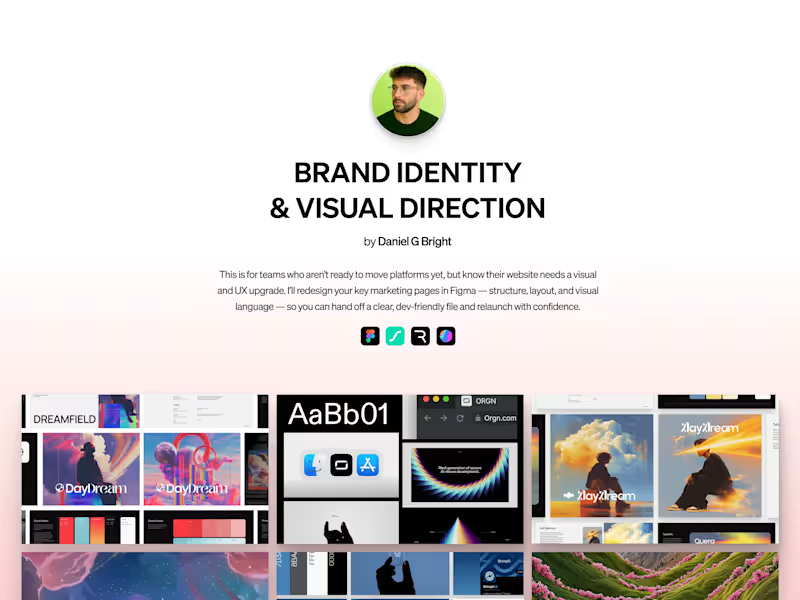
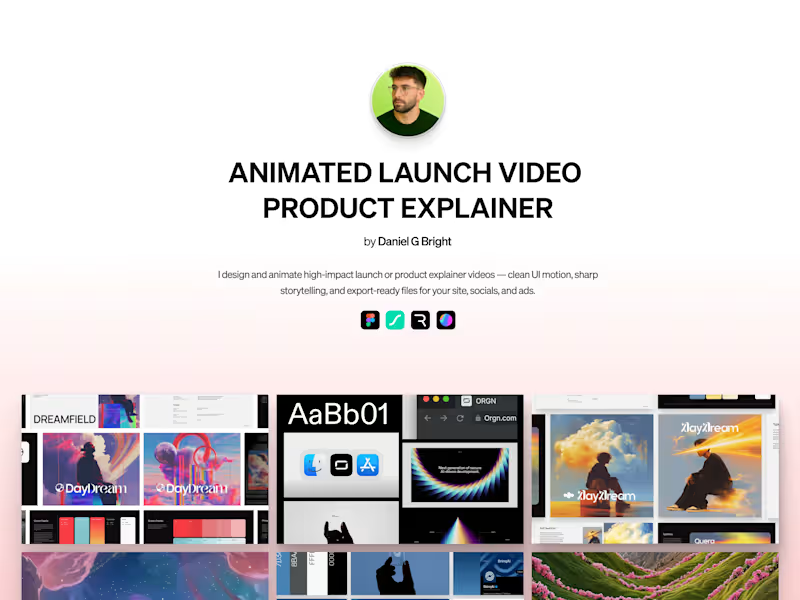
Starting at$3,500
Duration1 week
Tags
Figma

Product Designer
UI Designer
UX Designer
Service provided by
Daniel G Bright maxBarcelona, Spain
- $250k+
- Earned
- 65
- Paid projects
- 4.91
- Rating
- 4444
- Followers
Product Design – Web App & SaaS UIDaniel G Bright
Your product works, but the experience still feels like an MVP: clunky flows, dated UI, confused new users.
This service focuses on product UI & UX for web apps and SaaS. I help you map and redesign your most important flows — onboarding, dashboards, billing, core actions — into a clean, modern interface that’s easier to understand, easier to ship, and easier to extend as you grow.
Perfect for
SaaS products with solid functionality but inconsistent or messy UI
Teams shipping fast who need patterns and components instead of one-off screens
Founders with an MVP that needs to feel more premium and trustworthy
PMs/devs who want a design partner to refine flows before build
How it works
1. Product walkthrough & goals
We walk through your product together, map the key flows, and align on users, use cases, and success metrics.
2. UX & flow refinement
I map the ideal journeys for your chosen flows (e.g. onboarding → activation, dashboard → core action) and remove friction and confusion.
3. UI concepts & direction
We define the visual language: typography, spacing, layout, and basic components so everything feels cohesive.
4. Screen design & states
I design high-fidelity screens (desktop first, with mobile considerations) including key states: empty, loading, error, success.
5. Handoff & support
You get an organized Figma file and a Loom walkthrough so your dev team knows exactly what to build. I’m available for implementation questions.
What's included
Product & User Deep Dive
I review your product, users, and goals with you so we’re designing the right flows for the right people.
Flow Maps & UX Recommendations
Clear diagrams of your key journeys (e.g. onboarding, dashboard) with written notes on what to change and why.
High-Fidelity Screen Designs
Polished UI for the agreed screens and states (empty, loading, error, success) so everyone can see the new experience.
Starter Component Library
A small set of reusable components (buttons, inputs, cards, modals, nav, etc.) to keep future design and build consistent.
Responsive & State Guidelines
Guidance for how layouts adapt between desktop and mobile, plus key interaction notes for hovers, clicks, and transitions.
Dev-Ready Figma File
An organized Figma file with frames, components, and naming structured so your dev team can implement without guessing.
Loom Walkthrough & Q&A Support
A recorded walkthrough explaining the flows, patterns, and components, plus time for your team to ask implementation questions.
Example work
Daniel G's other services
$3,500