
Framer Migration & from Webflow, WordPress, or SquarespaceMaxime Vandenberge
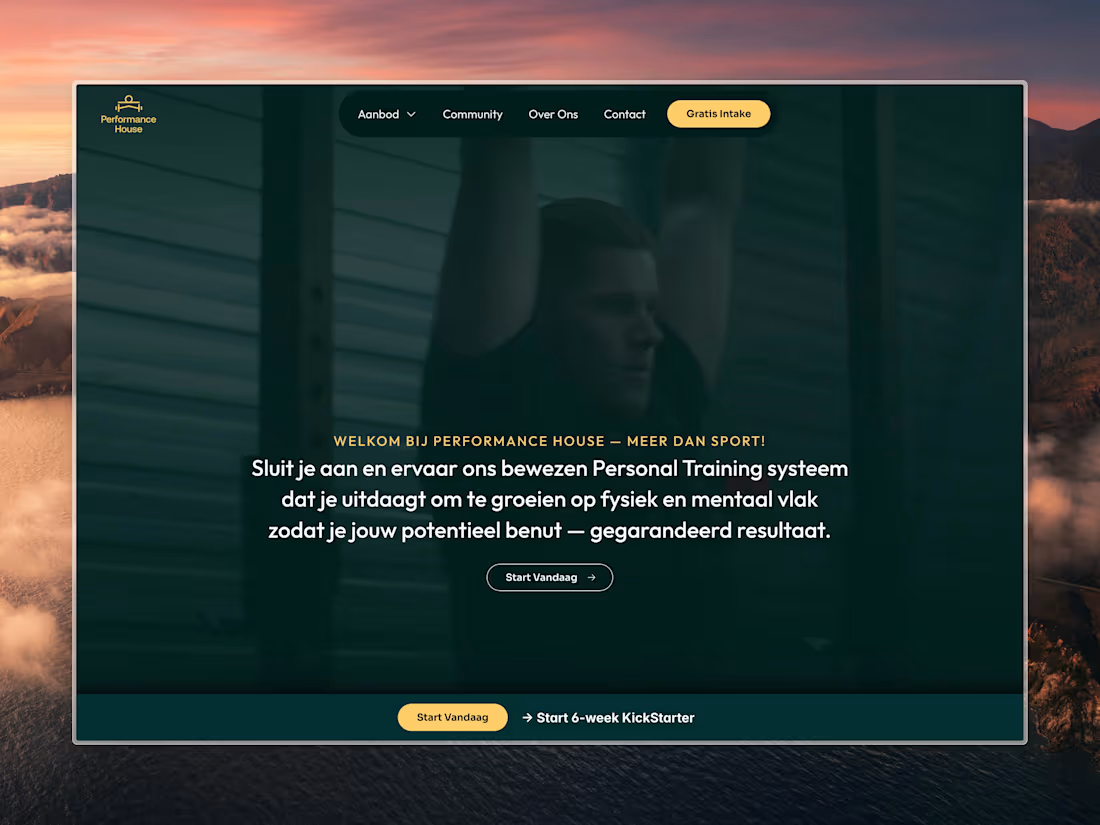
Migrating your website to Framer doesn’t have to be overwhelming. With my Framer Migration & Support service, I help you seamlessly transition your site from Webflow, WordPress, or Squarespace to Framer, preserving your design, content, and functionality while taking full advantage of Framer’s advanced design and animation capabilities.
Together, we'll make sure your website looks amazing, functions flawlessly, and is optimized for the future.
What's included
Seamless Migration of Your Content:
I’ll handle the transfer of your website’s content (text, images, videos, etc.) from Webflow, WordPress, or Squarespace to Framer, ensuring that all your information is accurately moved over.
Recreation of Key Design Elements:
I’ll recreate your website’s design in Framer, ensuring that the look and feel match your original site while optimizing for Framer's advanced design tools and interactivity.
Customization & Functionality Setup:
I’ll implement any custom functionality that your site had in its previous platform (forms, e-commerce, integrations, etc.), making sure everything works perfectly in Framer.
Testing & Optimization:
Your new Framer site will be thoroughly tested for performance, responsiveness, and user experience, ensuring it runs smoothly across all devices and browsers.
Post-Migration Support & Training:
After the migration is complete, I’ll provide documentation and guidance on how to manage and update your site in Framer, and I’m available for ongoing support whenever you need it.
FAQs
Maxime's other services

Contact for pricing
Tags
Framer

Framer Designer
Framer Developer
Web Designer
Service provided by
Maxime Vandenberge maxGhent, Belgium
- $100k+
- Earned
- 17
- Paid projects
- 4.94
- Rating
- 317
- Followers
Framer Migration & from Webflow, WordPress, or SquarespaceMaxime Vandenberge
Contact for pricing
Tags
Framer
Framer Designer
Framer Developer
Web Designer
Migrating your website to Framer doesn’t have to be overwhelming. With my Framer Migration & Support service, I help you seamlessly transition your site from Webflow, WordPress, or Squarespace to Framer, preserving your design, content, and functionality while taking full advantage of Framer’s advanced design and animation capabilities.
Together, we'll make sure your website looks amazing, functions flawlessly, and is optimized for the future.
What's included
Seamless Migration of Your Content:
I’ll handle the transfer of your website’s content (text, images, videos, etc.) from Webflow, WordPress, or Squarespace to Framer, ensuring that all your information is accurately moved over.
Recreation of Key Design Elements:
I’ll recreate your website’s design in Framer, ensuring that the look and feel match your original site while optimizing for Framer's advanced design tools and interactivity.
Customization & Functionality Setup:
I’ll implement any custom functionality that your site had in its previous platform (forms, e-commerce, integrations, etc.), making sure everything works perfectly in Framer.
Testing & Optimization:
Your new Framer site will be thoroughly tested for performance, responsiveness, and user experience, ensuring it runs smoothly across all devices and browsers.
Post-Migration Support & Training:
After the migration is complete, I’ll provide documentation and guidance on how to manage and update your site in Framer, and I’m available for ongoing support whenever you need it.
FAQs
Maxime's other services
Contact for pricing