
Migrate to Webflow Without Losing Your SEO RankingsTalha Shahzad
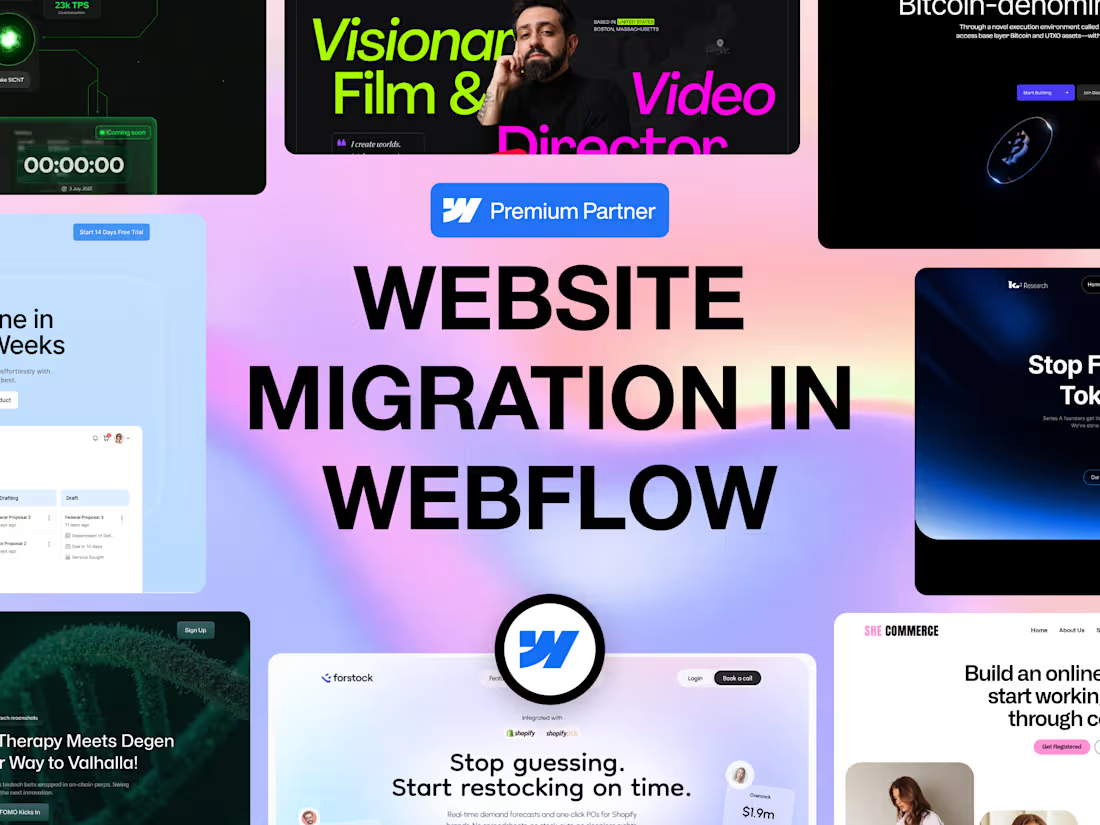
The reason most people put off leaving WordPress, Wix or Squarespace is the fear of losing the rankings they spent years earning. Fair fear. Migrations done badly tank traffic overnight.
Done properly, nothing breaks. Every URL is mapped and redirected, every meta title and description carries over, the schema comes with it, and search engines see a moved site rather than a new one.
Webflow Premium Partner, 8 years, 450+ projects. You end up on a platform you can actually update yourself, with a site that loads faster than the one you left.
How it runs
First a full crawl of your existing site so nothing gets lost: every page, every URL, every meta tag, every blog post. Then the rebuild in Webflow, matching your current design or improving it, your call. Content and blog posts moved into a proper CMS. Then the redirect map, so every old URL points to its new home rather than a 404. Then we launch, and I watch Search Console for the first week to catch anything the crawl missed.
What I need from you
Access to your current site and hosting, plus your domain registrar login when we go live.
Migrating from
WordPress, Wix, Squarespace, Shopify, custom HTML sites, and older Webflow projects.
On request, extra cost
Full redesign during the move, copywriting, e-commerce migration, AI search visibility setup, ongoing maintenance.
FAQs
Example work



Starting at$1,200
Duration2 weeks
Tags
SEO
Squarespace

Webflow

Website Migration
WordPress

Web Developer
Webflow Developer
Service provided by
Talha Shahzad proPakistan
- $25k+
- Earned
- 6
- Paid projects
- 5.00
- Rating
- 40
- Followers
Migrate to Webflow Without Losing Your SEO RankingsTalha Shahzad
Starting at$1,200
Duration2 weeks
Tags
SEO
Squarespace
Webflow
Website Migration
WordPress
Web Developer
Webflow Developer
The reason most people put off leaving WordPress, Wix or Squarespace is the fear of losing the rankings they spent years earning. Fair fear. Migrations done badly tank traffic overnight.
Done properly, nothing breaks. Every URL is mapped and redirected, every meta title and description carries over, the schema comes with it, and search engines see a moved site rather than a new one.
Webflow Premium Partner, 8 years, 450+ projects. You end up on a platform you can actually update yourself, with a site that loads faster than the one you left.
How it runs
First a full crawl of your existing site so nothing gets lost: every page, every URL, every meta tag, every blog post. Then the rebuild in Webflow, matching your current design or improving it, your call. Content and blog posts moved into a proper CMS. Then the redirect map, so every old URL points to its new home rather than a 404. Then we launch, and I watch Search Console for the first week to catch anything the crawl missed.
What I need from you
Access to your current site and hosting, plus your domain registrar login when we go live.
Migrating from
WordPress, Wix, Squarespace, Shopify, custom HTML sites, and older Webflow projects.
On request, extra cost
Full redesign during the move, copywriting, e-commerce migration, AI search visibility setup, ongoing maintenance.
FAQs
Example work
$1,200