
Advanced WordPress Speed Optimization (Clean Code Approach)Georgi Bogatinov
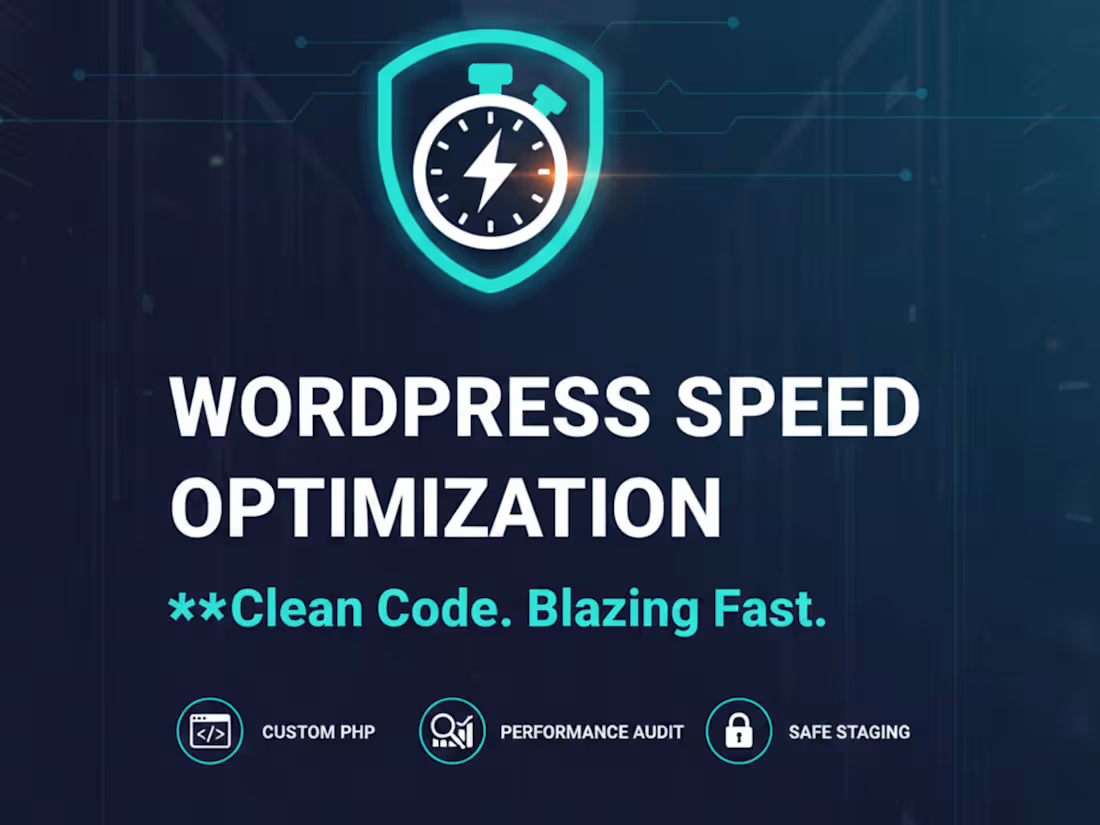
I offer professional WordPress speed optimization that prioritizes clean code over heavy plugins. By using a safe staging environment and custom child theme development, I transform slow stores into high-performance sales machines without risking your live site's stability.
What's included
Fully Optimized WordPress Site (with improved PageSpeed scores), Staging Environment Clone (a safe copy of your site used for testing), Performance Audit Report (Before & After comparison), Custom Child Theme Code (lightweight replacements for heavy plugins), Cleaned & Optimized Database
Advanced WordPress Speed Optimization (Clean Code Approach)
Description: Stop losing customers to a slow website. I provide deep-level technical optimization that replaces heavy plugins with lightweight, custom code in your child theme. My focus is on long-term performance, not just temporary fixes.
My Workflow:
Full Audit: Identifying bottlenecks via Google Analytics & PageSpeed Insights.
Safe Environment (Staging): I create a complete clone of your site on a test server. All work is done there to ensure your live site stays 100% online.
Plugin Surgery: Identifying and replacing bloated plugins with efficient, custom-written code in the child theme.
Server & Database Tuning: Optimizing hosting configurations and cleaning up the database for maximum efficiency.
Final Deployment: Rigorous testing on multiple devices before pushing the improvements to your live site.
Performance Audit Report (Before & After)
A detailed technical comparison of your website’s speed metrics using Google PageSpeed Insights and GTmetrix to prove the performance gains.
Optimized WordPress Child Theme
A custom-coded child theme where heavy, bloated plugins are replaced with lightweight PHP functions to ensure long-term stability and speed.
Staging Environment for Safe Testing
A complete, private clone of your live website where all optimizations are safely performed and tested before going live.
Image & Asset Optimization Assets
Implementation of next-gen image formats (WebP), advanced caching, and script minification to reduce the overall page weight.
FAQs

Starting at$350
Duration2 weeks
Tags
Google Analytics

PHP

WordPress

Fullstack Engineer
WordPress Developer
Service provided by
Georgi Bogatinov Sofia, Bulgaria
Advanced WordPress Speed Optimization (Clean Code Approach)Georgi Bogatinov
Starting at$350
Duration2 weeks
Tags
Google Analytics
PHP
WordPress
Fullstack Engineer
WordPress Developer
I offer professional WordPress speed optimization that prioritizes clean code over heavy plugins. By using a safe staging environment and custom child theme development, I transform slow stores into high-performance sales machines without risking your live site's stability.
What's included
Fully Optimized WordPress Site (with improved PageSpeed scores), Staging Environment Clone (a safe copy of your site used for testing), Performance Audit Report (Before & After comparison), Custom Child Theme Code (lightweight replacements for heavy plugins), Cleaned & Optimized Database
Advanced WordPress Speed Optimization (Clean Code Approach)
Description: Stop losing customers to a slow website. I provide deep-level technical optimization that replaces heavy plugins with lightweight, custom code in your child theme. My focus is on long-term performance, not just temporary fixes.
My Workflow:
Full Audit: Identifying bottlenecks via Google Analytics & PageSpeed Insights.
Safe Environment (Staging): I create a complete clone of your site on a test server. All work is done there to ensure your live site stays 100% online.
Plugin Surgery: Identifying and replacing bloated plugins with efficient, custom-written code in the child theme.
Server & Database Tuning: Optimizing hosting configurations and cleaning up the database for maximum efficiency.
Final Deployment: Rigorous testing on multiple devices before pushing the improvements to your live site.
Performance Audit Report (Before & After)
A detailed technical comparison of your website’s speed metrics using Google PageSpeed Insights and GTmetrix to prove the performance gains.
Optimized WordPress Child Theme
A custom-coded child theme where heavy, bloated plugins are replaced with lightweight PHP functions to ensure long-term stability and speed.
Staging Environment for Safe Testing
A complete, private clone of your live website where all optimizations are safely performed and tested before going live.
Image & Asset Optimization Assets
Implementation of next-gen image formats (WebP), advanced caching, and script minification to reduce the overall page weight.
FAQs
$350