
Product Designigor jakaric
Workshops: Collaborative workshops with the team to align on design direction, refine ideas, and solve key product challenges together, enhancing overall project clarity and cohesion.
Interactive Prototypes: High-fidelity prototypes showing user flow and interface interactions, providing a realistic preview for thorough usability testing and feedback before development.
Design System: A library of reusable components, design patterns, and style guidelines that keeps the product consistent, simplifies future updates, and streamlines teamwork.
Usability Testing Reports: Comprehensive reports from usability testing, capturing user feedback, identifying issues, and suggesting improvements to ensure an intuitive, user-friendly product.
Final Visual Assets: A complete set of final visual elements—icons, images, and graphics—optimized for performance, perfectly aligned with brand and design guidelines, and ready for development.
What's included
Design System
All of the components with it's states for easier hand off to the developers
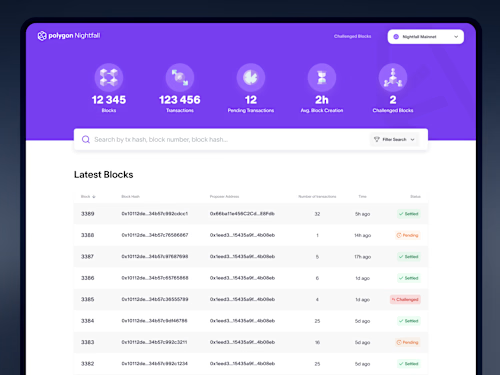
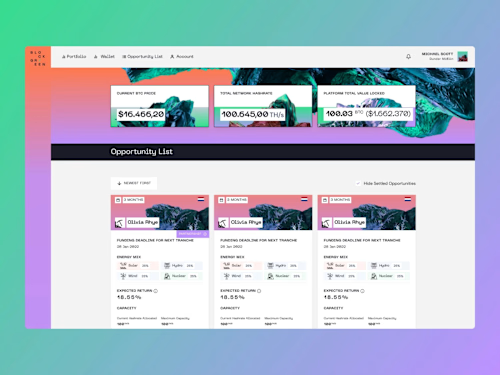
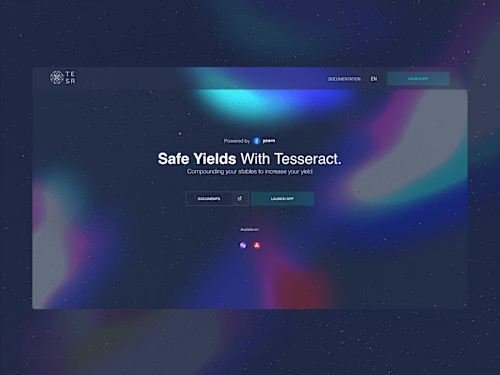
High Fidelity Design Screens
Applying the visual elements such as colors, fonts, icons, images, and animations, following the brand guidelines and design system.
User Research
A usability testing report that evaluates the effectiveness, efficiency, and satisfaction of the product, based on feedback from real users.
Prototype
A prototype that simulates the functionality and interactivity of the product, using tools such as Figma.
Example work


Contact for pricing
Tags
Figma

Product Designer
User Researcher
UX Designer
Service provided by
igor jakaric Serbia
Product Designigor jakaric
Workshops: Collaborative workshops with the team to align on design direction, refine ideas, and solve key product challenges together, enhancing overall project clarity and cohesion.
Interactive Prototypes: High-fidelity prototypes showing user flow and interface interactions, providing a realistic preview for thorough usability testing and feedback before development.
Design System: A library of reusable components, design patterns, and style guidelines that keeps the product consistent, simplifies future updates, and streamlines teamwork.
Usability Testing Reports: Comprehensive reports from usability testing, capturing user feedback, identifying issues, and suggesting improvements to ensure an intuitive, user-friendly product.
Final Visual Assets: A complete set of final visual elements—icons, images, and graphics—optimized for performance, perfectly aligned with brand and design guidelines, and ready for development.
What's included
Design System
All of the components with it's states for easier hand off to the developers
High Fidelity Design Screens
Applying the visual elements such as colors, fonts, icons, images, and animations, following the brand guidelines and design system.
User Research
A usability testing report that evaluates the effectiveness, efficiency, and satisfaction of the product, based on feedback from real users.
Prototype
A prototype that simulates the functionality and interactivity of the product, using tools such as Figma.
Example work
Contact for pricing