
Custom WordPress Plugin for Your Business WorkflowNiko Minadze
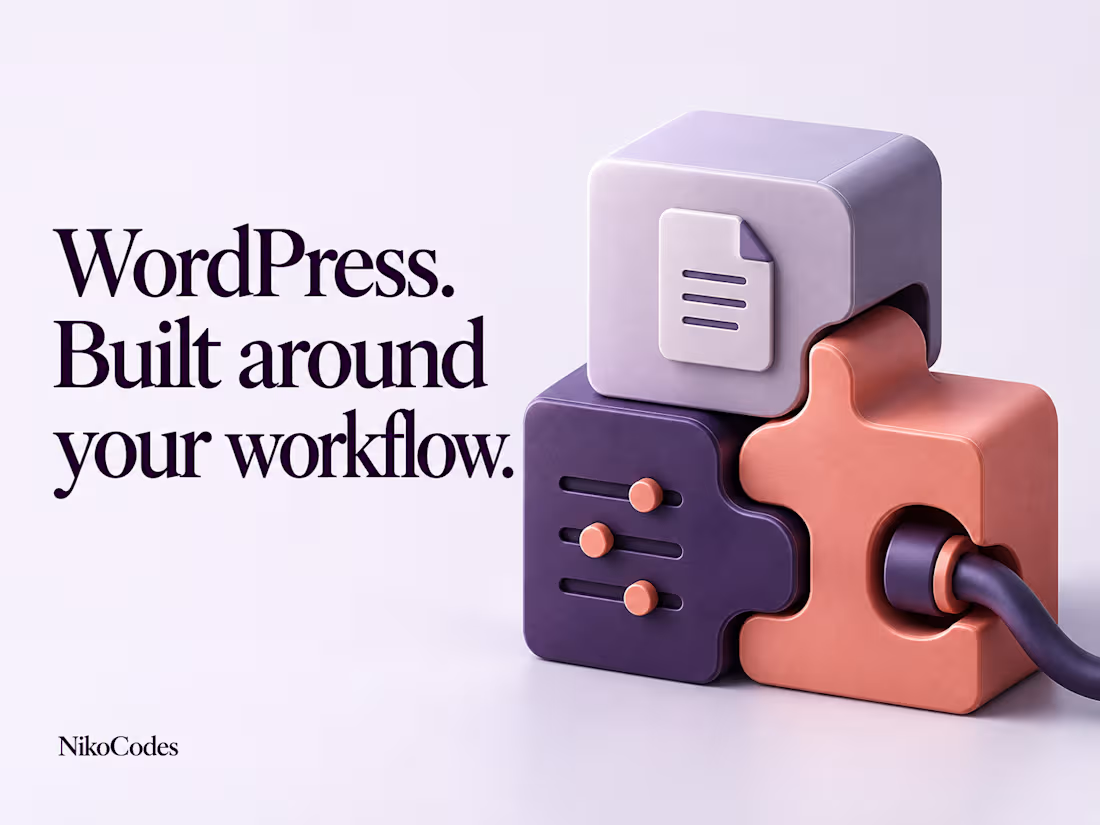
Your WordPress site handles the content, but your team still has to copy records, repeat admin steps or check whether an automated task actually finished.
I’ll turn one defined workflow into a custom plugin: a publishing approval, a controlled bulk action, a processing queue, or a connection to an existing service. Your team gets a clear way to start the work, see the result and handle an error without digging through code.
Before development, we’ll agree the inputs, who can use it, what success looks like and what should happen when something fails. I’ll build against that scope, demonstrate it on staging and hand over the source, installation instructions and test notes.
I build and release my own WordPress plugins. Relevant examples include RailCall’s reviewed publishing integration, Safe WebP Queue’s background processing controls, and Link Auditor’s previewed repairs with guarded undo. These are public examples of my implementation work, linked below.
What the package includes
One agreed workflow in one existing WordPress installation, with up to two straightforward admin screens. If an external service is involved, the scope can include one defined action through its documented API, subject to review before booking.
You receive:
An installable plugin and source code: the agreed workflow, settings and operator controls, without changes to WordPress core.
A clear admin experience: inputs, permissions, progress or status where needed, and useful success and error messages.
Checks for the actual workflow: permission enforcement, server-side input validation, WordPress nonce checks where applicable, and agreed handling of invalid, repeated or failed actions.
A working staging demonstration: the normal path and agreed failure cases, with written test results before release approval.
A documented handover: installation, configuration, usage, compatibility assumptions and safe removal instructions, plus one coordinated production deployment after approval.
One consolidated revision is included. Changes that add another workflow, integration or substantial interface are quoted separately before work begins.
Process
1. Define the task
Show me how the work happens today and a realistic input/output example. We agree the user actions, data changes, permissions and acceptance checks. I confirm that the package fits before we start.
2. Build on staging
I implement the plugin in a test environment using the agreed theme, plugin and hosting setup. You receive a working preview rather than a list of promised features.
3. Test and review
I check the successful path, the agreed failure cases and relevant interactions with the existing site. You review the staging version and send one consolidated set of changes within scope.
4. Release and hand over
After approval, I deploy the plugin, verify the agreed workflow and deliver its source and documentation. Seven days of support cover reproducible bugs introduced by the delivered changes.
What I need from you
A short description or recording of the current workflow, including the part you want to remove or improve.
Representative inputs, expected outputs and the user roles that should be allowed to act.
Staging access, the current WordPress/PHP versions and the relevant theme or plugin details. Production access is needed only for the approved deployment.
API documentation and a test account if an external service is in scope. Share credentials through an agreed secure channel, not in public project details.
One person who can approve the scope, review the preview and confirm release readiness.
Relevant work
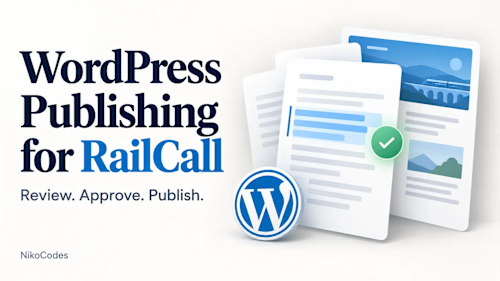
WordPress Publishing for RailCall — A PHP plugin and Python integration that previews proposed edits, binds approval to the reviewed action, rejects stale updates and supports controlled publishing retries.https://nikocodes.com/software/wordpress-publishing-for-railcall/
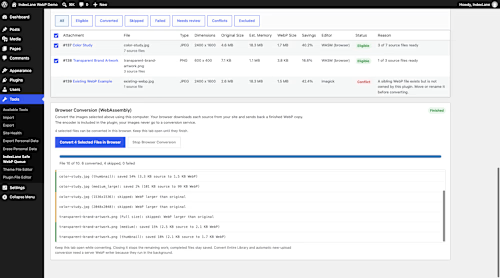
Safe WebP Queue — A WordPress image-processing plugin with persistent progress, bounded background batches, per-image exclusions and operator controls while preserving original files. https://nikocodes.com/software/safe-webp-queue/
Link Auditor — A WordPress plugin that traces broken internal links to their stored source, previews confirmed repairs and supports guarded undo and scheduled checks. https://nikocodes.com/software/link-auditor/
FAQs


Contact for pricing
Duration1 week
Tags
JavaScript

PHP

Plugins
WordPress

Backend Engineer
Fullstack Engineer
WordPress Developer
Service provided by
Niko Minadze Bangkok, Thailand
- 5.00
- Rating
- 18
- Followers
Custom WordPress Plugin for Your Business WorkflowNiko Minadze
Contact for pricing
Duration1 week
Tags
JavaScript
PHP
Plugins
WordPress
Backend Engineer
Fullstack Engineer
WordPress Developer
Your WordPress site handles the content, but your team still has to copy records, repeat admin steps or check whether an automated task actually finished.
I’ll turn one defined workflow into a custom plugin: a publishing approval, a controlled bulk action, a processing queue, or a connection to an existing service. Your team gets a clear way to start the work, see the result and handle an error without digging through code.
Before development, we’ll agree the inputs, who can use it, what success looks like and what should happen when something fails. I’ll build against that scope, demonstrate it on staging and hand over the source, installation instructions and test notes.
I build and release my own WordPress plugins. Relevant examples include RailCall’s reviewed publishing integration, Safe WebP Queue’s background processing controls, and Link Auditor’s previewed repairs with guarded undo. These are public examples of my implementation work, linked below.
What the package includes
One agreed workflow in one existing WordPress installation, with up to two straightforward admin screens. If an external service is involved, the scope can include one defined action through its documented API, subject to review before booking.
You receive:
An installable plugin and source code: the agreed workflow, settings and operator controls, without changes to WordPress core.
A clear admin experience: inputs, permissions, progress or status where needed, and useful success and error messages.
Checks for the actual workflow: permission enforcement, server-side input validation, WordPress nonce checks where applicable, and agreed handling of invalid, repeated or failed actions.
A working staging demonstration: the normal path and agreed failure cases, with written test results before release approval.
A documented handover: installation, configuration, usage, compatibility assumptions and safe removal instructions, plus one coordinated production deployment after approval.
One consolidated revision is included. Changes that add another workflow, integration or substantial interface are quoted separately before work begins.
Process
1. Define the task
Show me how the work happens today and a realistic input/output example. We agree the user actions, data changes, permissions and acceptance checks. I confirm that the package fits before we start.
2. Build on staging
I implement the plugin in a test environment using the agreed theme, plugin and hosting setup. You receive a working preview rather than a list of promised features.
3. Test and review
I check the successful path, the agreed failure cases and relevant interactions with the existing site. You review the staging version and send one consolidated set of changes within scope.
4. Release and hand over
After approval, I deploy the plugin, verify the agreed workflow and deliver its source and documentation. Seven days of support cover reproducible bugs introduced by the delivered changes.
What I need from you
A short description or recording of the current workflow, including the part you want to remove or improve.
Representative inputs, expected outputs and the user roles that should be allowed to act.
Staging access, the current WordPress/PHP versions and the relevant theme or plugin details. Production access is needed only for the approved deployment.
API documentation and a test account if an external service is in scope. Share credentials through an agreed secure channel, not in public project details.
One person who can approve the scope, review the preview and confirm release readiness.
Relevant work
WordPress Publishing for RailCall — A PHP plugin and Python integration that previews proposed edits, binds approval to the reviewed action, rejects stale updates and supports controlled publishing retries.https://nikocodes.com/software/wordpress-publishing-for-railcall/
Safe WebP Queue — A WordPress image-processing plugin with persistent progress, bounded background batches, per-image exclusions and operator controls while preserving original files. https://nikocodes.com/software/safe-webp-queue/
Link Auditor — A WordPress plugin that traces broken internal links to their stored source, previews confirmed repairs and supports guarded undo and scheduled checks. https://nikocodes.com/software/link-auditor/
FAQs
Contact for pricing