


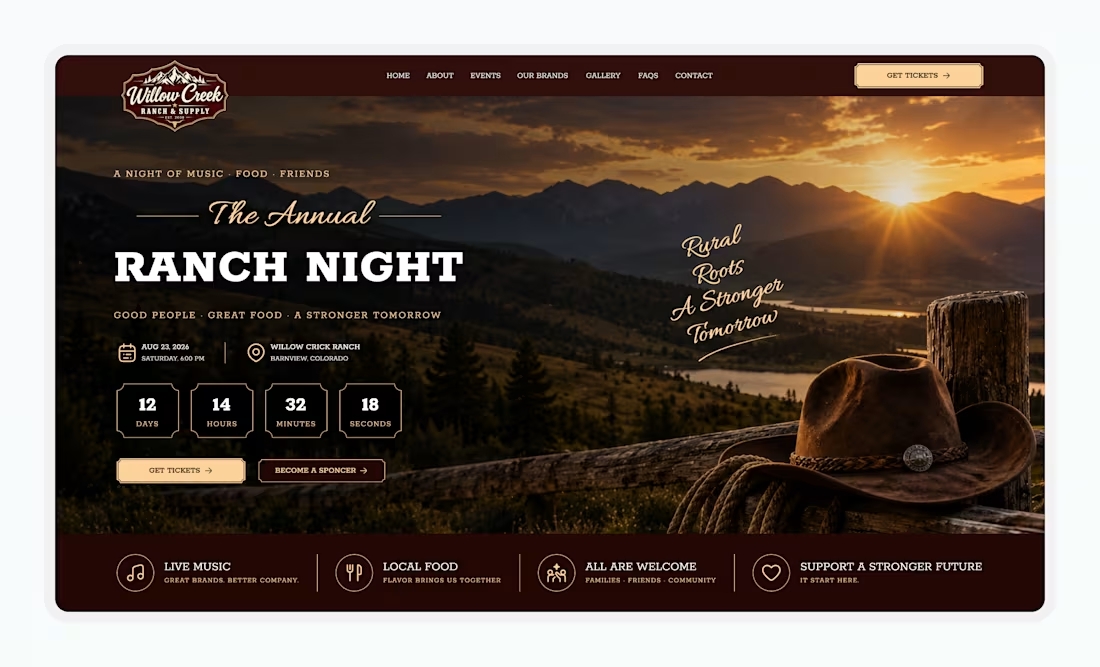
Event & Conference Hero Section
A hero section that makes an event feel unforgettable.Clean UI, bold visuals & a conversion-focused experience — all designed in Figma.
Designed this Event & Conference Hero Section with a strong visual hierarchy, immersive imagery, and clear CTAs to create an engaging first impression.
If you’re into UI/UX, Figma, web design & product design, save this for inspiration.
1
55
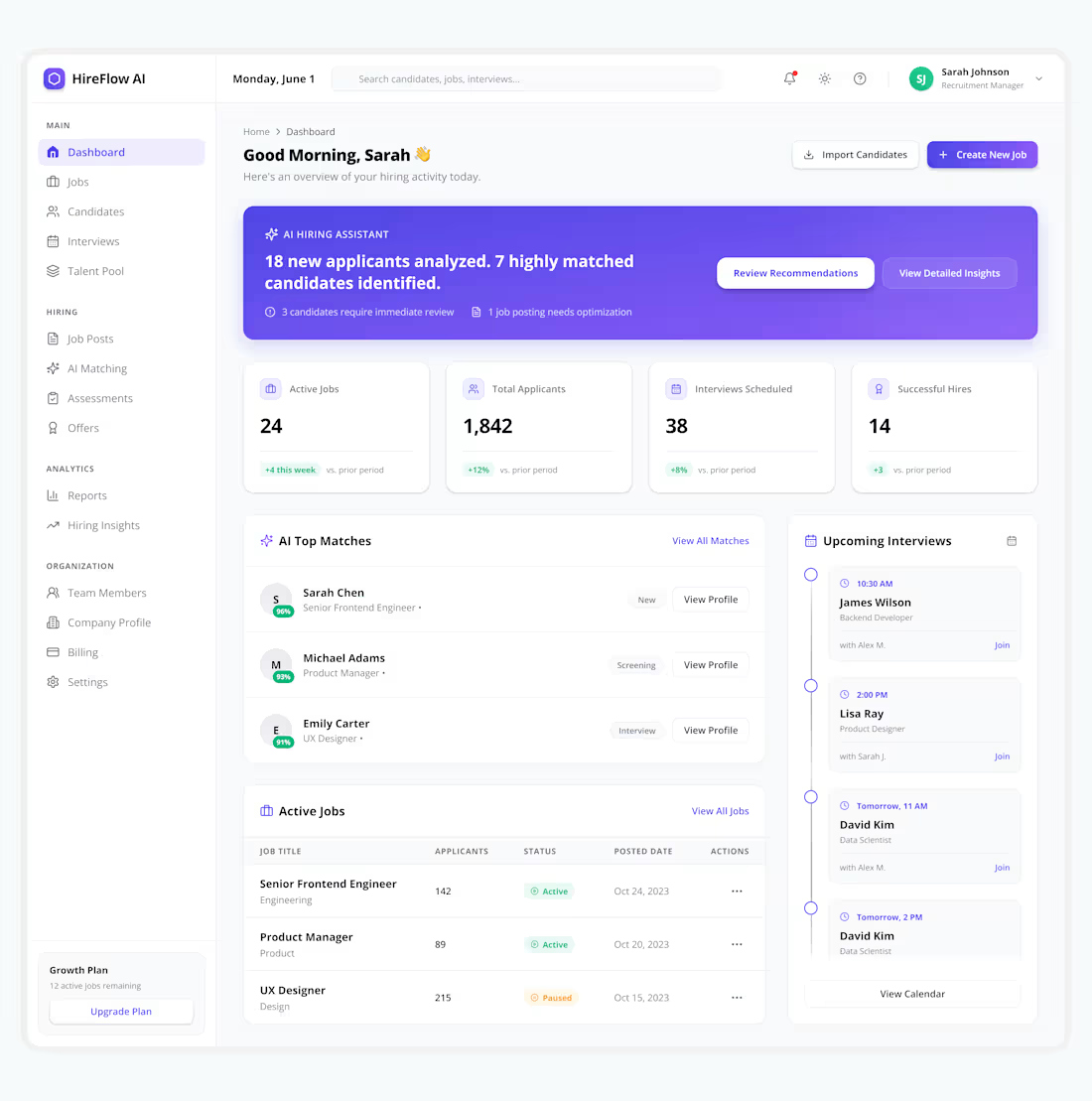
Recruitment SaaS — Dashboard Screen Design
Designed a modern AI-powered Job Publishing flow for HireFlow AI, focused on helping recruiters create, review, and publish jobs faster with a clean and intuitive experience.
💡 Helping Startups Build Better SaaS Products
✨ Available for SaaS, Dashboard, Web App & Mobile App Design Projects.
0
47
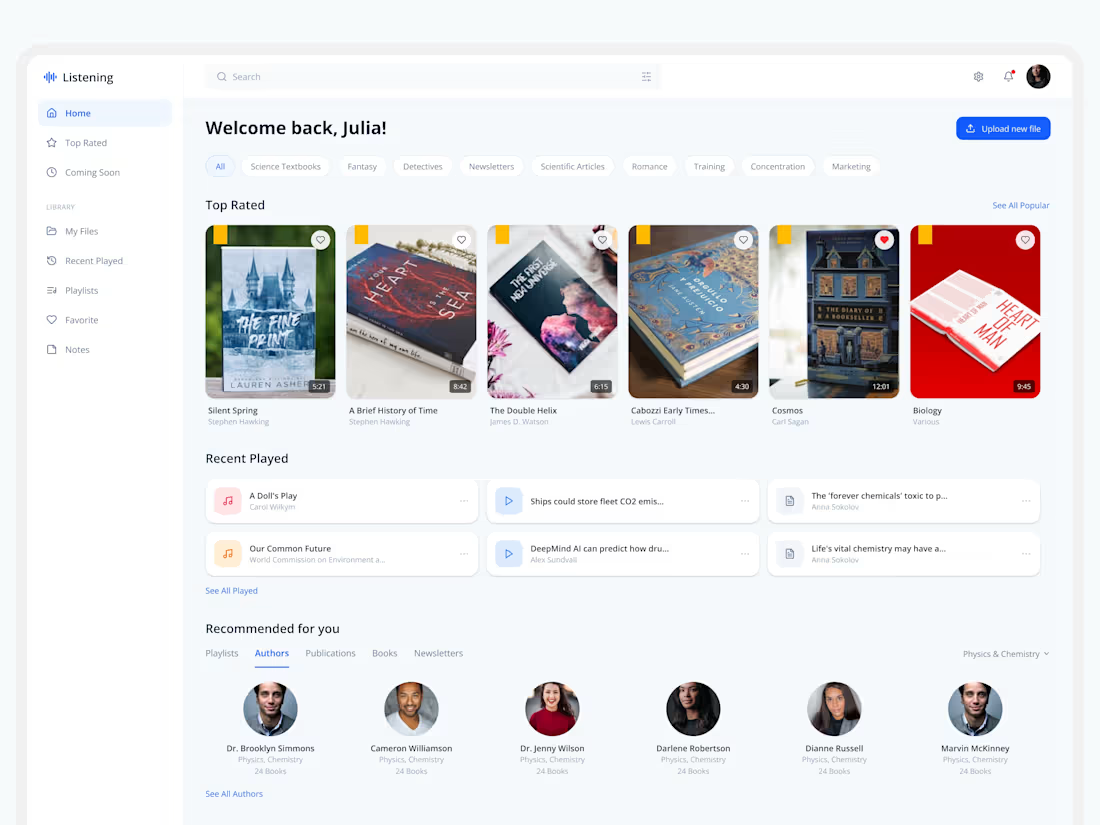
🚀 Modern Learning Platform Dashboard Design
Exploring a clean and modern dashboard experience designed for digital learning, audiobooks, content management, and personalized recommendations.
The goal was to create an intuitive user experience with seamless navigation, content discovery, uploads, playlists, listening history, and media controls—all within a scalable SaaS dashboard ecosystem.
Every section is designed to improve usability, increase engagement, and create a smooth content consumption experience.
💡 Turning Business Ideas Into Scalable Digital Products
✨ Available for SaaS, Dashboard, Web App & Mobile App Design Projects.
1
77
I designed a Founder CRM web application called FounderFlow AI. The product helps founders manage relationships with investors, mentors, customers, partners, and advisors. It includes a relationship intelligence dashboard, network visualization, contact profiles, opportunity discovery, and AI-powered relationship nurturing features.
I used Stitch to generate the UI designs for multiple dashboard screens of the FounderFlow AI web application. I created detailed prompts for each screen and used Stitch to quickly explore layouts, components, data visualizations, and overall product design concepts while maintaining a modern
SaaS experience.
Stitch helped me generate dashboard designs quickly and explore ideas faster than designing from scratch. The overall visual quality was impressive. However, I found it challenging to maintain consistency across multiple screens. Navigation menus, text styles, and color palettes often changed between screens even when the screens belonged to the same product. Improving design consistency across generated screens would make the experience even better. Compared to tools like Figma AI, Lovable, and Google Antigravity, I expected more consistency throughout the design flow.
Link: https://stitch.withgoogle.com/projects/16141423346836115982
2
2
233