
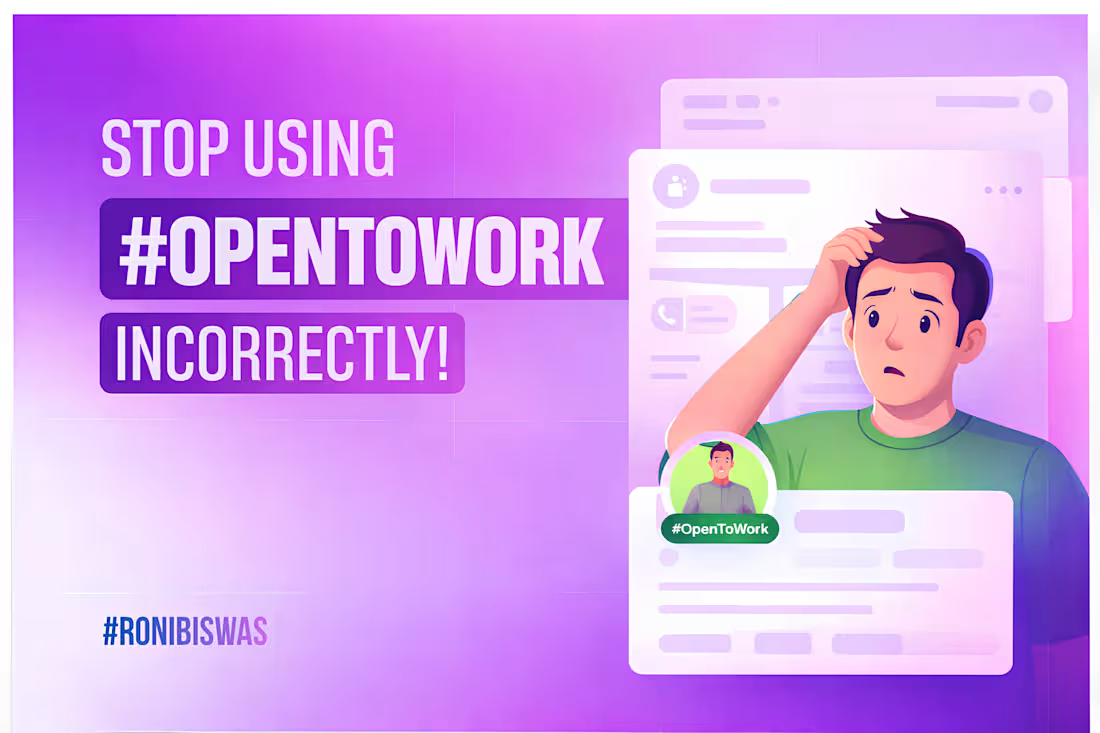
A lot of people make this mistake when using hashtag#OpenToWork (https://www.linkedin.com/search/results/all/?keywords=%23opentowork&origin=HASH_TAG_FROM_FEED).
On LinkedIn, the hashtag#OpenToWork (https://www.linkedin.com/search/results/all/?keywords=%23opentowork&origin=HASH_TAG_FROM_FEED) badge is a great way to signal that you're looking for a new opportunity.
Sounds good, right?
But here’s the problem—
Most people turn this signal on for everyone to see.
And that’s not always a good idea.
Ideally, this should be visible only to recruiters who are actively searching for candidates on LinkedIn.
You might ask—what’s the issue if everyone can see it?
Well,
Your current company might notice that you’re job hunting, which your manager may not take well.
Also, if the badge stays on for a long time without any update, people might start questioning your profile (why hasn’t this person landed a role yet?).
So what should you do instead?
Make sure your hashtag#OpenToWork (https://www.linkedin.com/search/results/all/?keywords=%23opentowork&origin=HASH_TAG_FROM_FEED) status is visible to recruiters only.
Here’s how:
→ Go to your LinkedIn profile
→ Click on the “Open to” button (below your profile picture)
→ Select “Finding a new job”
→ Scroll down to the “Visibility” option
→ Choose “Recruiters only”
→ Hit Save
That’s it.
Now your job search stays visible to the right people—without creating unnecessary noise.
If this helped, consider sharing it so others can avoid this mistake too 👍
0
20
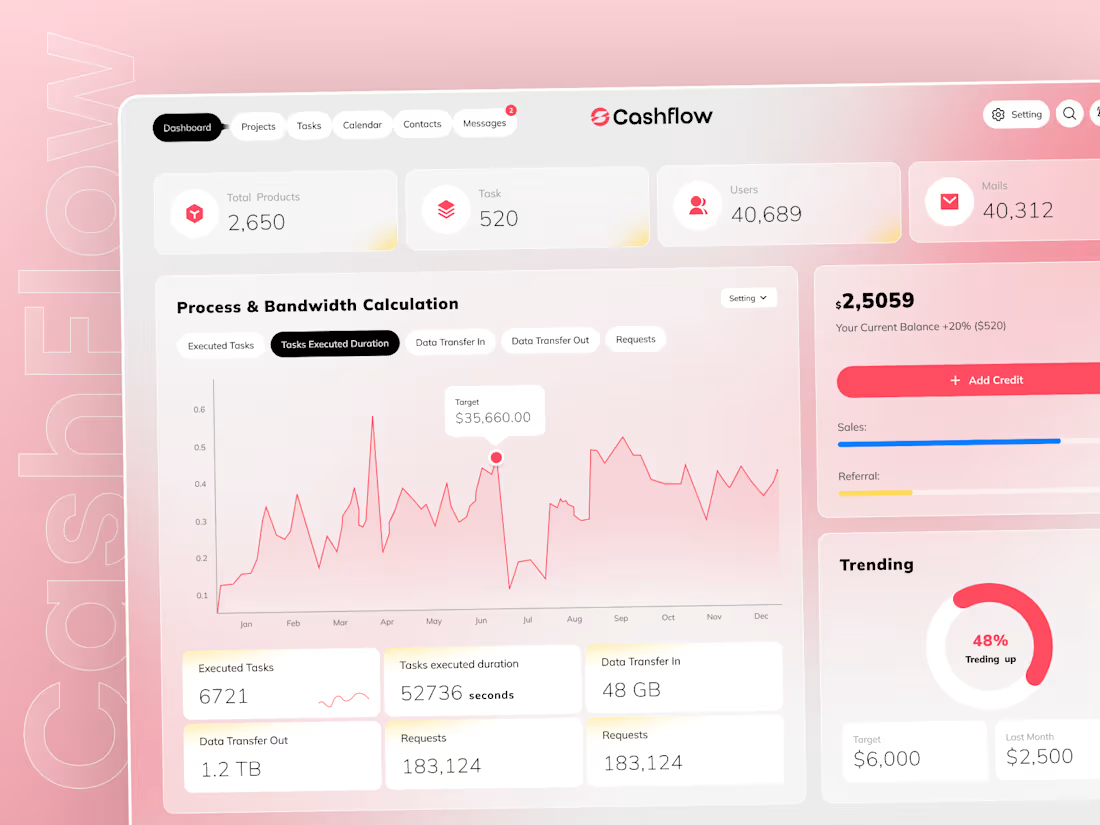
Share your thoughts on this Dashboard design
2
1
48
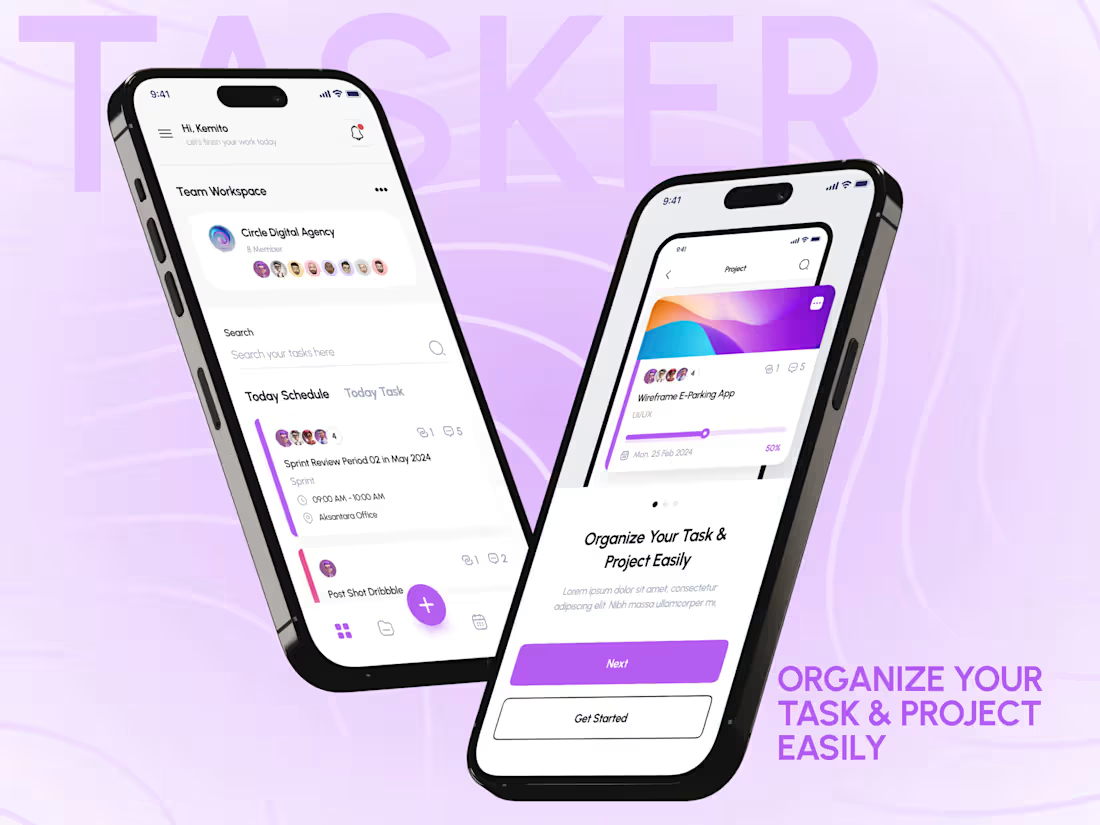
Another day, another project.
1
30

Hi everyone 👋
I just joined Contra!
I'm a Technical UI/UX Writer with a strong background in UX design. I help startups and product teams create clear, user-friendly content that improves user experience and makes digital products easier to use.
From microcopy to onboarding flows, I focus on writing that guides users and boosts engagement.
Right now, I’m open to new projects and collaborations.
If you need help with UX writing, product content, or improving your user flows, feel free to reach out — I’d love to work together.
Let’s build something great 🚀
0
12