
RA Tekno
Transforming Digital Workflows &Business Operations


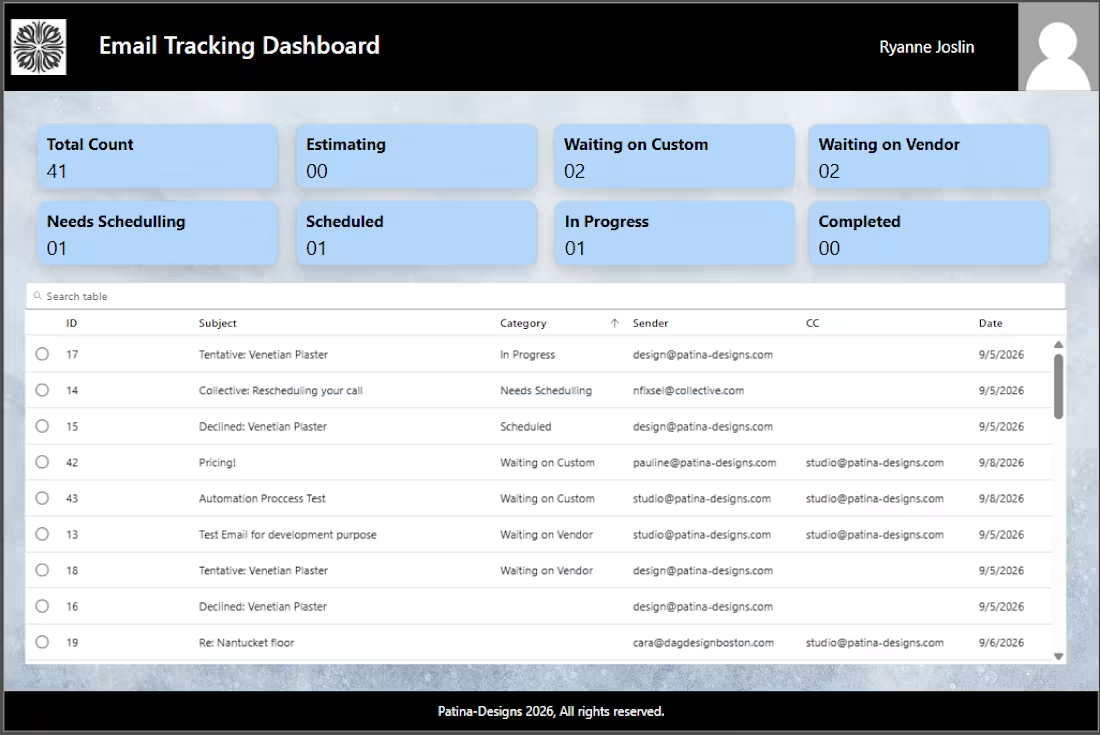
Email Tracking & Workflow Automation System
Project Overview
Developed a custom Microsoft Power Apps solution integrated with Outlook, Power Automate, and SharePoint to streamline email tracking, task management, and follow-up processes. The system automatically captures incoming emails, extracts relevant information and attachments, and organizes them into a centralized dashboard where users can manage email-related tasks and track progress efficiently.
Key Features & Functionality
Automated Email Capture: Power Automate triggers when a new email arrives in Outlook and extracts its subject, sender, CC recipients, date, email content, and attachments.
Centralized Data Management: Stores email details, attachments, and status information in SharePoint for easy access and organized record keeping.
Interactive Power Apps Dashboard: Displays email records in a searchable dashboard with status summaries, including In Progress, Scheduled, Completed, Needs Scheduling, and Waiting on Vendor or Customer.
Email Status Management: Users can select an email record, open its details in a form, update the status, and submit changes directly through the app.
Automated Reminders: Sends reminder notifications when an email remains In Progress for more than 24 hours, helping users follow up on pending tasks.
SharePoint Integration: Maintains centralized records and makes email tracking information accessible through the SharePoint site.
Improved Workflow Visibility: Provides a clear overview of pending, active, and completed items to help users prioritize work and avoid missed follow-ups.
Technologies Used
Microsoft Power Apps | Power Automate | SharePoint Online | Microsoft Outlook | Microsoft 365
Business Value
This solution reduces manual email tracking, centralizes email-related information, improves accountability, and automates follow-ups. It gives teams a structured way to manage incoming emails, monitor task statuses, and ensure that pending items receive timely attention.
0
18
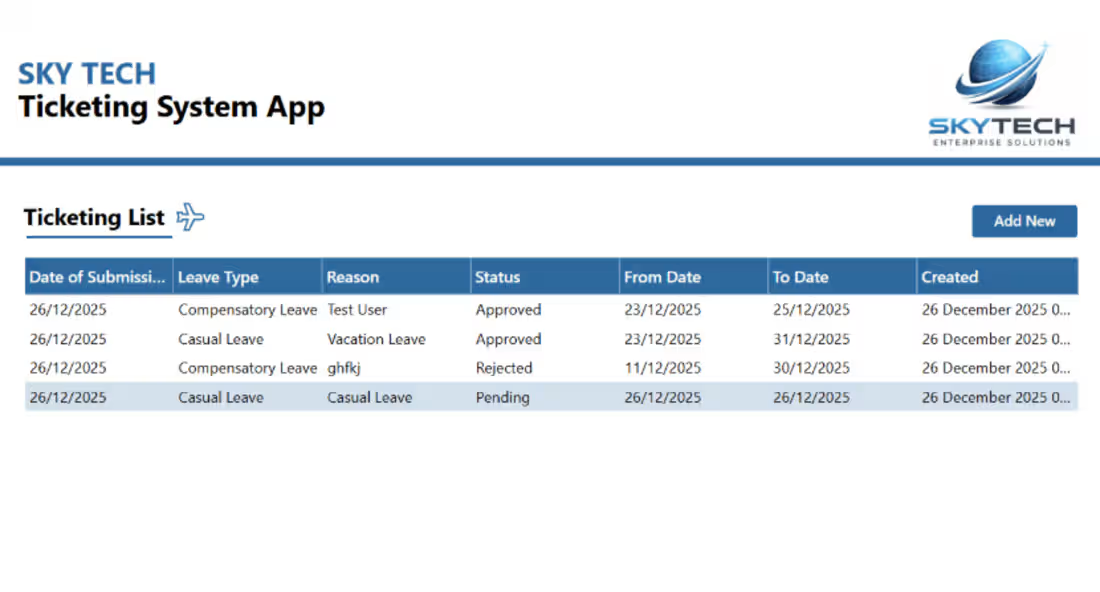
Ticketing Tracker App – SharePoint/Powerapp
0
47
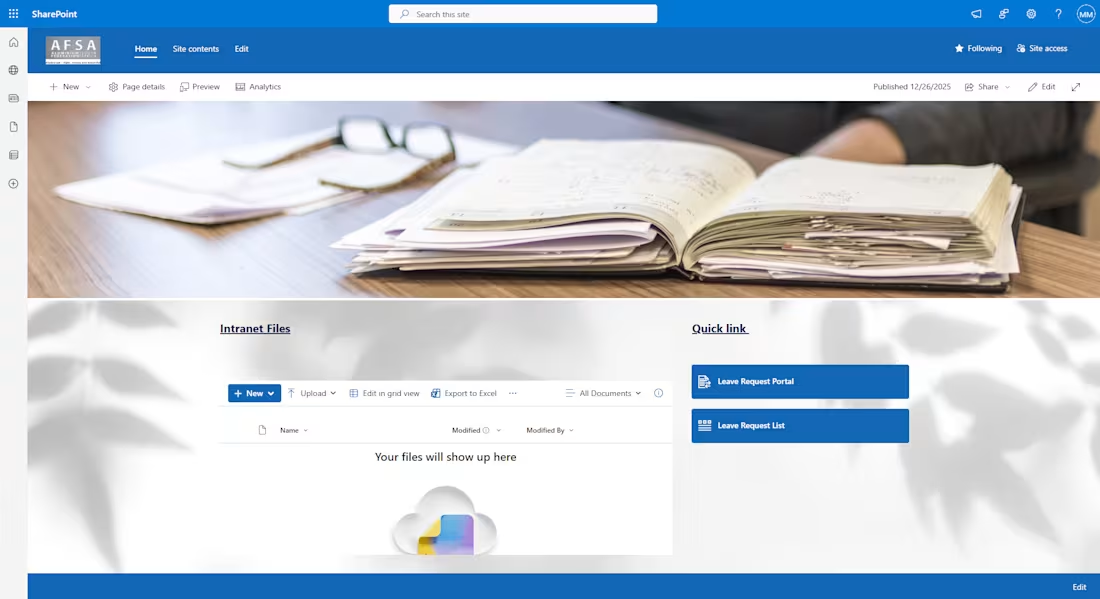
AFSA-LeaveApply Portal
0
29
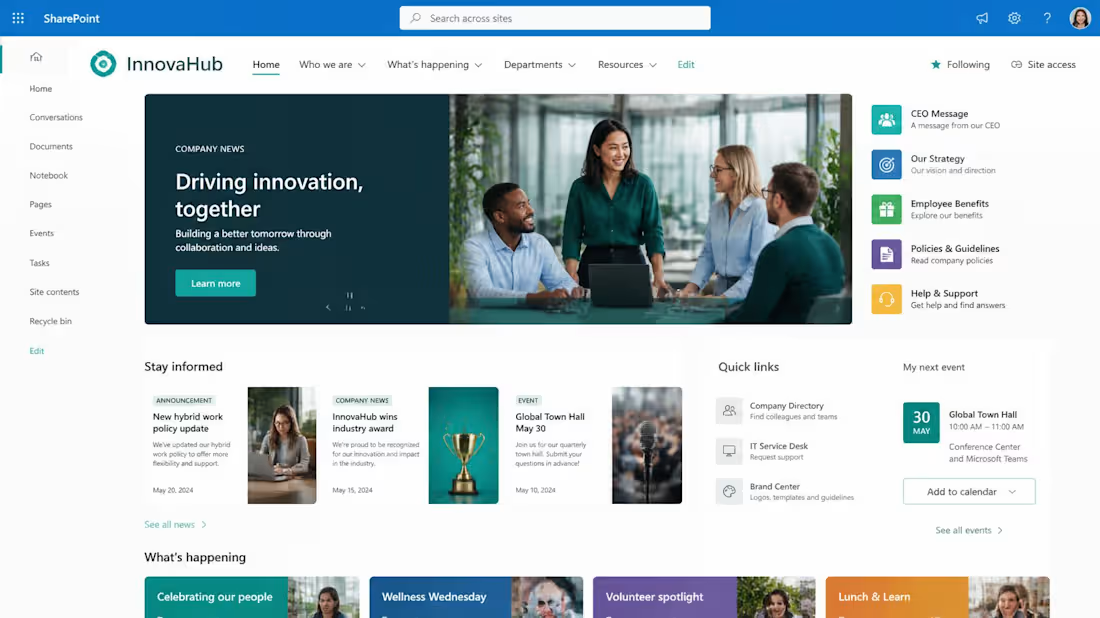
SharePoint Intranet – Innovahub
0
142