Dashboard Modernization in Legacy Codebase

Wahid Ali


Dashboard Modernization in Legacy Codebase
Aflog is a content marketplace connecting brands with creators. They needed a modernized dashboard without disrupting their existing system running on Node.js 10.
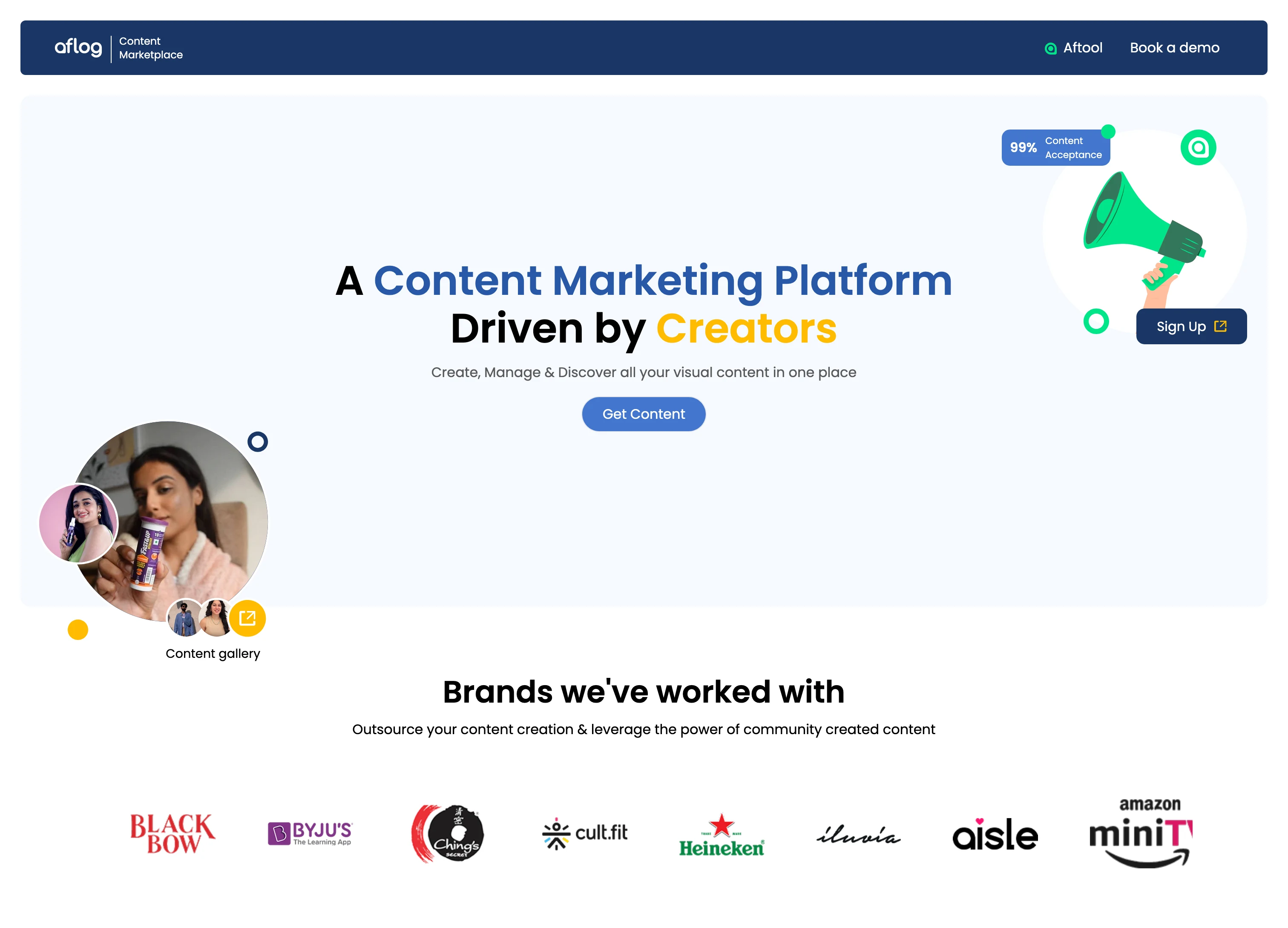
aflog.in - Homepage
What Made This Hard
The new dashboard had to live alongside the old one. Dashboard v2 needed to exist in the same codebase as v1. Same application, same routing system. Users would access each version through different routes, but the code had to coexist without conflicts.
I couldn't touch v1. Any changes to shared dependencies or routing logic could break the production dashboard that brands and creators relied on daily. The new code had to integrate without refactoring existing patterns.
Node.js 10 wouldn't run on my machine. The legacy version is incompatible with modern development environments. Dependency conflicts and version issues made local development impossible without workarounds.
How I Built It
I containerized the entire application with Docker Desktop. The Dockerfile installs Node.js 10, all legacy dependencies, and replicates the production environment exactly. This gave me a working local setup without polluting my system with outdated Node versions.
For the architecture, I created a separate directory structure for v2 using React functional components with hooks. V1 uses class components with lifecycle methods. Both exist in the same codebase without touching each other's files.
I extended the existing React Router configuration to handle both versions. New routes point to functional components, legacy routes point to class components. The router directs users to the appropriate dashboard based on their URL.
For API integration, I built a custom service layer using hooks that wrap the existing API calls. The layer handles authentication, request formatting, and response parsing, translating between functional component patterns and APIs designed for class components.
What I'd Highlight
Docker solved the Node.js 10 compatibility problem for the whole team
V1 kept running without issues while V2 was built and deployed
Functional components with hooks coexist cleanly with legacy class components
Zero-touch approach meant no risk to production features
Tech Stack
Frontend: React, JavaScript, React Router, SCSS
Backend: Django
Containerization: Docker
Link
Like this project
Posted Jan 25, 2026
Content marketplace connecting brands with 25,000+ creators. Built Dashboard v2 with React hooks alongside legacy v1 on Node.js 10 using Docker.