CLI interaction enhancement for quick actions

Nilanjan Debnath

The terminal had run out of room for its options. I moved them below the prompt, onto one keystroke chat users already press out of habit.
The problem
The devs added features frequently to Hydron's CLI, with every new one it added a button on screen: switching sessions and projects, connecting hardware, managing project context. The space under the prompt ran out, and the CLI needed a design answer, not another line of text.
Users didn’t know the platform capability since new features were being added and announced on social media which users aren’t expected to follow.
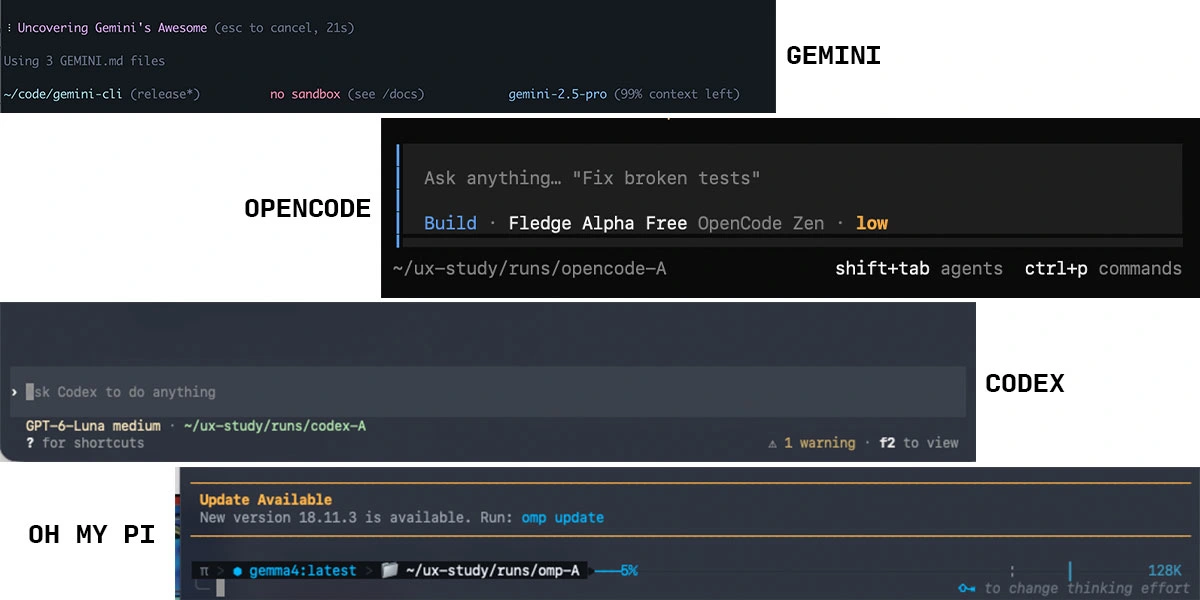
Everyone else asked users to remember
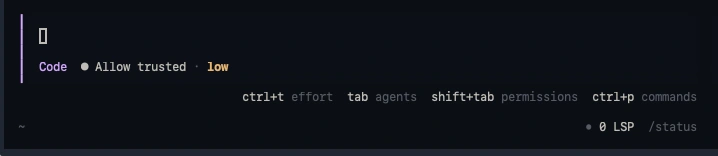
It wasn’t just us. Kilo, Roo, ChatGPT and Claude CLIs, among others, hit the same wall. They answered with hotkeys and shortcuts you learn in advance. In my survey, none used the down arrow.
Prototype
I gave an idle key a job
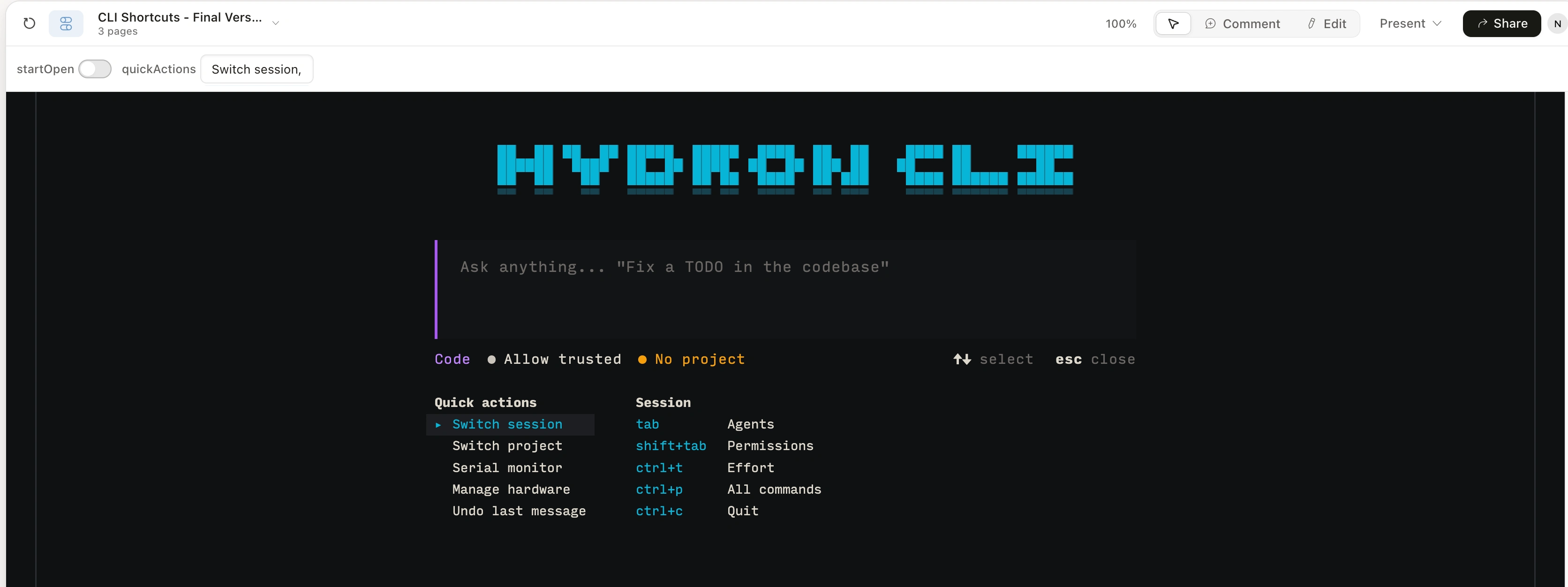
Chat users press ↑ and ↓ out of habit, so I gave the down arrow a job. Press ↓ under the prompt and the shortcuts open:
Natural gesture that did nothing at the end of chat window.
UI animation that reinforces memory of control panel drawer.
Placement for new features for easy discovery and adoption.
Project creation went from 43.8% to 74%
The result (30 day periods)
Before
150 of 267 users never set up a project. 117 did
43.8% project creation
After
63 of 85 users completed project setup before their first prompt.
74% project creation.
Next: tabs, for the room to come
The drawer can hold tabs. Scroll right with → to reach the serial monitor and other plugin info, without leaving the prompt. That isn't in production yet. As features keep arriving, it's where the room will come from.
Like this project
Posted Oct 17, 2026
Redesigned CLI to improve feature discovery, and increased project setup.