Best Document Verification Tool in India

Tanoy Chowdhury



Document verification in India sits at the intersection of regulation, scale, and fraud risk. Banks, fintechs, marketplaces, and HR teams process millions of PAN, Aadhaar, and business documents every month under strict compliance pressure and tight turnaround times.
This guide looks at document verification tools built for the Indian context. It breaks down core features, compares leading platforms, and flags practical buying considerations for 2025, including accuracy on Indian IDs, integration effort, pricing models, and regulatory fit. The goal is simple: help you choose a tool that works in production, not just in a demo.
What Is a Document Verification Tool?
A document verification tool is software that checks whether documents are genuine, valid, and unchanged. The biggest strength of digital document verification software is that you don’t have to review each document manually. It uses technologies like Artificial Intelligence (AI) and Optical Character Recognition (OCR) to read the data on the document and compare it against trusted sources to prove the validity.
Most document verification software can verify these Indian documents:
PAN Card
Aadhaar Card
Passport
Driver’s License (DL)
Utility bills
Bank statements
GST certificate
Consider a common onboarding process scenario to show how digital document verification saves time. A new customer has uploaded a passport-size photo that doesn’t meet your standards. Your team has to start a long process to get the right quality pictures. A document verification system doesn’t need your team’s intervention. It analyzes the uploaded document, highlights inconsistencies, and provides an immediate approval or rejection. The customer immediately knows that they have uploaded an improper photograph and uploads a new picture.
Why Businesses in India Need Automated Document Verification
Wondering how automated document verification can actually benefit your business? Here are the four areas where it makes the biggest difference:
Regulatory requirements
Automated systems help you capture, validate, and securely store data from documents such as PAN, Aadhaar, Passport, or Driving License to help you stay compliant with RBI and SEBI norms. It also supports Central Know Your Customer (CKYC) by capturing a customer’s 14-digit KIN, and accepting documents through DigiLocker or Aadhaar-based flows.
Speed and conversion benefits
Automated verification is also helpful when dealing with high volumes of applications, such as for loans or insurance. While processing thousands of claims, it can instantly verify supporting documents, which reduces delays and keeps applicants engaged.
Fraud and forgery reduction
Document liveness verification checks whether the ID presented is a real, live document and not a photo or printed copy. This step, combined with AI-based forgery detection, stops deepfakes and synthetic identities at the earliest stage, before they move to biometric or database checks.
Cost and compliance advantages
Automated document verification can cut processing costs by up to 70%. For a mid-sized organization, this can mean saving tens of thousands of dollars annually and freeing up staff for higher-value tasks. Automated systems also record every verification, which simplifies and de-risks compliance audits.
How Document Verification Tools Work (Step-by-Step)
The digital verification process runs automatically in the background, so you don’t need to intervene. But it helps to know how it works and the order in which each step happens.
Step 1 — Data Capture (camera, uploads, SDK)
The user submits a document by taking a photo or uploading a file. Many tools use an SDK, which is a small piece of software that lets you add documents directly into your app or website.
Step 2 — OCR & Document Parsing
In the next step, the system uses OCR to read and extract key details, like name, date of birth, and document number from the image. The system then converts this data into structured, machine-readable information to check its validity.
Step 3 — Authentication Checks
This is the core security step, where the system checks whether the document is genuine and unaltered.
Template matching: The document’s layout is compared to trusted templates to confirm it matches official formats.
Security features (MRZ, holograms): Algorithms check holograms, watermarks, and MRZ codes, which are special lines of text that contain encoded data about the holder.
Metadata checks: The system looks for signs of editing or tampering, like mismatched fonts or colors.
AI-based forgery detection: Machine learning models analyze subtle patterns to catch digital forgeries and manipulations.
Step 4 — Biometric & Liveness Verification (optional)
For high-risk cases, the user submits a live selfie or video. Liveness detection ensures they are physically present, and facial recognition matches the live image to the document photo.
Step 5 — Decisioning & Workflow Integration
After all the check results, the document verification software decides whether to accept, reject, or flag for review. Approved documents move forward smoothly, while flagged ones are sent to a human reviewer for final assessment.
Key Features to Look for in a Document Verification Tool
To get the most out of your document verification system, it’s crucial to choose a solution with the right features. Let’s explore the key capabilities you should look for to ensure accuracy, speed, and compliance.
Accuracy and model performance (extraction, error rate)
When evaluating a tool, test it with a sample of real documents from your business. Run character and word error rate (CER/WER) tests to compare what the OCR extracts against the original document text to measure accuracy. Also test with documents at different angles, lighting conditions, or image qualities to see how the system performs under real-world conditions.
Speed (sub-second verification)
While you run the tests to check accuracy, also monitor the total time taken for generating the results. Ideally, it should be in seconds. For high-volume sectors like FinTech, insurance, or trading platforms, this speed advantage could help them win more customers.
India-specific document coverage
For businesses in India, it’s essential that the tool supports local documents like PAN, Aadhaar, Passport, Voter ID, and GST certificates. Without this coverage, more customers will face rejection or manual review delays.
Compliance readiness (DigiLocker, CKYC, V-CIP)
Integration with DigiLocker, CKYC, and V-CIP is non-negotiable for BFSI operations in India. Regulators mandate these platforms, and missing integrations means you can’t meet RBI or SEBI requirements. The consequences could include regulatory fines, customer onboarding delays, and audit failures.
Fraud detection & tamper analysis
Advanced tools detect deepfakes and synthetic identities through multiple layers of AI-driven analysis. Through document liveness detection, examining thousands of image variations, checking angles and texture, and analyzing for deepfakes and synthetic identities, the system authenticates a person’s identity.
Cloud vs. on-premise deployment
The choice depends on your business scale and regulatory environment. Choose cloud-based solutions if you’re starting out, have variable document volumes, or lack in-house IT infrastructure. Choose on-premise if you have strict data localization requirements, high transaction volumes, and can invest 2+ years to recover costs through 3-4x long-term savings.
Pricing models & scalability
When evaluating pricing, understand how costs scale with your business growth. Tiered pricing is ideal if you’re uncertain about future volume. Custom pricing works better if you have high, predictable volumes.
HyperVerge
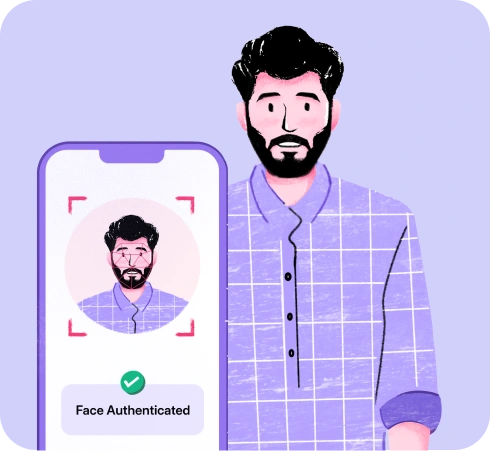
HyperVerge is an AI-powered identity verification platform that helps you capture, verify, and extract data from documents at scale. You get advanced document forgery detection, including deepfake detection and tamper checks, so you can stop fraudulent documents before they enter your system. Passive liveness and high-accuracy Face Match ensure the person on screen is real and matches the photo on the ID, without adding extra friction to your journeys.
If you work in BFSI, you can use HyperVerge to run fully compliant RBI and SEBI onboarding flows while keeping drop-offs low.
ShuftiPro
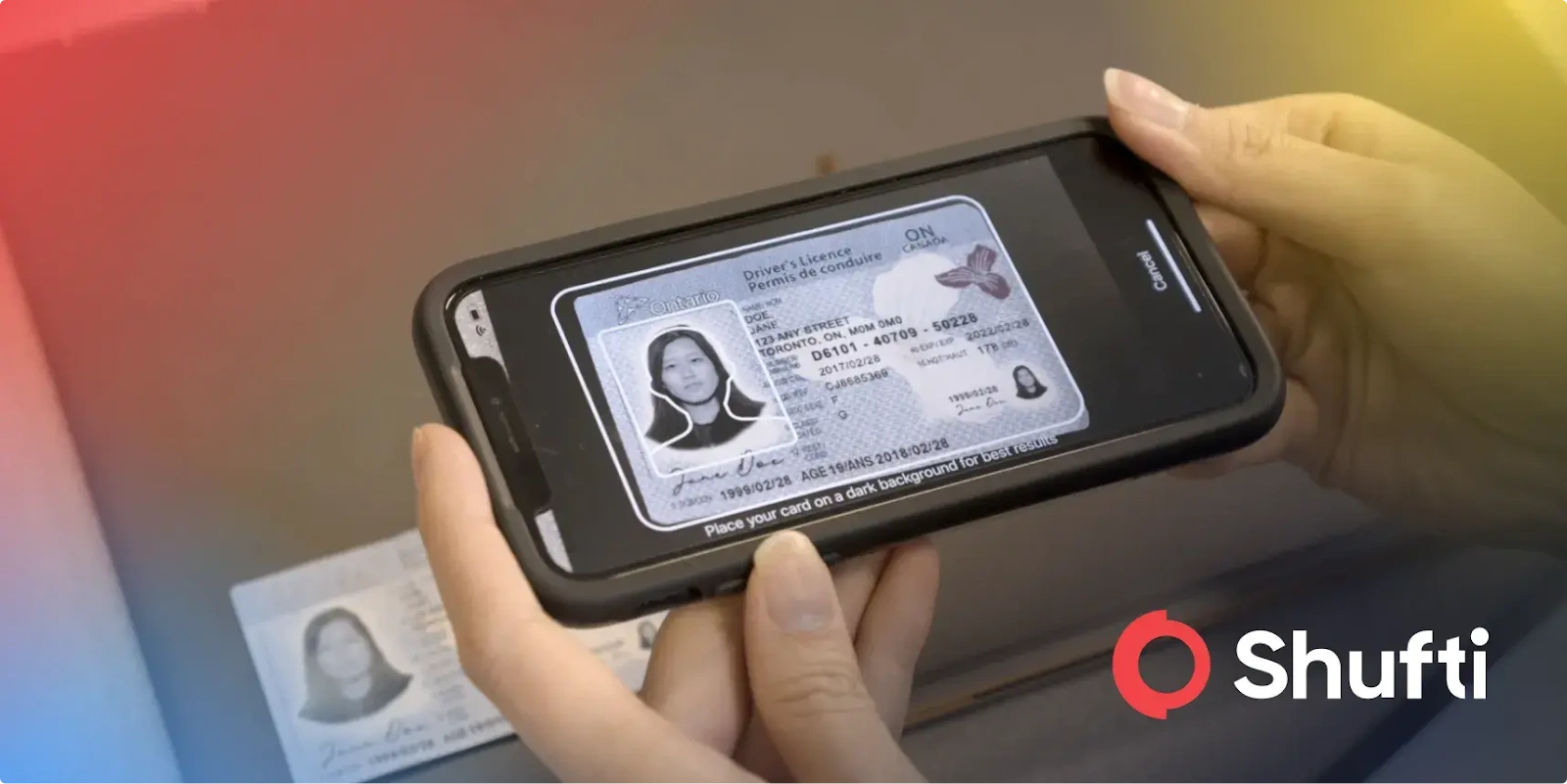
ShuftiPro helps you verify over 10,000 document types from 247 countries, even in non-Latin scripts. You get up to 99.5% accuracy, with checks for watermarks, holograms, and subtle edits using specialized heatmaps. Facial biometrics, liveness, and deepfake detection ensure the person presenting the document is real. It is ideal for high-risk sectors like crypto, banking, and gaming.
“Shufti Pro is easy to use and integrates with other software. It helps to verify identity and documents to ensure that the user is the true owner intending to use the identity and that the documents being used are genuine and valid. It makes onboarding easy and reduces the rate of abandonment. It provides multi-lingual support,and is easy to integrate.”Denise M, Small Business
Veriff
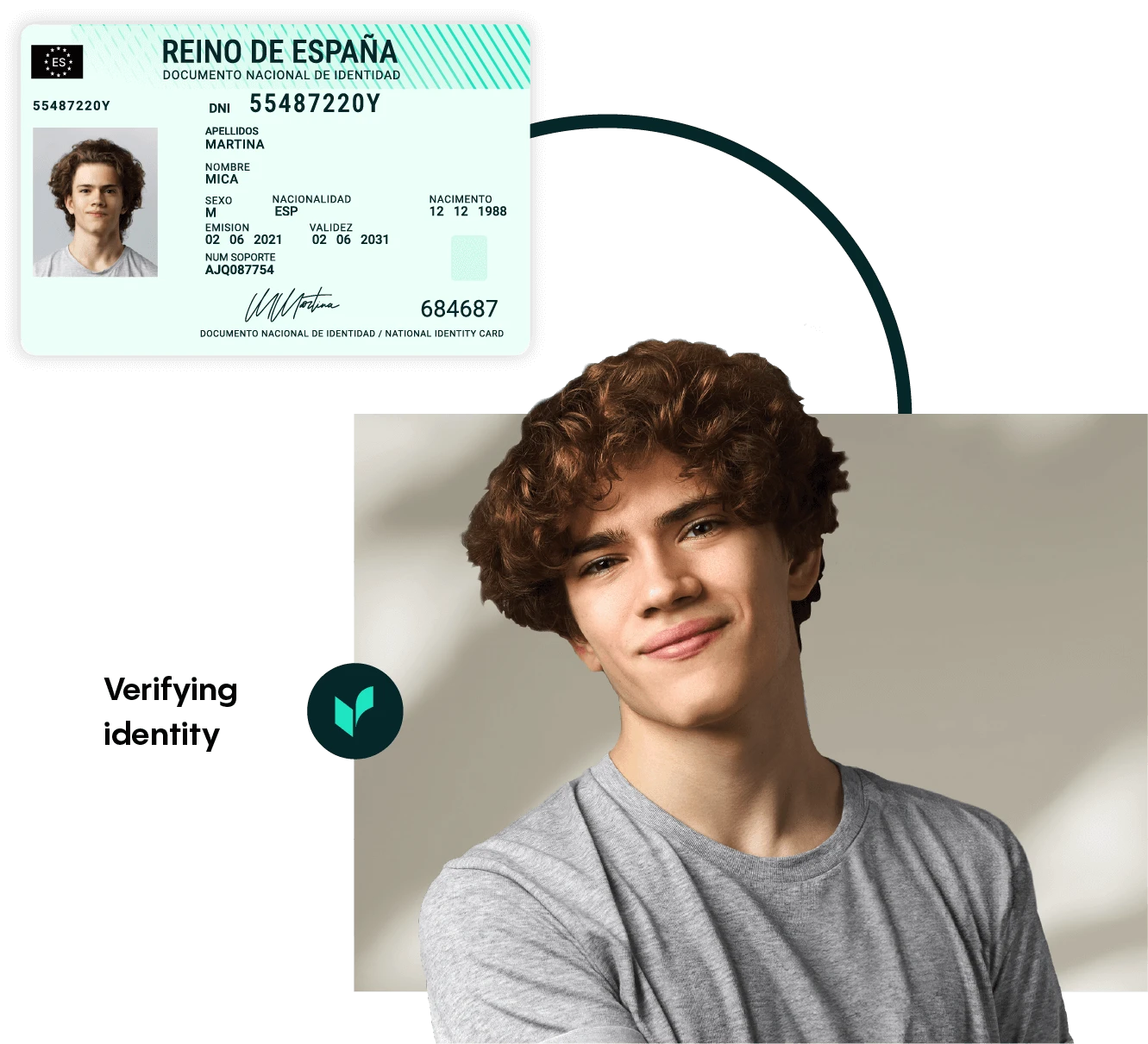
Veriff lets you verify over 12,000 government IDs from 230+ countries in just six seconds. Its AI-powered system uses feedback from human reviewers to boost accuracy and fraud detection. You get iBeta-compliant biometrics, session video recording, and smart tools like CrossLinks and Risk Insights to spot fraud and deepfakes.
“Veriff’s verification and identity control features are the most accessible and efficient way to improve virtual security standards throughout your organization, allowing you to control the registration of all your employees and customers. In addition, Veriff is an ideal platform for reducing the chances of commercial fraud through all its verification features, facilitating the control and visualization of the personal and commercial data of your potential customers.”
Julie N, Event co-ordinator
Jumio
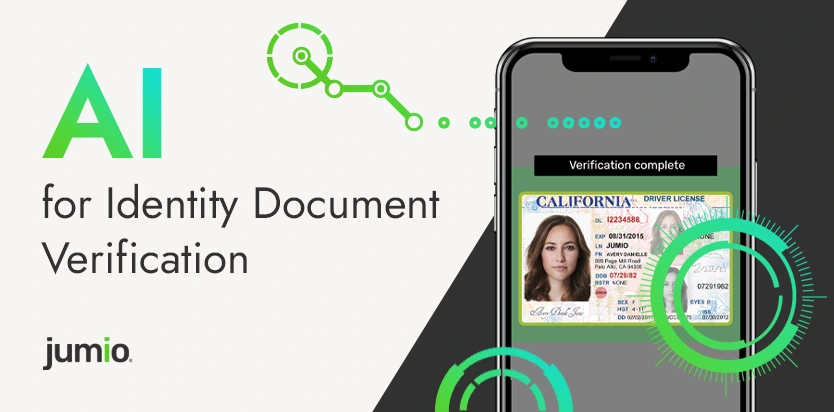
Jumio helps you capture and extract data from thousands of global IDs, including secondary documents like utility bills and bank statements. Its advanced computer vision and AI deliver high accuracy, even on poor-quality images. Biometrics and liveness detection stop deepfakes, while automatic cross-checks keep your KYC, AML, and KYB processes compliant.
“Jumio looks simple and reliable tool for identity verification. It lets us be quiet and calm with our product. Besides I like Jumio’s smart algorithms that are constantly improving.”
Sergey M, QA Engineer
MetaMap
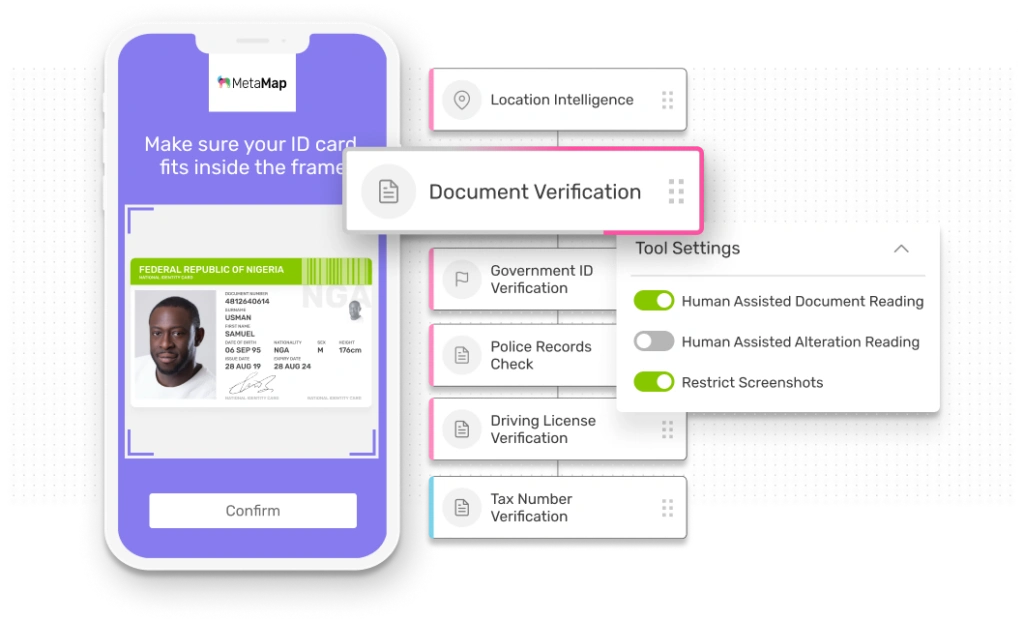
MetaMap gives you total clarity by customizing verification workflows to your needs. You can instantly verify returning users and check document validity with template matching and alteration detection. Its SDKs and APIs make integration easy, while biometric verification and facematch help you meet global KYC and AML standards.
“We are happy with the product features at the price it’s being offered at. It’s also great that the team is quite flexible about adjusting a couple of things based on feedback.”
DocuExprt
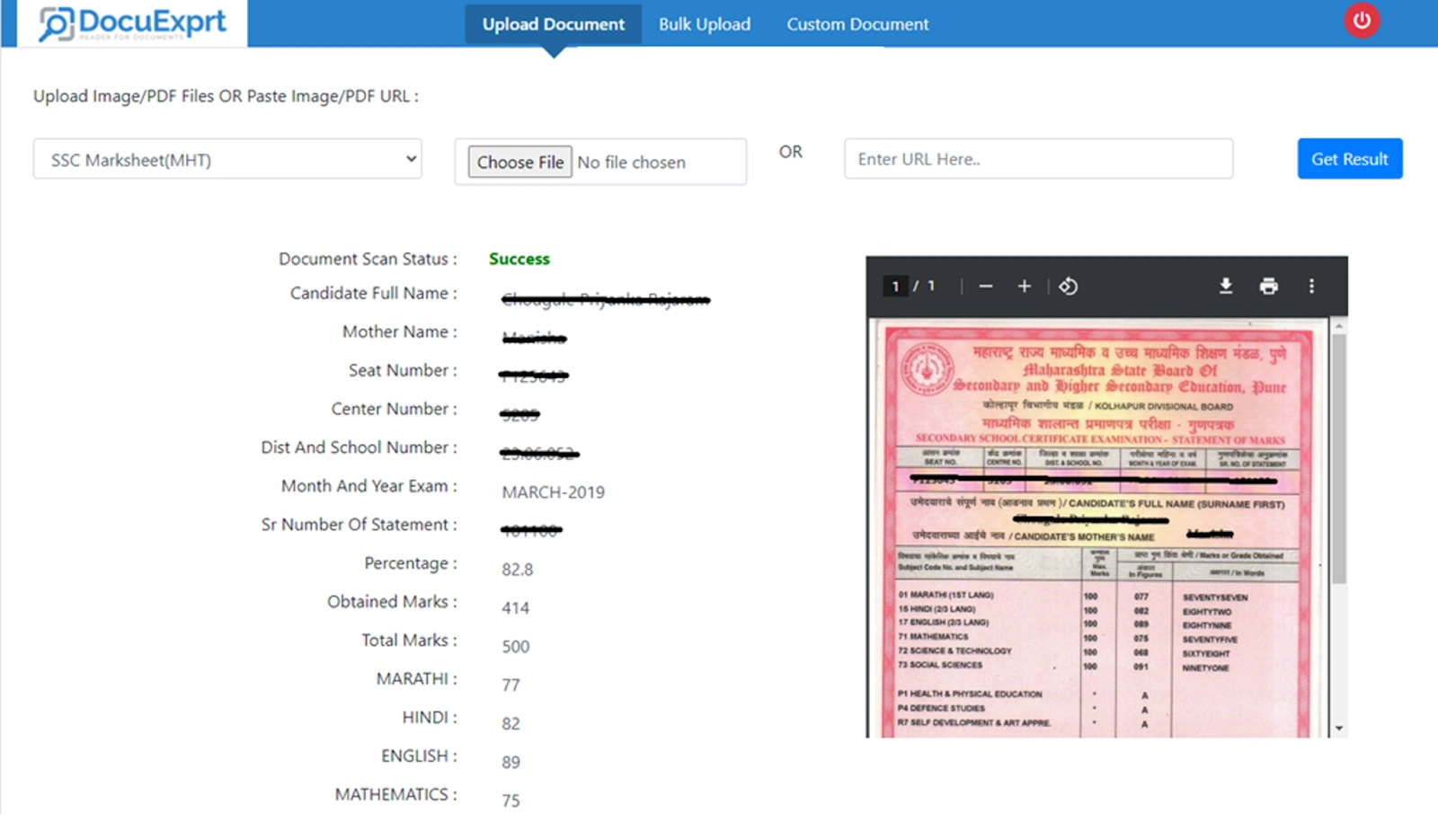
DocuExprt specializes in AI-powered document processing, guaranteeing 99.5% accuracy. You can automate workflows with a simple drag-and-drop interface, focusing on Indian IDs like Aadhaar, PAN, and Driving License, as well as academic records. It turns unstructured files into structured, machine-readable data in seconds, speeding up verification for jobs and academic credentials.
No reviews online
Verifai
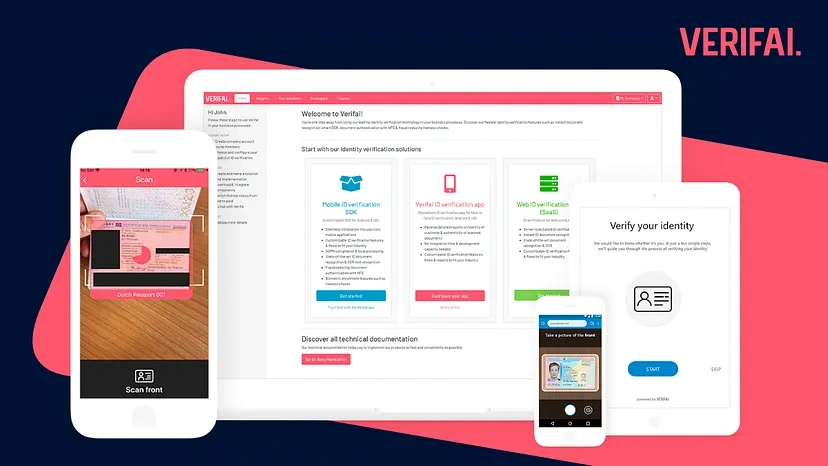
Verifai makes document and identity verification easy, supporting over 2,000 international IDs. Its automatic NFC check confirms document authenticity at the government level. You get AI-powered OCR for accurate text extraction and fraud checks, with solutions for web, iOS, and Android that boost conversion and streamline remote onboarding.
No reviews online
Klippa (DocHorizon)
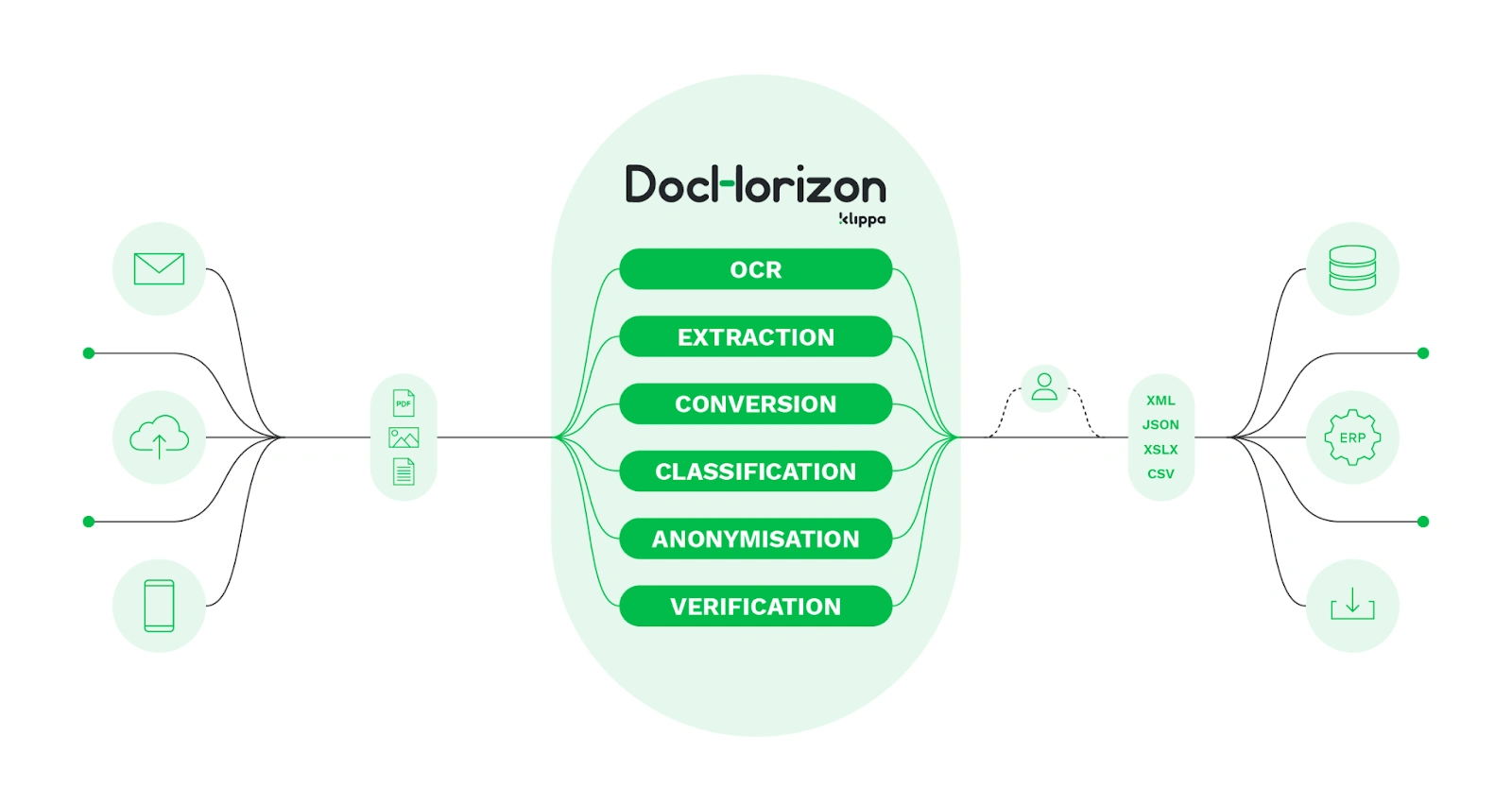
Klippa DocHorizon automates document workflows, processing documents in under five seconds with up to 99% accuracy. You can verify over 50 document types using NFC and MRZ checks, along with liveness detection to confirm identity. Its solutions help you meet GDPR and KYC compliance needs efficiently.
“Klippa DocHorizon is being well accepted & known for its reliability, speed, accuracy, and ease of integration in document data extraction and automation”
Yogesh B, Small Business
Final Thoughts
Document verification is now a must-have for building trust and security in your digital operations. With AI-powered tools, you can catch fraud faster, scale effortlessly, and stay compliant with KYC and AML.
If you want to see how it works, try HyperVerge with a free trial or book a demo. It’s built for accuracy, speed, and compliance, so you can onboard with confidence.
Frequently Asked Questions
There isn’t a single “best” tool for every business. Match your use case to a platform’s capabilities. HyperVerge is a sound choice if you want deep BFSI expertise, India-first document coverage, and advanced forgery, deepfake, and liveness checks. ShuftiPro, Veriff, Jumio, MetaMap, Verifai, Klippa, and DocuExprt also offer solid options for global coverage, IDP, or specific verticals like gaming or education.
Modern providers typically claim data extraction accuracy in the 98–99.5%+ range for well-captured IDs, with error rates rising on low-quality or poorly lit images. Accuracy also varies by document type and language, so it’s important to test the tool on your own documents and journeys before committing.
Address proofs (utility bills), some bank statements, and older or damaged Aadhaar or PAN cards are harder to verify consistently. Handwritten entries, low print quality, and regional language variations also increase the chance of OCR errors and manual review.
OCR simply reads text from an image and converts it into machine-readable data. Document verification goes further: it checks the document layout, security features, metadata, liveness, biometrics, and sometimes external data sources (like CKYC or sanctions lists) to decide whether the document and person are genuine.
Yes, you can run document-only verification, but skipping liveness increases your exposure to impersonation, replay attacks, and deepfakes. For higher-risk use cases, like banking, lending, trading, or wallets, combining document checks with liveness and face match is now considered best practice.
Most providers in India and globally follow a pay-per-check or tiered subscription model, often working out to a few rupees per verification at scale. Costs vary with volume, features (liveness, deepfake detection, AML screening), and SLAs, so it’s worth getting quotes from multiple vendors like HyperVerge, ShuftiPro, Veriff, and Jumio and comparing total cost of ownership rather than just per-API price.
DigiLocker is not mandatory for all verification journeys, but regulators encourage its use because it provides secure, government-issued digital documents. Many BFSI players use DigiLocker as one of several options alongside document upload, CKYC, and V-CIP flows to keep journeys flexible while staying compliant.
Yes, many modern platforms analyze PDFs and images for signs of tampering, such as inconsistent fonts, layers, metadata anomalies, or edited fields. Tools with specialized fraud engines and AI-based forgery detection, like HyperVerge and some of the global players, are better at spotting subtle manipulations and synthetic documents.
Banks usually connect document verification tools through APIs or mobile SDKs embedded in their web and app journeys. The app captures the document (and selfie, if needed), sends it to the verification provider, and receives a decision and risk signals in real time, which are then fed into the bank’s core systems, LOS/LMS, or CRM to approve, reject, or route the case for manual review.
Like this project
Posted Feb 4, 2026
Automated document verification is the need of the hour for leading industries like banking and fintech. This guide covers the best tools for that in India.
Likes
0
Views
16