
Professional Video Editing & Post-Production in Adobe Premiere Pro
Project Overview
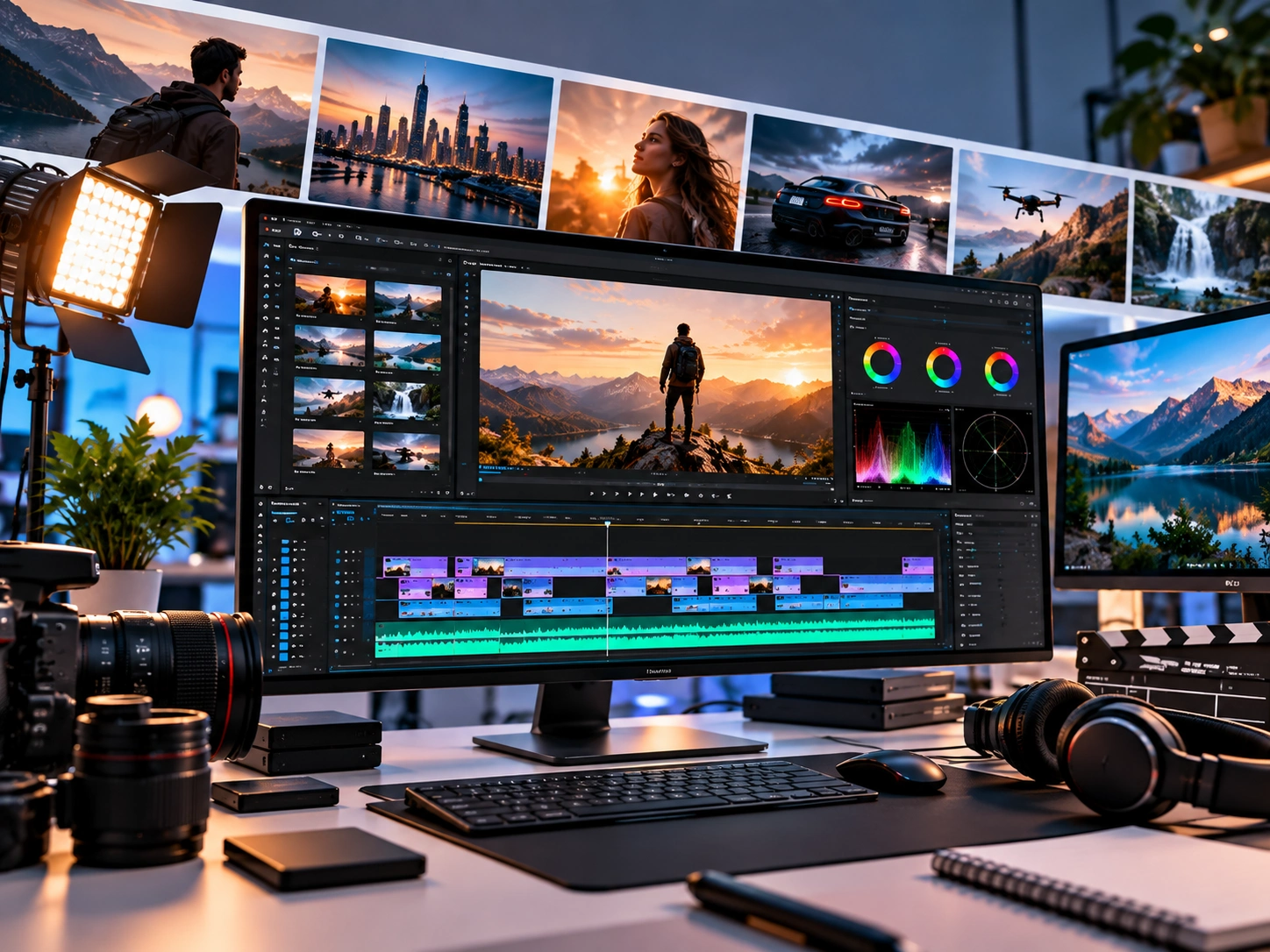
This project involved taking raw video footage and transforming it into a polished, professional final video using Adobe Premiere Pro. The goal was to create a visually engaging edit with strong pacing, clean storytelling, professional audio, consistent visuals, and platform-ready delivery.
The project included the complete post-production workflow, from importing and organizing raw media to editing, visual refinement, audio enhancement, color correction, captions, final quality control, and export.
The final result was a clean, structured, professional video ready for publishing, marketing, social media, or presentation.
My Role
Role: Video Editor & Post-Production Specialist
I was responsible for the complete editing workflow, including:
• Reviewing and organizing raw footage
• Selecting the strongest takes and shots
• Creating the initial storyline and edit structure
• Removing unnecessary footage and mistakes
• Building a professional timeline
• Improving pacing and visual flow
• Adding B-roll and supporting visuals
• Creating transitions and visual effects
• Adding titles, captions, and text overlays
• Cleaning and balancing audio
• Adding background music and sound effects
• Performing color correction
• Applying creative color adjustments when required
• Preparing platform-specific video formats
• Conducting final quality control
• Exporting the finished video
How I Worked on the Project
1. Project Analysis & Planning
I first reviewed the project requirements, raw footage, audio, branding assets, references, and intended publishing platform.
Before editing, I identified the required video structure, visual style, pacing, aspect ratio, resolution, audio requirements, and delivery format.
This helped establish a clear editing direction before production began.
2. Media Organization
All provided footage and assets were organized inside Adobe Premiere Pro.
I structured the project into logical bins and categories for:
Video Footage → Audio → B-Roll → Graphics → Music → Sound Effects → Titles → Sequences → Exports
This made the project easier to manage and helped maintain an efficient editing workflow.
3. Rough Cut
I created the initial sequence by selecting the strongest footage and arranging the important content into a coherent structure.
At this stage, I focused on:
Story → Structure → Timing → Information Flow → Essential Content
Unnecessary pauses, mistakes, repeated sections, unusable takes, and distracting footage were removed.
4. Professional Editing & Pacing
After the rough cut, I refined the edit to create a more engaging viewing experience.
I worked on:
• Clean cuts
• Jump-cut refinement
• Timing adjustments
• Scene selection
• Speaker transitions
• Rhythm and pacing
• Music synchronization
• Visual continuity
• Story progression
The objective was to make the video feel intentional and professionally structured rather than simply placing clips one after another.
5. B-Roll & Visual Enhancement
Relevant B-roll, images, graphics, and supporting visuals were integrated where appropriate.
B-roll was used to:
• Support the narration
• Improve visual variety
• Explain information
• Cover cuts
• Maintain viewer engagement
• Strengthen the overall storytelling
6. Transitions & Motion Elements
I added clean transitions and visual effects where they improved the flow of the video.
Rather than using unnecessary effects, I focused on purposeful transitions, readable text, controlled motion, and visual consistency.
Titles, lower thirds, captions, callouts, and other graphic elements were also incorporated when required.
7. Audio Editing & Sound Design
Audio was refined to create a cleaner and more consistent listening experience.
My audio workflow included:
• Dialogue cleanup
• Volume balancing
• Removing unwanted sections
• Audio synchronization
• Background music placement
• Sound-effect integration
• Music and dialogue level balancing
• Smoother audio transitions
The final mix was adjusted so that dialogue remained clear while music and sound effects supported the content without becoming distracting.
8. Color Correction & Visual Consistency
I performed color correction to create consistency between shots and improve the overall appearance of the footage.
This included adjustments to:
Exposure → White Balance → Contrast → Saturation → Highlights → Shadows → Skin Tones
Where the project required a specific visual identity, I also applied a creative color treatment to establish a more consistent and polished look.
9. Captions, Titles & Branding
I added text and graphic elements according to the project's requirements.
These could include:
• Captions and subtitles
• Headings
• Lower thirds
• Calls to action
• Logo placement
• Brand elements
• On-screen information
• Highlight text
Typography, positioning, timing, and visual hierarchy were kept consistent throughout the video.
10. Platform Optimization
The final sequence was prepared according to the intended publishing platform.
Depending on the project, this can include:
YouTube — 16:9
Instagram Reels — 9:16
TikTok — 9:16
YouTube Shorts — 9:16
Social Media — 1:1 or 4:5
Resolution, frame rate, bitrate, aspect ratio, and export settings were selected according to the delivery requirements.
How the Project Was Completed
After the main edit was finished, I performed a complete quality-control pass.
I checked:
• Video cuts
• Audio synchronization
• Dialogue clarity
• Music levels
• Captions and spelling
• Text positioning
• Graphics
• Transitions
• Color consistency
• Missing frames
• Visual glitches
• Export settings
• Final video quality
Any issues identified during the review were corrected before the final export.
The completed project was then exported into the required format and prepared for final delivery.
What I Delivered
The completed project included a professionally edited final video featuring:
Clean Editing + Professional Pacing + B-Roll + Captions + Transitions + Sound Design + Color Correction + Branding + Platform-Ready Export
The Premiere Pro project structure was also kept organized so that future revisions, updates, or alternative exports could be handled efficiently.
Tools & Workflow
Adobe Premiere Pro was the primary editing and post-production application used for the project.
My workflow focused on maintaining a balance between technical precision, storytelling, visual consistency, audio quality, and efficient project organization.
Project Completion
The project was completed through a structured post-production workflow rather than a single editing pass. Each stage was reviewed and refined before moving to the next, from the initial media organization through final quality control and delivery.
The final video was prepared as a professional, polished, and publication-ready piece of content while maintaining the project's intended visual style and communication goals.
0 likes · 1 view · Oct 1, 2026
Professional Video Editing & Post-Production in Adobe Premiere Pro Project Overview This project involved taking raw video footage and transforming it into a...

