Taskboard Pro Development

Vaibhav Kumawat


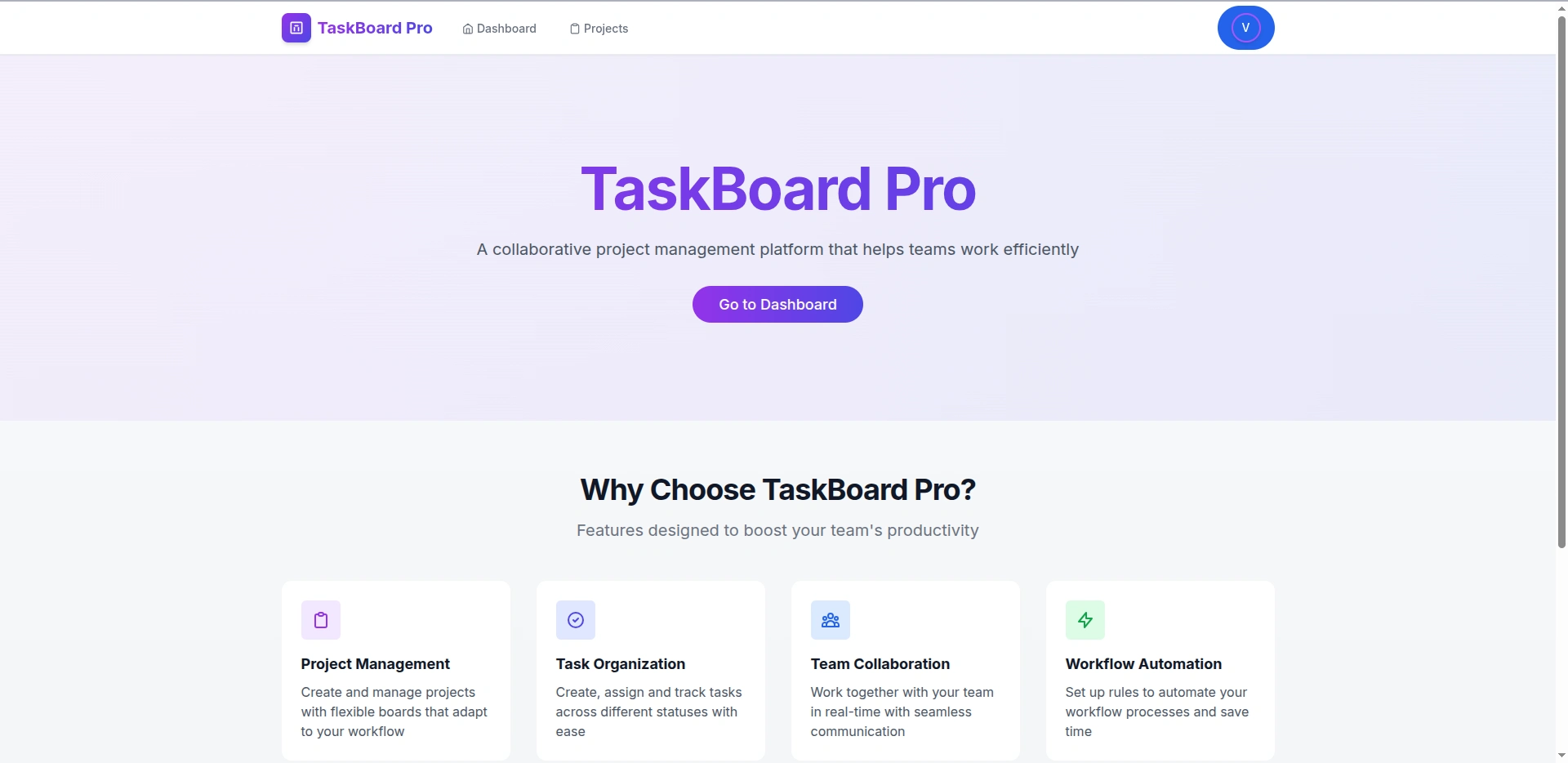
Taskboard Pro
A modern project management and collaboration platform designed to help teams organize, track, and manage their tasks efficiently with real-time updates and workflow automation.
Table of Contents
Introduction
Taskboard Pro is a full-stack task management application built with React, Node.js, Express, and MongoDB.
It enables teams to collaborate on projects, manage tasks using a Kanban-style board, communicate via comments, and automate repetitive workflows.
The application offers:
A responsive UI for all devices
Real-time updates via WebSockets
Customizable workflows and automation rules
Detailed analytics to track project progress
Features
Project Management
Project Creation & Organization: Create new projects, add descriptions, and organize work.
Customizable Statuses: Define your own workflow stages (To Do, In Progress, Review, Done, etc.).
Team Collaboration: Invite team members and assign roles (owner, member).
Task Management
Kanban Board View: Drag-and-drop interface for managing tasks.
Task Details: Title, description, assignee, due date, priority, urgency.
Comments & Discussions: Threaded comments on tasks.
Task Assignments: Assign tasks with email notifications.
User Experience
Real-time Updates: Instant changes via WebSocket integration.
Responsive Design: Works on desktop, tablet, and mobile.
Notifications: In-app for assignments, mentions, and status changes.
Workflow Automation
Custom Automation Rules: "If this, then that" style automations.
Triggers: Status change, assignment change, due date passed.
Actions: Move tasks, assign badges, send notifications.
Achievement Badges: Gamification elements.
Security & Access Control
Authentication: Secure user authentication with Firebase.
Role-Based Access: Different permissions for owners/members.
Data Protection: Encrypted storage and secure API endpoints.
API Documentation
All endpoints (except registration/login) require authentication via a Bearer token:
Projects API
Endpoint Method Description Request Body Response
/api/projects GET Get all projects for current user - Array of project objects /api/projects POST Create a new project {title, description} Created project object /api/projects/:projectId GET Get a specific project - Project object /api/projects/:projectId PUT Update a project {title, description} Updated project object /api/projects/:projectId DELETE Delete a project - Success message /api/projects/:projectId/invite POST Invite user to project {email} Success message /api/projects/:projectId/members/:userId DELETE Remove user from project - Success messageTasks API
Endpoint Method Description Request Body Response
/api/tasks POST Create a new task {title, description, projectId, status, assignee, dueDate, priority, isUrgent} Created task object /api/tasks/project/:projectId GET Get all tasks for a project - Array of task objects /api/tasks/user/assigned GET Get tasks assigned to current user - Array of task objects /api/tasks/:taskId GET Get a specific task - Task object /api/tasks/:taskId PUT Update a task Task fields to update Updated task object /api/tasks/:taskId/status PATCH Update task status {status} Updated task object /api/tasks/:taskId DELETE Delete a task - Success message /api/tasks/project/:projectId/statuses PUT Update project statuses {statuses: []} Updated project objectComments API
Endpoint Method Description Request Body Response
/api/comments POST Create a comment {taskId, content} Created comment object /api/comments/task/:taskId GET Get comments for a task - Array of comment objects /api/comments/:commentId DELETE Delete a comment - Success messageAutomations API
Endpoint Method Description Request Body Response
/api/automations POST Create automation rule Automation object Created automation object /api/automations/project/:projectId GET Get automations for project - Array of automation objects /api/automations/:automationId PUT Update automation Automation fields Updated automation object /api/automations/:automationId DELETE Delete automation - Success message /api/automations/badges GET Get user badges - Array of badge objects /api/automations/notifications GET Get user notifications - Array of notification objectsDatabase Schema
Click to expand collections
Project
Task
Comment
Automation
Badge
Notification
Database Schema Diagram
System Architecture
Getting Started
Prerequisites
Node.js (v16 or higher)
MongoDB
Firebase account for authentication
Installation
Clone the repository
Install dependencies for backend and frontend
Create environment files
Set environment variables
Backend (.env):
Frontend (.env):
Start the development servers
Frontend: http://localhost:5173
Backend API: http://localhost:5000
Like this project
Posted Jul 10, 2025
Developed Taskboard Pro, a task management app with React, Node.js, and MongoDB.
Likes
0
Views
4