
Still Processing Wholesale Purchase Orders Manually? Automate Order Processing with Make.com
One incorrect purchase order can create problems across your entire distribution operation.
A wholesale customer emails a purchase order. Someone downloads the PDF, checks product codes, enters quantities into a spreadsheet, verifies inventory, and forwards the details to the warehouse.
Then another purchase order arrives with a different format.
Your employees repeat the same process.
The real problem isn't receiving orders. It's the disconnected manual work required to process every order correctly.
Common Problems Wholesale Distributors Face
Purchase orders arriving through different email formats and PDF attachments.
Manual entry of product codes, quantities, and customer information.
Incorrect or missing SKU details.
Delays identifying unavailable inventory.
Repetitive order verification and approval processes.
Limited visibility into pending and rejected purchase orders.
Slow communication between sales, procurement, and warehouse teams.
The Solution: Make.com Purchase Order Automation
I can develop a Make.com automation scenario that helps wholesale distributors process incoming purchase orders through structured data extraction, validation, inventory checks, and order tracking.
The system can combine document processing with existing business applications, reducing the need to manually transfer information between disconnected tools.
How the Workflow Works
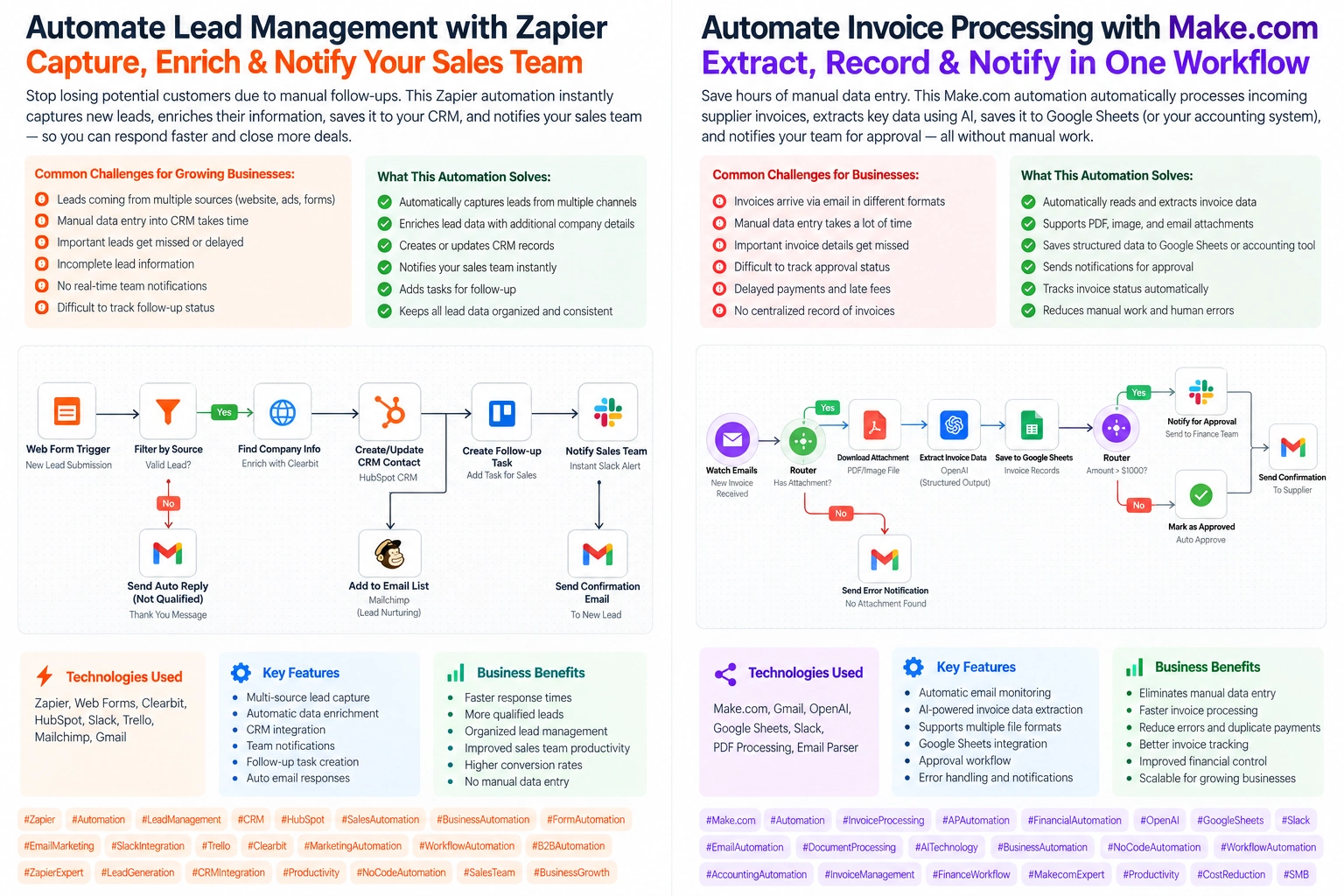
Gmail → Make.com → OpenAI Data Extraction → JSON Validation → Inventory API → Router → Order Processing / Manual Review
Step 1 — Monitor Incoming Purchase Orders
Make.com watches a dedicated Gmail inbox for new purchase-order emails with supported attachments.
Step 2 — Extract Purchase Order Details
The workflow extracts document text and uses OpenAI to structure information such as:
Customer and company name
Purchase order number
Product SKU
Ordered quantities
Requested delivery date
Billing and shipping details
Scanned PDFs can be routed through an OCR service when necessary.
Step 3 — Validate the Data
The scenario checks required fields, verifies product codes against the product catalog, and identifies duplicate purchase-order numbers.
Step 4 — Check Inventory
Make.com calls the distributor's inventory API to retrieve available quantities for the requested products.
Step 5 — Route the Order
Using Make.com Routers and Filters:
Valid order + sufficient stock: Send the order to the configured order-management system.
Missing information or insufficient stock: Flag the order for staff review before processing.
Step 6 — Update Order Tracking
The workflow records the processing status in the connected system and can notify the responsible team when an order requires attention.
Step 7 — Customer Communication
After an order is accepted by the order-management system, the customer can receive an acknowledgment with the confirmed order reference.
Business Benefits
✅ Reduce repetitive purchase-order data entry.
✅ Identify missing information before creating orders.
✅ Improve coordination between sales and warehouse teams.
✅ Organize purchase orders in one structured process.
✅ Make inventory issues visible earlier.
✅ Support faster order review and customer communication.
✅ Create a foundation for scalable wholesale operations.
Already have an order-processing workflow in mind? → Let's connect your email, inventory software, and order-management system using Make.com.
Not sure what can be automated? → Show me how your team currently handles purchase orders, and I'll help map a practical automation strategy.
SEO Keywords
Make.com Automation • Make.com Expert • Make.com Developer • Make.com Scenario Development • Wholesale Distribution Automation • Purchase Order Automation • Purchase Order Processing • Procurement Automation • Inventory Management Automation • Wholesale Business Automation • Order Management Automation • AI Document Processing • AI Data Extraction • OpenAI API Integration • PDF Data Extraction • Business Process Automation • Workflow Automation • Supply Chain Automation • Inventory API Integration • ERP Integration • Gmail Automation • No-Code Automation • Low-Code Development • Custom Make.com Scenarios • B2B Order Processing • Wholesale Operations Software • Document Validation Automation • API Integration • AI Automation Services • Automation Consultant
Result: A proposed purchase-order automation system designed to organize incoming orders, reduce manual processing, validate product information, and improve visibility across wholesale distribution operations.
#MakeCom #MakeAutomation #MakeComExpert #MakeComDeveloper #WorkflowAutomation #PurchaseOrderAutomation #OrderProcessing #WholesaleDistribution #WholesaleAutomation #ProcurementAutomation #InventoryAutomation #SupplyChainAutomation #ERPIntegration #APIIntegration #OpenAIAPI #AIDocumentProcessing #DocumentAutomation #BusinessAutomation #NoCodeAutomation #LowCodeAutomation #B2BAutomation #OperationsAutomation #GmailAutomation #DigitalTransformation #AutomationEngineer
Skills (3/3):
Business Process Automation
AI Document Processing
Systems Integration
Tools (3/3):
OpenAI
Gmail
0 likes · 0 views · Oct 19, 2026
Still Processing Wholesale Purchase Orders Manually? Automate Order Processing with Make.com (http://Make.com) One incorrect purchase order can create proble...


