Synapse: Collaborative Study Platform (Academic Project)

Daniil Biiakov


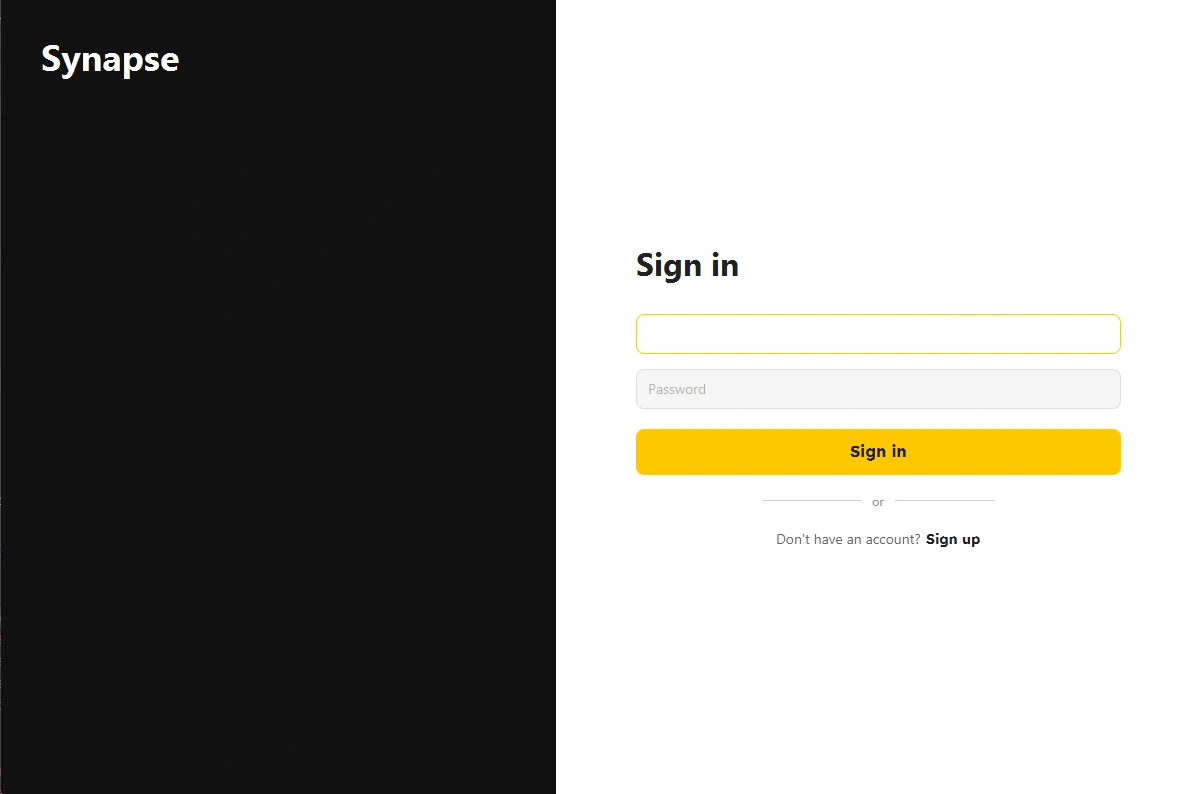
🧠 Synapse — Collaborative Study Platform
Synapse is an educational platform designed to facilitate collaborative learning. It allows students to form study groups, manage shared tasks, solve problems together, and exchange resources in a centralized environment.
The project is implemented as a distributed system consisting of two distinct parts:
Backend (Server): REST API & WebSocket server built with Spring Boot.
Frontend (Client): A rich desktop application built with JavaFX.
🏗️ System Architecture
The application follows a Client-Server architecture. The JavaFX client acts as a "thick client," handling presentation logic and state management, while the Spring Boot server handles business logic, persistence, and security.
Loading
🔧 Backend Overview (Server)
The server side is a robust REST API application providing the core logic for the platform.
Key Technologies
Framework: Spring Boot 3
Security: Spring Security (Session-based)
Real-time: WebSockets (STOMP) for notifications
Testing: JUnit & Mockito
Containerization: Docker (for app and test execution)
🔐 Security & Architecture Decision
The application uses Session-based Authentication (Stateful).
Note: While REST APIs typically strive for statelessness (using JWT), this project deliberately uses Session Cookies (
JSESSIONID). Given that the client is a JavaFX Desktop Application (Rich Client) rather than a browser-based SPA (like React), maintaining a session state is a valid and efficient architectural choice that simplifies security context management.📚 API Documentation
The full API specification is available via Swagger UI (requires the backend to be running):
URL:
http://localhost:8080/swagger-ui/index.html💻 Frontend Overview (Client)
The client is a modern JavaFX application that leverages a Reactive Architecture to ensure a responsive user experience.
Key Features
Centralized State Management: Uses a Store Pattern (similar to Redux). Controllers do not store data; they bind to
ObservableLists in Stores (TaskStore, GroupsStore).Reactive UI: Views like "Today" and "Upcoming" are live
FilteredList views of a single master data source.Real-Time Sync: Integrates a custom
StompClient (Java 11 HttpClient + WebSocket) to receive push notifications about new tasks, files, or invites instantly.Thread Safety: All network I/O is asynchronous (
CompletableFuture), with UI updates safely marshaled to the JavaFX Application Thread.Tech Stack
Java 21
JavaFX (FXML + CSS)
Gson (JSON Serialization)
ControlsFX (Notifications & UI components)
🚀 Setup and Execution
Prerequisites
Java JDK 21
Maven 3.9+
Docker (Optional, for containerized backend run)
1. Running the Backend
You can run the backend locally or via Docker.
Once started, verify the API is running at
http://localhost:8080.2. Running the Frontend
Open the
Frontend module in your IDE or run via terminal:📸 Screenshots
Like this project
Posted Jan 3, 2026
Developed client-side UI & logic using JavaFX for a collaborative study platform. Integrated with Java backend for real-time sync. Academic project at STU.
Likes
0
Views
3
Timeline
Nov 20, 2025 - Dec 10, 2025