3D Interactive Web Experience for Starbucks Reserve

Rohan Hiremathswami


Case Study: Building a 3D Interactive Web Experience for Starbucks Reserve
The Challenge
Most coffee website menus feel static. You see a flat picture of a drink, a price tag, and an "Add to Cart" button. But specialty coffee—especially a brand like Starbucks Reserve—is all about the sensory experience: the whipped cream drizzle, the layers, the origin story, and the craftsmanship.
I wanted to build a web experience that brought that feeling onto the screen. The goal was to create a fast, mobile-friendly landing page where guests could actually interact with the product—rotating a 3D Frappuccino in real time, customizing their order specs on hover, and feeling connected to the brand before taking a single sip.
The Design & Aesthetic
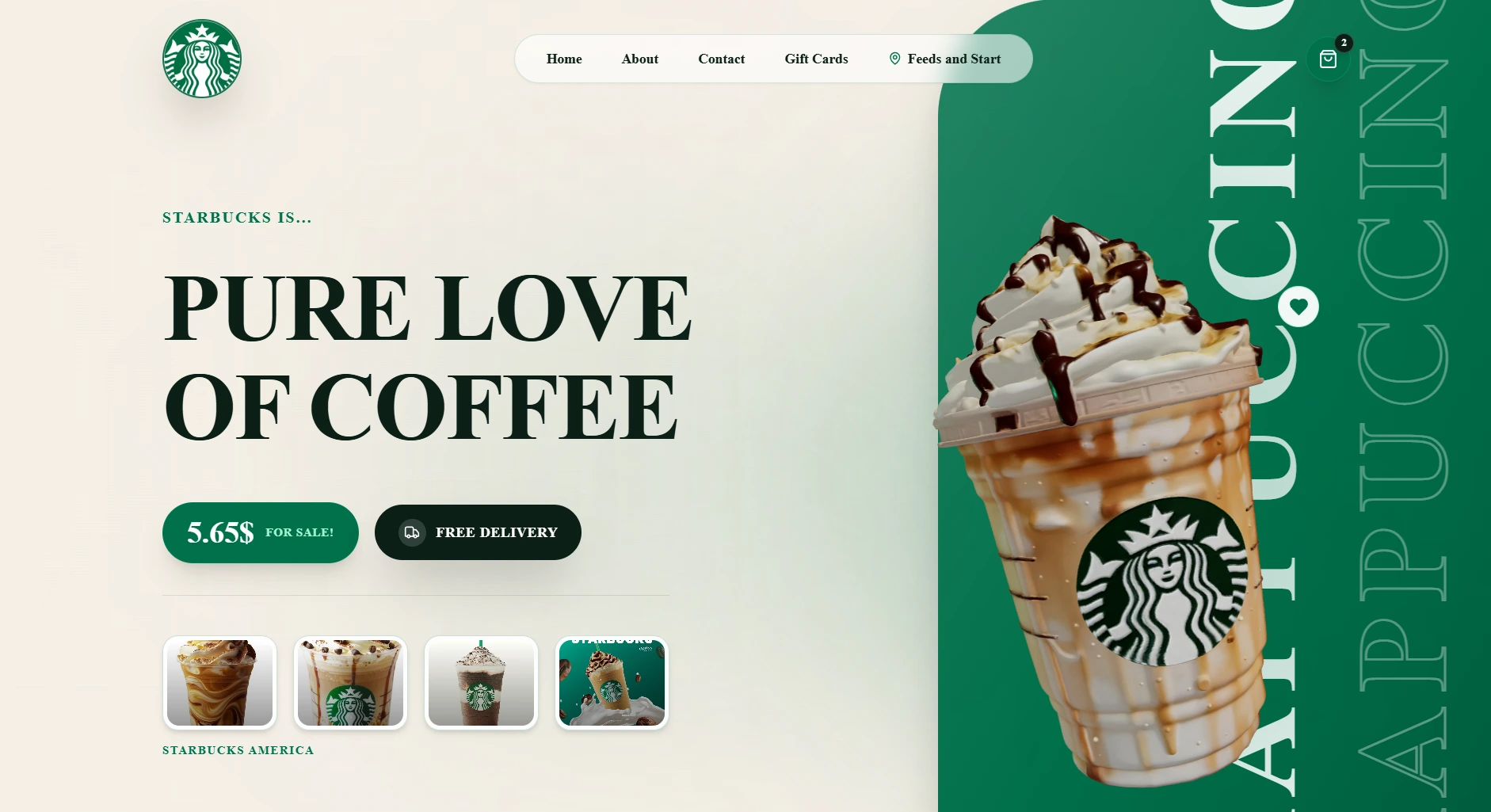
Instead of a generic dark mode, I went with a warm, editorial luxury palette:
Background: Warm champagne cream (
#f5efe6) that feels like fresh parchment or whipped milk.Typography: Deep dark espresso (
#0c1f17) for high-contrast, readable headlines.Accents & Pillars: Rich Starbucks Green (
#00704A) used in curved vertical cards with bold vertical typography.Refrence:I refer designs from pintrest,dribble.
The layout blends modern editorial grids with playfulness—floating heart badges, price pills, and transparent drink previews that pop off the page.
Building the 3D & Interactive Experience
1. Interactive 3D Model Showcase (WebGL)
Using React Three Fiber and Three.js, I built an inline 3D Canvas in the Hero section. Visitors can click and drag the 3D Starbucks Frappuccino cup to rotate it 360° in real time.
To ensure smooth performance across phones and older laptops, I optimized lighting, frustum camera distances, and added procedural fallback rendering while the
.glb model loads in the background.2. Interactive Product Hover Cards
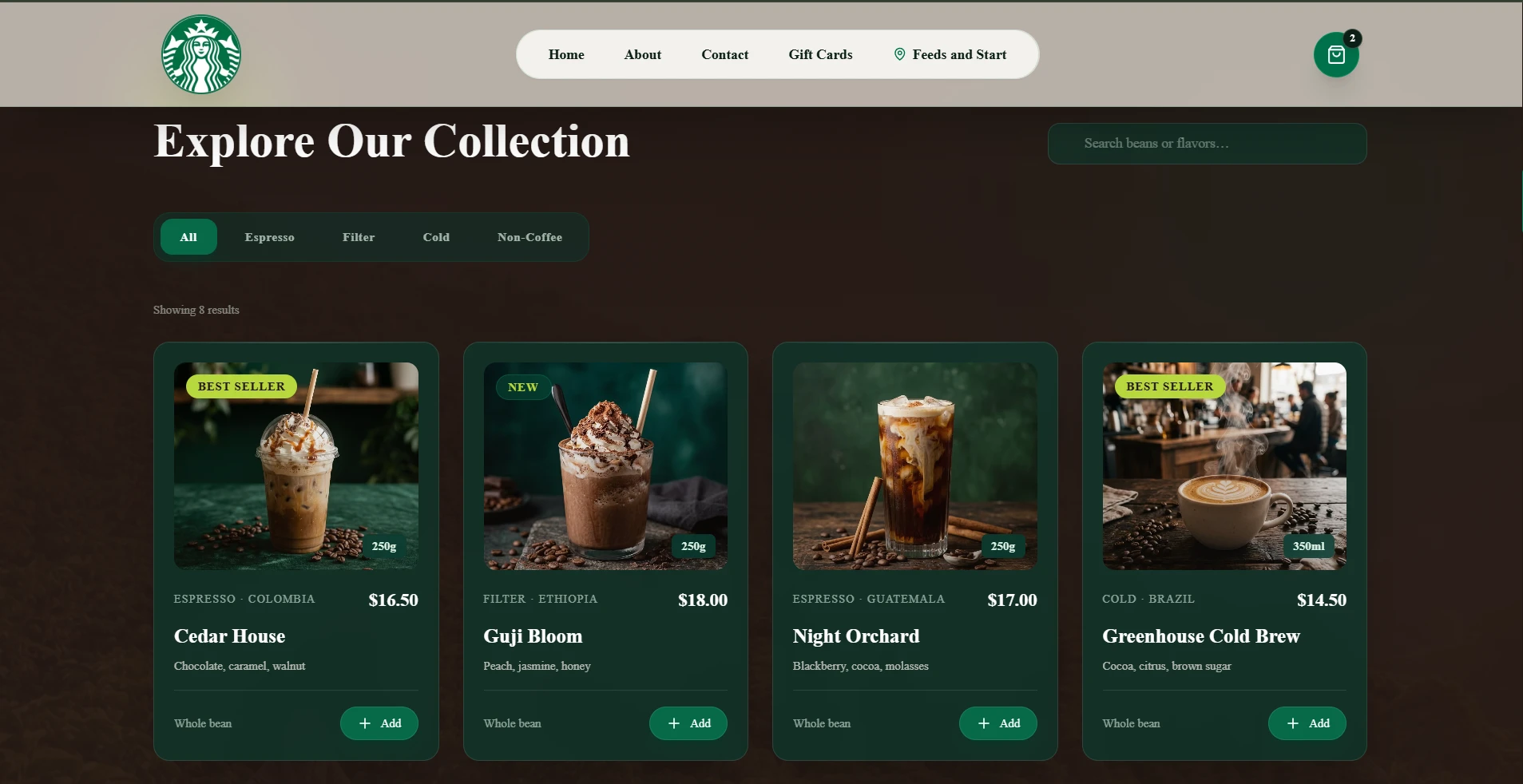
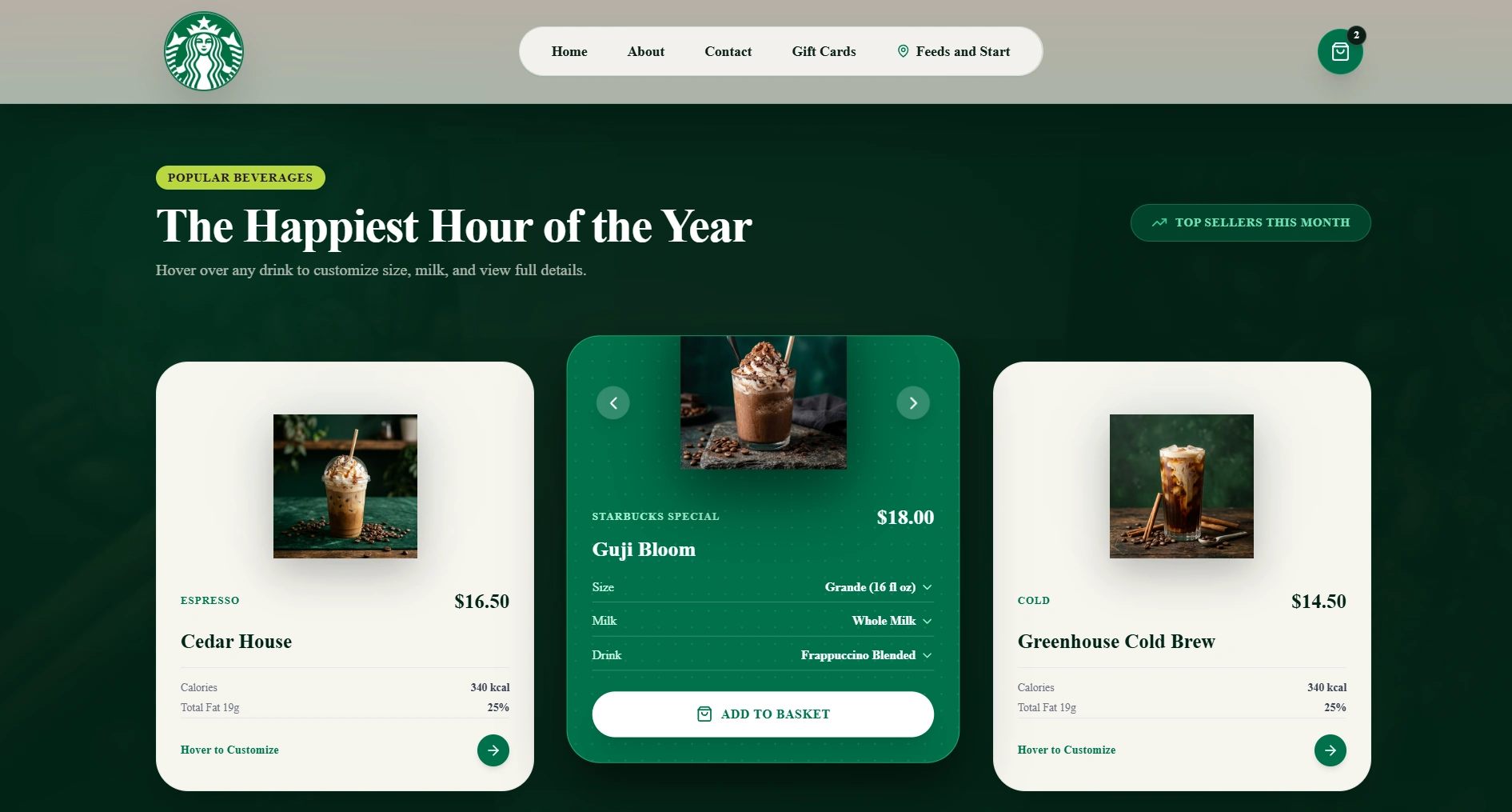
When browsing the menu, hovering over any drink transforms the card into an active customization modal (inspired by mobile app UI):
3D Float Effect: The drink image breaks out of the card frame.
Live Customizers: Visitors can select cup size (Grande, Venti), milk type (Whole Milk, Almond, Oat), and blend style directly on the card before hitting ADD TO BASKET.
3. Frosted Glass Navigation & Motion Polish
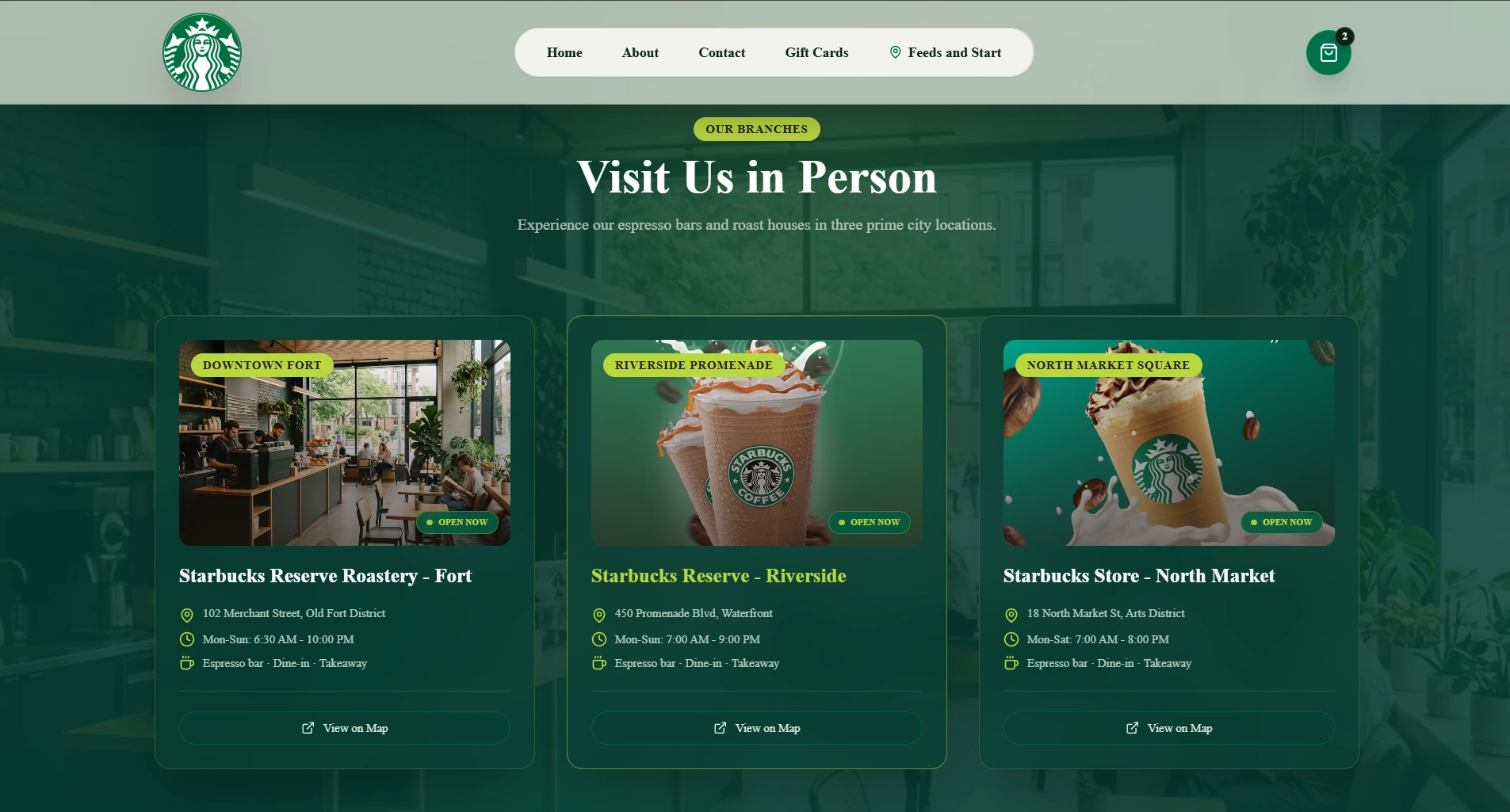
As the visitor scrolls down, the fixed navigation bar morphs into a frosted glass header (
backdrop-blur-2xl) with 70% cream translucency so page elements blur naturally underneath.Sections enter with subtle Framer Motion spring physics, keeping scroll interactions fluid and lively.
Tech Stack Used
Framework: Next.js 14 (React 18 + TypeScript)
3D Engine: Three.js,
@react-three/fiber, @react-three/dreiStyling: Tailwind CSS (Custom Color Tokens & Glassmorphism)
Animation: Framer Motion & GSAP ScrollTrigger
Assets: Custom GLB 3D models & high-res transparent PNGs
What Was Delivered
Hero & 3D Inspect Section: Real-time 360° interactive 3D coffee cup showcase with lighting setup.
Interactive Menu Grid: Custom hover card transformation with live size, milk, and drink selectors.
Featured Matcha Showcase: Full-body transparent drink showcase with size pickers and one-click purchase CTA.
Starbucks Reserve Showcase Banner: Edge-to-edge full-width visual banner with smooth parallax hover zoom.
Frosted Glass Navigation: Responsive scroll-activated glass header with full-screen mobile overlay.
Performance & Polish: 60 FPS WebGL rendering, mobile responsiveness, and spring motion transitions.
Like this project
Posted Aug 7, 2026
Created a 3D interactive web experience for Starbucks Reserve using React Three Fiber and Next.js.
Likes
0
Views
34