
Creative test for Advertima
From physical shoppers to anonymized audiences.
A remake of chapters 01–03 of the Audience AI explainer: one store, one family, and a sensor view that shows what Advertima sees, never who.
Duration 0:42
After Effects
Kling 4.0
Seedream
Figma
Python · OpenCV
What I changed
Three changes against the reference cut, each shown at the same moment of the film.
One world instead of four
The reference moves between a photoreal intro, a 3D-animated family, an isometric store and flat dashboard panels. I kept one photoreal store and one family for all three chapters, generated from a single character sheet, and gave the sensor its own view of the same scene instead of a different world.
Reference
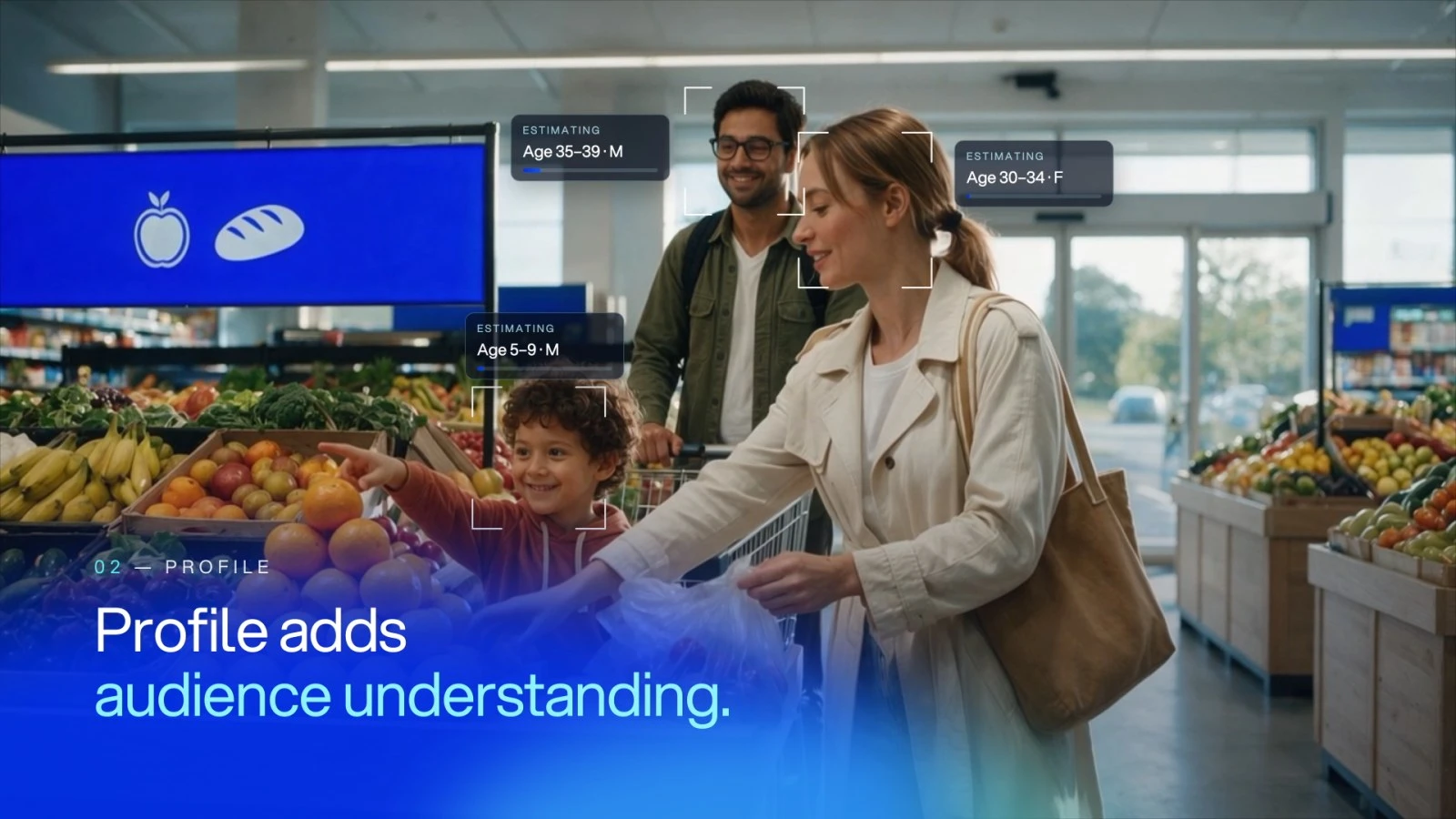
My version
Privacy you can see
In the reference, Capture turns people into grey statues with coloured skeletons, which reads as body tracking right when the script says identity cannot be revealed. In my sensor view, people become soft volumes in the Advertima Mash gradient with no faces, each carrying only an anonymous ID, and a privacy panel lists what the sensor keeps and what it never stores, using the figures Advertima publishes.
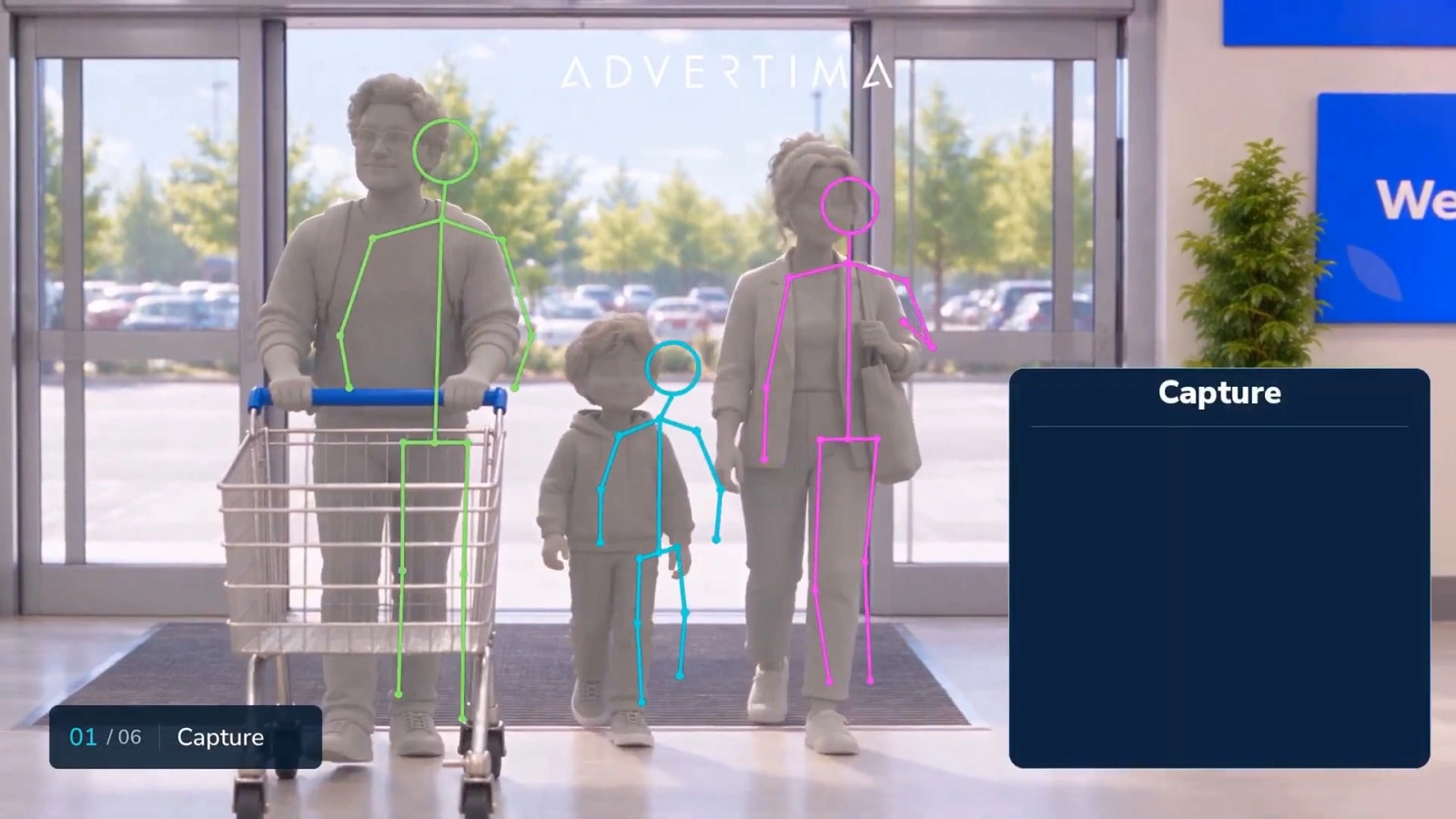
Reference
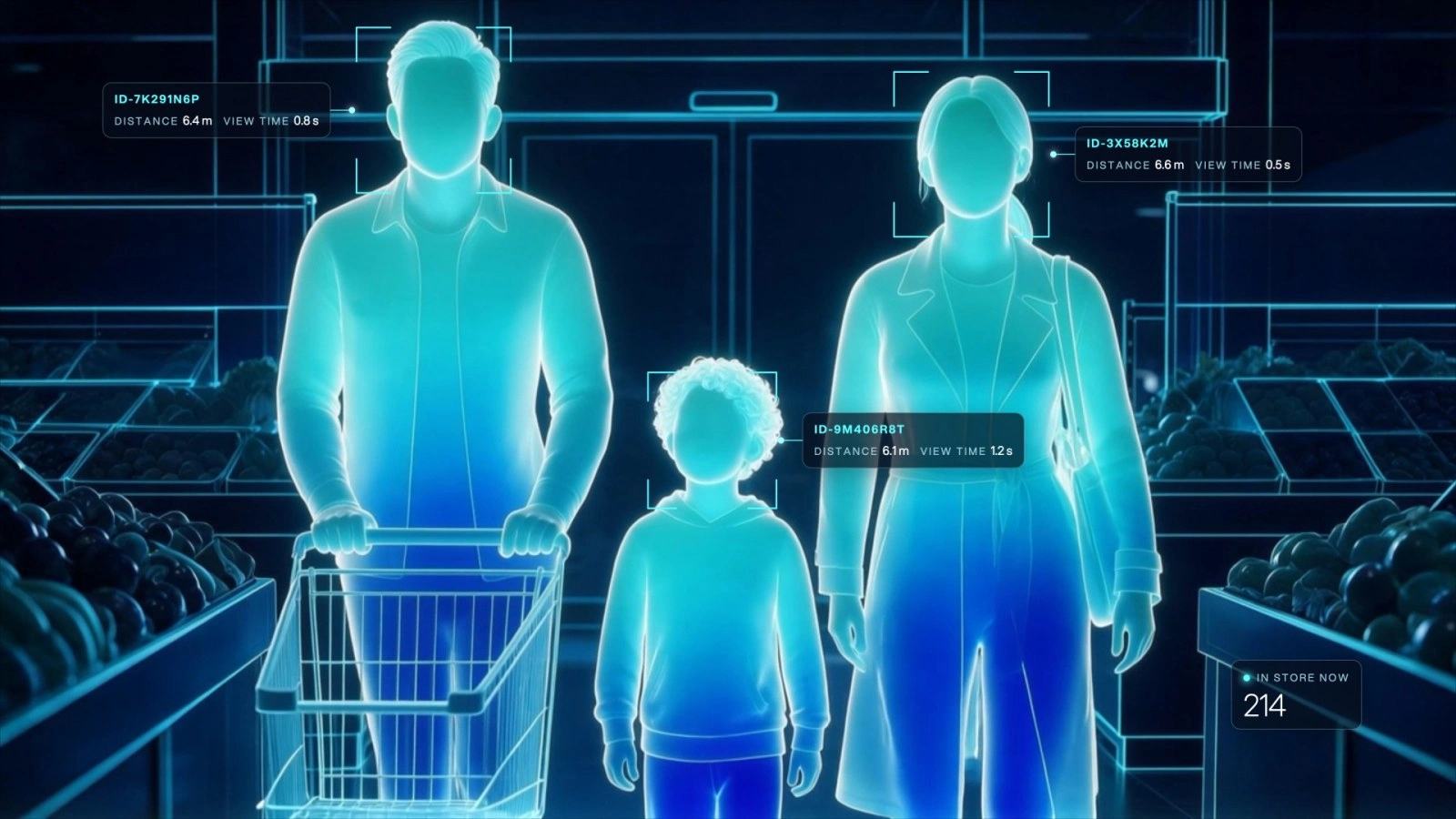
My version
Data as a layer, not a slide
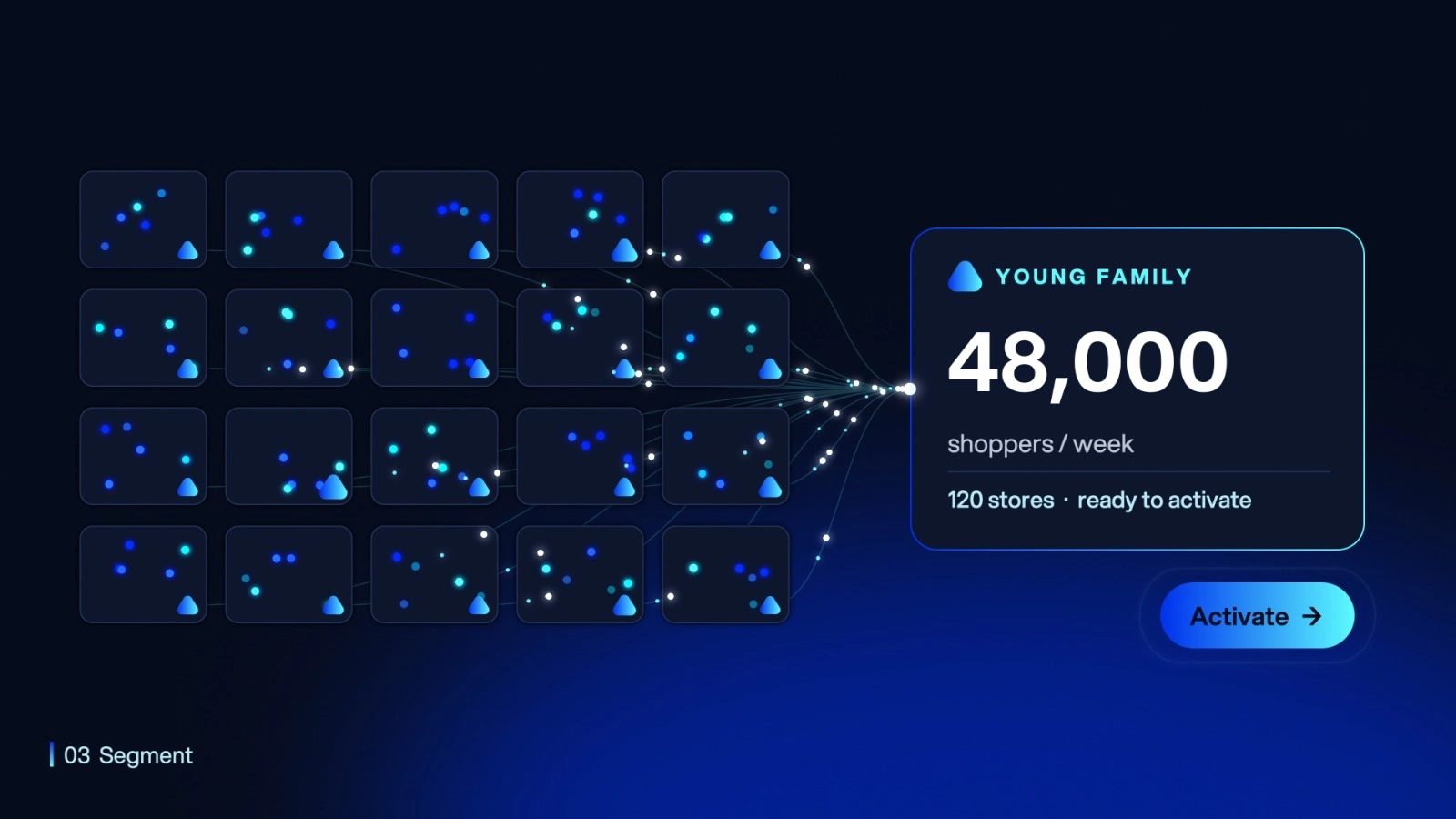
The reference stops for chapter cards and keeps its data in a panel beside the scene. Here the labels are tracked to the people, the store turns into a floor plan, twenty stores feed one audience card and the number grows with every store that reports in. All of it is live type in Aspekta, so any value can be changed in minutes.
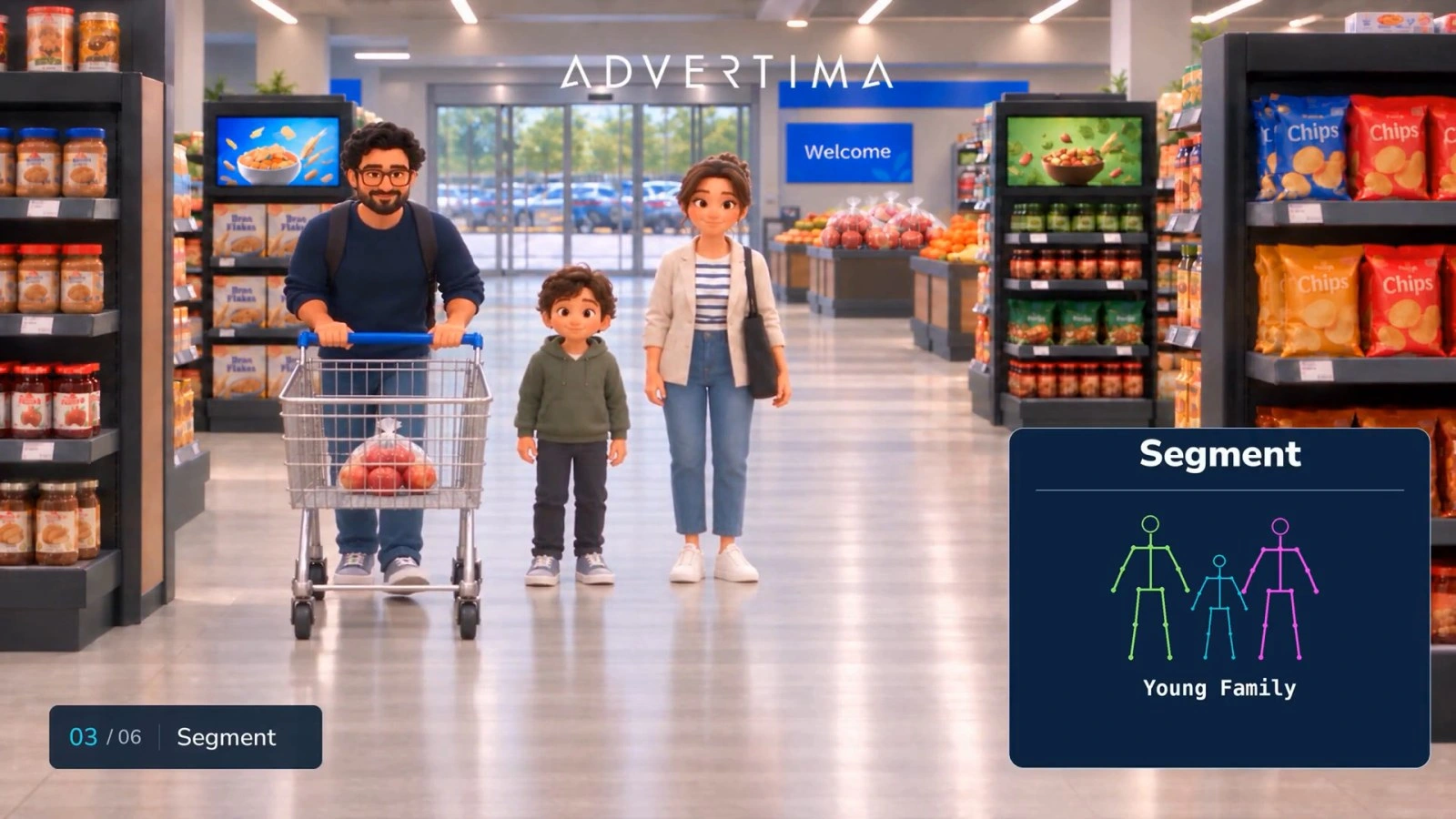
Reference
My version
Walkthrough
Character & world
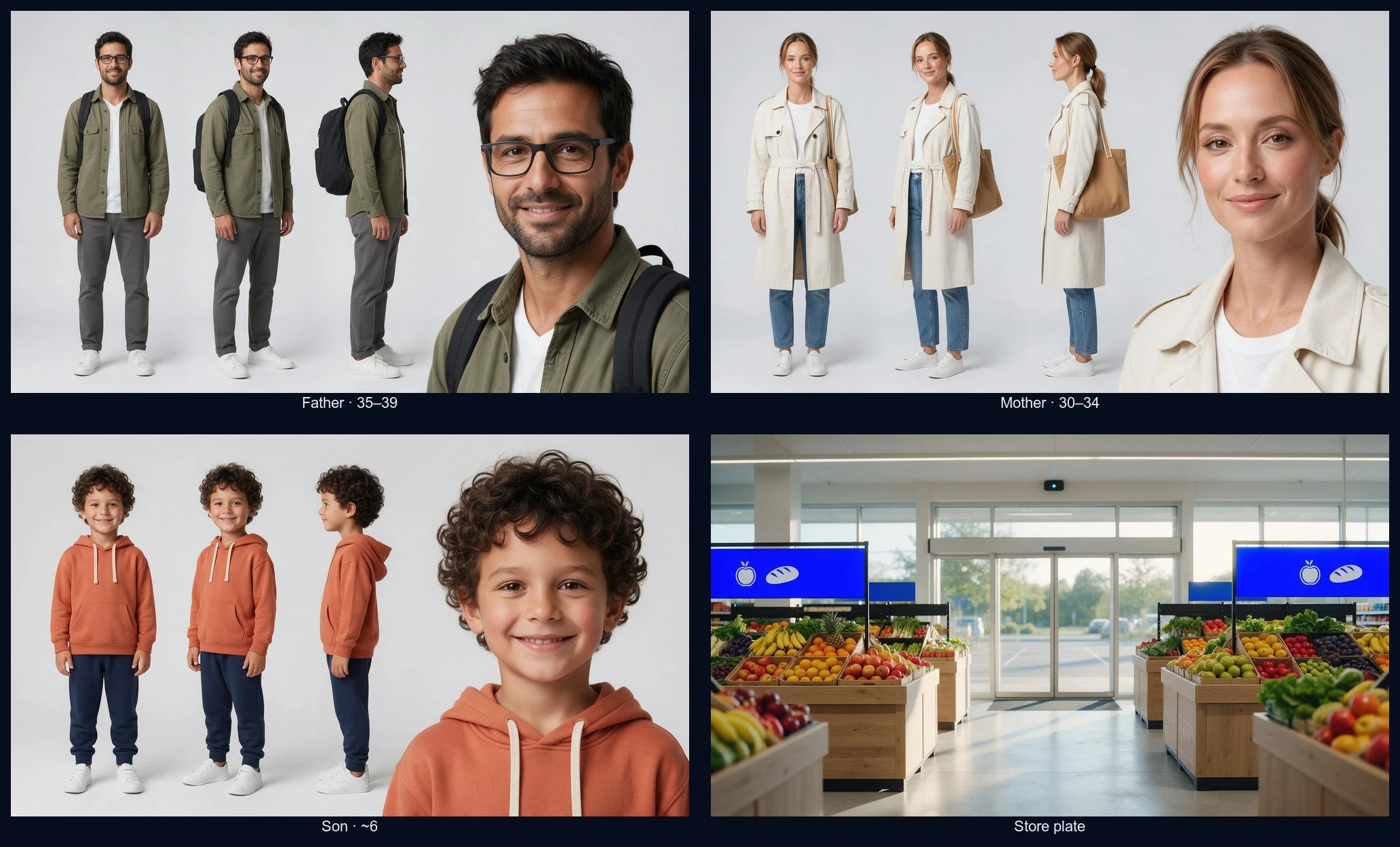
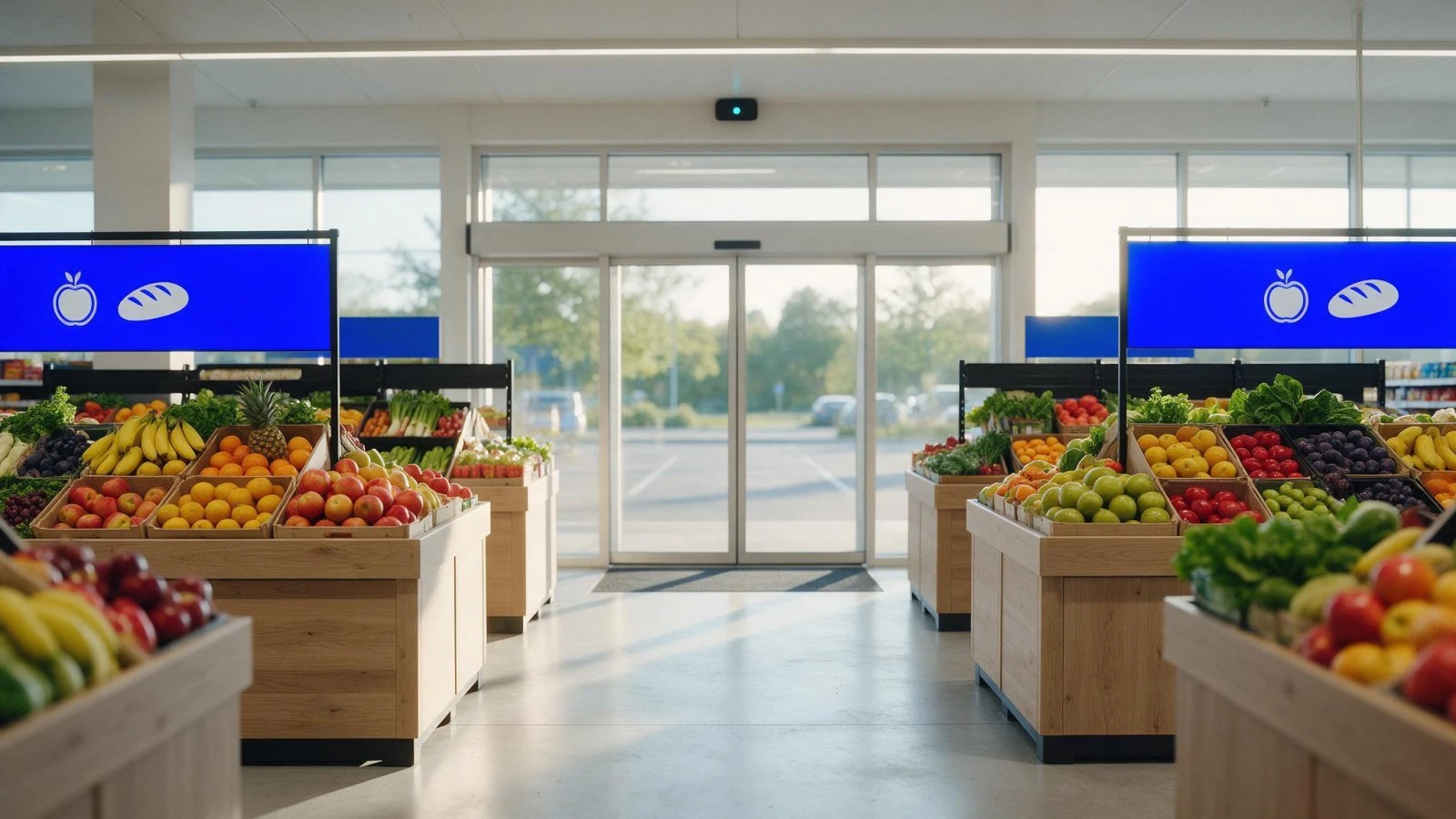
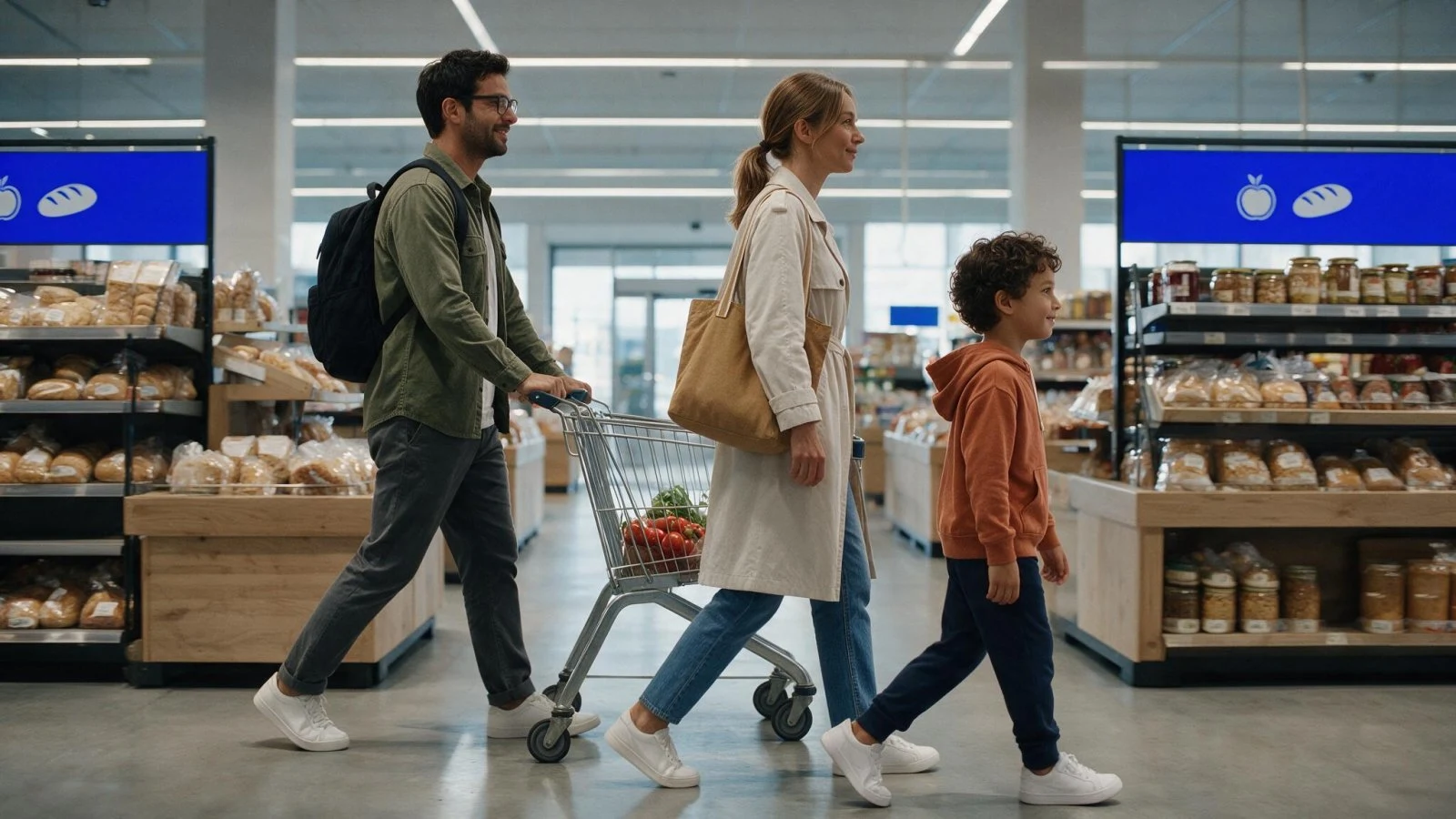
Three cast sheets (father, mother, son) and one store plate were generated first and used as references for every keyframe, so outfits, faces and the store signage hold across all shots. The camera moves were then generated from those keyframes, and every sensor-view shot starts from the exact cut frame of its store-view shot, so the switch between the two never jumps.
Entrance

Fresh produce
Aisle: bakery to breakfast
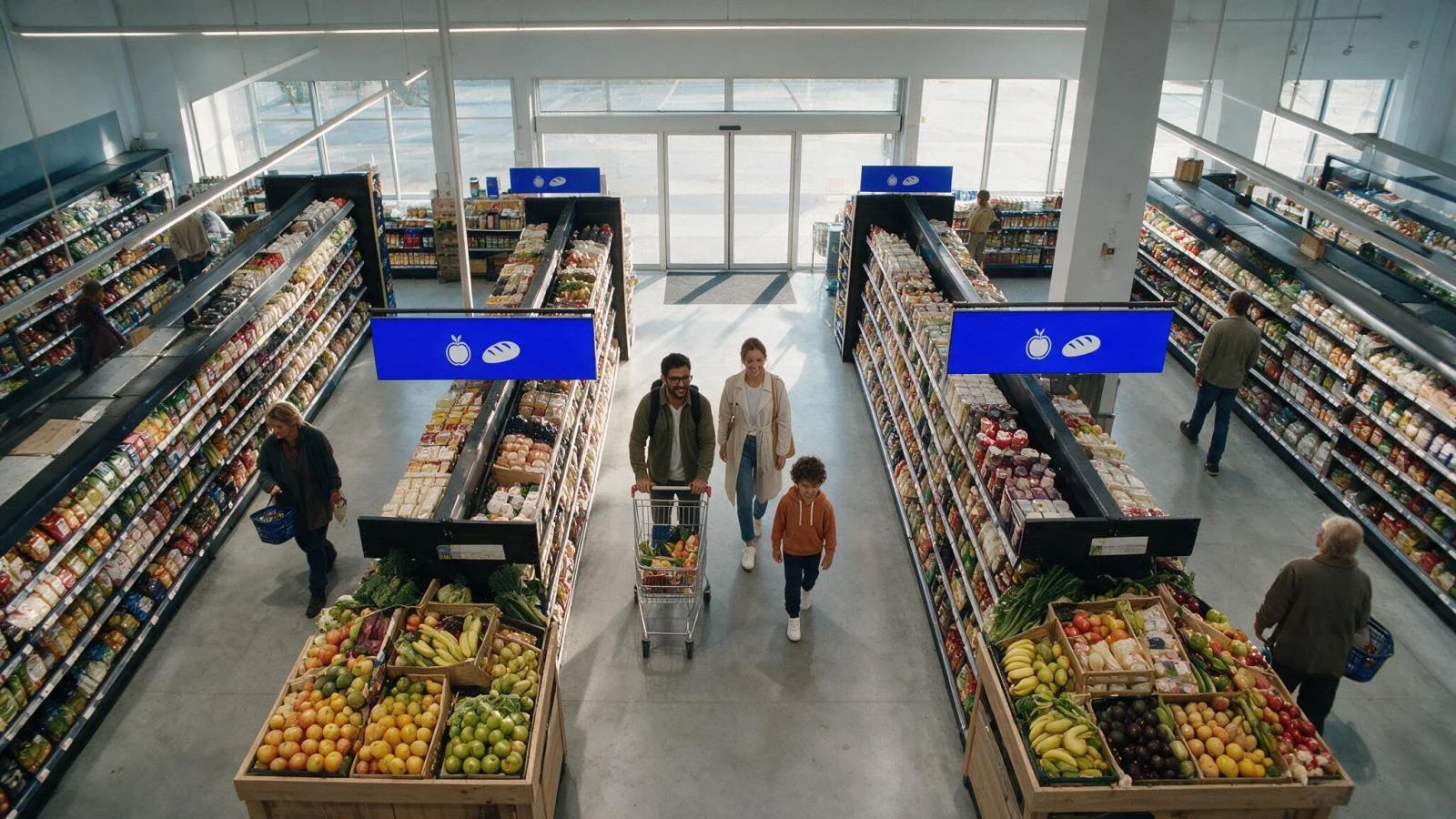
Aisles from above
Brand application
Aspekta throughout, Dark as the ground of the sensor view and the Advertima Mash gradient as the light that stands for what the sensor sees. The UI follows the dark-glass chips and thin Light Blue lines of Advertima's own computer-vision demos, and every number on screen is one Advertima publishes: 120°, 15 m, 317 m², 25 people, 70 ms.
Advertima Mash#0030EE → #5CFCFF
Dark#070D1D
Light Blue#BBE9F3
Teal#05ADC6
Deep Teal#007087
Sky Blue#2878D2
Mist#E8EAEE
Aa200
Aa400
Aa650
Aspekta
Every Store. Smarter.
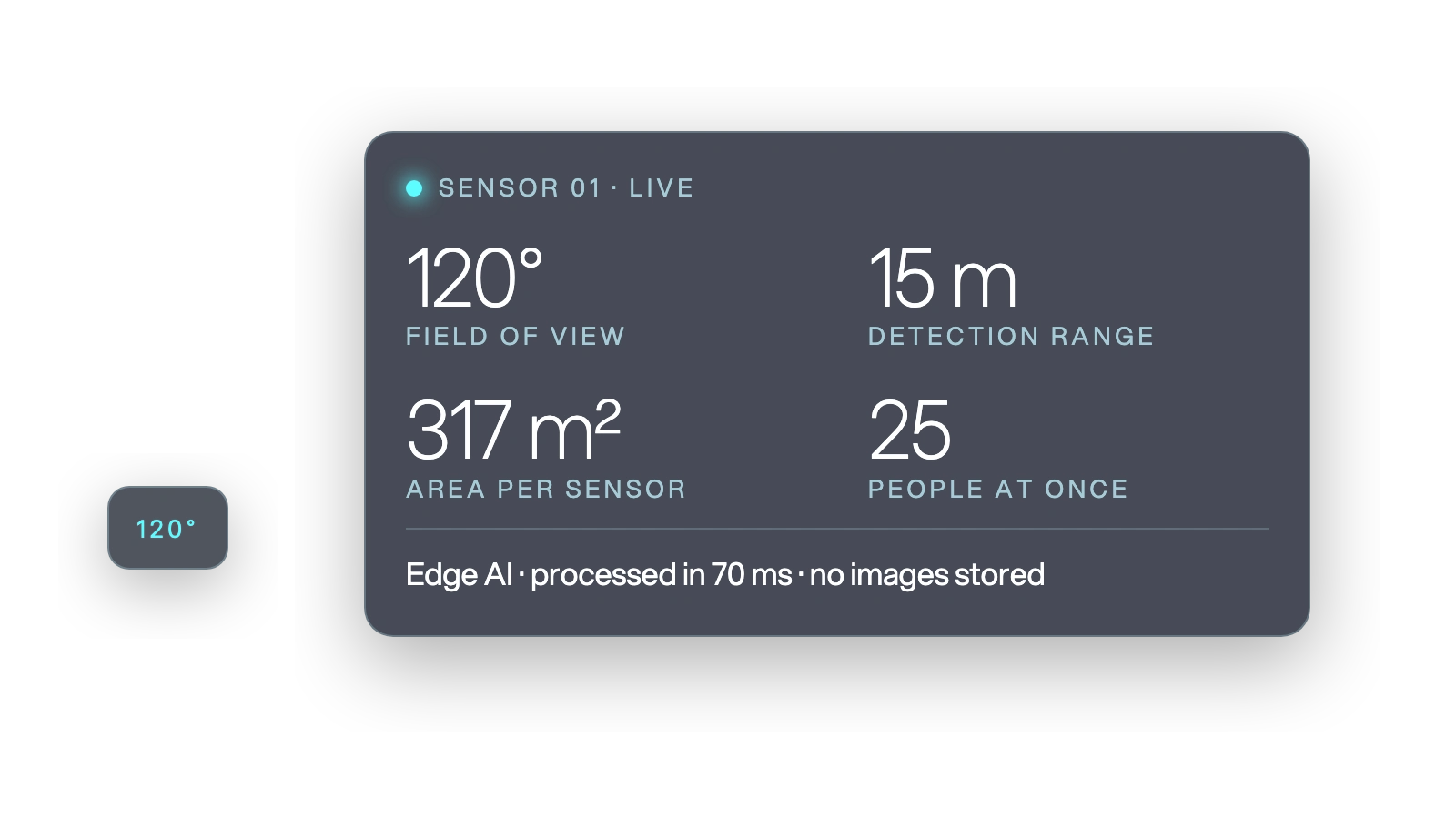
Sensor spec panel and field-of-view chip (01 Capture)
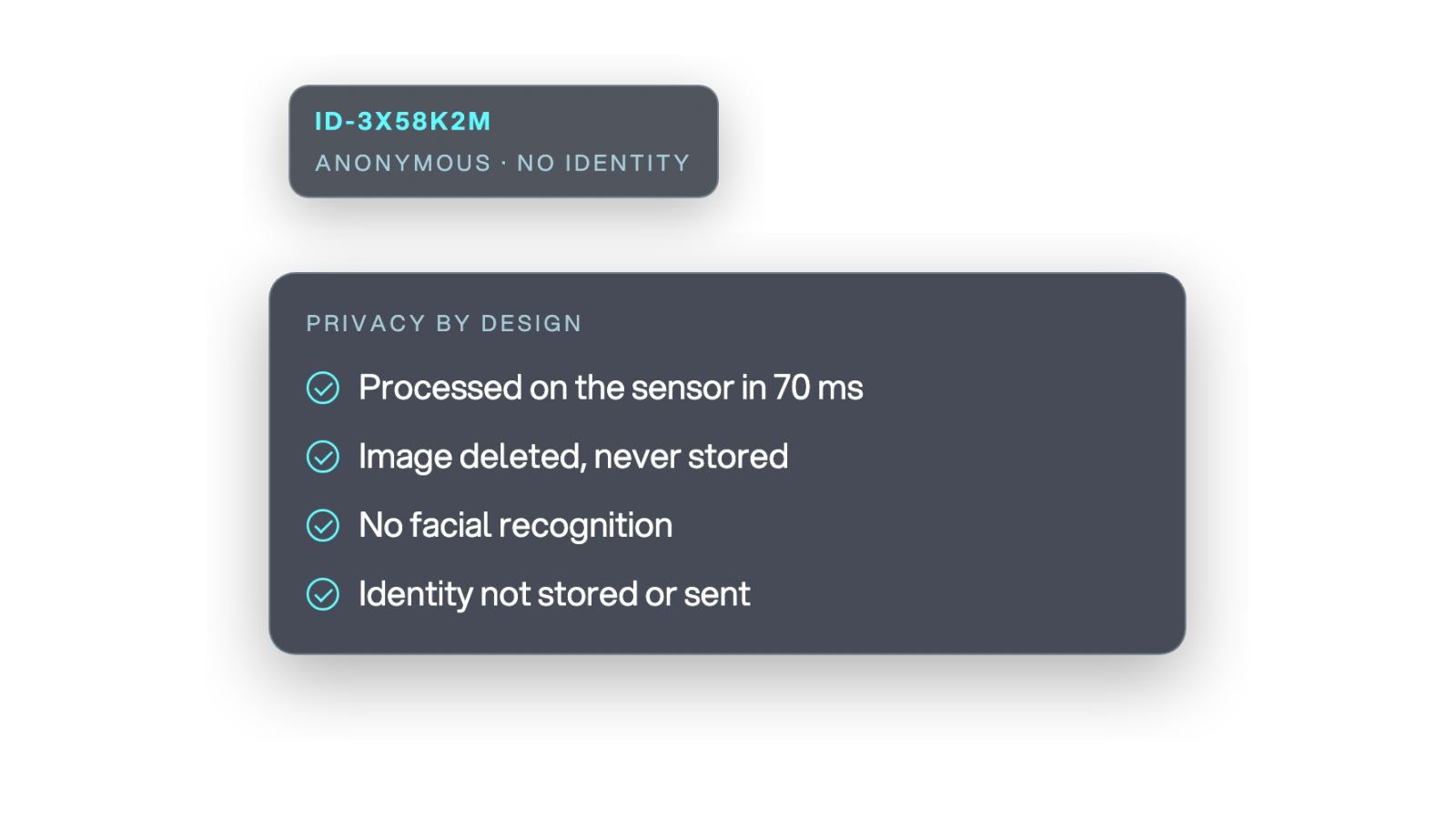
Anonymous ID chip and the privacy panel (01 Capture)
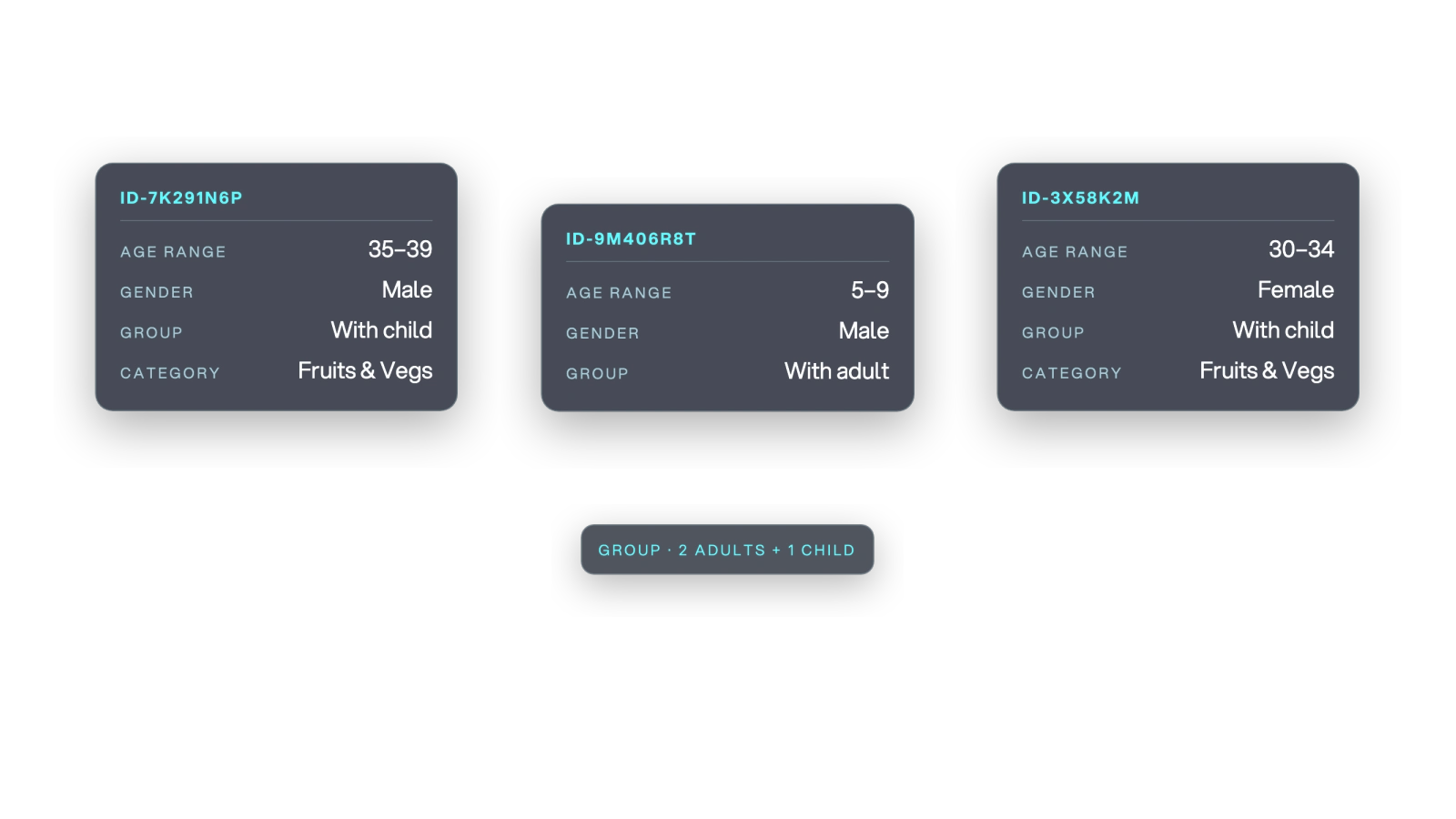
Profile cards and the group link (02 Profile)
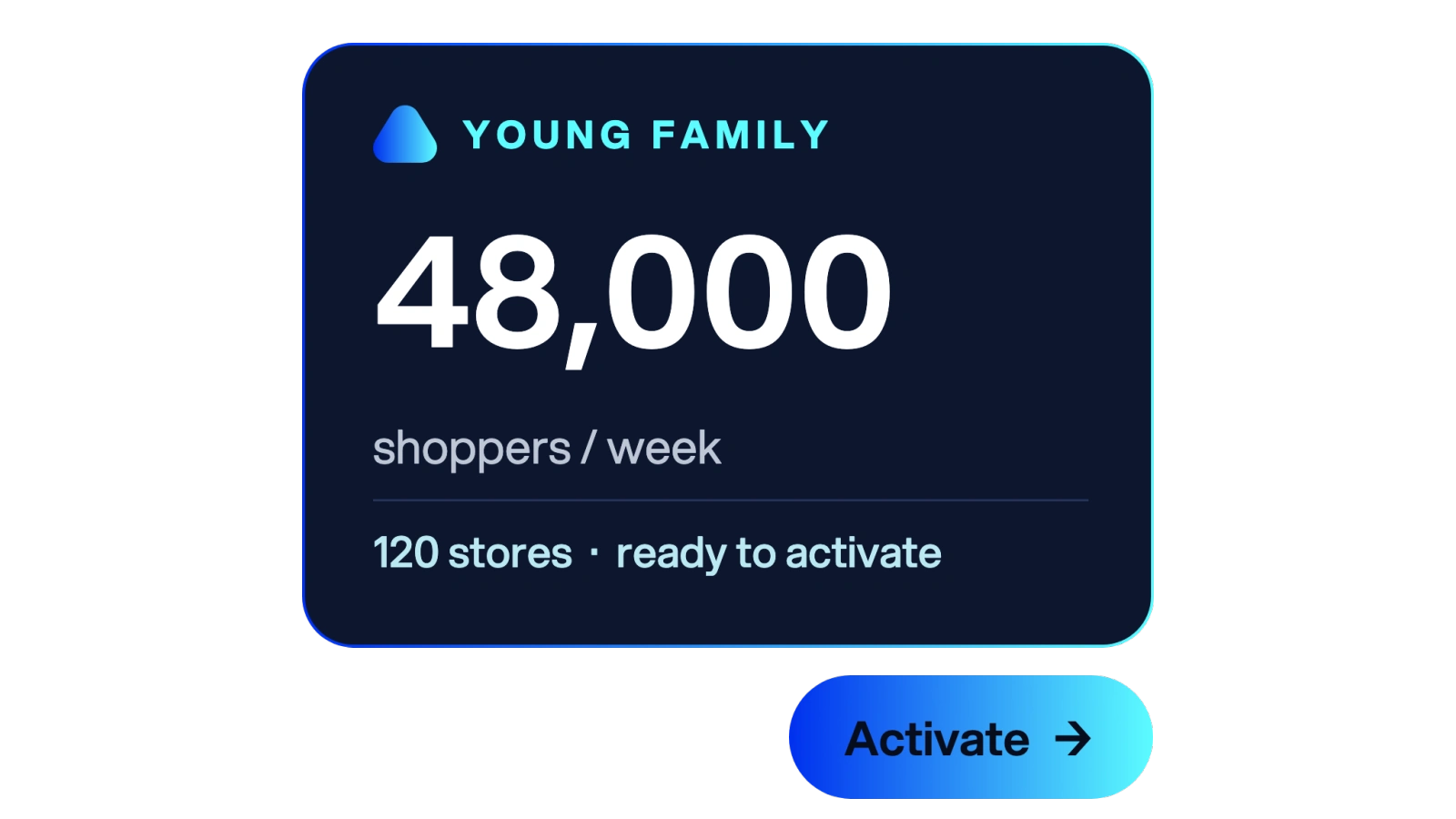
Audience card and Activate (03 Segment)
Process & tools
Storyboard first, then a cast and a store built once and reused for every shot. Everything that has to be exact, the type, the data and the brand, lives in After Effects as live layers.
Brief
Storyboard
Character sheet
AI generation
After Effects
Review
Tool
What I used it for
Figma
Beat sheet, storyboard, style frames and the UI design, in one file the client can comment on
Seedream
Cast sheets, the store plates and the sensor-view keyframes, all from the same references
Kling 4.0
Image-to-video for every shot: the one-take opening, produce, the aisle dolly and the crane
Python · OpenCV · Apple Vision
Head and sensor tracking for the UI, the floor-plan geometry and the camera move into the plan
After Effects
Compositing, the tracked UI, the sweeps between store and sensor view, the ending and the logo
ElevenLabs
Voice-over, read from the original script
Sound effects
Scan, identification and transition sounds
Artlist
Music: The Shoulder Tap by Tamuz Dekel & Palm Blue, under the voice-over
0 likes · 4 views · Nov 4, 2026
Chapters 01–03 of Advertima's Audience AI explainer remade in one photoreal world: AI-generated store and family, a face-free sensor view, data tracked in AE.


