
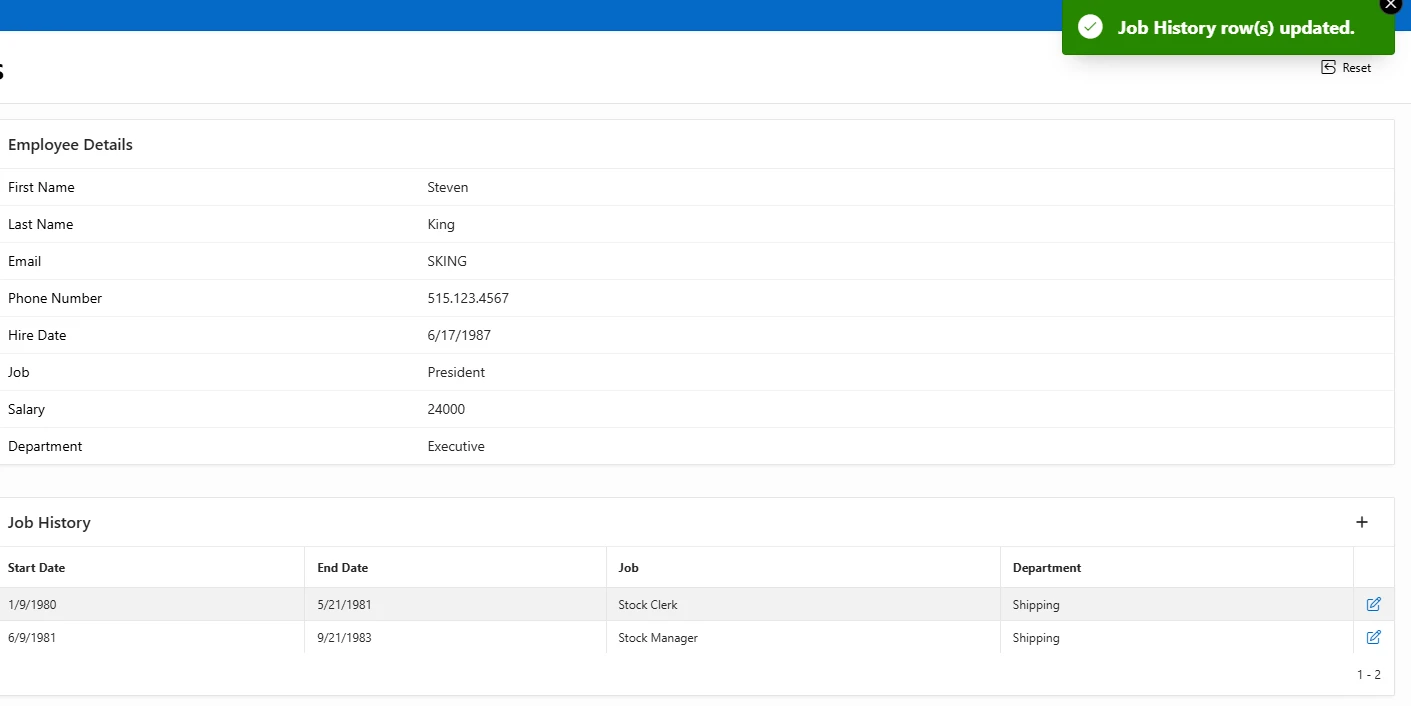
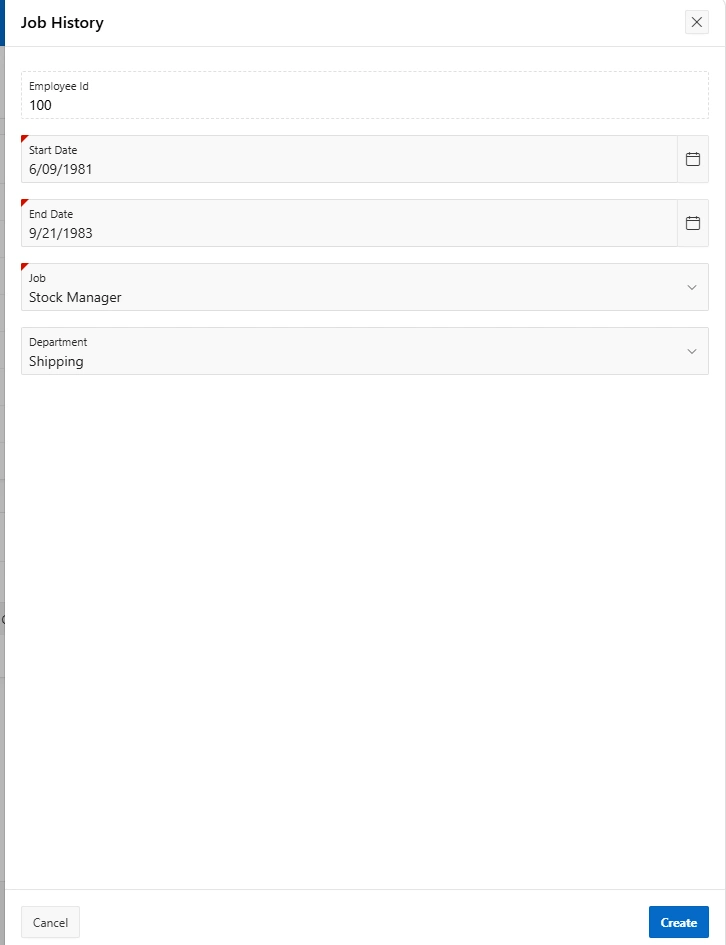
This is the part of the Employee Details section from my Employees and Departments app where I previously posted. After clicking the plus symbol (which is the create button), it will take to the form where you can add an employee's job history. Once the required fields are filled out, hit the create button and the result will display under the job history of the selected employee. You also edit a row by clicking the blue edit symbol beside it.
0 likes · 1 view · Oct 21, 2026
This is the part of the Employee Details section from my Employees and Departments app where I previously posted. After clicking the plus symbol (which is th...

