
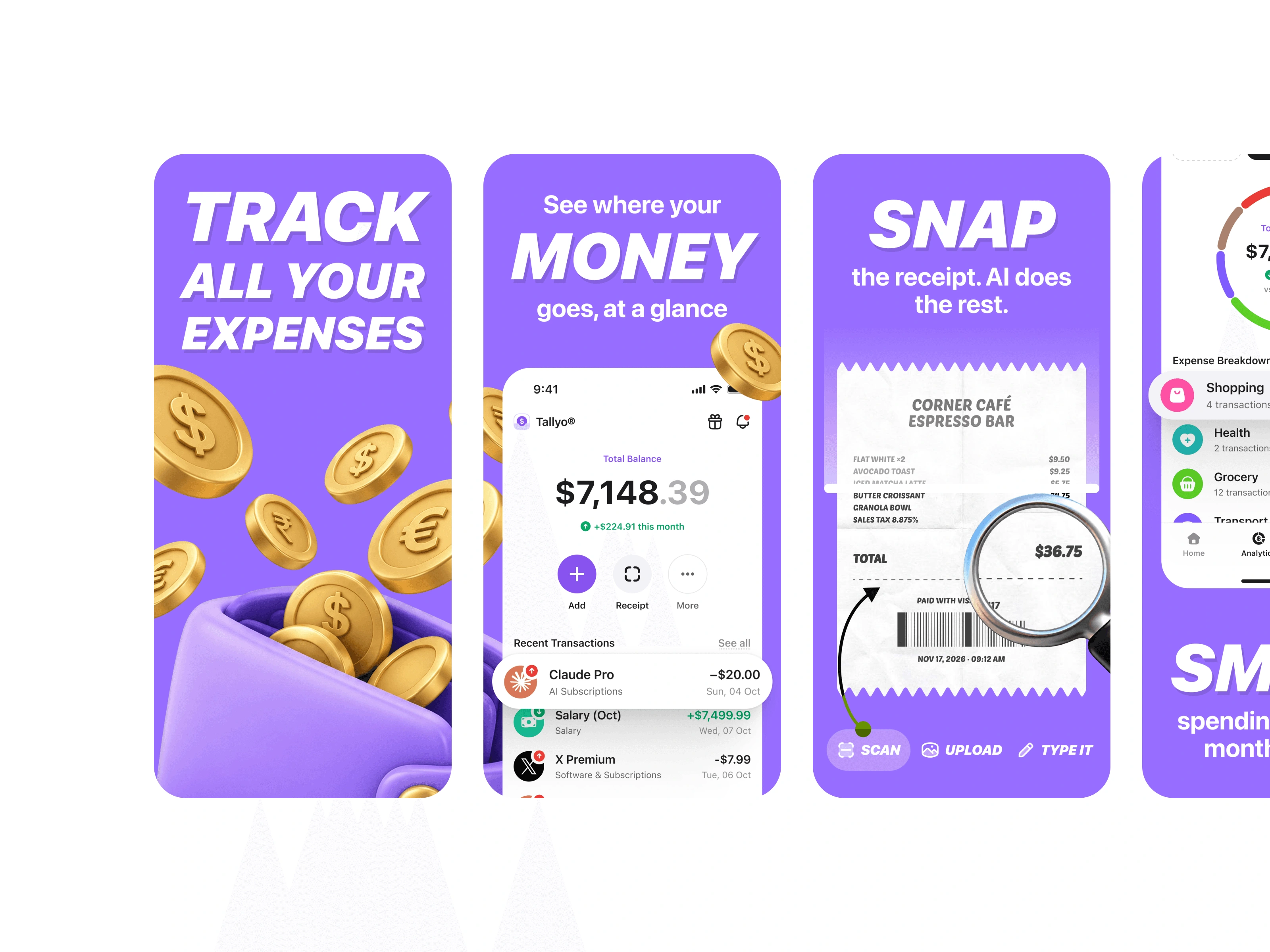
Most expense tracker apps on the App Store look serious and interchangeable: charts, spreadsheets and small text. For Tallyo: AI Expense Tracker, I designed a screenshot set that makes money tracking feel easy and even fun, and leads with the core job: tracking expenses.
The screenshot set
TRACK ALL YOUR EXPENSES. The hero frame states the core promise in huge italic type over Tallyo's purple, with a 3D wallet overflowing with coins in dollar, euro and rupee to hint that it works in any currency.
See where your MONEY goes, at a glance. Shows the real home screen with total balance, quick actions and recent transactions, with one transaction lifted off the screen to draw the eye.
SNAP the receipt. AI does the rest. Shows receipt scanning with a magnifier on the total and the three ways to add an expense: scan, upload or type it.
Later frames cover analytics and smarter monthly spending for people who keep scrolling.
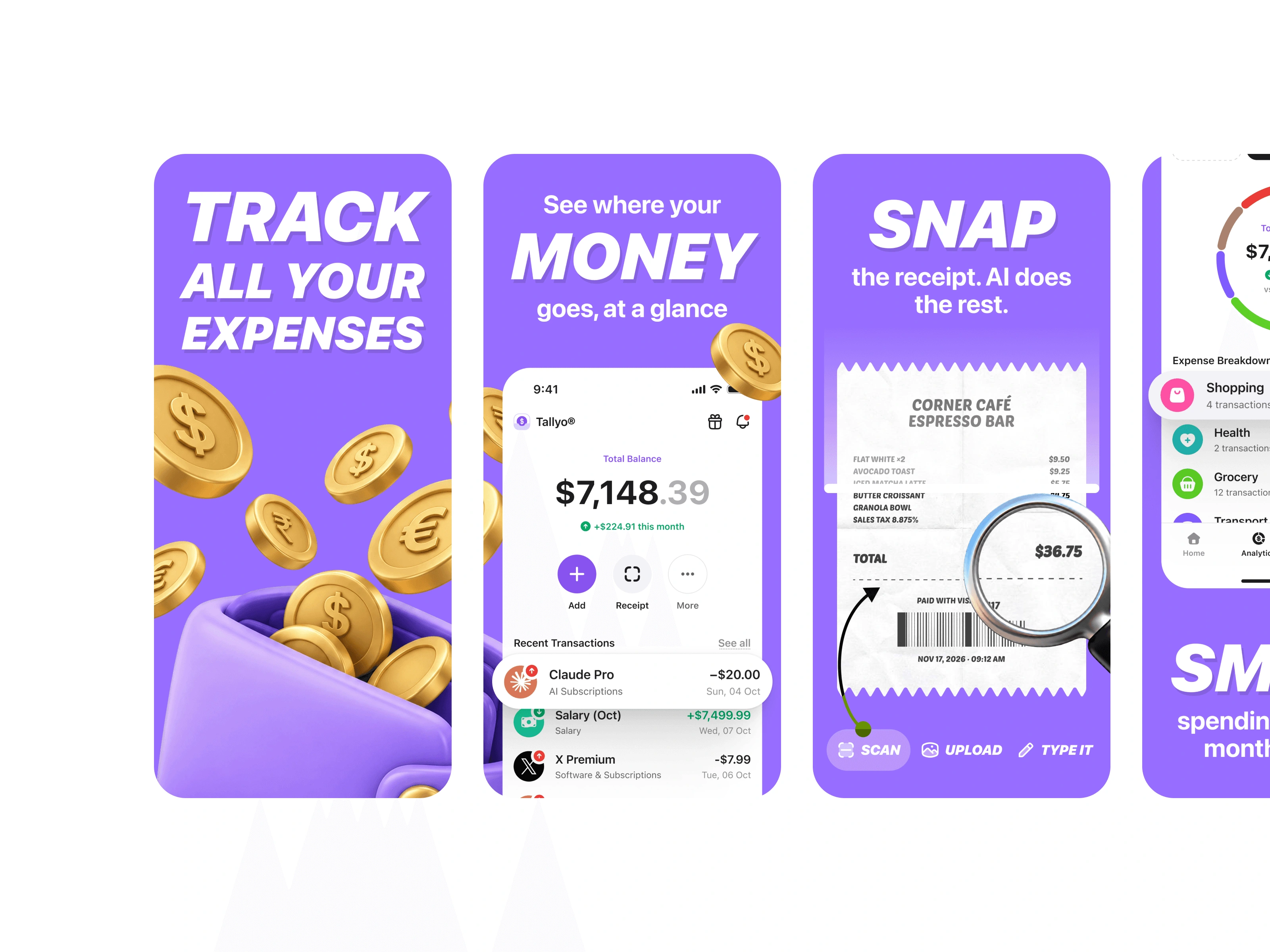
Tallyo App Store screenshots
Designed for the search results page
I checked the set in App Store search next to a giant like Instagram, and on the product page. One bold purple pulled from the app icon, oversized headlines and 3D coins make Tallyo readable and recognizable at thumbnail size, and make the icon and screenshots look like one brand.
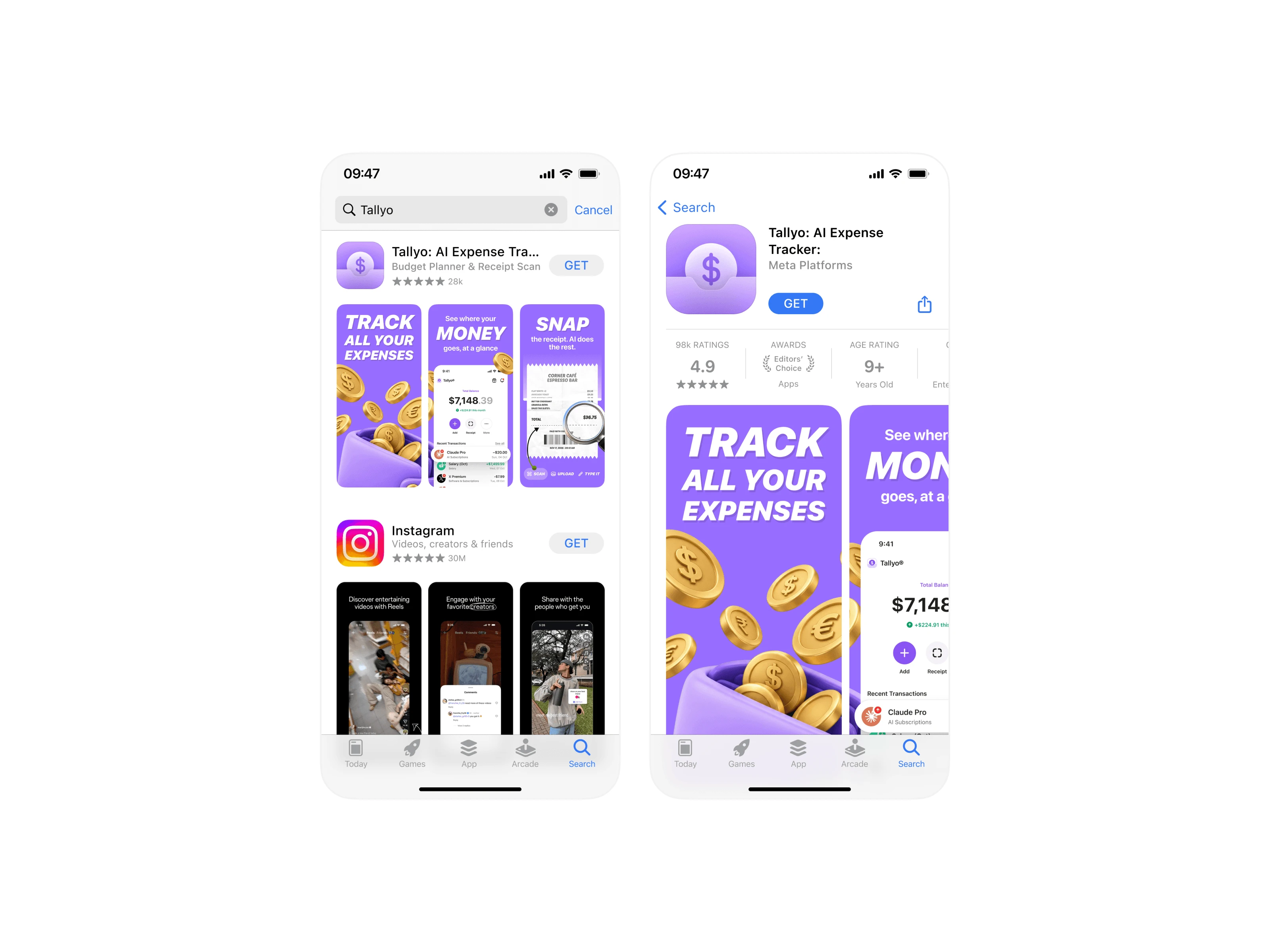
Tallyo in App Store search and on the product page
Design choices
Lead with expense tracking, the app's core job, and treat AI receipt scanning as the bonus
One message per frame, in type big enough to read in search results
A single brand color from the app icon for instant recognition
Playful 3D coins and a wallet to make personal finance feel friendly, not stressful
This is the App Store side of my work on Tallyo. The app design and paywall case studies are on my profile.
1 like · 1 view · Nov 22, 2026
Loud, high-contrast App Store screenshot set for Tallyo: AI Expense Tracker, built to make a finance app feel fun and stand out in search results.
