Custom Visual LoRA — Project Scope & Evaluation Process

Dennis Ackermann

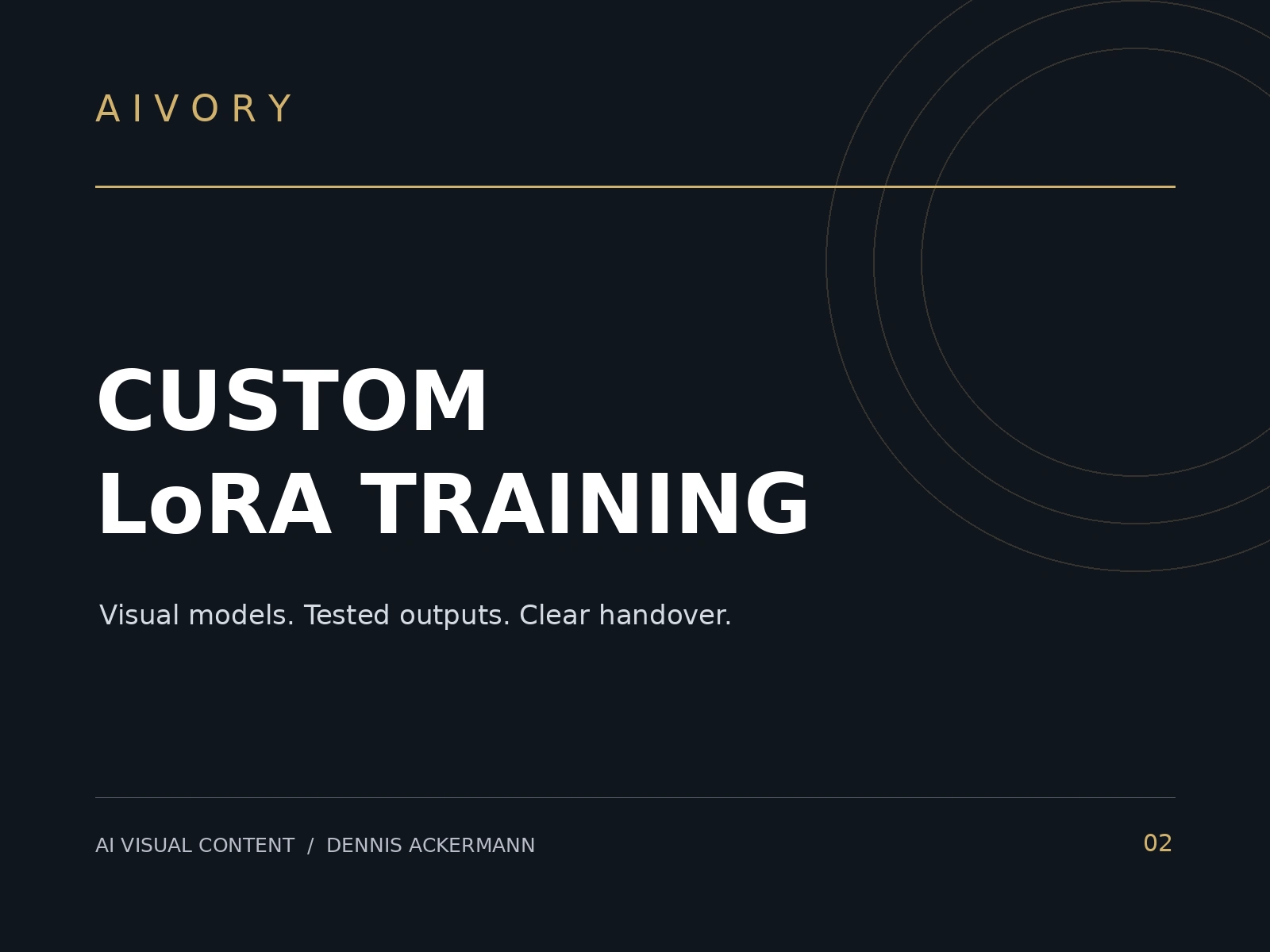
Process overview — not a client case study or a claim of completed training results. A visual LoRA is a model-specific adaptation used to guide a supported image generator toward a subject or style. Aivory scopes each project around the actual dataset, target base model, intended use and handover requirements. Step 1 — feasibility: review the subject, target model version and desired scenes. Step 2 — dataset: check permission, diversity, useful angles and image quality; agree what is supplied and what preparation is included. Step 3 — bounded training: agree one subject, one base model and a defined run/adjustment budget. Step 4 — evaluation: review test prompts outside the source images, checking identity, scene flexibility and artifacts. ComfyUI is used for suitable output testing. Step 5 — handover: provide the compatible model where licences allow, sample settings, trigger words and a short guide. A starter project can include up to 25 supplied images and ten test images. Results depend on data and model compatibility. Exact text, product geometry and every pose are not guaranteed. Training evidence and model-specific examples are supplied only when they can be accurately attributed.
Like this project
Posted Oct 17, 2026
A transparent process overview: dataset review, model compatibility, bounded training, test images and handover. Not a completed client case study.
Likes
0
Views
1