Cropping a horizontal video into

IURII VETROV


Cropping a horizontal video into 9:16 is easy. Preserving the original composition, animation, and visual effects is the hard part.
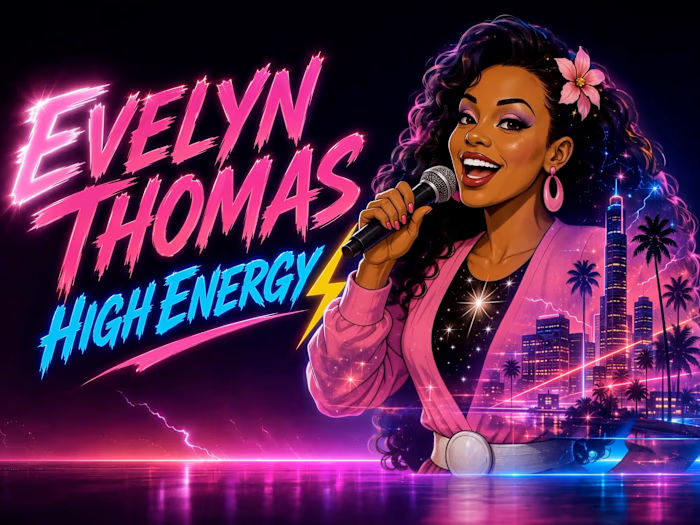
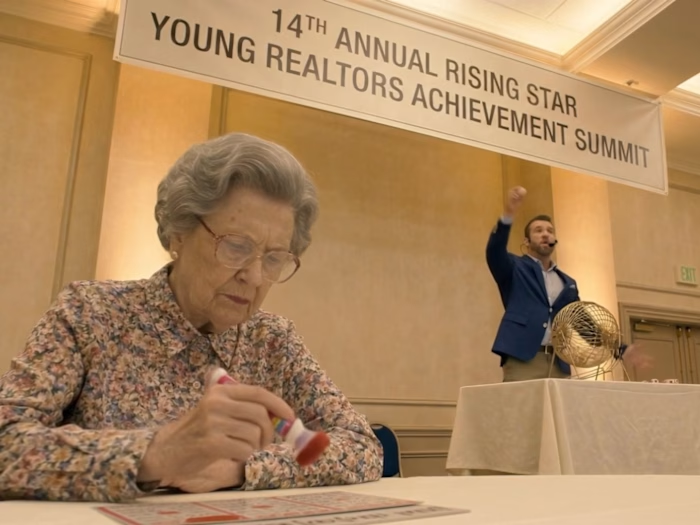
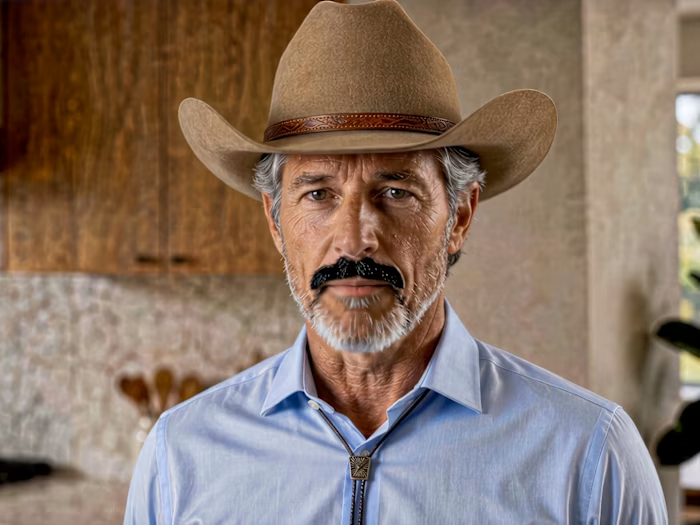
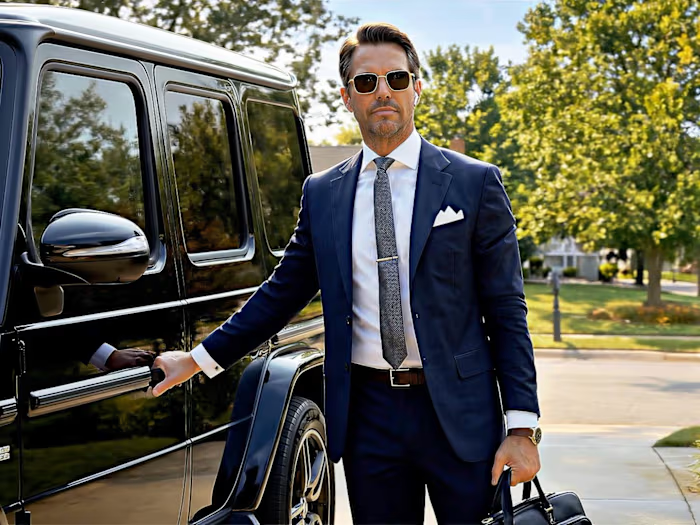
I recently completed a new animated project for Ash & Erie, and while adapting it for vertical delivery, I refined a workflow that solves this problem far better than a standard crop or blurred background.
Instead of reframing the shot or sacrificing important parts of the composition, I use AI-assisted video outpainting to reconstruct the missing space above and below the original frame-while preserving the existing animation in the center.
For me, this has become the most effective way to adapt horizontal AI-generated animation into a native-feeling vertical format.
My workflow looks like this:
Start with the horizontal scene inside a vertical 9:16 project.
This immediately shows which parts of the frame are missing above and below.
Isolate the clip that needs adaptation.
I export only the required shot as a vertical clip with the black top and bottom areas still present.
Extract the first frame of that clip as a PNG.
That still frame becomes the visual foundation for reconstruction.
Outpaint the frame in an image model.
I use ChatGPT to extend the image upward and downward while keeping the original central composition unchanged. The goal is not to redesign the scene, but to restore what should exist outside the original frame.
Reconstruct the animation in Kling 3.0 Omni.
I feed Kling the original vertical clip with black bars as the motion source, and the newly extended image as the reconstruction reference. This allows the model to preserve the original timing, character motion, effects, and camera behavior, while filling in the missing top and bottom areas.
Review and refine.
If needed, I rerun the shot with tighter constraints to protect the central frame, preserve effects, or keep the reconstructed areas more faithful to the image reference.
Why I like this method:
it preserves the original animation instead of rebuilding it from scratch
it avoids aggressive cropping
it keeps the shot readable in a vertical format
it works especially well for stylized AI animation, cinematic scenes, and composited sequences
A simple crop can destroy staging, remove character details, or break visual storytelling. Reconstructing the missing frame space gives much more control and usually produces a more intentional final result.
Below I’m sharing the general prompt structure I use for this process.
IMAGE OUTPAINT PROMPT TEMPLATE
Use this image as the exact central composition reference.
Extend the frame vertically by reconstructing the missing space above and below the original image.
Preserve the original central composition exactly. Do not change character scale, camera distance, pose, expression, costume, environment, lighting, or perspective. Do not zoom out or reframe. Do not redesign the scene.
Reconstruct only the missing upper and lower areas so the final frame feels like a natural full vertical composition.
The new upper area must continue the architecture / sky / ceiling / background elements that are logically present above the original frame.
The new lower area must continue the ground / floor / furniture / clothing / environmental elements that are logically present below the original frame.
The transition between the original image and the reconstructed areas must be seamless, with matching texture, style, lighting, color, and perspective.
No composition change, no character redesign, no camera shift, no extra characters, no duplicated objects, no unrelated props, no visible seams.
VIDEO RECONSTRUCTION PROMPT TEMPLATE
Use @Video 1 as the sole and exact source for the original animation, motion, timing, effects, and central non-black picture.
Use @Image 1 only to reconstruct the missing content inside the solid black areas above and below.
MANDATORY REGION LOCK:
The original non-black central rectangle from @Video 1 is a protected, immutable layer. Preserve it exactly frame by frame.
Do not regenerate, repaint, reinterpret, blend over, enhance, or modify any pixel inside this central rectangle.
Do not change architecture, characters, faces, costumes, positions, proportions, objects, lighting, textures, reflections, motion, transformations, or timing inside the original animated area.
Remove only the black upper and lower areas and replace them with the corresponding missing content from @Image 1.
The first reconstructed frame must match @Image 1 exactly in layout, perspective, color, lighting, texture, and design for the missing upper and lower regions.
At the boundary, connect the generated extensions seamlessly to the protected central rectangle without covering, shifting, or altering its edge pixels.
Keep the central rectangle at the exact original size and position. No crop, zoom, stretch, shift, rescaling, or reframing.
Preserve all original animation and effects from @Video 1 exactly as rendered. The added areas should only follow the existing scene motion naturally for continuity.
Do not invent extra action.
Do not add new characters, new props, new effects, new architecture, or new camera movement.
No black bars, blurred fill, mirrored fill, stretched pixels, duplicated scenery, repeated textures, redesign, flicker, warping, or visible seams.
Final result: the exact original central animation from @Video 1, unchanged, with only the black upper and lower areas seamlessly reconstructed from @Image 1.
I’ll probably keep refining this workflow, but right now it’s the cleanest method I’ve found for adapting horizontal AI animation to vertical without losing the original shot design.:
Like this project
Posted Jul 30, 2026
Cropping a horizontal video into 9:16 is easy. Preserving the original composition, animation, and visual effects is the hard part. I recently completed a ne...
Likes
0
Views
26
Timeline
Jul 23, 2026 - Jul 30, 2026
Clients
Ash & Erie