Futuristic Student Learning Dashboard Development

Ritesh Rathore

Learning Dashboard
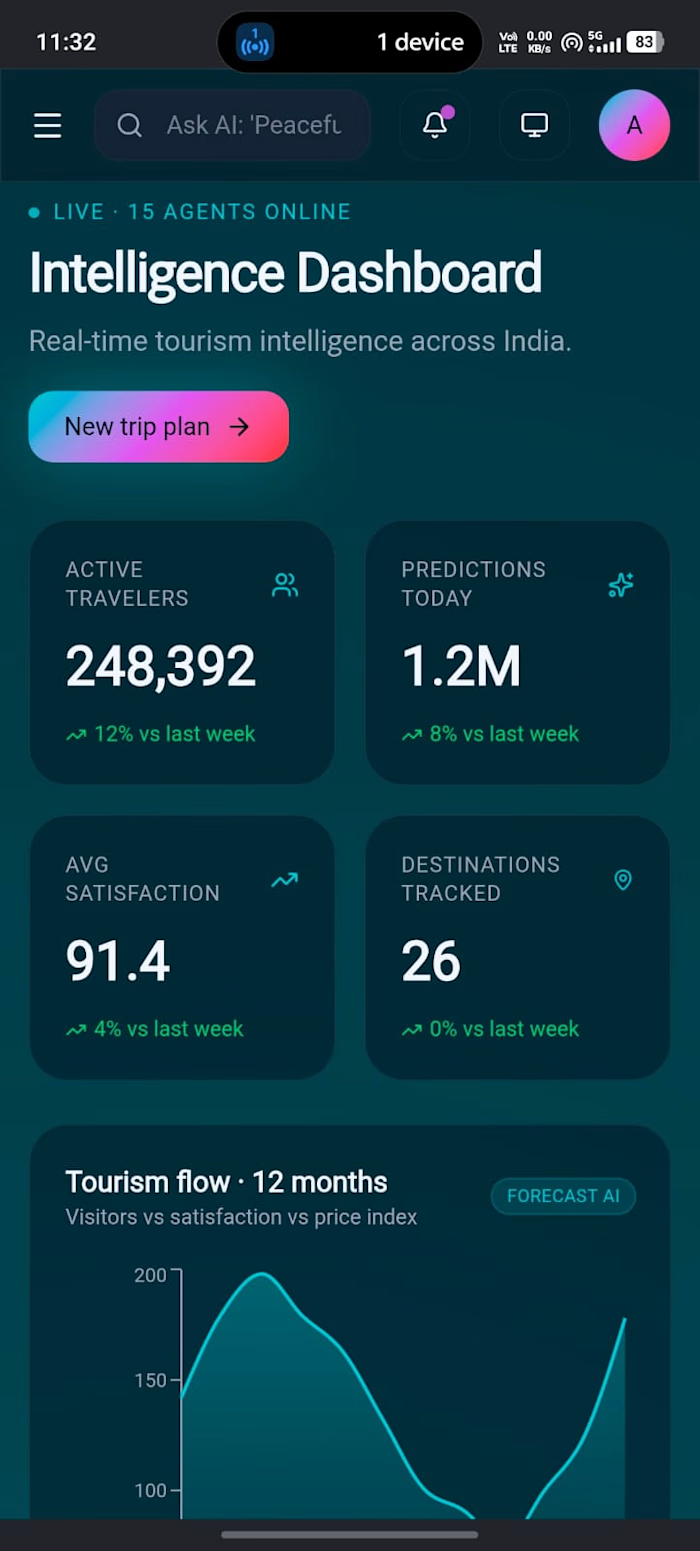
A futuristic, animated student learning dashboard built with Next.js, Supabase, Tailwind CSS, and Framer Motion.
Tech Stack
Next.js 15 (App Router) — framework with React Server Components
Supabase — PostgreSQL database and backend
Tailwind CSS v4 — styling
Framer Motion — animations
Lucide React — icons
Getting Started
1. Clone the repo and install dependencies
2. Set up environment variables
Copy
.env.example to .env.local and fill in your Supabase credentials:3. Set up Supabase
Run this SQL in your Supabase SQL Editor:
4. Run the development server
Open http://localhost:3000.
Architecture
Server / Client Component Split
app/page.tsx — Server Component. Fetches courses from Supabase at request time using getCourses(). No "use client" directive, so it runs only on the server. Supabase keys never reach the browser.components/BentoGrid.tsx — Client Component. Receives courses as props, handles Framer Motion stagger animations.components/Sidebar.tsx — Client Component. Manages active nav state and collapse toggle.components/CourseCard.tsx — Client Component. Handles spring hover animations and animated progress bar.components/HeroTile.tsx — Client Component. Entrance animation.components/ActivityTile.tsx — Client Component. Renders contribution graph.Loading States
app/loading.tsx is automatically shown by Next.js while page.tsx is fetching data from Supabase. It renders pulsing skeleton cards that match the shape of the real course cards.Animations
Staggered entrance —
BentoGrid uses Framer Motion variants with staggerChildren: 0.1Spring hover — all cards use
whileHover with type: "spring", stiffness: 300, damping: 20Progress bar — animates from 0 to the real value on mount using
motion.divSidebar nav — uses
layoutId for a smooth sliding highlight between nav itemsDeployment
Deploy on Vercel by connecting your GitHub repo. Add the two environment variables in the Vercel dashboard under Project Settings → Environment Variables.
Like this project
Posted Jul 30, 2026
Developed a learning dashboard using Next.js, Tailwind CSS, and Framer Motion.
Likes
1
Views
3