Business cards

Tanisha Solanki

Get 20% off all Print orders when you spend $75+. Use code SUMMER20.
T&Cs
Shop all
Free delivery
Business cards
Easy to customizeFree delivery1k+ free templatesHappiness guarantee
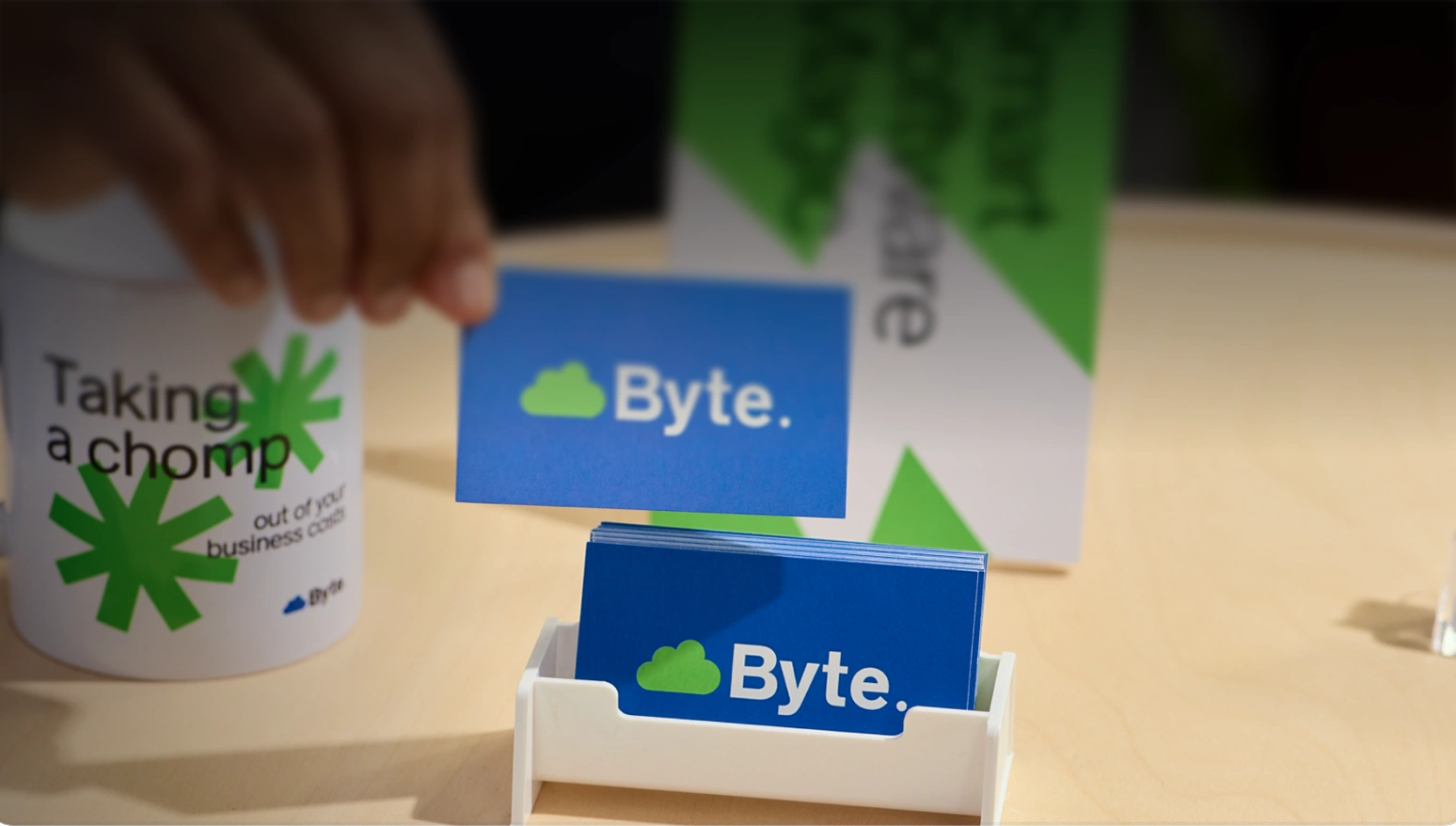
Showcase your professional edge today
Showcase your professional edge today
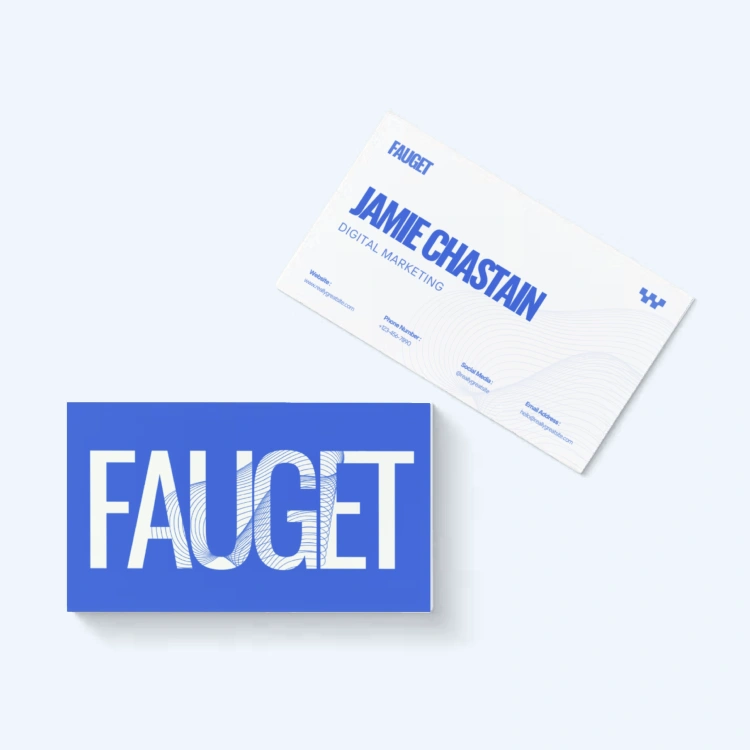
Business Card
From $14.50 for 50
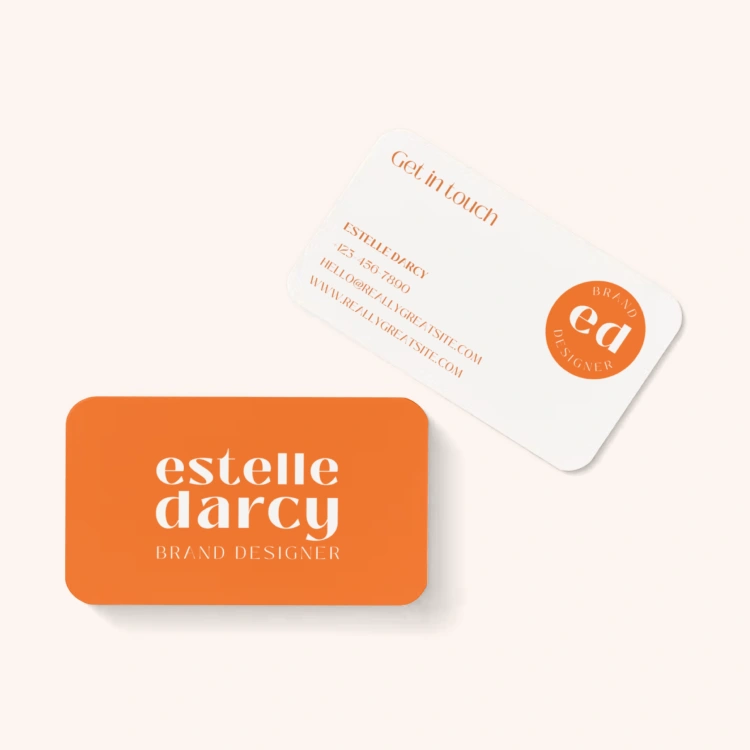
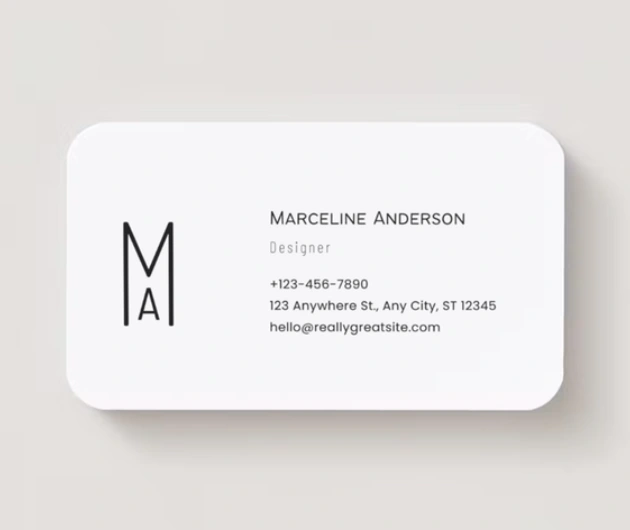
Rounded Business Card
From $18.50 for 50
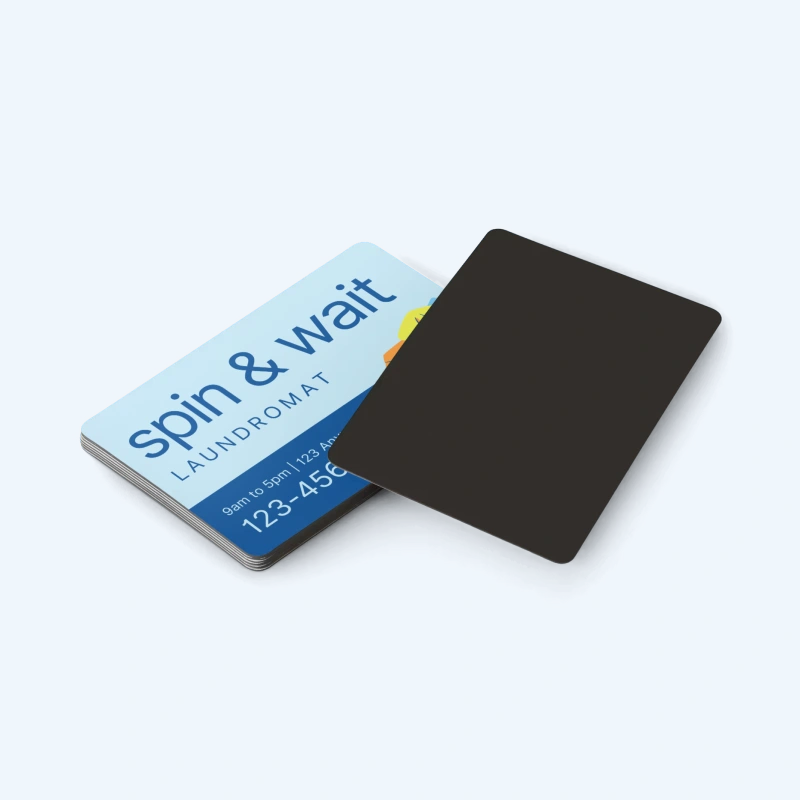
Magnetic Business Card
From $25 for 50
Print custom business cards in a variety of high-quality paper stocks, finishes, and sizes.
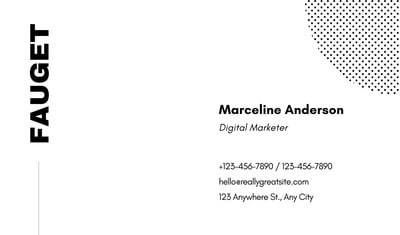
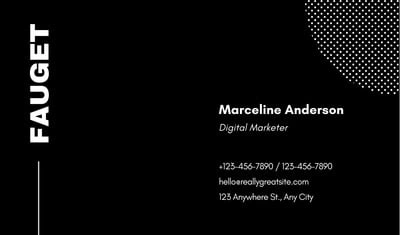
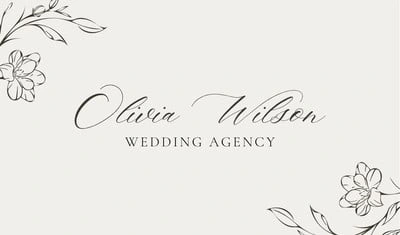
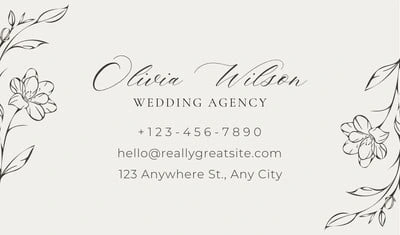
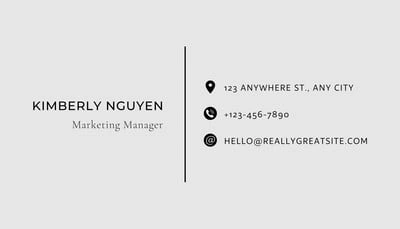
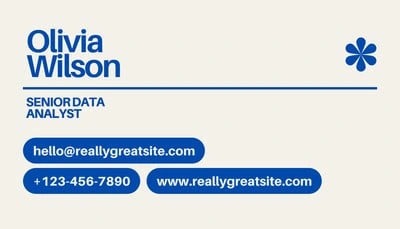
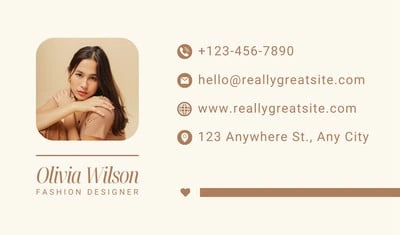
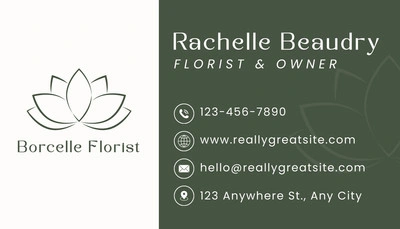
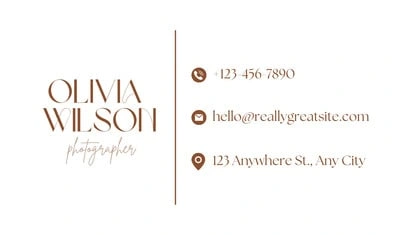
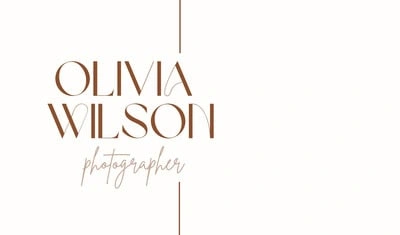
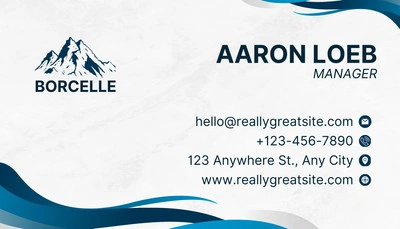
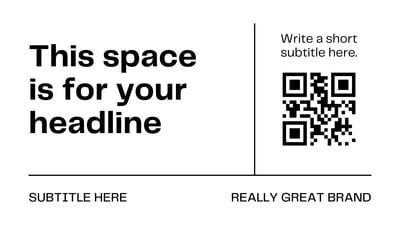
Shop popular business card designs
See more free templates suitable for every industry and style to create powerful first impressions.
1 of 2
1 of 2

1 of 2
1 of 2
1 of 2
1 of 2
1 of 2
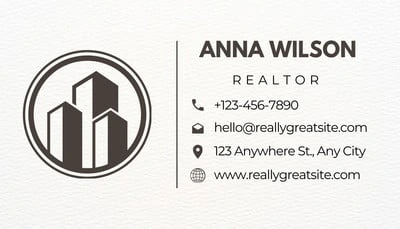
1 of 2
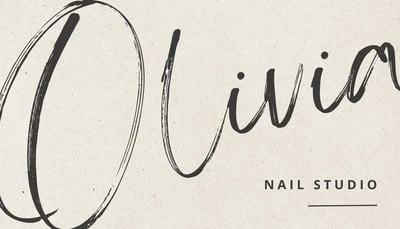
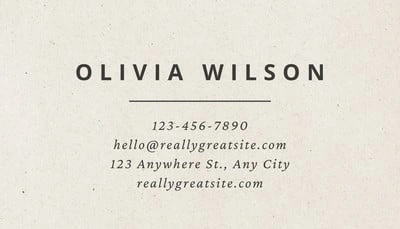
1 of 3
1 of 2
1 of 2

1 of 2
1 of 2
1 of 2
1 of 2
1 of 2

1 of 2
1 of 2
1 of 2
1 of 2
1 of 2

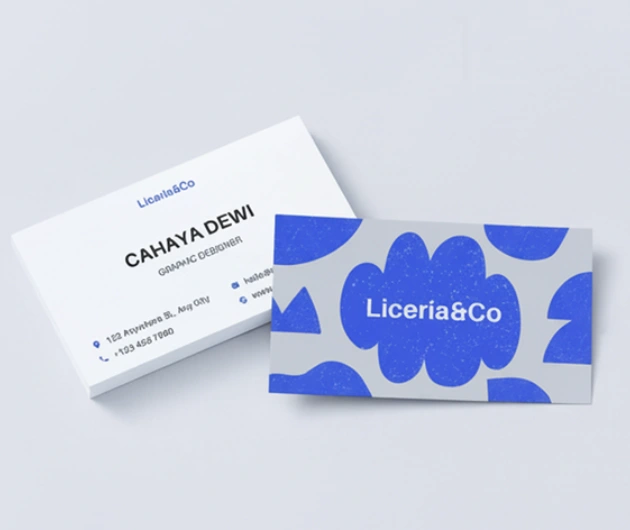
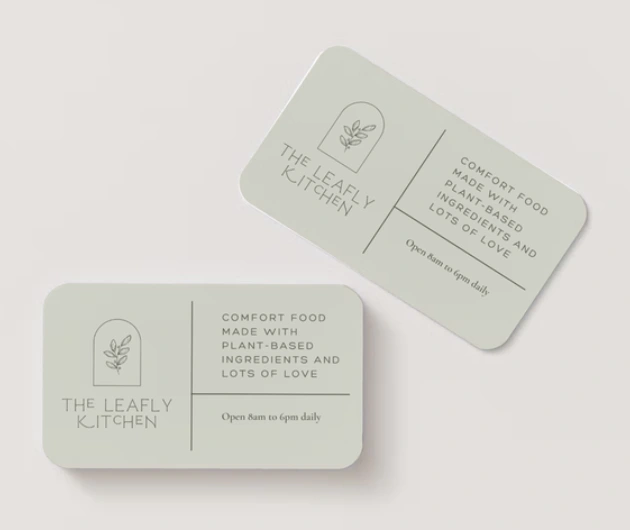
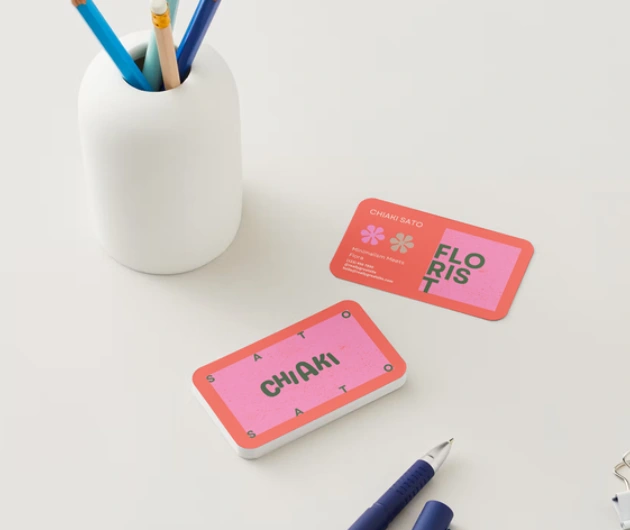
Get noticed with special materials and finishes
Matte
A low sheen finish that won’t change how the colors look and are easy to write on.
Gloss
An eye-catching, shiny finish that makes colors and photos pop while protecting from wear and tear.
Uncoated
A natural texture that creates a softer, warmer look and provides the perfect writing surface.
Soft touch
A velvety finish that creates a luxurious feel and writing surface.
How to design and print your own business cards
Start with a business card template from our library.
Customize, collaborate, and finalize your design.
Select your preferred printing options—from paper size, type, finish, and quantity.
Approve your final design and place your order.
Get your cards delivered straight to your door for free.
Design and print smarter with Canva
Generate stunning high-quality images for your prints
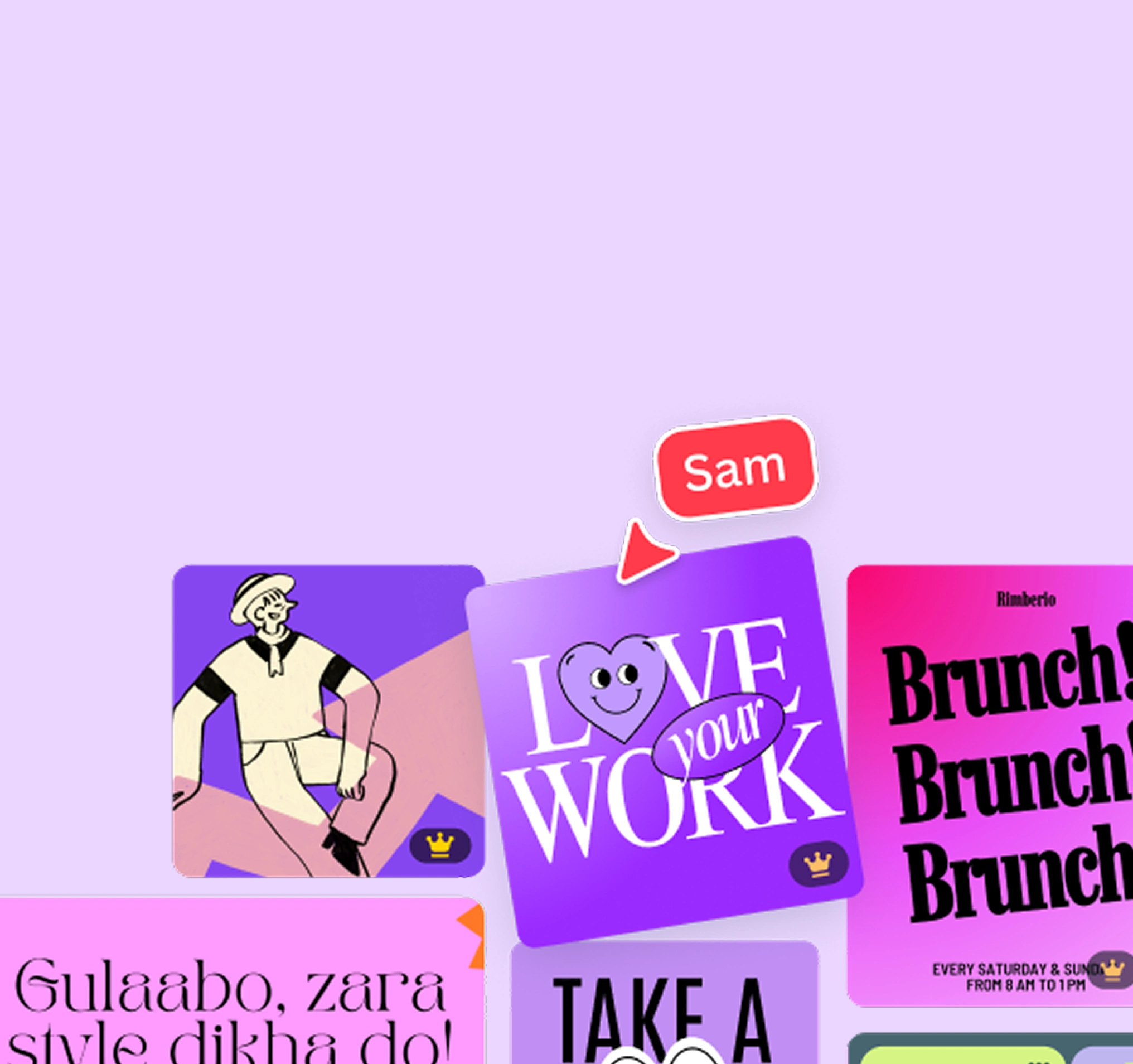
Start with a professional template
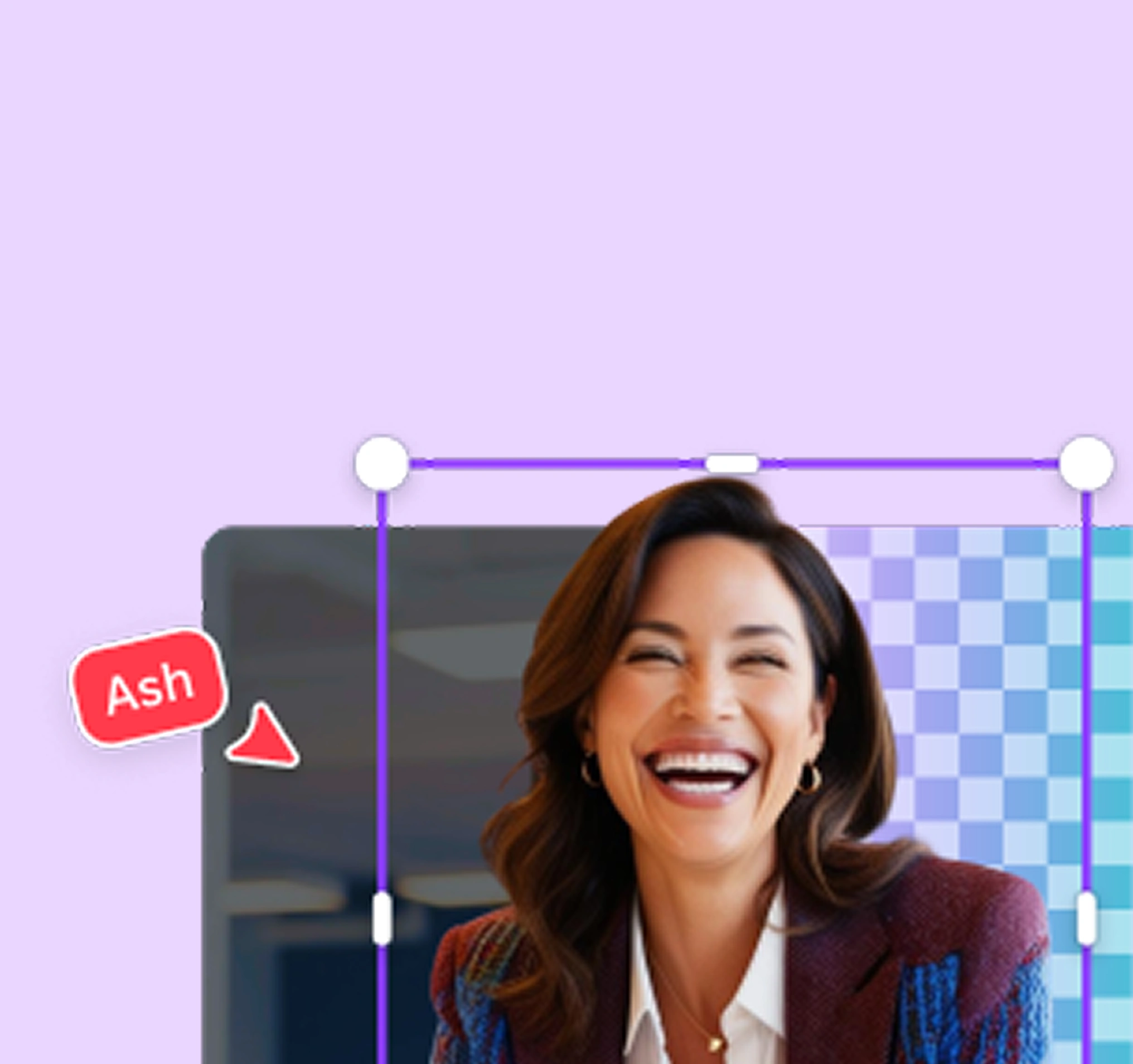
Remove backgrounds in one click for print-ready photos
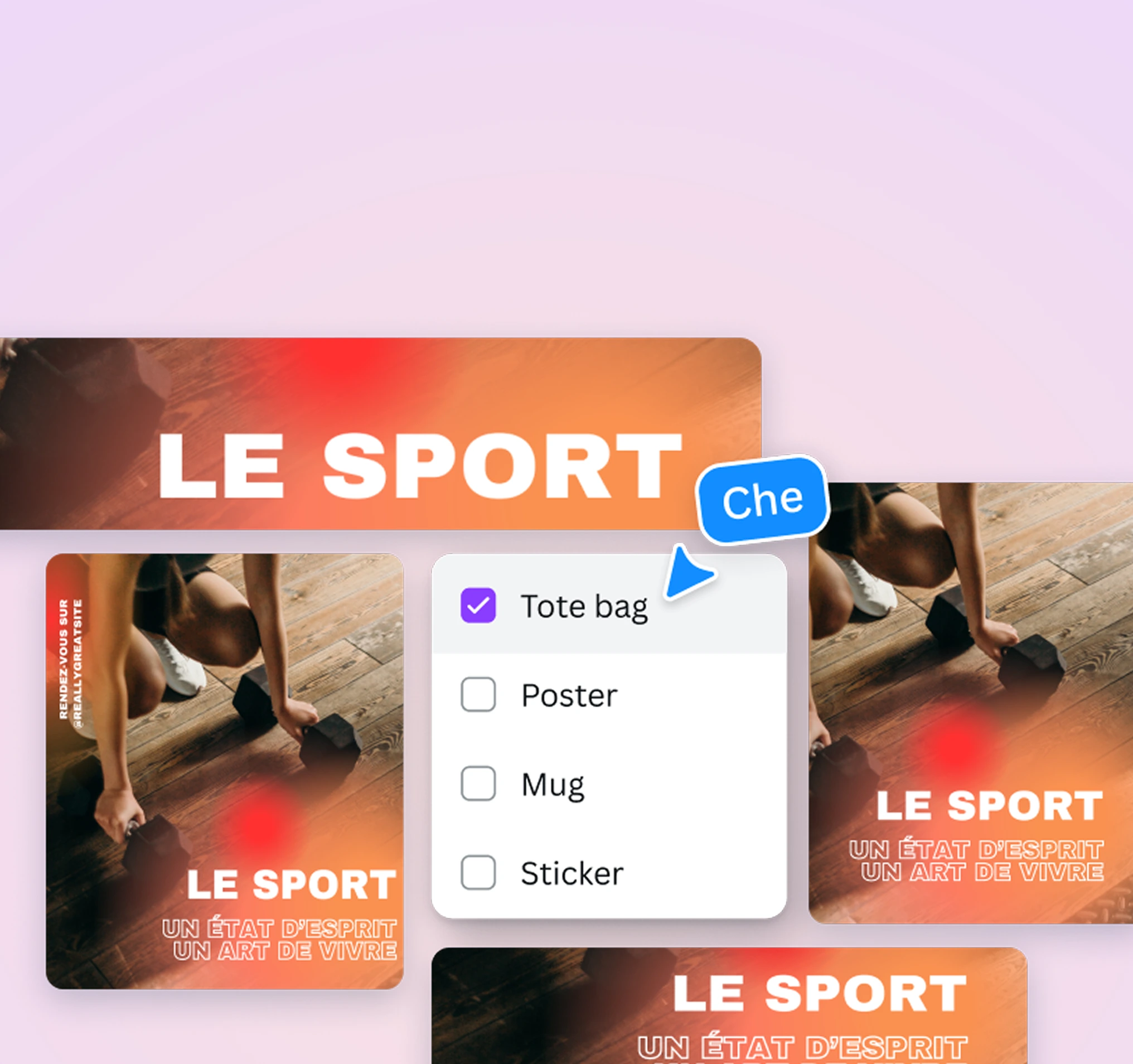
Instantly resize designs for any print
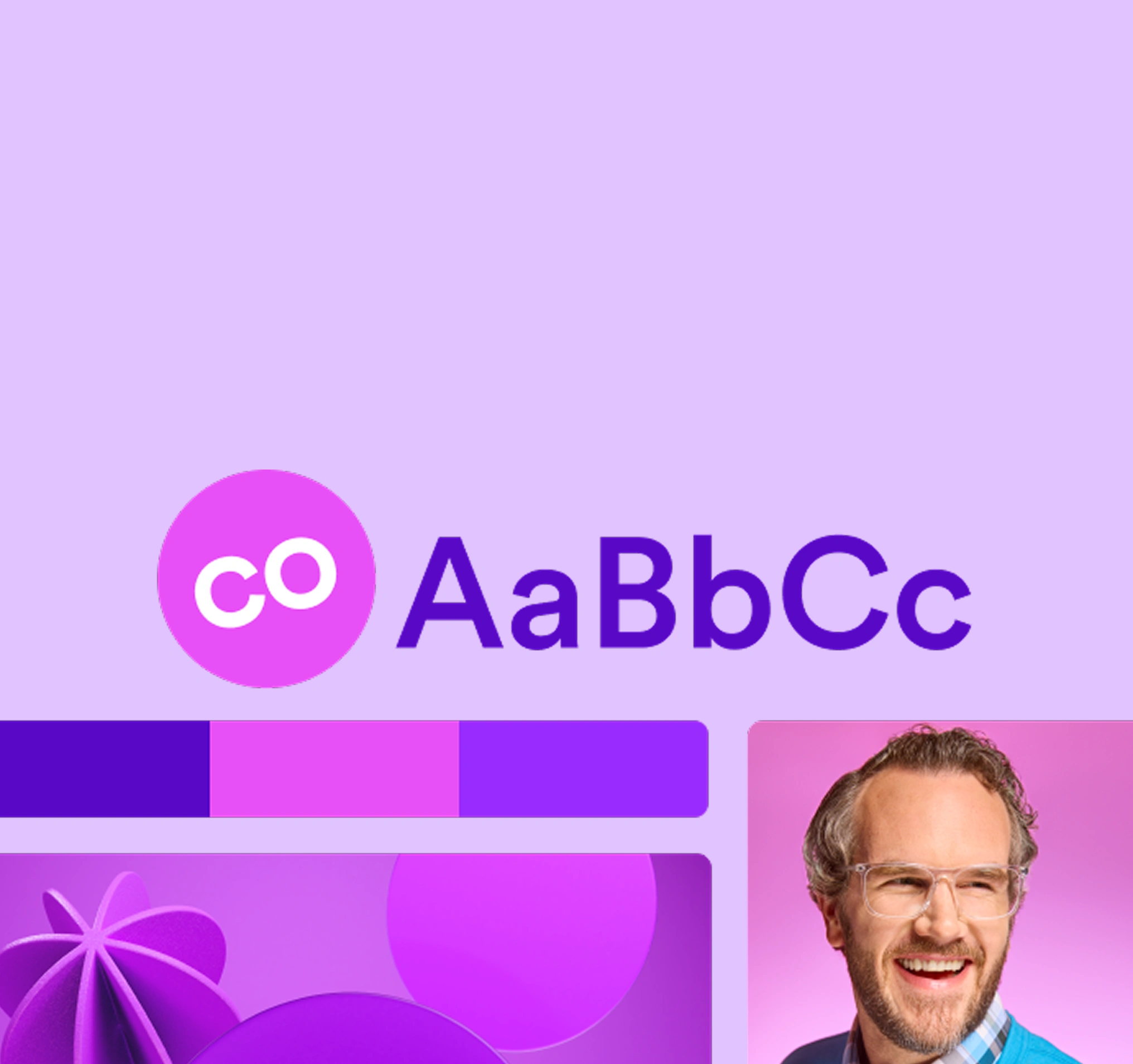
Keep every design on-brand with Brand Kit
Print with purpose

One Print, One Tree
Every print plants a tree — bring your ideas to life while giving back to the planet.
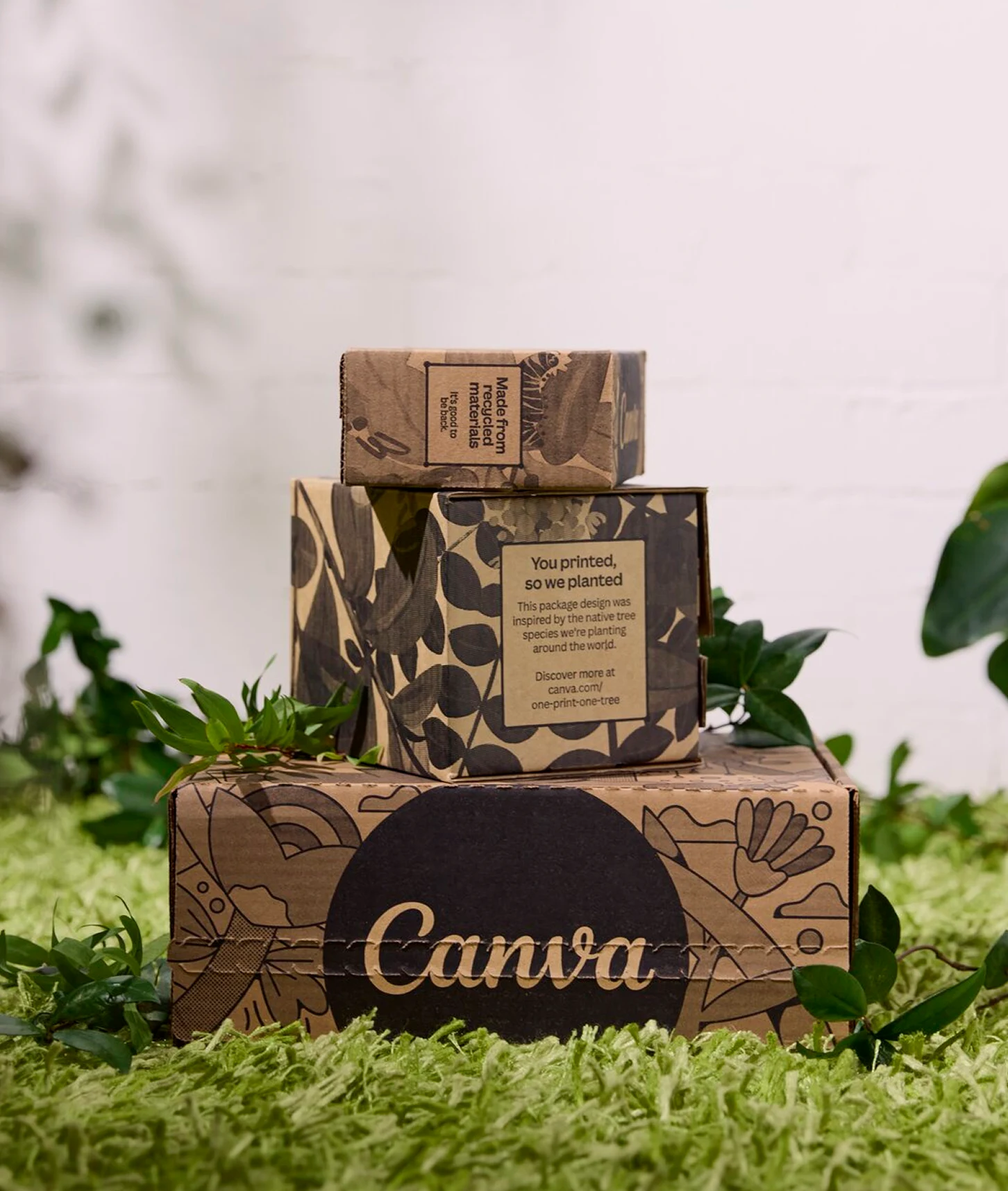
Sustainably printed
Printed with trusted partners who prioritize quality, responsible materials, and less waste.
Get started with Canva Print

Unlock premium tools for smoother, print-ready designs
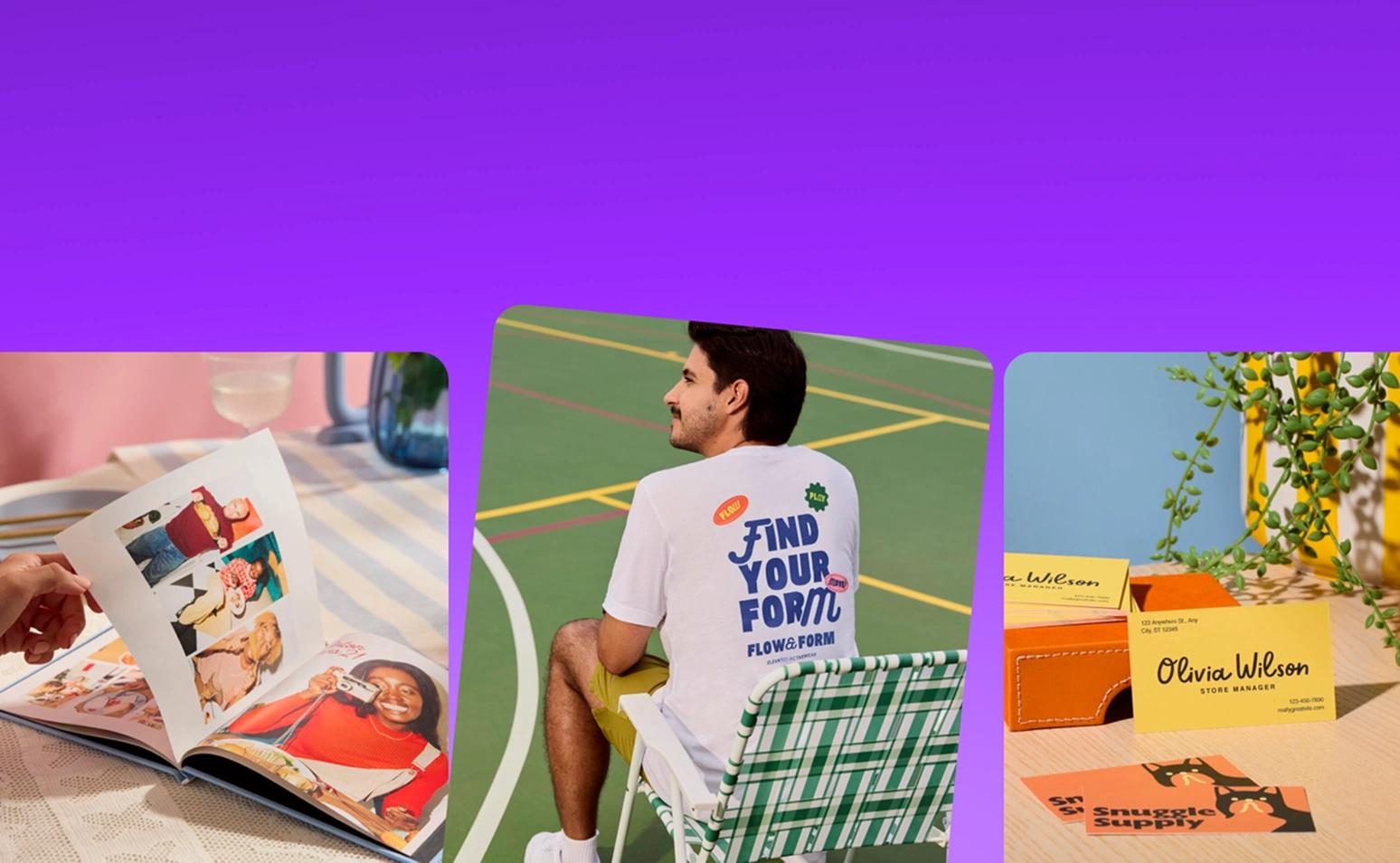
Explore everything you can print with Canva
Frequently asked questions
What size and how thick is a business card?
The standard business card size is 3.5 × 2 inches, close in size to a bank card, making them easy to fit inside a wallet. The thickness of business cards depends on the paper you pick and the finish. Paper thickness is measured in point (or PT), and the weight of the card is measured in grams per square meter (GSM).
All our paper is eco-friendly, so you can select from our lighter standard paper (240-325 gsm), our mid-weight premium paper (325-350 gsm), or our thickest deluxe paper (650 gsm) and design while being kind to the environment.
What do you include on a business card?
As with everything, stick with the basics if you want to make the best impression and make your brand stand out with your business card:
Name or company name: make it clear who you are!
Logo: keep it visual, simple, and on-brand.
Phone number: show you are easy to reach.
Email address: provide another contact option.
Website: lead people to your business.
With our custom business card printing services, you can start designing for free and use our pre-made business card designs that already include all the information you need. Just fill out and customize the templates and you're ready to order and print.
How soon can I get my custom business cards delivered?
At Canva Print, we strive to deliver your business card orders as soon as possible. The shipment of your order depends on the selected delivery type chosen upon ordering.
Economy delivery: Up to fourteen (14) business days
Standard delivery: Up to eight (8) business days
Express delivery: Up to three (3) business days
Please note that shipping times vary between regions, and delivery to more rural areas may be slightly longer than to metro areas.
Check your print order status(opens in a new tab or window) to see which one you selected.
What is the best business card shape and layout?
Choosing the best business card shape and layout boils down to the brand aesthetic you want to achieve.
Horizontal business card shapes work best if you want a familiar card design and wish to relay more information on your calling card. This landscape card layout is great if you want to add photos, text, graphics, or QR codes.
Vertical business card layouts are ideal for brands who want an element of surprise or a sense of novelty in their cards. This is perfect for colorful and image- or graphic-rich card designs.
What is the difference between the different types of business card paper finishes?
Think of paper finishes as the icing on your cake. Each finish option can give your printable business card a completely different look and feel—one that best ties up with your overall brand aesthetic.
Matte business cards have a low sheen finish that won’t alter how the colors look, and you can write on them easily. Great for minimalist branding.
Gloss business cards, on the other hand, are shiny with depth. This finish makes your images pop and the colors more vibrant. It also protects cards from scratches, dirt, and other marks. Ideal for colorful brand campaigns and personalities.
Uncoated business cards are just that. You can easily feel the natural grain, so they’re super easy to write on. Keep in mind, too, that all colors printed on uncoated papers look warmer and softer. These cards are perfect if you want to emphasize your brand’s organic and uncomplicated style.
What makes business cards stand out?
You can make your business card more memorable by adding a unique spin on its size, texture, color scheme, or font styling. Be creative and on-brand with raised logos and text, cotton or wood material, a glossy finish, or rounded edges. We offer business card design and printing services that lets you choose from a variety of special paper stocks, finishes, and shapes. Explore more creative business card-making trends and tips with this guide on creative business card ideas and see how to get the look(opens in a new tab or window) .
What is the best font for business cards?
Glad you asked! Ideally, use fonts that are 7pt or bigger to ensure they can be easily seen. Smaller fonts may look big on your screen but won’t print well if they’re too small. Also, consider using Sans Serif fonts for smaller lines of text. Sans serif fonts, like Helvetica, don’t have the small features on the ends of strokes.
And lastly, here’s a pro design tip: don’t mix too many fonts in one design. Use two fonts at most on your business card design to keep it looking professional.
What is the recommended file size for images and photos?
We optimize every single one of our designs and images for print. But if you are uploading photography (or non-vector artwork), make sure they are no less than 96 DPI but, ideally, around 300 DPI. You don’t want anything to look pixelated!
If your business card design is a mix of photos and graphics, make sure that the images you choose are above the recommended pixel sizes. After all, you want it to look perfect!
And with automated proofing, you can quickly check whether your design is print ready. With one click, it will detect ideal text size, check elements too close to the bleed zone, and ensure the image resolution is pixel perfect.
Like this project
Posted Jul 27, 2026
Canva Print — Business Cards: customizable card templates, multiple finishes, and print ordering with delivery options and a Happiness Guarantee.
Likes
0
Views
0
Tags