E-commerce Website Frontend Development with React

Samrat Ghorui


Ecommerce-Website-using-MERN
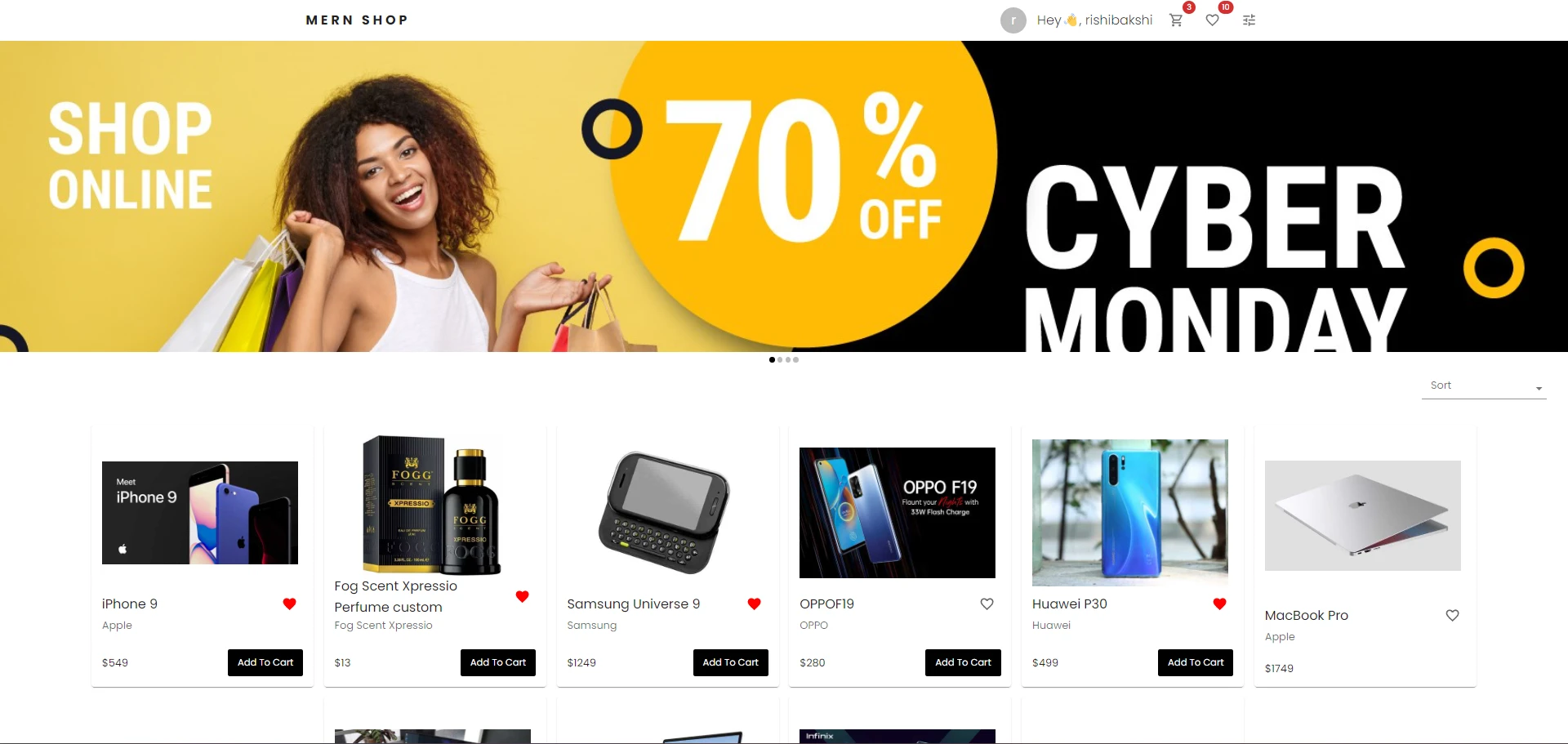
For the frontend of your e-commerce platform, I focus on creating a visually appealing and functional user interface using React (the "R" in MERN). Here's a suggested roadmap for your first week:
1. Set Up Your Environment
Install Node.js. Set up a React project using create-react-app or Vite. Install necessary libraries, such as: React Router for navigation. Axios or fetch API for HTTP requests. TailwindCSS, Material-UI, or Bootstrap for styling (optional).
2. Core Features to Implement
Homepage: Showcase products or categories. Product Listing Page: Display products with options to sort/filter. Product Details Page: Provide detailed information about a specific product. Cart Page: Show selected items with options to adjust quantities or remove items. Login/Signup Page: Include forms for authentication (basic UI).
3. Suggested Folder Structure
src/
4. Key Points to Focus On
Responsive Design: Ensure your site looks good on mobile, tablet, and desktop.
Reusable Components: For elements like product cards and buttons.
Routing: Use React Router to handle navigation.
Mock Data: Use JSON or hardcoded data for products initially.
Like this project
Posted May 29, 2025
Developed an e-commerce frontend using React for a visually appealing UI.
Likes
1
Views
6