Framer template — IT resume and portfolio

Ivan Zheludkov

The goal of this template is to provide designers and developers with a website that is both:
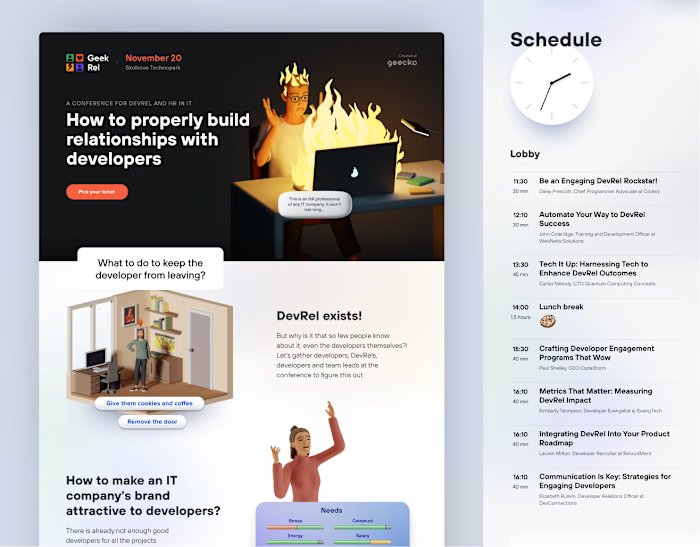
As informative as a great CV — clearly presenting experience, skills, education, and even a video CV. It’s compact, minimal, and focused on fast, comfortable reading — just as if it were made for an HR professional.
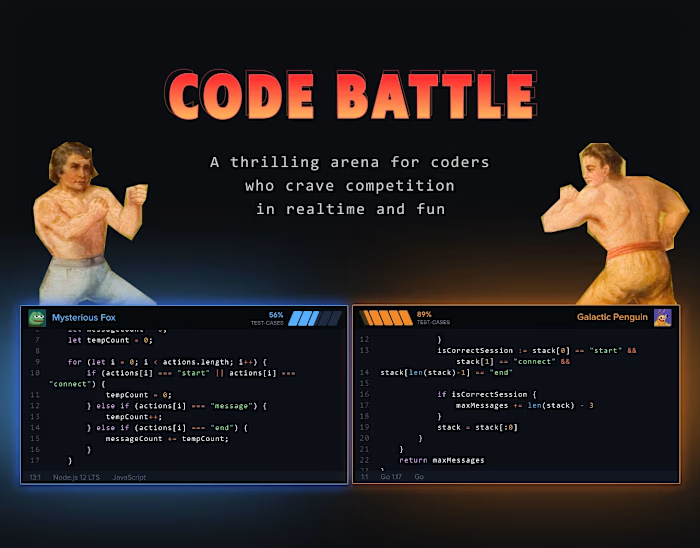
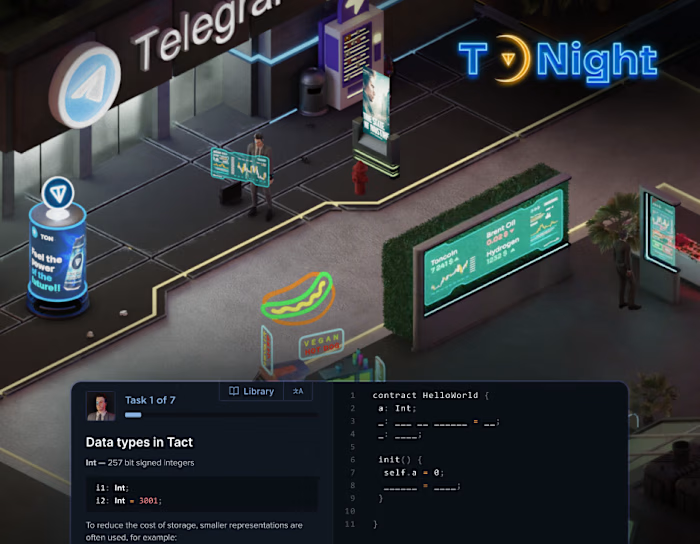
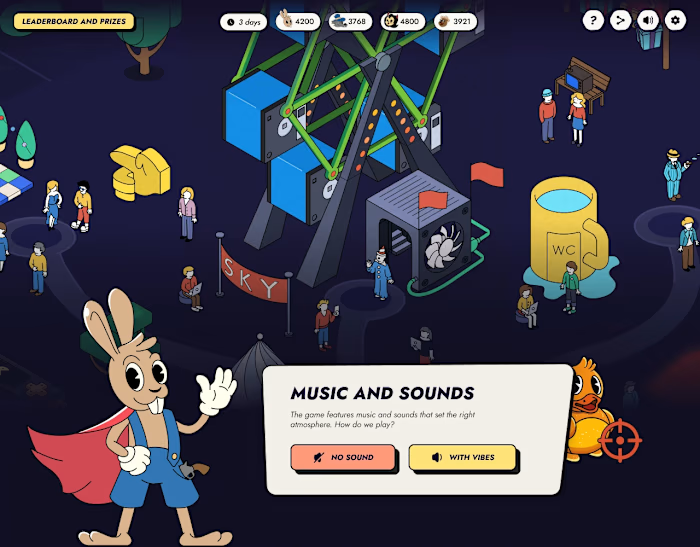
As functional and visually appealing as a studio-level portfolio — perfect for showcasing interface designs, 3D work, code demonstrations, and even image-based projects like on Behance.
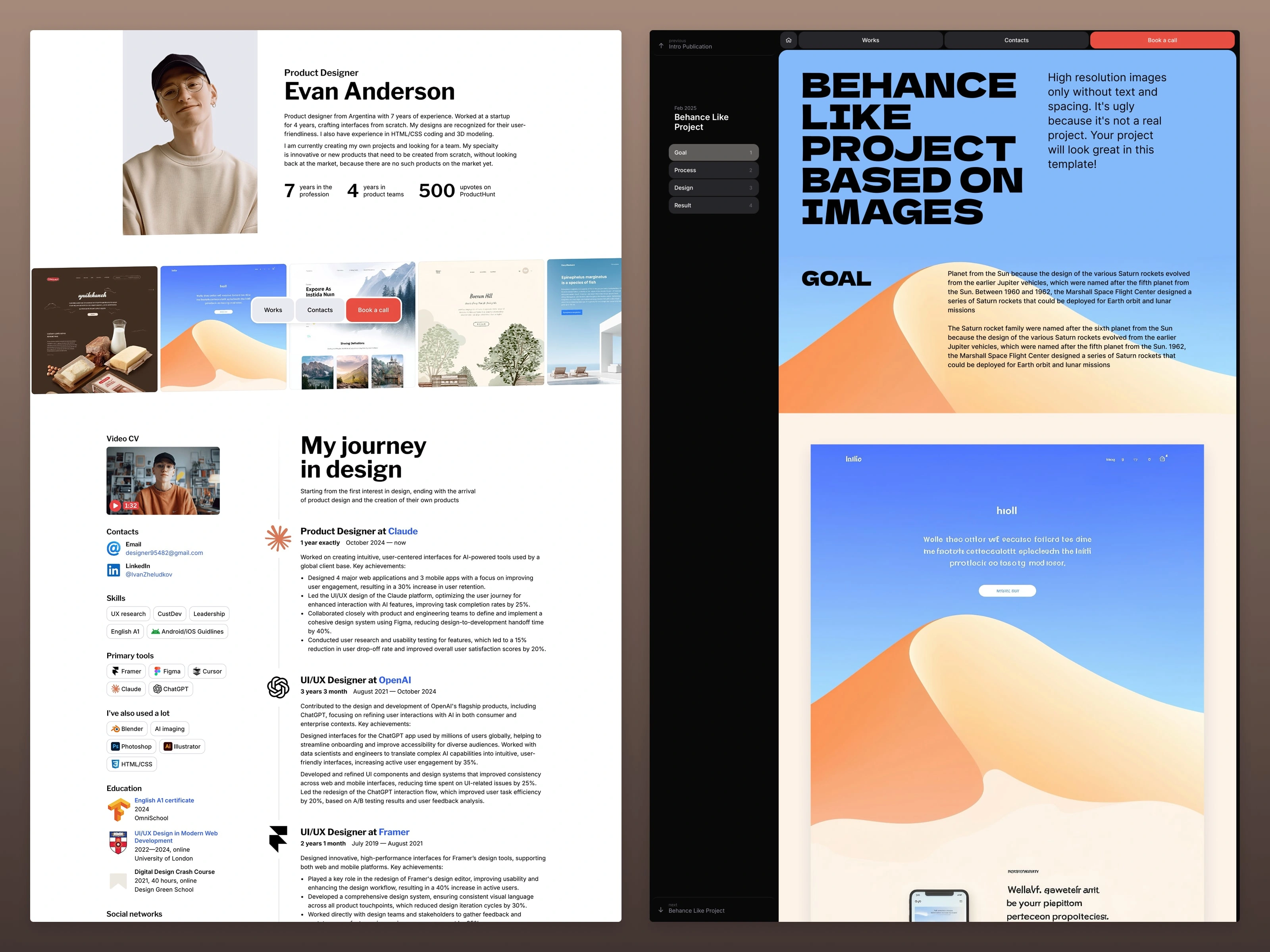
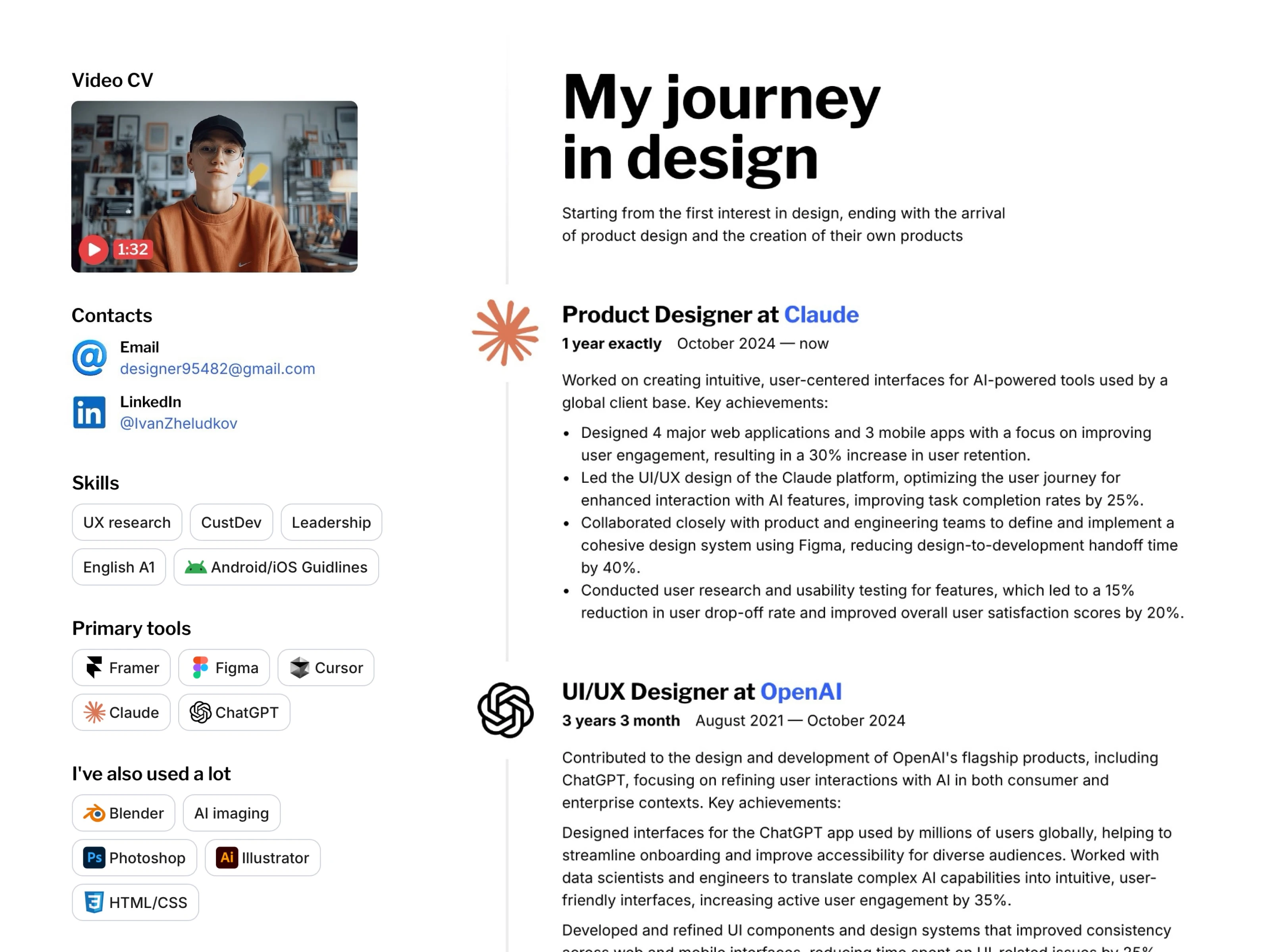
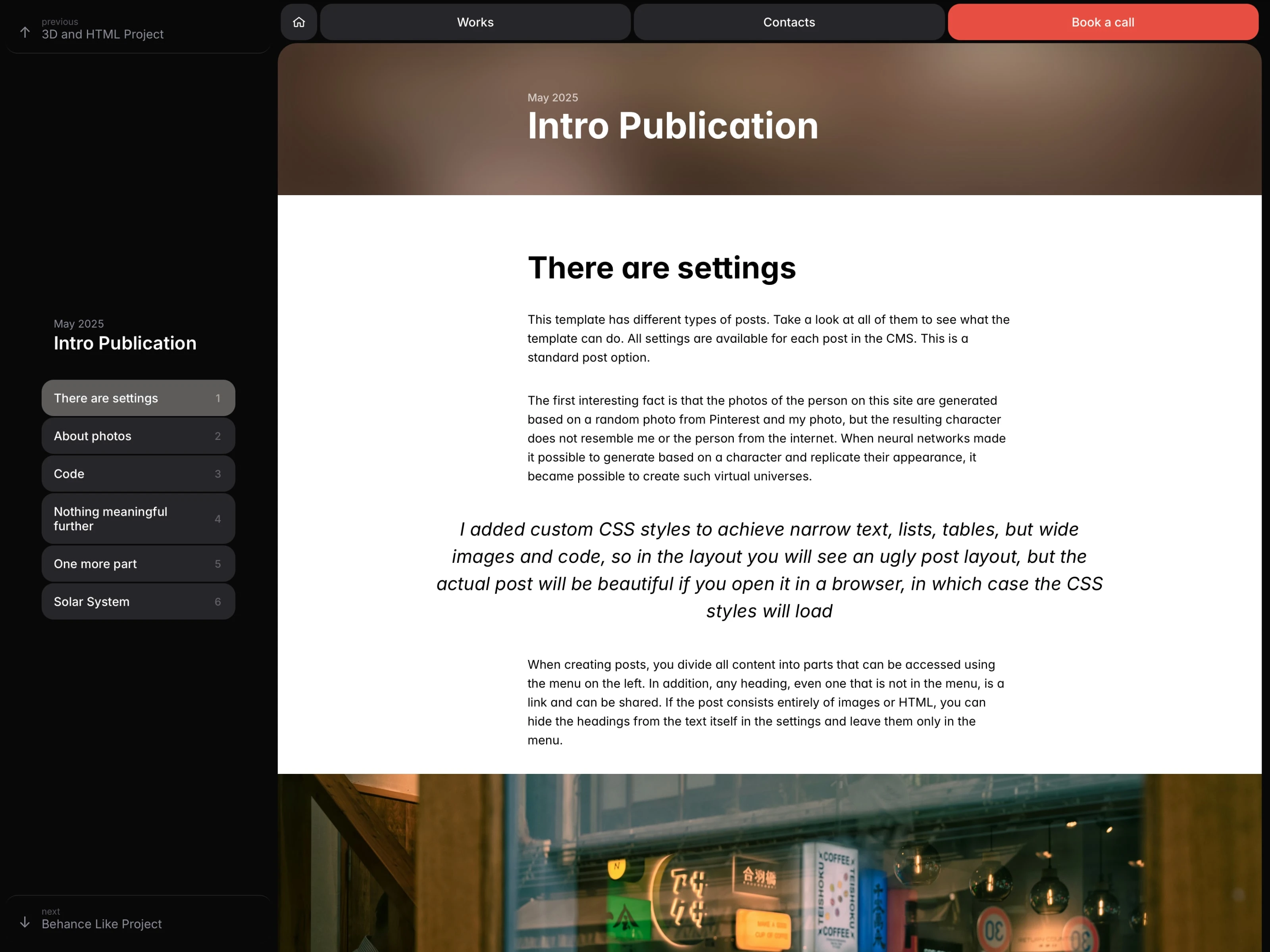
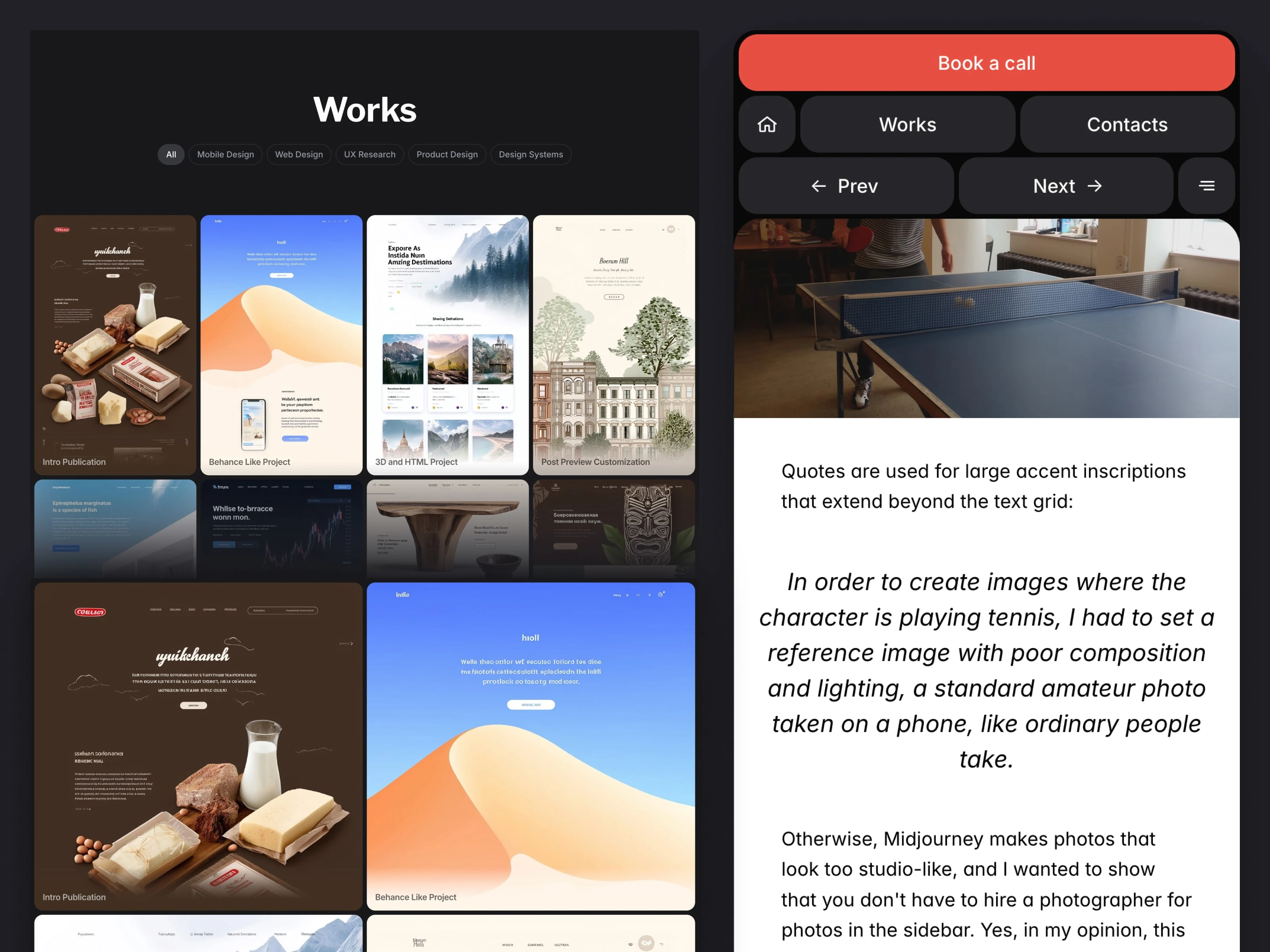
See the template in action — the first five demo posts vividly illustrate its possibilities.
Key Features
— Bring the power of HTML into your portfolio
Embed interactive 3D, videos, and external images directly into your posts. Normally, Framer CMS doesn’t allow embedding code, but this template lets you mix regular content sections with HTML sections — giving you the freedom to create presentations of any kind.
— Behance-like project mode
Each post can be switched to a visual-only mode — entirely built from images and HTML — for seamless Behance-style presentations. In this mode, titles are hidden and all visuals are displayed edge-to-edge. You can move your entire Behance portfolio here in about half an hour with no adjustments.
— Layout optimized for presentations
Custom CSS adapts your posts for beautiful visual storytelling: images, code demos, videos, and 3D renders stretch to full width when possible, while text, tables, and headings remain centered for readability. Instead of quotes, you can use bold accent text — wider than regular paragraphs — to break up long reads and highlight key ideas.
— Sticky table of contents and fast navigation
The sidebar includes a floating table of contents that lets readers jump between sections of a post. You decide how many sections each post has. The sidebar also features Previous and Next buttons, so readers can browse through your work without scrolling to the bottom or returning to the catalog. And if you don’t need the TOC — you can hide it in one click; the layout will still look complete.
— Customizable catalog design
Choose portrait, landscape, or square previews for your projects — both in the main catalog and in the top ticker. You can display titles below or on the image. When placing titles on images, you can customize the title color (white or black) and set any gradient color behind it for optimal contrast and aesthetic balance. You can also choose the number of columns — for example, large covers in 2 columns or compact ones in 4.
— Header ticker with project covers
When choosing a designer, it’s important to quickly understand their style and skill level — that’s what instantly builds interest. The header includes a horizontally scrolling strip of up to 24 of your latest works in portrait, landscape, or square format. There’s also a résumé version without the ticker, ideal for developers.
— Icons for programming languages, tools, and services
Easily create chip groups in the résumé sidebar and pick from a curated set of vector icons covering nearly everything you might need. If you ever need something rare, just extend the vector or raster set.
— Thoughtfully designed mobile menu
Most mobile sites hide navigation behind a button — but this one keeps everything you need right at hand. The menu stays visible when it matters and hides only while scrolling down. When scrolling up or after the page loads, it reappears, letting users browse your portfolio and navigate between pages just as comfortably as on desktop. As a result, visitors explore more of your work.
Like this project
Posted Apr 21, 2026
For designers and developers. You can showcase projects with any layout based on near-full-screen images or post classic text-based entries.
Likes
1
Views
0
Timeline
Nov 1, 2025 - Dec 1, 2025