Smart Contrast: Framer Plugin for Accessibility Testing

Alexander Belt

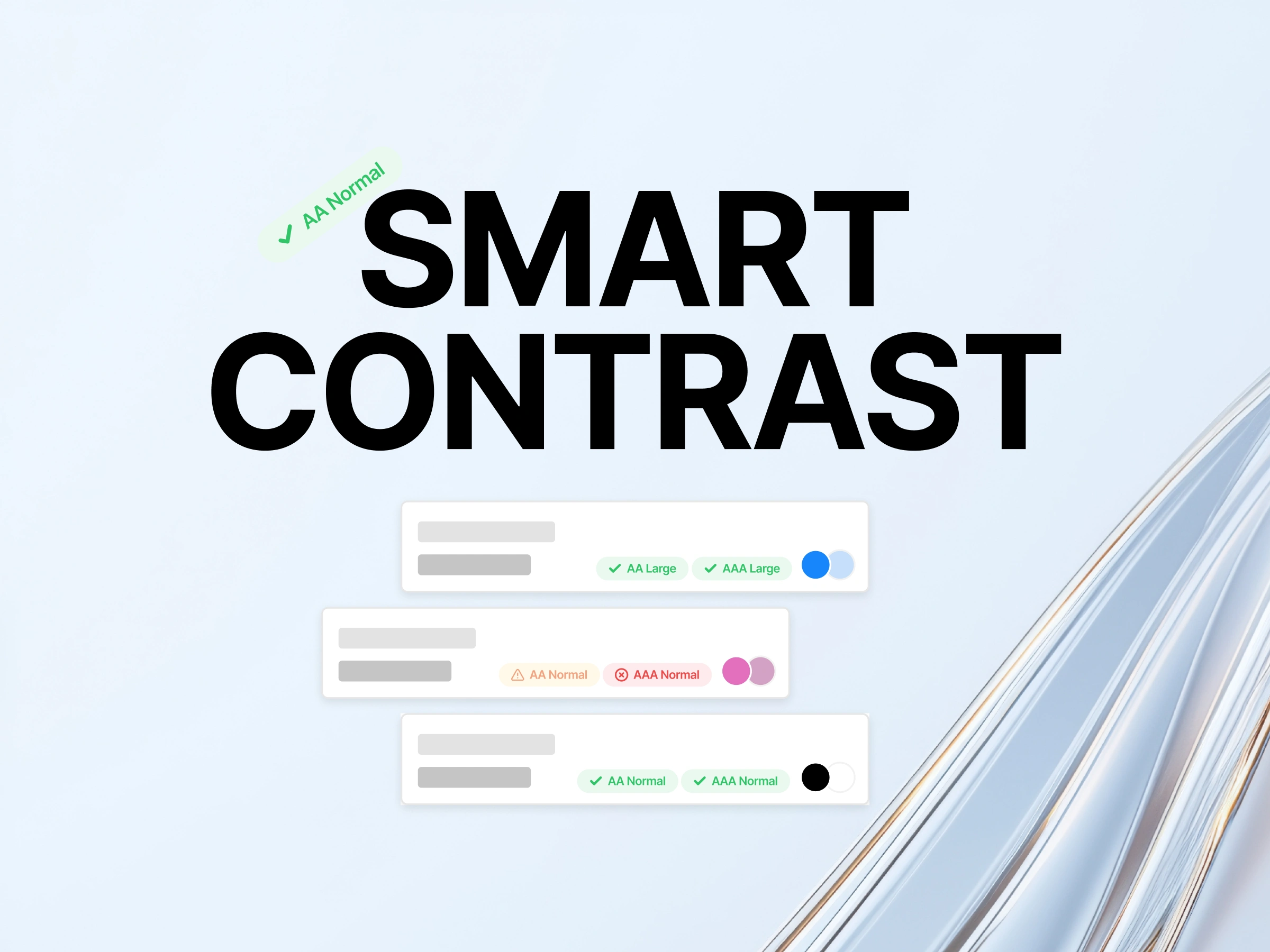
Smart Contrast
Accessibility checks without breaking design flow
Smart Contrast is a Framer plugin built to remove friction from accessibility testing. Existing tools required manually entering color values or recreating styles, which slowed down the design process and broke momentum.
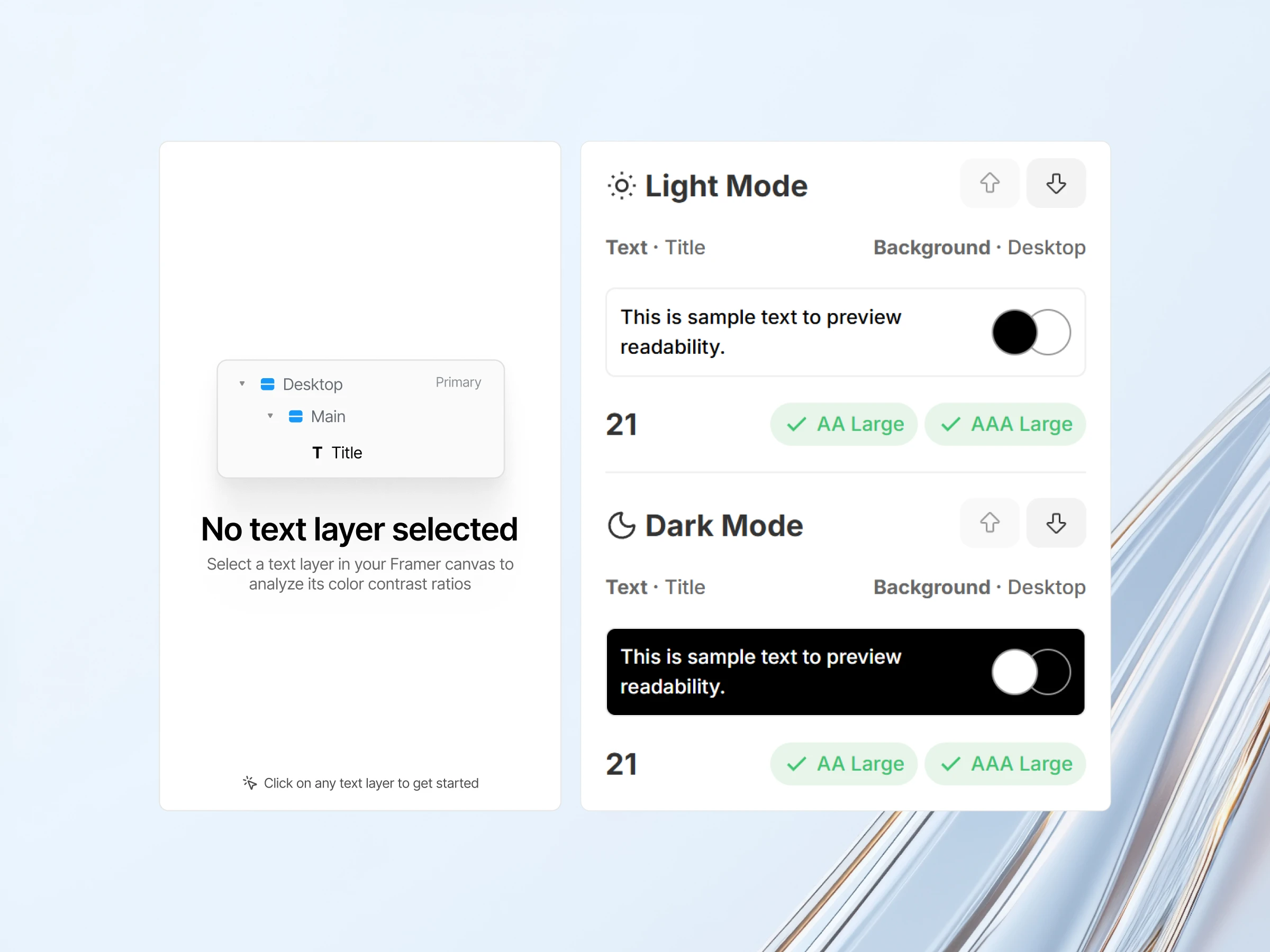
I built Smart Contrast to work the way designers think. You simply select a text layer, and the plugin automatically detects the text color, identifies the real background behind it, and calculates contrast based on WCAG accessibility standards. It also detects whether the text qualifies as large text and adjusts the results accordingly.
The result is a faster, more intuitive way to validate accessibility directly inside Framer. This project reflects my approach to freelance work: identify unnecessary complexity, simplify the workflow, and build tools that feel natural to use.
Like this project
Posted Dec 15, 2025
Development and Design of a Framer Plugin — Smart Contrast removes manual color inputs by automatically calculating accessible contrast for selected text.
Likes
0
Views
15