Choosing the Right Productivity Platform for Your Team

Mutinta K

Notion vs Asana vs ClickUp: Which Productivity Platform Is Right for Your Team in 2026?
Follow
7 min read
·
Just now
Share
Press enter or click to view image in full size
Introduction
If you’ve spent any time researching project management tools, you’ve probably landed on the same three names over and over: Notion, Asana, and ClickUp. All three are genuinely good and they all have loyal fans who’ll tell you it’s the only tool they’ll ever use again. And that’s exactly what makes picking one so frustrating.
Choosing the right productivity and collaboration tool can make or break your team’s efficiency. With Notion, Asana, and ClickUp dominating the project management and team collaboration space, the decision isn’t always straightforward. Each platform offers unique strengths, but which one aligns best with your team’s specific needs?
This comprehensive guide breaks down the key differences, features, and ideal use cases for Notion, Asana, and ClickUp to help you make an informed decision.
Understanding the Core Philosophy of Each Platform
Before diving into features, it’s essential to understand what each platform was designed to do:
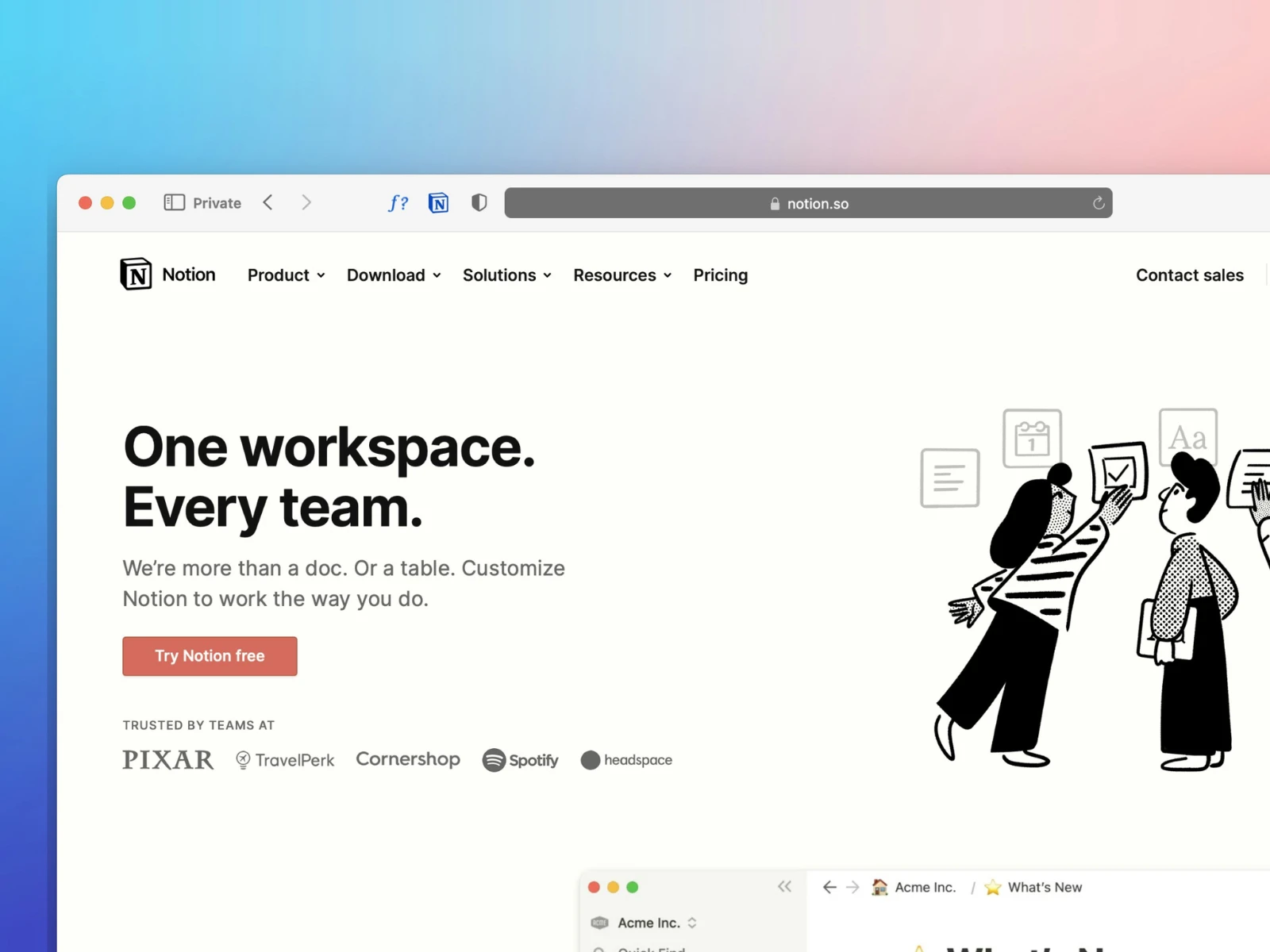
Notion positions itself as an all-in-one workspace that combines notes, databases, wikis, and project management. It’s built on flexibility and customization, allowing teams to create their own workflows from scratch.
Asana is purpose-built for project and task management. It focuses on helping teams organize, track, and manage work with clarity and accountability, following established project management methodologies.
ClickUp markets itself as “one app to replace them all,” offering an extensive feature set that encompasses task management, docs, goals, time tracking, and more, all highly customizable.
Feature-by-Feature Comparison
Task and Project Management
Asana excels in traditional project management with multiple view options including List, Board (Kanban), Timeline (Gantt), and Calendar views. Its task dependencies, milestones, and portfolio management features make it ideal for complex projects with multiple moving parts. The platform enforces structure, which helps teams maintain consistency.
ClickUp offers the most view options of the three. Over 15 different ways to visualize work, including List, Board, Gantt, Calendar, Mind Maps, and even a Workload view for resource management. It provides granular task customization with subtasks, checklists, custom fields, and multiple assignees. The platform’s flexibility allows teams to adapt it to virtually any workflow.
Notion approaches project management differently. Rather than providing pre-built project management tools, it offers databases that you can configure as task lists, Kanban boards, calendars, or galleries. This requires more setup but offers unparalleled customization. Notion’s relational databases allow you to connect projects, tasks, and resources in sophisticated ways.
Documentation and Knowledge Management
Notion is the clear winner for documentation and knowledge bases. Its nested page structure, rich text editing, embedded databases, and ability to create wikis make it the go-to choice for teams prioritizing documentation. You can build comprehensive company wikis, onboarding guides, and resource libraries with ease.
ClickUp includes Docs functionality that’s well-integrated with tasks and projects. You can create documents, link them to tasks, and collaborate in real-time. While capable, it doesn’t match Notion’s elegance and flexibility for pure documentation purposes.
Asana is the weakest in this category. While you can add descriptions and attach files to tasks, it lacks robust documentation features. Teams using Asana often pair it with tools like Confluence or Google Docs for knowledge management.
Collaboration and Communication
Asana provides clean, focused collaboration features. Comments on tasks, @mentions, and status updates keep communication contextual. The Activity Feed shows what’s happening across projects, and the Inbox ensures you don’t miss important updates.
ClickUp offers extensive collaboration features including comments, assigned comments (turning feedback into action items), real-time editing, built-in chat, and even whiteboards. The platform can feel overwhelming due to the sheer number of collaboration options.
Notion supports real-time collaboration, comments, and @mentions. Its collaboration features are solid but more focused on document collaboration than task-based communication. The recent addition of Notion AI enhances content creation and summarization.
Customization and Flexibility
ClickUp leads in raw customization options. Custom fields, statuses, automations, and ClickApps (modular features you can enable/disable) allow teams to tailor the platform extensively. However, this flexibility comes with complexity, but setup can be time-consuming.
Notion offers deep customization through its building-block approach. You create your workspace from scratch using pages, databases, and various content blocks. This appeals to teams that want complete control over their workspace structure, but requires investment in setup and maintenance.
Asana is the least customizable but most structured. Custom fields, templates, and rules (automations) provide some flexibility, but the platform maintains guardrails that keep teams aligned with project management best practices. This structure is a feature, not a bug, for many teams.
Automation and Integrations
ClickUp provides robust native automations with pre-built templates and custom automation builders. It integrates with 1,000+ tools and offers a comprehensive API.
Asana offers Rules for automation (triggered actions based on specific events) and integrates seamlessly with popular tools like Slack, Microsoft Teams, Google Workspace, and Salesforce. The integration ecosystem is mature and reliable.
Notion has improved its automation capabilities with Notion AI and database automations, but it still lags behind the other two. Its integration ecosystem is growing but less extensive. Many teams use tools like Zapier or Make to connect Notion with other apps.
Time Tracking and Resource Management
ClickUp includes native time tracking, workload views, and resource management features. Teams can track time directly within tasks, set time estimates, and view team capacity.
Asana offers basic time tracking through integrations and provides Workload management in premium tiers to help balance team capacity.
Get Mutinta’s stories in your inbox
Join Medium for free to get updates from this writer.
Subscribe
Subscribe
Remember me for faster sign in
Notion lacks native time tracking and resource management features. Teams need third-party integrations or separate tools for these functions.
Strengths and Weaknesses
Notion
Strengths:
Unmatched flexibility for creating custom workflows
Excellent for documentation and knowledge management
Beautiful, intuitive interface
Strong database and relational capabilities
Great for personal productivity and team wikis
Affordable pricing with generous free tier
Weaknesses:
Steeper learning curve for advanced features
Can become messy without proper structure and governance
Weaker native project management features
Limited automation capabilities
Slower performance with very large databases
Less robust for traditional project management
Asana
Strengths:
Purpose-built for project management
Clean, focused interface that’s easy to learn
Excellent for cross-functional team coordination
Strong reporting and portfolio management
Reliable integrations with business tools
Enforces best practices and accountability
Timeline view excellent for planning
Weaknesses:
Limited documentation capabilities
Less flexible than competitors
Can become expensive for larger teams
Advanced features locked behind higher pricing tiers
Not ideal for knowledge management
Customization options more limited
ClickUp
Strengths:
Most comprehensive feature set
Highly customizable to any workflow
Excellent value with many features in free/lower tiers
Multiple view options for different work styles
Native time tracking and resource management
Strong automation capabilities
Constantly adding new features
Weaknesses:
Overwhelming for new users
Interface can feel cluttered
Frequent updates sometimes introduce bugs
Performance can lag with heavy usage
Too many features can lead to analysis paralysis
Requires significant setup time to optimize
Decision Framework: Which Platform for Which Team?
Choose Notion If:
Your team prioritizes documentation and knowledge sharing alongside project management
You’re a startup or small team that needs flexibility to evolve workflows as you grow
You want a single workspace for notes, wikis, databases, and lightweight project tracking
Your team is comfortable with customization and willing to invest time in setup
You need relational databases to connect different types of information
Budget is a concern and you want powerful features at a lower price point
Ideal for: Content teams, product teams, startups, consultants, agencies, academic teams, and anyone building a company wiki or knowledge base.
Choose Asana If:
You need robust project management with clear accountability
Your team manages complex, multi-stakeholder projects with dependencies
You value structure and best practices over maximum flexibility
You want a proven, reliable platform with minimal learning curve
Your organization uses established project management methodologies
You need portfolio-level visibility across multiple projects
Integration with enterprise tools is critical
Ideal for: Marketing teams, operations teams, professional services, non-profits, cross-functional project teams, and organizations with formal project management requirements.
Choose ClickUp If:
You want maximum features and customization in one platform
Your team has diverse needs that would typically require multiple tools
You need native time tracking and resource management
You’re willing to invest time in setup and configuration
Your team includes power users who will leverage advanced features
You want strong value with many features at competitive pricing
You need multiple ways to visualize work for different team members
Ideal for: Software development teams, agencies managing client work, remote teams, operations teams, and organizations wanting to consolidate multiple tools.
Pricing Considerations
Notion offers competitive pricing with a generous free plan for individuals and a Free tier for small teams. Paid plans start affordably, making it accessible for startups and small businesses.
Asana provides a free Basic tier with limitations. Premium features require paid plans that can become expensive as teams grow, but the investment often pays off in productivity for project-focused teams.
ClickUp offers an aggressive free tier with many features included. Paid plans provide excellent value, often undercutting competitors while offering more features.
Migration and Switching Costs
Consider that switching platforms involves significant time investment. ClickUp and Notion offer import tools from other platforms, but expect to spend time restructuring workflows, training team members, and adjusting processes.
Start with a pilot team or project before committing to a full migration. Most platforms offer free trials of premium features, allowing you to test thoroughly.
The Verdict: There’s No Universal Winner
The “best” platform depends entirely on your team’s specific needs:
For documentation-first teams who need flexible workspaces and knowledge management: Notion
For structured project management with clear accountability and proven workflows: Asana
For feature-rich, highly customizable all-in-one productivity: ClickUp
Many successful teams even use combinations — Notion for documentation with Asana or ClickUp for project management. The key is understanding your team’s priorities, workflows, and willingness to invest in setup and learning.
Getting Started: Next Steps
Identify your primary use case: Is it project management, documentation, or both equally?
Assess your team’s technical comfort: How much customization do they want vs. need?
Start a trial: Test each platform with a real project, not just exploration
Involve your team: Get feedback from actual users, not just decision-makers
Consider integration needs: Which tools must connect with your productivity platform?
The right choice will feel intuitive once you match your team’s working style with the platform’s philosophy. Take time to evaluate properly, because this decision will impact your team’s productivity for years to come.
Like this project
Posted Jul 3, 2026
Comparison guide on productivity platforms for teams in 2026.
Likes
0
Views
13