ClickUp Workspace Optimization

Kenny Dunn


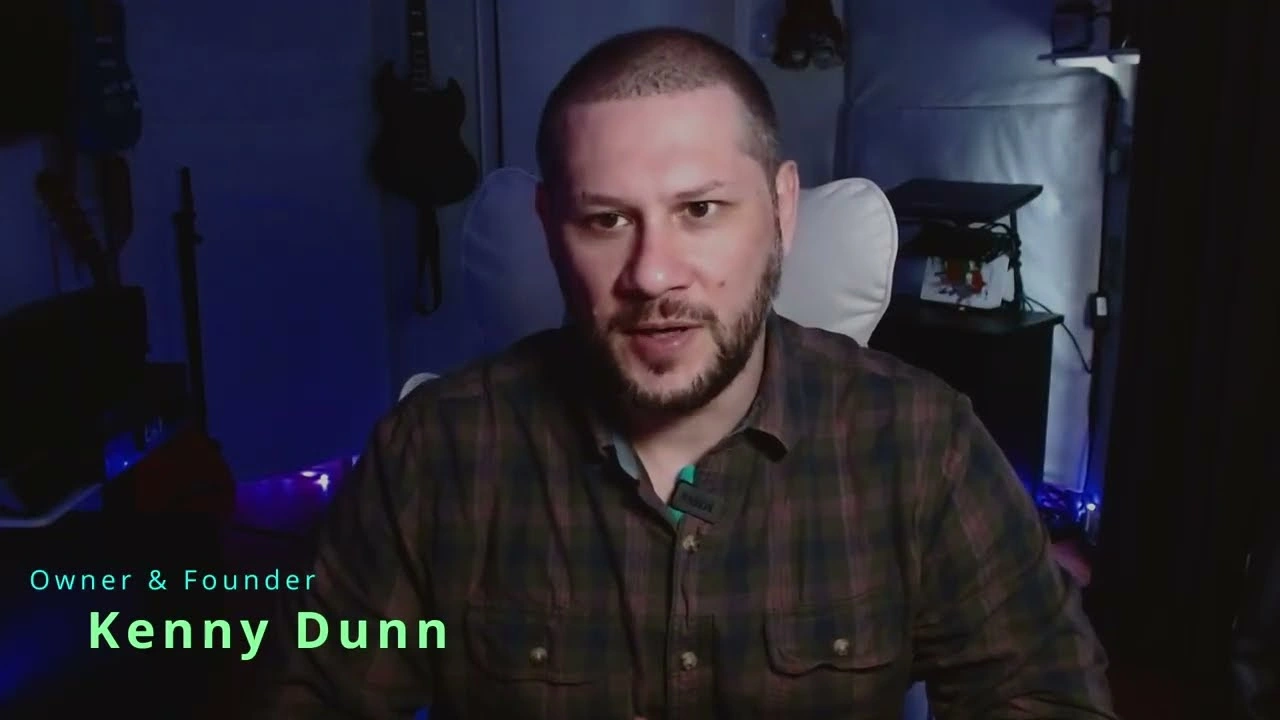
Stop Using ClickUp as a To-Do List — Build This Instead
Visibility: Public
Uploaded by: Technically Creative LLC
Uploaded at: 2026-03-18
Length: 02:31
Views: 22
Category: Music
Description
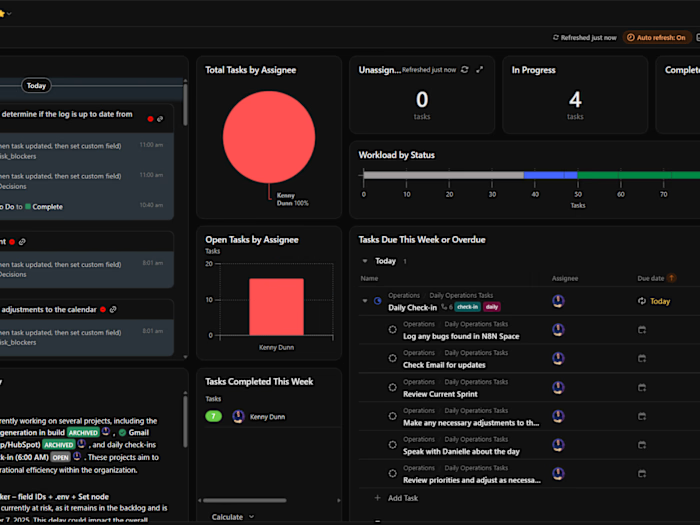
Most people use ClickUp as a giant to-do list. That doesn't scale. In this video I walk through my personal ClickUp workspace at TechnicallyCreative LLC — a thematic, day-of-week execution system where the structure decides what type of work happens each day, so you're not burning decision energy every morning.
I build systems like this for freelancers, creators, and small teams. If you want a ClickUp setup that actually runs your business, let's work together.
► Hire me on Upwork: www.upwork.com/freelancers/techcre8
► Website: www.technicallycreative.work
// ABOUT THE CHANNEL //
Welcome to my channel where music production meets continuous improvement. I explore djent & metal on extended-range guitars through the lens of a PMP and Lean Six Sigma Green Belt. We believe in a fact-based, principled approach to art and technology.
// LINKS & SOCIALS //
► All Links: https://technicallycreative.start.page/
► Website: www.technicallycreative.work
► LinkedIn: www.linkedin.com/in/kennethdunnpmp
► Instagram: @tech.cre8
► Twitch: https://www.twitch.tv/techcre8
► Upwork: www.upwork.com/freelancers/techcre8
► Gumroad: techcre8.gumroad.com
► Redbubble: techcre8.redbubble.com
// MY GEAR & SOFTWARE //
► Guitar: Schecter PT-8 MS Black Ops 8-string Electric Guitar - Black
► Audio Interface: Scarlett Focurite 1i820 2nd Gen
► DAW: Ableton Live
► Video Editor: DaVinci Resolve
► VSTs: iZotope Production Suite | Neural DSP Gojira
Transcript
Hey, I'm Kenny Dunn. I'm a project manager and music producer. I'm also the owner of Technically Creative LLC. What you're about to see is a my personal ClickUp workspace. It's built around a themely weekly structure Monday through Friday. Every day has a focused area. So, instead of deciding what to work on, the system decides for me. Instead of organizing work by departments, I decided to organize my work by execution phases across the week. Every day I just look at what the day is and that's what the type of work I work on today. So as you can see an example over here to the left on my sidebar. You can see Monday is foundation and framing which just includes daily operational tasks like organizing my calendar uh sending follow-ups determining what the week is going to look like in each of these days going forward. Next you have Tuesday which is craft and creation. You can look at this as production uh simply the products that I'm working on the different services that I offer um that I'm working on or need to improve. Wednesday is growth and sustainability. So essentially those days uh I'm focused on sales and marketing. Thursday I take a look at the automation system and processes I have in place. So log any website bugs that I find. And then Friday is reflection and signals. So I use Friday to on the company as a whole and my productivity. And then I have one simple space just for my active projects. That way it's easy to get to. So I can quickly go to what projects I'm working on and work through those in that space. Now let's take a look at the Gant chart that I have for my project management patch max patch. As you can see I lay out different phases within the process. Uh and then that way it's easier for me to visualize and track where I'm at. This is essentially time-based process management. Project managers will immediately understand what I'm going for here. I build systems like this in ClickUp for teams and creators who want structured workflows instead of scattered tasks. Most people try to use ClickUp as a giant to-do list. The problem is that doesn't scale. Instead, I design structured workflows so work happens in predictive cycles. That's the workspace. Simple, structured, consistent execution. That's the whole idea.
Like this project
Posted May 23, 2026
Demonstrates an effective ClickUp workspace system for freelancers and small teams.
Likes
0
Views
0