Internal Project Management Tool

Sergio Góngora


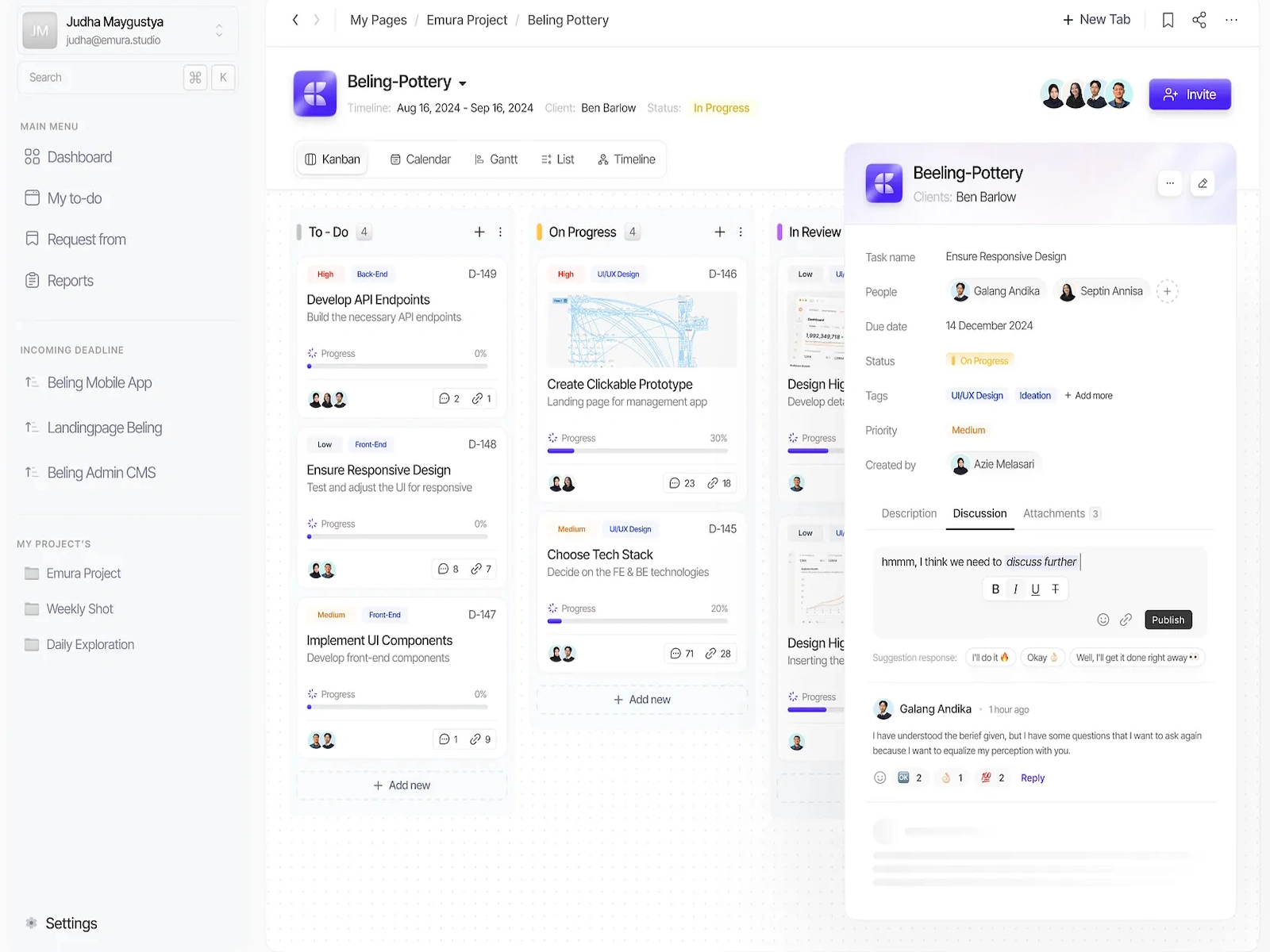
The application is a full-featured project management tool built to handle the lifecycle of software development tasks. It allows users to track work from creation to completion using a visual, Kanban-style interface.
Key Features
Authentication and User Roles:
Secure Login: Users can sign in via email and password or a passwordless "magic link." It also includes a standard password recovery flow.
Role-Based Access Control (RBAC): The application has distinct user roles, primarily differentiating between Developers and administrative roles (like Admin or Project Manager). This distinction tailors the UI and permissions; for example, developers have a more focused view of their assigned tickets, while admins can see all projects, manage the entire team, and access administrative panels.
Dashboard:
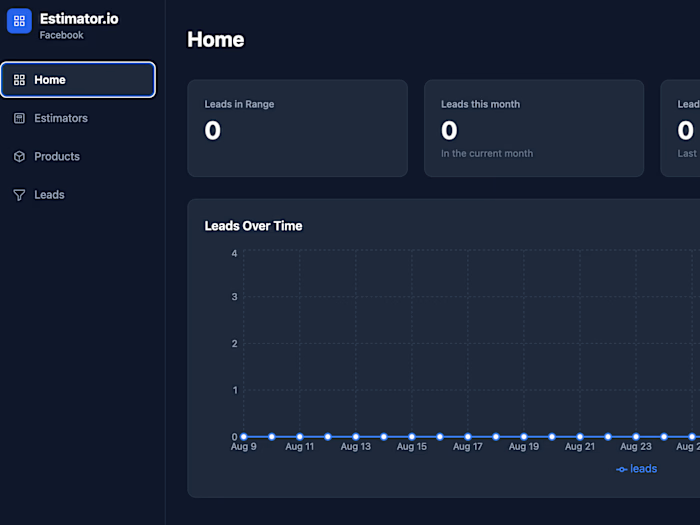
Provides a high-level, at-a-glance overview of the current work status.
Displays key statistics in "Stat Cards," such as the number of active tickets, tasks in progress, and tasks completed today.
Features widgets for "Recent Projects" and "Recent Tickets" to give users quick access to ongoing work.
Project Management:
The Projects Page lists all available projects in a card-based grid view.
Each project card displays essential information like its title, status, project code, and hour allocations (e.g., monthly hours).
Users can select a project to drill down into its associated tickets on the Kanban board.
Ticket Management (Kanban Board):
This is the application's central feature. The Tickets Page presents a dynamic Kanban board.
Columns: Work is organized into columns representing the ticket status
Drag-and-Drop: Users can easily update a ticket's status by dragging and dropping its card from one column to another.
Filtering: The board can be filtered to show tickets for specific projects or assigned to specific developers, allowing for customized views.
Task Creation: New tickets can be created directly from the board through a detailed modal.
Detailed Ticket View:
Clicking on any ticket card opens a comprehensive modal with all its details.
Editable Fields: Users can view and edit the ticket's title, description, status, assigned developer, QA tester, time estimates (estimated, consumed, QA, billable), due dates, and labels (Bug, Mejora, Reunion).
Activity Log: The modal includes a real-time activity feed showing the history of all changes made to the ticket, such as status updates or time logged.
Time Tracking & Collaboration: It features a simple start/stop timer to track work and a section for team members to add comments.
Team Management (Admin Feature):
The Team Page allows administrators to manage the company's users.
It provides full CRUD (Create, Read, Update, Delete) functionality for user accounts.
Admins can edit a user's name, role, Slack ID, and toggle various permissions like "Super Admin" status, "Active" status, and the ability to log hours manually.
Notifications:
A real-time notification system, accessible from the header, alerts users to important updates (e.g., being assigned a new ticket).
It shows a count of unread notifications and provides a dropdown to view recent activity.
Technology
The application is a modern single-page application (SPA) built with:
Frontend: React and TypeScript.
Styling: Tailwind CSS for a utility-first, responsive design.
Backend: Supabase, which provides authentication, a PostgreSQL database, and serverless functions to handle all data operations securely.
Like this project
Posted Sep 9, 2025
A comprehensive, internal project management application for a software company "Datamatic". Built with tech stack including React, and Supabase for the backend
Likes
0
Views
23
Clients
Datamatic Software