The rejection that wasn't about the name you can see

Ott Bryan

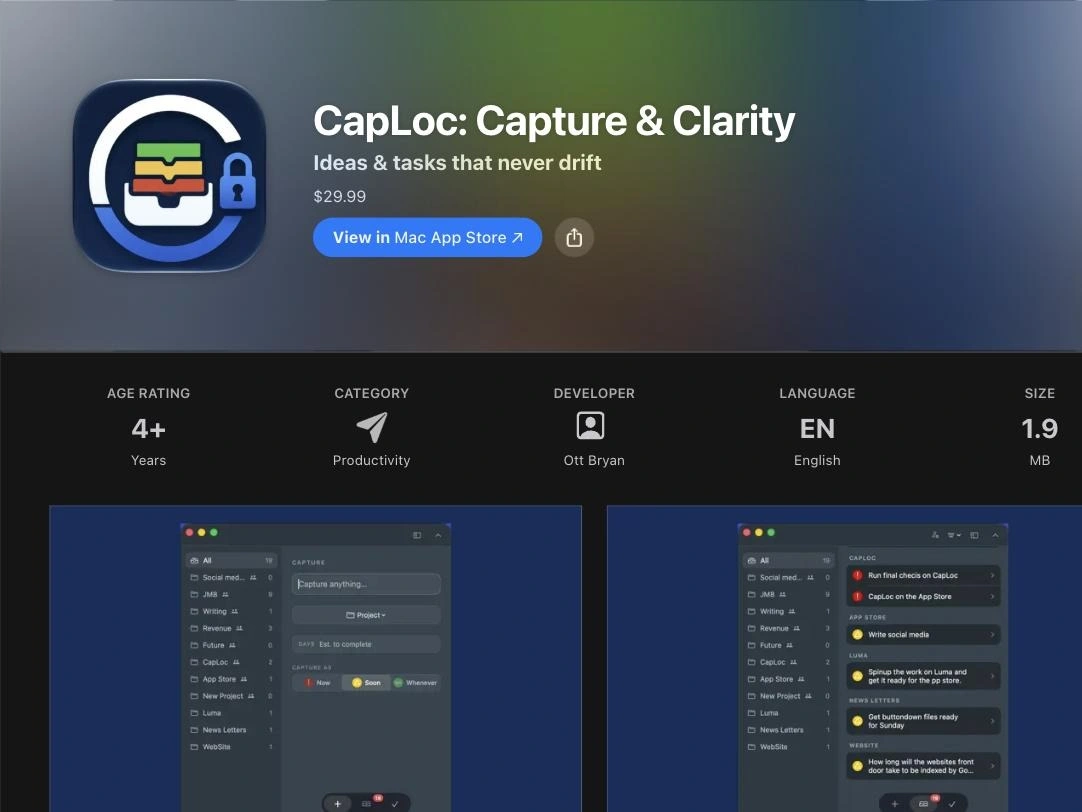
A Mac app rejected for its name, when its name was already right. Diagnosed, fixed and approved within two days.
The situation
CapLoc is my own app, sold on iPhone and Mac under one purchase. On 25 August 2026 Apple rejected the Mac version under guideline 5.2.5: the app name shown on the device must not contain "Mac".
Why it wasn’t obvious
The name users see (the display name) already read "CapLoc". Changing it would have done nothing. The usual instinct, renaming the app or the bundle, would have been wrong too: changing the bundle identifier breaks the shared purchase across iPhone and Mac and makes Apple treat it as a new app.
The diagnosis
The Mac target had no product name set, so Xcode fell back to the target’s own name. The app was being built as "CapLocMac.app", and that is the name a reviewer sees in Finder. The visible label was right; the file underneath it wasn’t.
The fix
I set the product name on the Mac target only and left the bundle identifier alone. Checking the rebuilt project turned up two more problems: regenerating it had silently removed the export-compliance setting and rolled the build number back below what Apple had already received. Both had been hand-edited into generated files, so I moved them into the project definition, where a regeneration can’t erase them. Then I rebuilt through Xcode Cloud and resubmitted the same day.
The result
Approved about 26 hours after resubmission and live on the Mac App Store. The iPhone version was approved later under the same purchase, as planned, because the bundle identifier was never touched.
What this means for your app
A rejection message names a guideline, not a cause. Most of the work is finding the real cause and avoiding a fix that creates a new problem. Send me your rejection and I’ll tell you, free, within 24 hours what’s behind it and what it will take.
Like this project
Posted Oct 12, 2026
A Mac app rejected for its name, when its name was already right. Diagnosed, fixed and approved within two days.
Likes
0
Views
0
Timeline
Aug 24, 2026 - Aug 26, 2026