
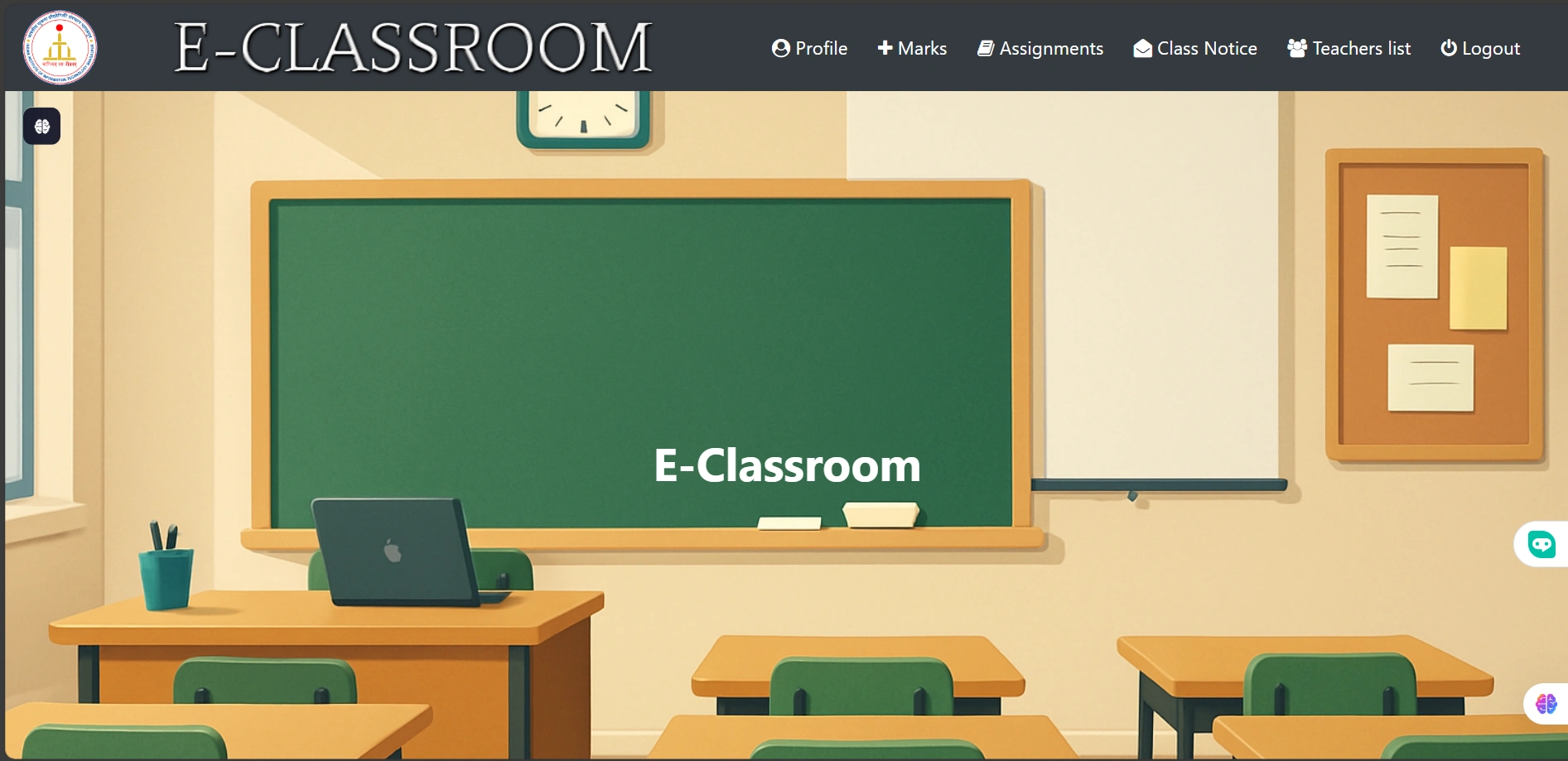
🏆 Student Progress Tracker (AI-Powered)
A Smart and AI-Driven Platform for Monitoring and Enhancing Student Performance
The Student Progress Tracker is an intelligent system designed to track, analyze, and visualize student performance efficiently. Using AI-powered insights, this platform helps educators and students assess academic growth, identify weak areas, and improve learning outcomes.
📌 Live Demo: Click Here
🚀 Key Features
✅ AI-Based Performance Analysis – Get AI-driven insights into student progress based on past performance.
✅ Personalized Student Dashboard – Each student gets a dedicated profile with progress charts, reports, and performance insights.
✅ Attendance Tracking – Automatically track attendance and generate insightful statistics.
✅ Automated Report Generation – Generate PDF reports for student progress, attendance, and overall performance.
✅ Role-Based Access – Separate dashboards for students, teachers, and administrators.
✅ Data Visualization – Interactive charts and graphs for better performance analysis.
✅ Secure Authentication – Uses email-based login and Django authentication to protect user data.
📁 Project Structure
The project is well-structured and modular for scalability and maintenance:
📂 students/ → Manages student profiles, attendance, and performance reports.
📂 teachers/ → Handles teacher accounts, student evaluations, and class management.
📂 classroom/ → Contains AI models, progress-tracking logic, and result analytics.
📂 templates/ → HTML templates for dashboards, student profiles, and analytics.
📂 static/ → CSS, JavaScript, and images for UI enhancements.
🛠️ Technology Stack
💻 Backend: Django (Python) – Robust and scalable framework for handling student data.
🎨 Frontend: HTML, CSS (Bootstrap), JavaScript – Clean UI with responsive design.
📊 Database: SQLite (default), but supports PostgreSQL/MySQL for production.
🧠 AI Integration: Machine Learning models for performance prediction (future enhancement) currently OpenAi api used.
🚀 Hosting: Deployed on pythonanyhere.
📖 Getting Started
🏗 Prerequisites
✔ Python 3.7+ installed
✔ Virtual Environment (recommended for dependency isolation)
📥 Installation
1️⃣ Clone the Repository
2️⃣ Create a Virtual Environment
3️⃣ Install Dependencies
4️⃣ Run Database Migrations
5️⃣ Create a Superuser (For Admin Access)
6️⃣ Start the Development Server
🔗 Open in your browser: http://127.0.0.1:8000
📚 Usage Guide
👩🏫 For Teachers/Admins
✅ Add students and assign them to classes.
✅ Track attendance and generate automated reports.
✅ Analyze student performance and identify weak areas.
🧑🎓 For Students
✅ View personal dashboards and performance analytics.
✅ Download detailed reports for self-improvement.
✅ Get AI-powered insights on study focus areas.
📸 Screenshots
📌 Student Dashboard
📌 Teacher Performance Overview
Track student attendance, evaluate progress, and manage classes efficiently.
📌 AI-Generated Insights
Understand students’ strengths and weaknesses through AI-powered suggestions.
🌎 Deployment Guide
To deploy this project on a live server:
🔹 Set
DEBUG=False in settings.py for security.
🔹 Configure a production database (PostgreSQL/MySQL recommended).
🔹 Run collectstatic to gather static files:🔹 Deploy on PythonAnywhere, AWS, or Heroku.
🤝 Contributing
Contributions are welcome! 🎉
1️⃣ Fork the repository
2️⃣ Create a feature branch:
git checkout -b feature/your-feature-name
3️⃣ Commit your changes: git commit -m 'Added new feature'
4️⃣ Push to the branch: git push origin feature/your-feature-name
5️⃣ Open a Pull Request!📜 License
📝 This project is licensed under the MIT License. See the LICENSE file for more details.
👥 Developed By
💡 Project Lead: Siddharth Nama
💙 If you find this project helpful, don't forget to ⭐ the repository!
1 like · 7 views · May 23, 2026
Developed an AI-driven platform to track and analyze student performance.


